Black Holes
Skim the glowing edge. Snap the ring.
تُحمَّل اللعبة عند الضغط على «العب».
- مجاني
- بلا إعلانات
- لا حاجة إلى حساب
- بلا تثبيت — يعمل في متصفحك
عن اللعبة
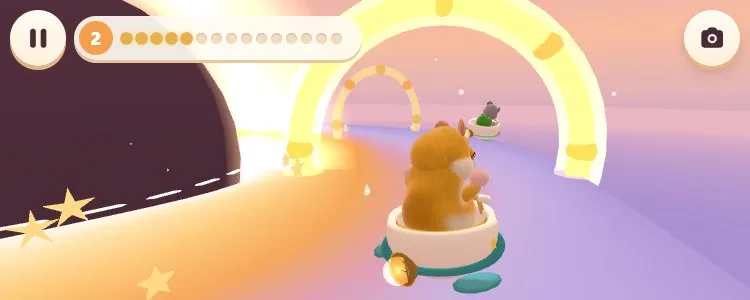
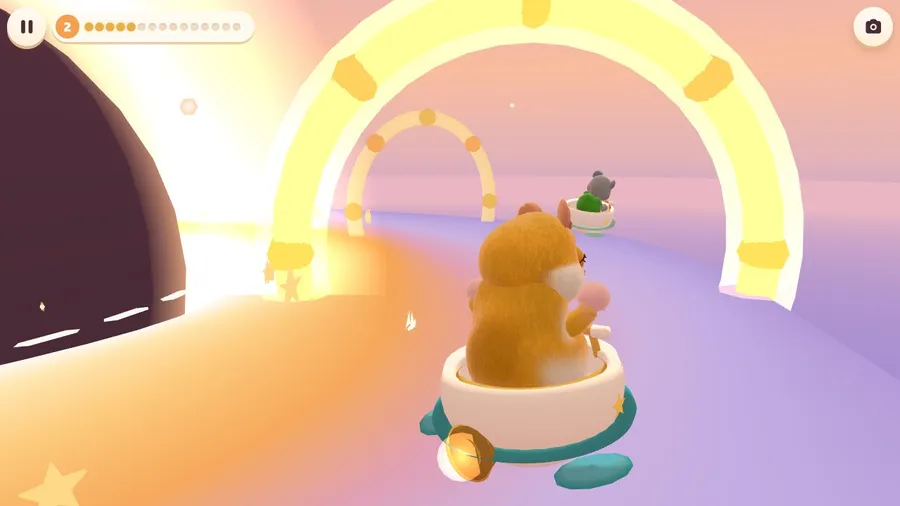
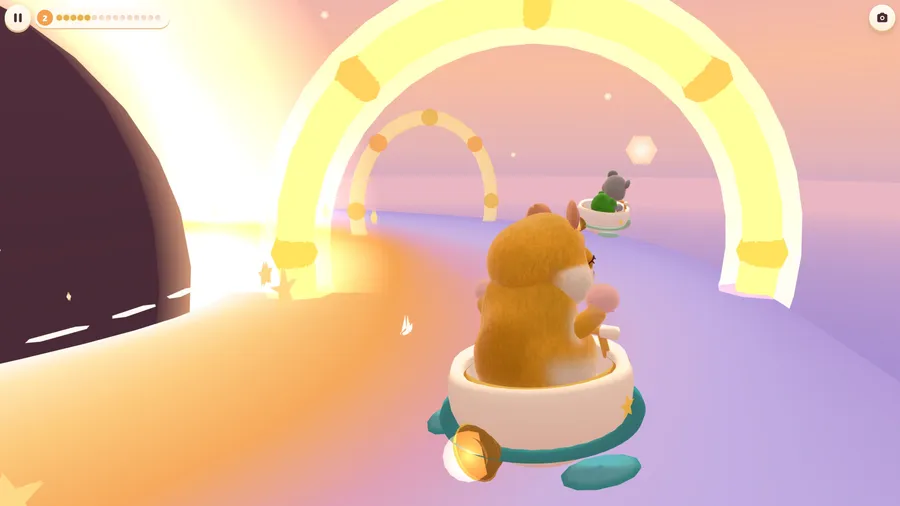
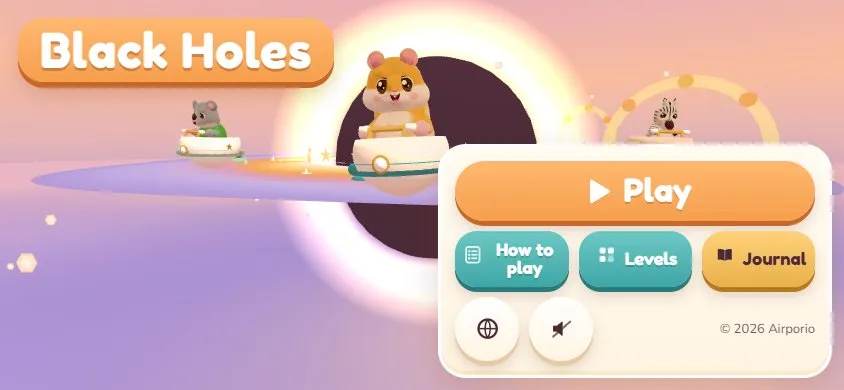
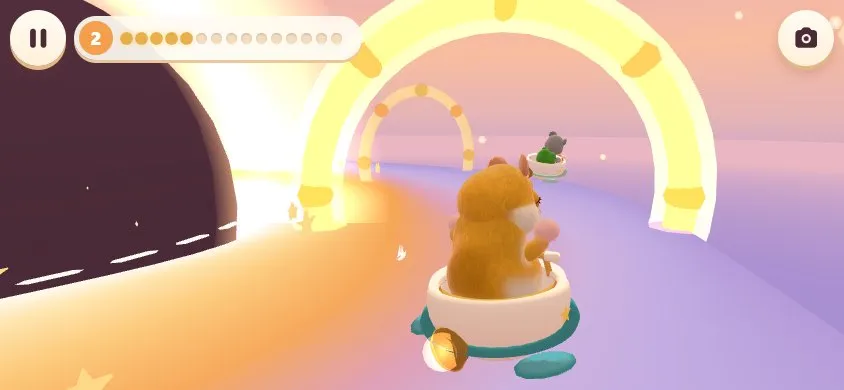
Fly a little space pod as a golden hamster. Swing round a planet, skim close to a black hole's glowing edge and get flung out fast, catch the faint sparks at its rim, surf the ripples of two black holes spinning together, bend light round one, then wake five telescopes and snap the glowing ring.
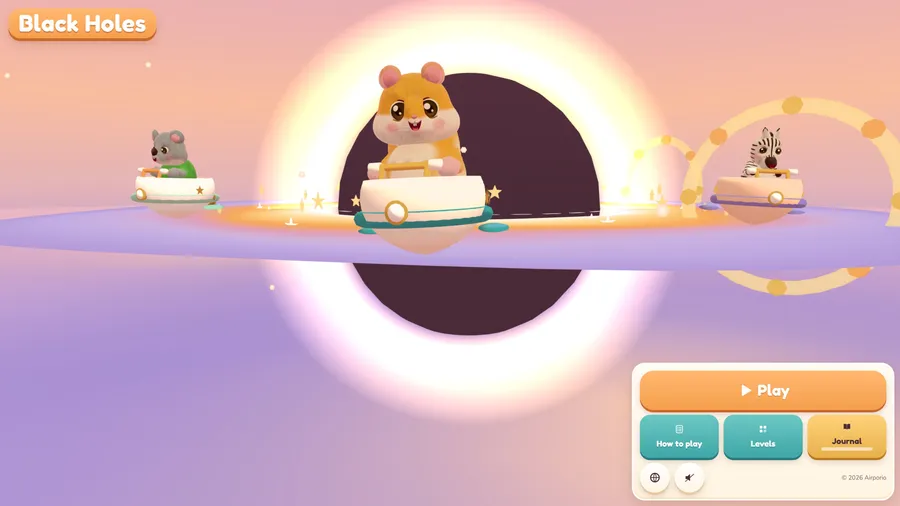
A hands-on exhibit about black holes, played in a warm dusk sky. You are the hamster in the little cream space pod, with Pip the koala and Bo the zebra flying beside you as helpers.
Swing round a pastel planet and feel gravity fling you out. Then meet a black hole: skim close to its edge to go fast, and stay outside the dashed line where not even light can get back out. If you cross it, a gentle tug pulls you back to try again. Catch the tiny sparks at its rim, ride the ripples that two black holes send through space as they spin together and merge, shine your lamp so its light bends round the hole to wake sleepy star lanterns, and finally wake five telescopes and fly into the frame to take the picture of the glowing ring (first pictured in 2019).
Six levels, three skill levels (pull strength, how early the edge warns you, steering help), a daily Mastery field of three black holes, a Discovery card for your Journal, and 14 languages. No reading needed to play.
طريقة اللعب
- You are the hamster in the little space pod.
- Drag on the left to steer. Push up to go faster.
- Fly through the glowing rings. Stay outside the dashed edge.
عناصر التحكم
| اللمس | Drag on the left side of the screen to steer your pod and set its speed. |
|---|---|
| اللمس | Drag on the right side of the screen to look around. |
| الفأرة | Click and drag on the left to steer and set speed, and on the right to look. |
| لوحة المفاتيح | W, A, S, D or the arrow keys steer and set speed. |
| لوحة المفاتيح | Hold Space or Enter for the lamp or the snapshot; C or V changes the camera, and Escape or P pauses. |
| وحدة التحكم | The left stick steers and sets speed. |
| وحدة التحكم | A uses the lamp or takes the snapshot, Start pauses and Y changes the camera. |