Clover Patch
Place · Group Four · Clear
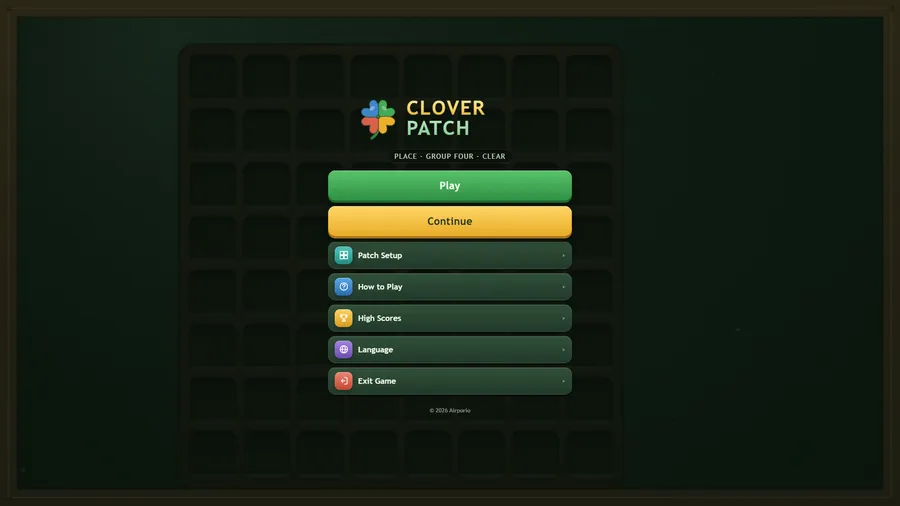
تُحمَّل اللعبة عند الضغط على «العب».
- مجاني
- بلا إعلانات
- لا حاجة إلى حساب
- بلا تثبيت — يعمل في متصفحك
عن اللعبة
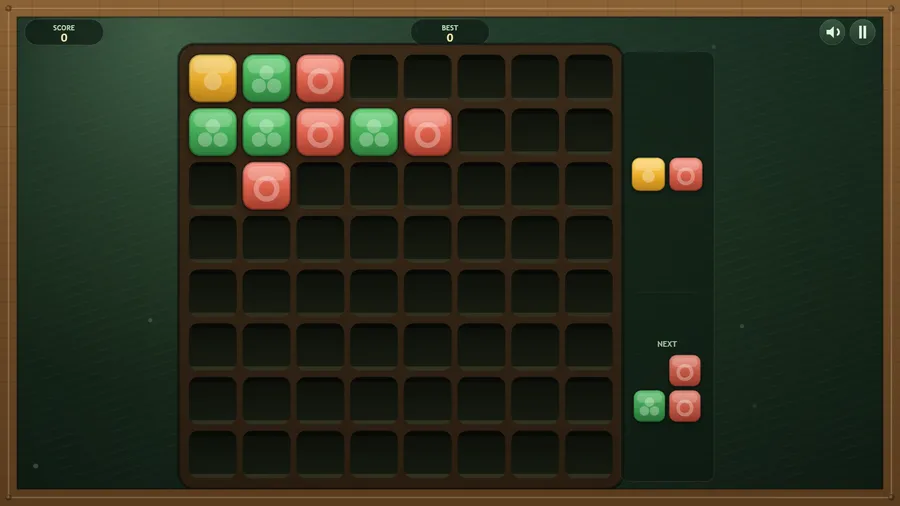
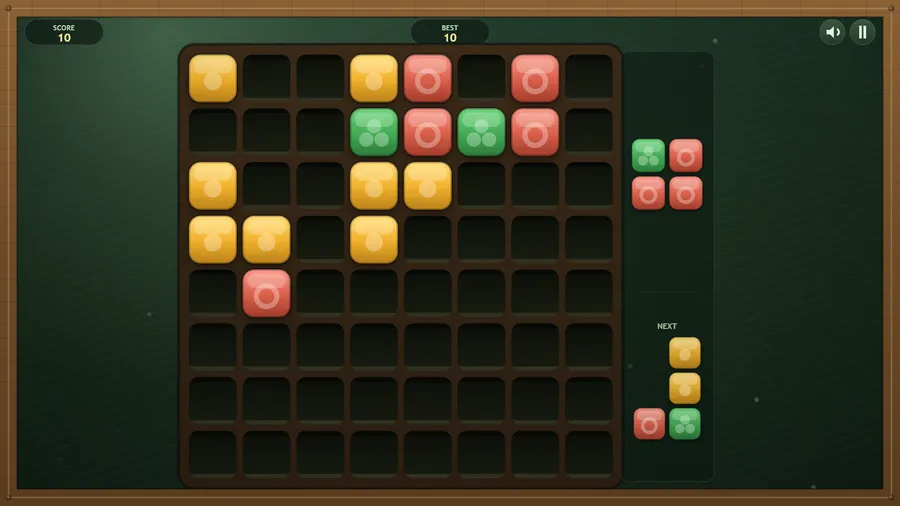
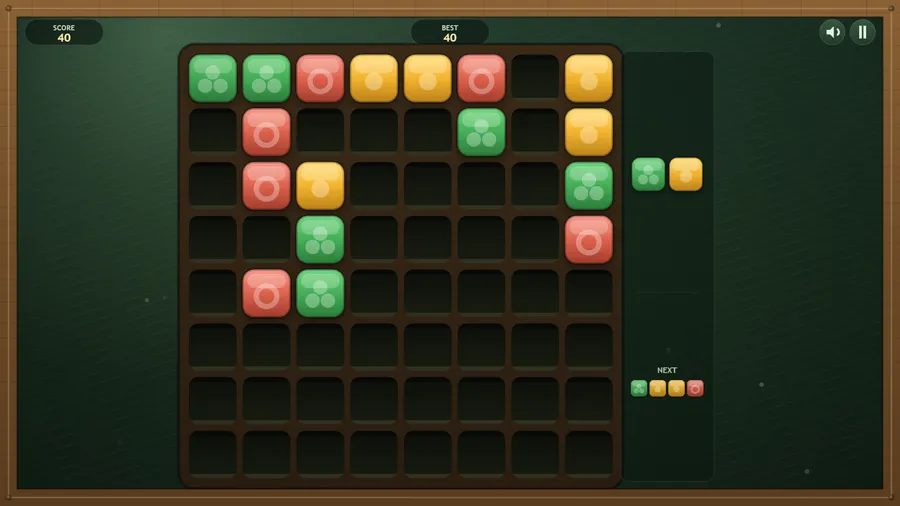
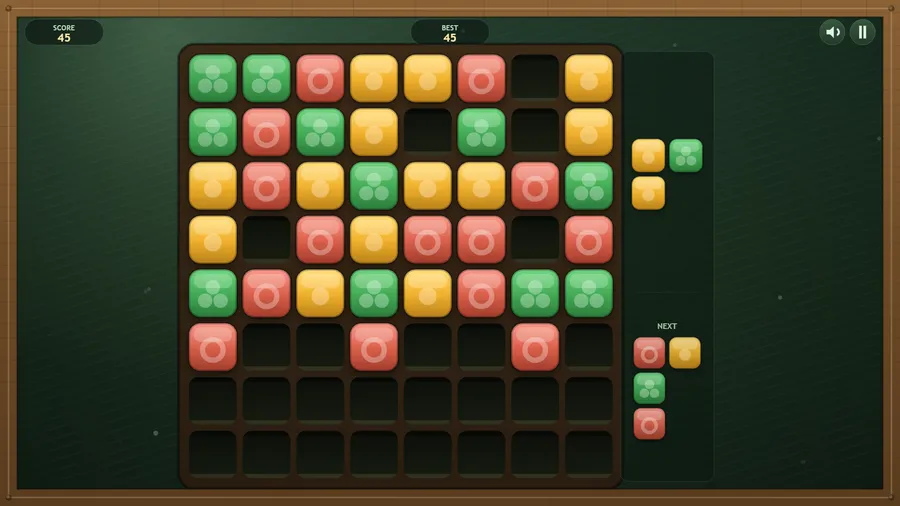
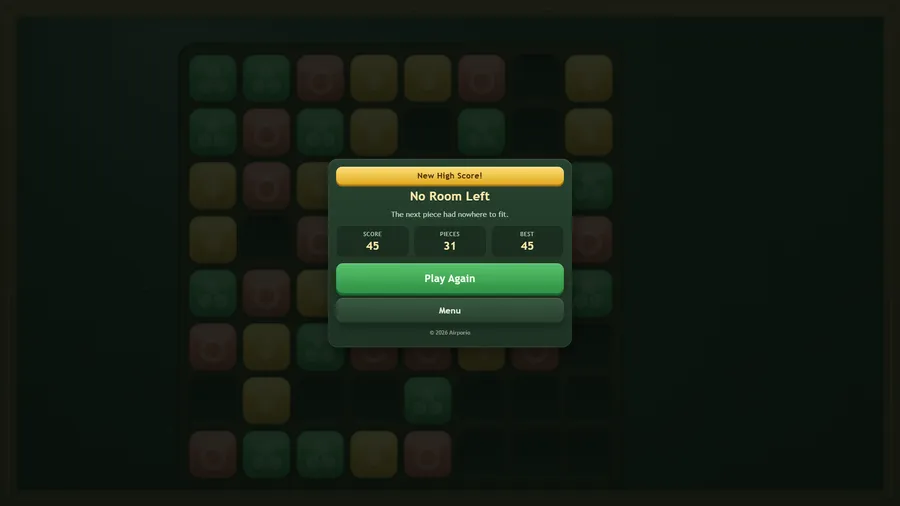
Drop coloured squares into the patch. Get four of a colour touching and they clear.
Clover Patch is a calm, endless placing puzzle. A piece of coloured squares arrives; put it anywhere it fits on the patch. Whenever four or more squares of one colour end up touching side by side, they clear together and give the space back, and every square that clears is a point. The run ends when the next piece has nowhere left to go. Your patch saves itself as you play, so a game can last a whole flight or be picked up on the next one. Patch Setup lets you paint a starting patch and change the rules: patch size, how many colours, how many squares a group needs, the largest piece, whether pieces are mixed or single-coloured, and whether pieces can be turned. Eleven languages, full gamepad support, colour-blind marks on every tile, and it runs completely offline.
طريقة اللعب
- When four or more squares of the same colour touch side by side, they clear.
- You score one point for every square that clears. Bigger groups clear together.
- The run ends when the next piece has nowhere left to fit.
- Leave gaps of one colour open so a later piece can finish the group.
- Your patch is saved as you play, so you can stop and come back to it.
عناصر التحكم
| اللمس | Drag the piece onto the patch. It can go anywhere it fits on empty squares. |
|---|---|
| الفأرة | Drag the piece onto the patch with the mouse and let go where it fits; click the buttons to use the menus. |
| لوحة المفاتيح | Arrow keys or WASD move the piece, Space or Enter places it, R turns it, Esc or P pauses and M mutes the sound. |
| وحدة التحكم | D-pad or left stick moves the piece, A places it, Y or the bumpers turn it (if turning is on), B pauses, Start or X quits to the menu. |