Paint Drop Dash
Ride the colour. Paint the city.
تُحمَّل اللعبة عند الضغط على «العب».
- مجاني
- بلا إعلانات
- لا حاجة إلى حساب
- بلا تثبيت — يعمل في متصفحك
عن اللعبة
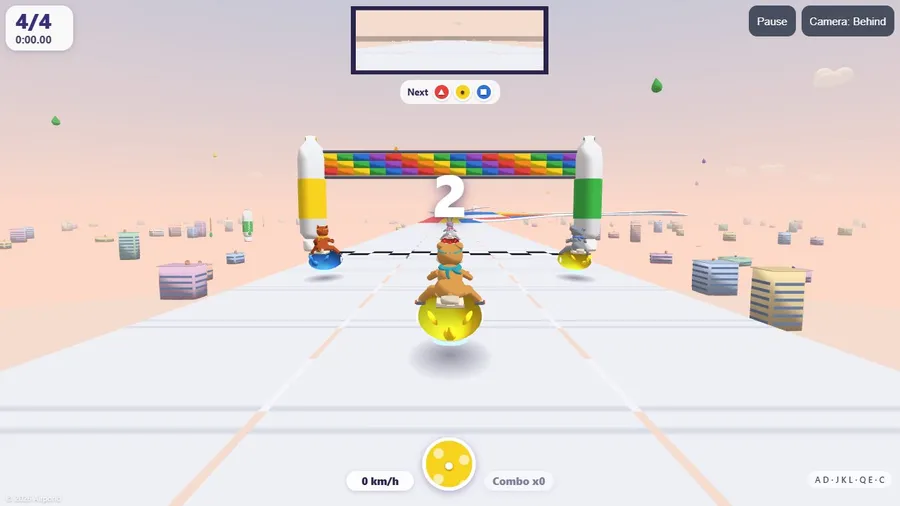
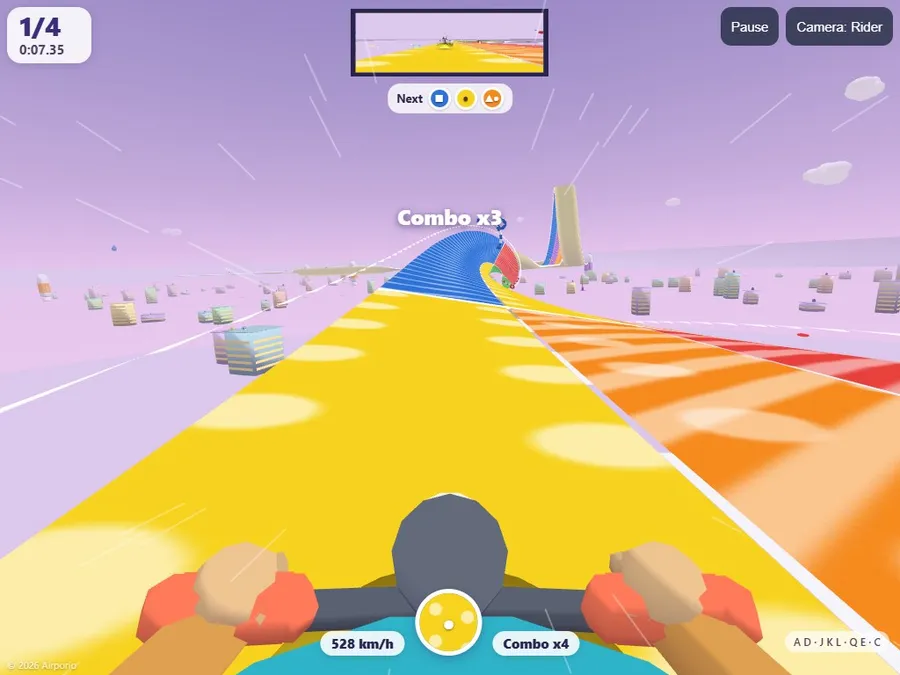
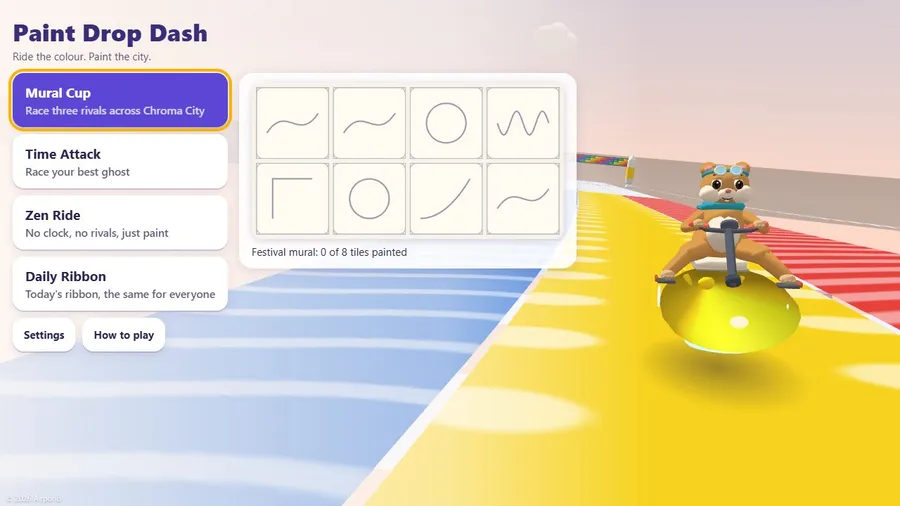
Dot the hamster rides a paint-drop pod along twisting colour ribbons. Match your paint to the lane for a boost, mix colours, loop the loop, fill the Festival mural and race your friends live.
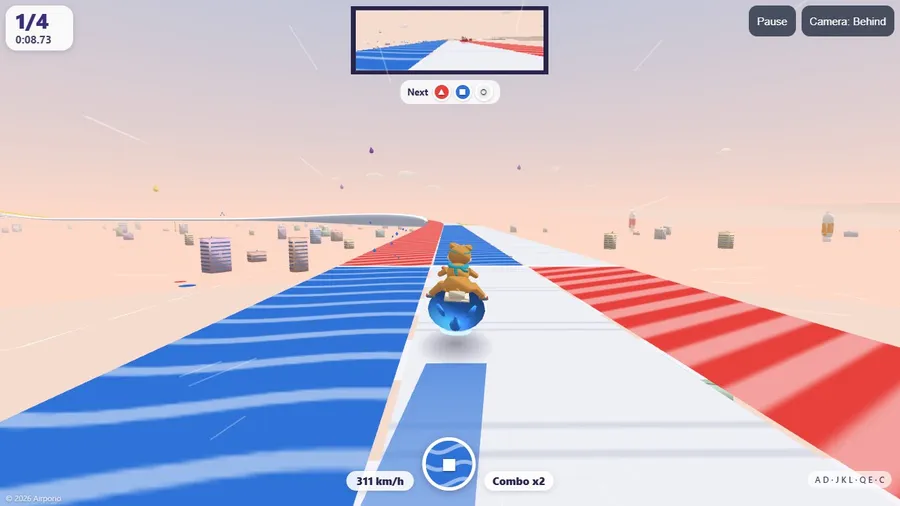
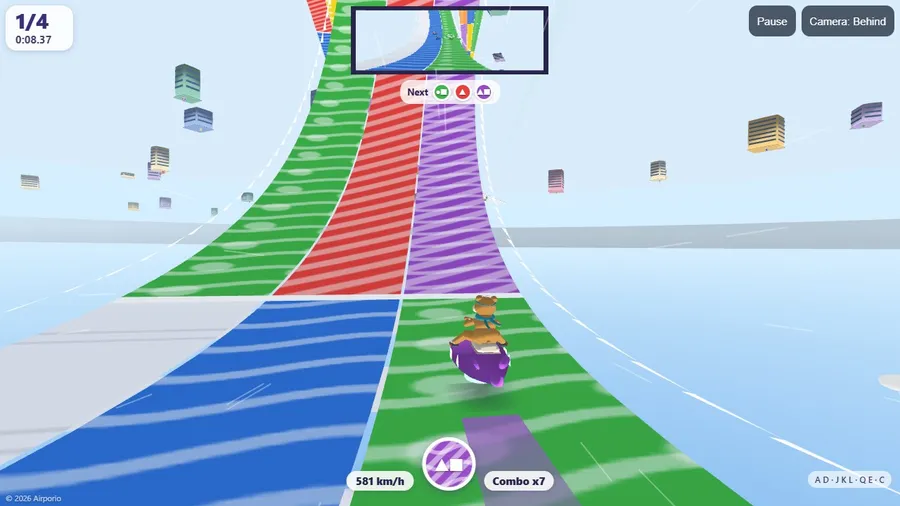
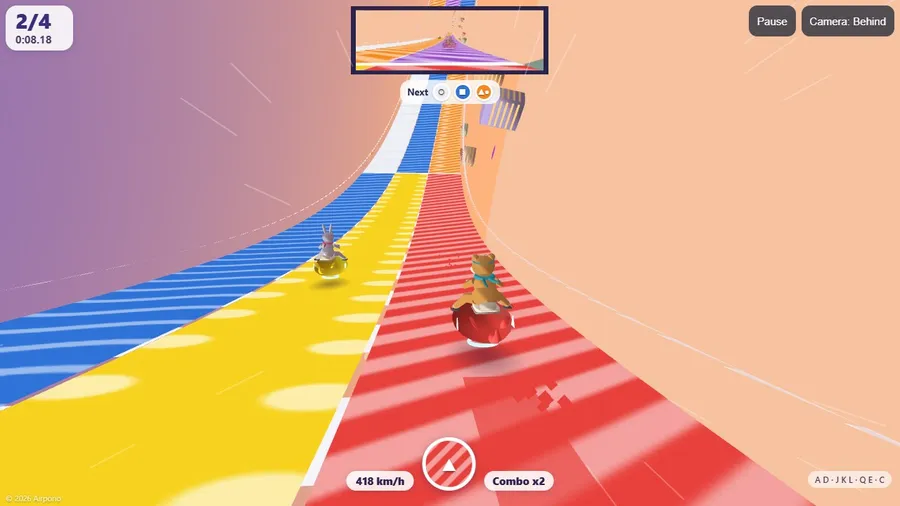
In Chroma City the great Festival mural is waiting for its colours, and Dot the hamster is racing to paint it. Ride a glossy paint-drop pod along floating ribbons of colour: a lane in your own paint gives you a boost, another paint slows you down and white lanes are neutral. Tap red, yellow or blue to switch your paint, hold two together to mix orange, green or purple, and ride through paint gates in their colour for a splash of extra speed. Matching lanes in a row build a combo.
Every colour also has its own symbol and pattern (stripes, dots and waves), with palettes for every kind of colour vision.
MURAL CUP with eight ribbons of loops, corkscrews and wall rides in Pastel and Vivid classes and Remix cups that keep getting faster, TIME ATTACK against your own ghost, ZEN RIDE with no clock at all a DAILY RIBBON that is the same for everyone today, and RACE FRIENDS: open a room and share a six-digit code, a link or a QR code; up to eight Dots race the same ribbon, drawn from the room code, each in its own paint, and everyone sees the same results. Four camera views including a ride over the handlebars, a rear-view mirror, a gentle lane guide on by default, touch, controller and seatback handset support, fourteen languages, and everything except racing friends runs offline in one file.
طريقة اللعب
- Ride a lane of your own colour for a boost. Another colour slows you down, and white lanes are neutral.
- Switch your paint with the red, yellow and blue buttons. Hold two together to mix orange, green or purple.
- Ride paint gates in their colour for a Splash boost. Matching lanes in a row build a combo.
عناصر التحكم
| اللمس | Slide the steering strip at bottom left to steer. Tap or hold the red, yellow and blue buttons at bottom right to change paint. |
|---|---|
| لوحة المفاتيح | Press A and D or the arrow keys to steer. Press J, K and L (or 1, 2, 3) for the colours, Q and E to step round the wheel and C for the camera. |
| وحدة التحكم | Use the left stick to steer. The B, Y and X buttons choose red, yellow and blue paint. |