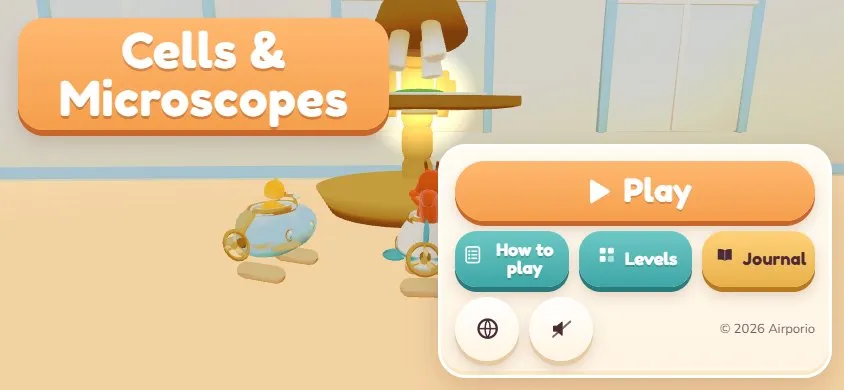
Cells & Microscopes
Zoom in. A tiny world blooms.
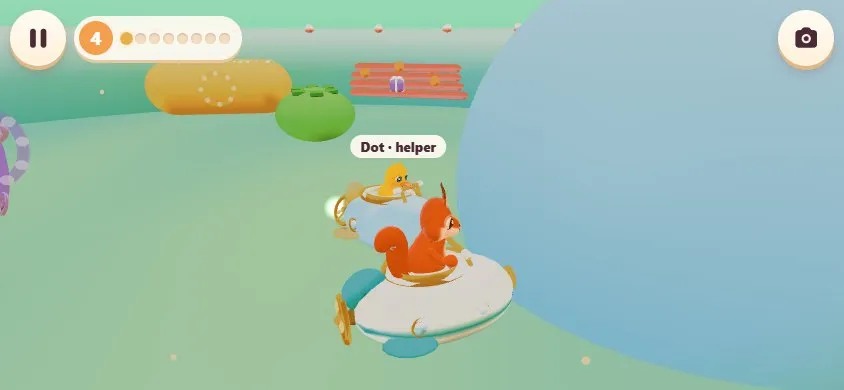
The game loads when you press play.
- Free
- No ads
- No account needed
- No install — plays in your browser
About the game
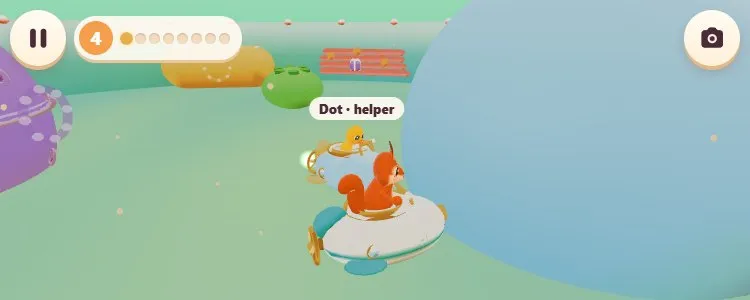
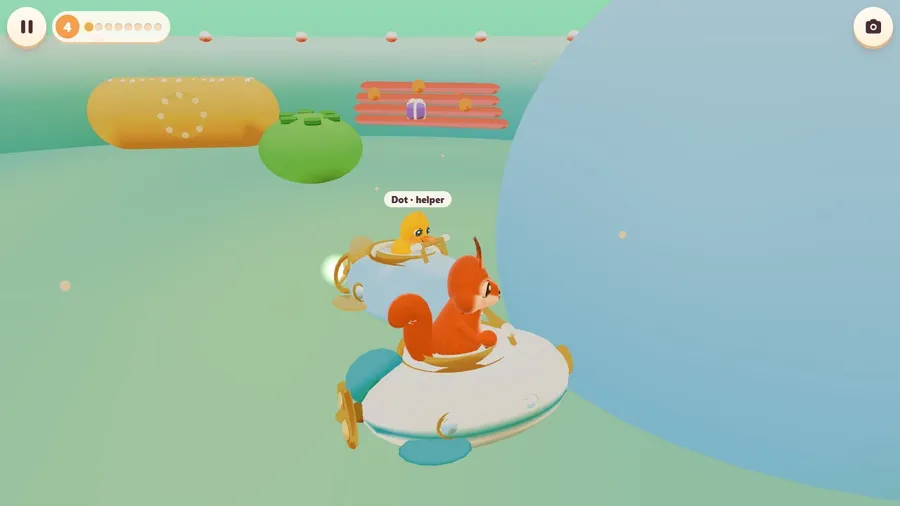
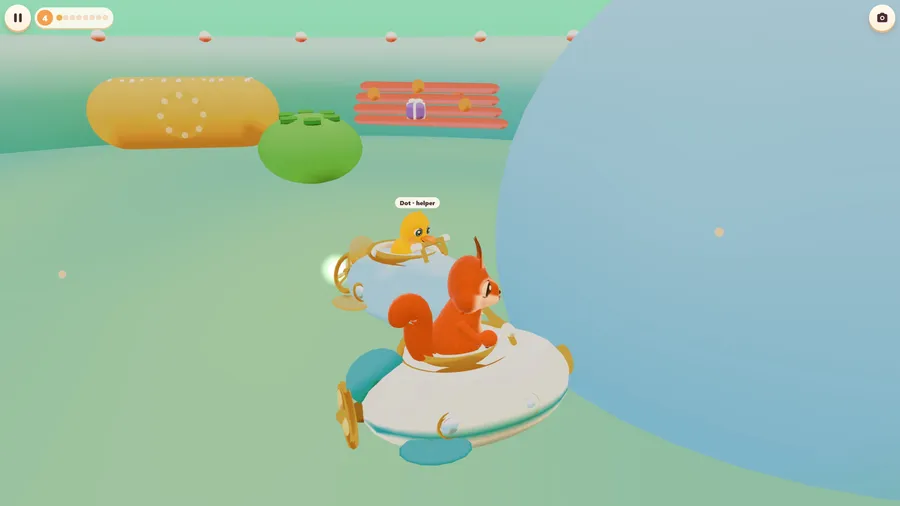
Pilot a tiny submarine as a red squirrel. Hold the zoom dial over a glowing spot and a leaf blooms into its cells. Say hello to the wiggly swimmers in a drop of pond water, steer through a cell's jelly, deliver parcels to its energy makers and control centre, ride its flowing streams, then take the super microscope down to the tiny spinning motors inside.
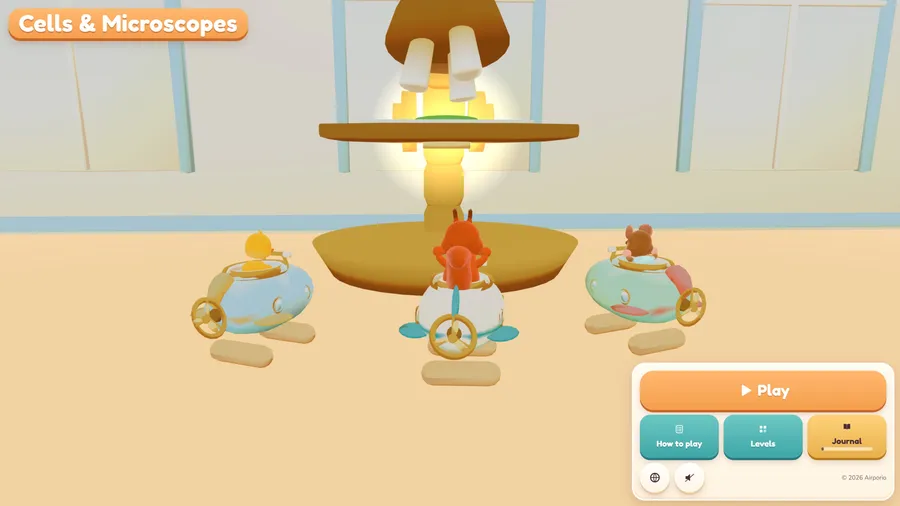
A hands-on exhibit about cells, the tiny boxes every plant and animal is made of. You are the squirrel in the little apricot submarine, with Pip the field mouse and Dot the duckling swimming beside you as helpers.
Swim over a giant leaf on a glass slide, stop on the glowing spot and hold the zoom dial: the leaf grows around you and blooms into its green cells. Find the sparkling ones, zoom back out and dive again. Zoom into a drop of pond water and say hello to friendly swimmers (a rolling green ball colony, a pink slipper with a fringe of tiny hairs, a green swimmer with a red eyespot, a golden glass pillbox). Then dive into one cell: swim through glowing rings round its control centre, its energy makers and its big water store, carry parcels from its packing centre to the part with the same colour, and ride the streams of jelly that flow round it. Finally the super microscope zooms you into an energy maker, between its folds, and down to the tiny motors that really spin to make the cell's energy.
Six levels, three skill levels (jelly current strength, steering help, parcel count), a daily Mastery cell, a Discovery card for your Journal (Robert Hooke named the cell in 1665), and 14 languages. No reading needed to play.
How to play
- You are the squirrel in the tiny submarine.
- Drag on the left to steer. Push up to go faster.
- Stop on a glowing spot. Hold the dial.
Controls
| Touch | Drag on the left side of the screen to steer the submarine; push up to go faster. |
|---|---|
| Touch | Drag on the right side of the screen to look around. |
| Touch | Press and hold the round zoom dial to zoom in. |
| Keyboard | W, A, S, D or the arrow keys steer, and I, J, K, L look around. |
| Keyboard | Hold Space, Enter, E or Z to hold the zoom dial. |
| Keyboard | C or V changes the camera, and Escape or P pauses. |
| Gamepad | Push the left stick to steer and the right stick to look around. |
| Gamepad | Hold A or the right trigger for the zoom dial, Y changes the camera and Start pauses. |