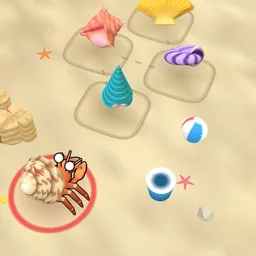
Hermit Hopscotch
Hop the tune, add one more.
प्ले दबाते ही गेम लोड होता है।
- मुफ़्त
- कोई विज्ञापन नहीं
- खाते की ज़रूरत नहीं
- इंस्टॉल की ज़रूरत नहीं — ब्राउज़र में ही खेलें
गेम के बारे में
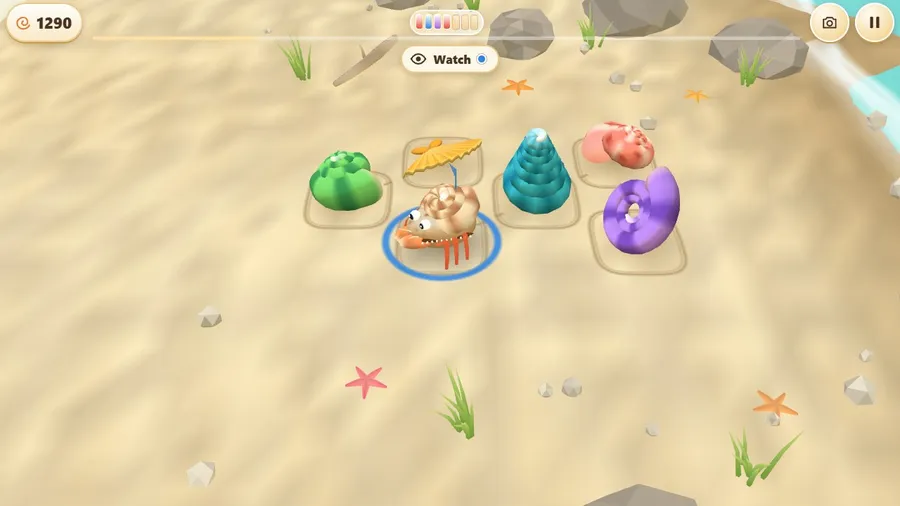
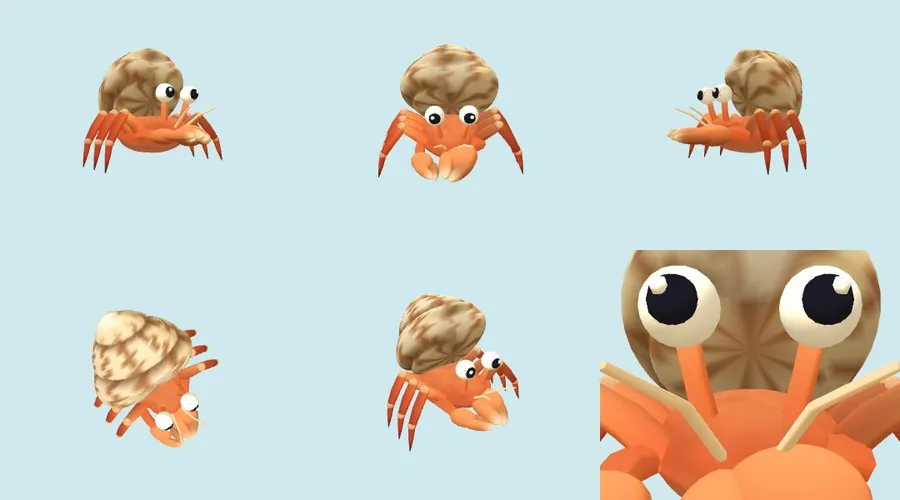
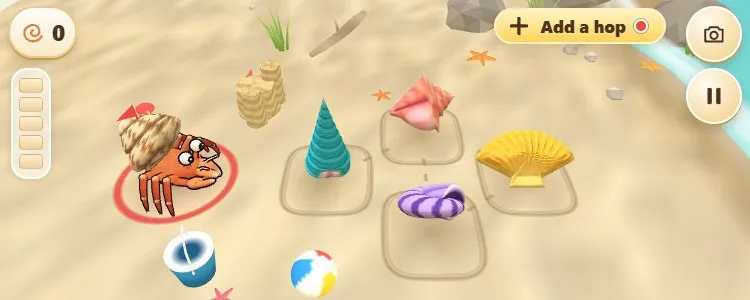
A hermit crab lives on a hopscotch court of ringing shells. Watch it hop a little tune, hop it back, then add one hop of your own and pass the lead on. Slow and steady: a full tune makes the crab dance.
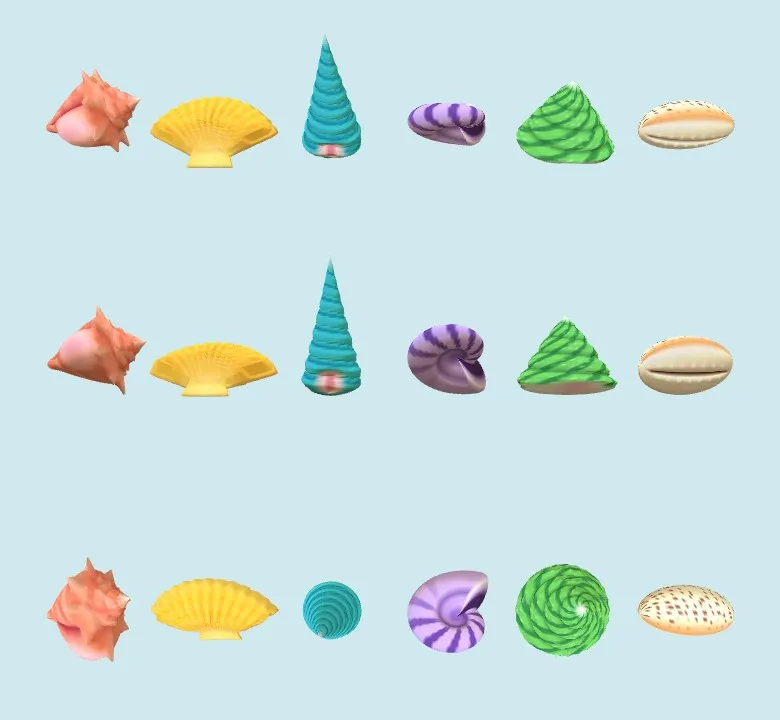
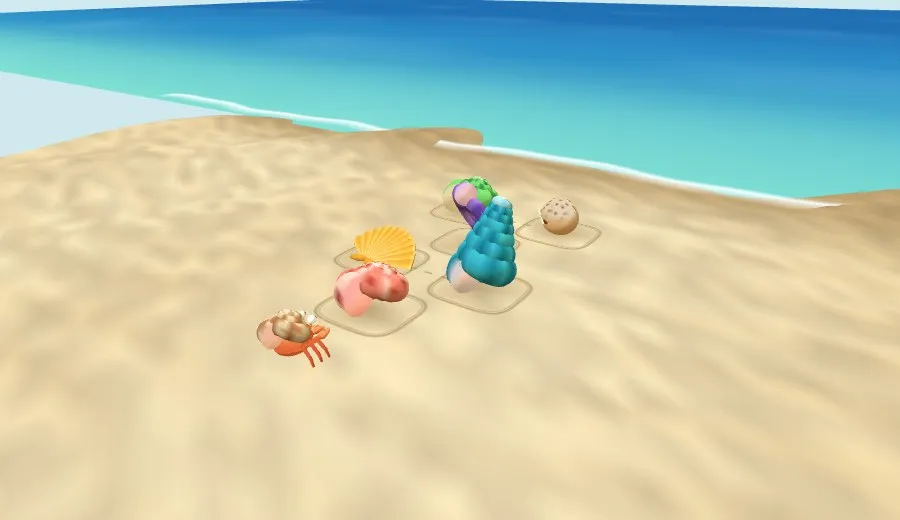
Slow and steady wins the race, and on this beach the race is a tune. A hermit crab hops between ringing shells drawn in the sand like a hopscotch court, and every shell has its own colour, shape and note. Watch the crab hop the tune so far, tap the same shells in the same order, then add one new hop of your own choosing. The leader flag passes to the next player, and they must copy everything you made.
A wrong hop only makes the crab wobble and the tune plays again; a few wrong hops and a shell glows to help. Along the way a new rule appears: the shells swap places, so you follow the colour and the note instead of the spot. Sing along by tapping the shell that is lighting, and when the tune is complete the crab dances it once more while everyone taps along on the beat.
Play alone with friendly helper crabs, or with up to three friends online or on the same flight: everyone shares one tune and one crab, and each hop is flagged in its player colour. Three levels (Beginner has four shells and no swaps; Normal has five shells that swap once; Advanced has six shells, quicker hops and two swaps), a highlight video of your best moments, a Quiet mode, 14 languages and no reading needed. One tap is all it takes.
कैसे खेलें
- Watch the hermit crab hop the tune across the shells, then tap the same shells in the same order.
- Then add one new hop of your own. The lead passes to the next player, who must copy everything.
- In some levels the shells swap places, so follow the colour and note instead of the spot. A complete tune makes the crab dance.
कंट्रोल
| टच | Tap a shell to hop the crab onto it. |
|---|---|
| कीबोर्ड | Arrow keys or A, D, W, S move a cursor from shell to shell and Space taps. C changes the camera and P pauses. |
| गेमपैड | The D-pad or left stick moves the cursor and A taps. Y changes the camera and Start pauses. |