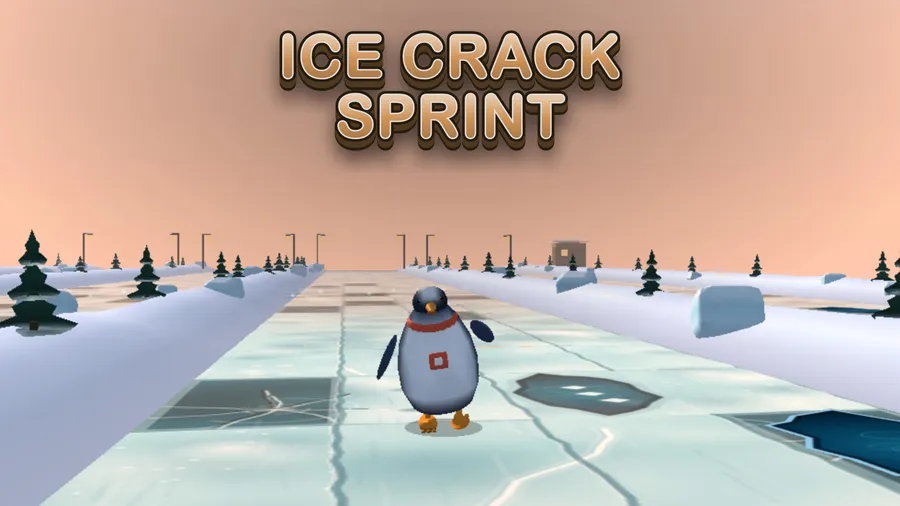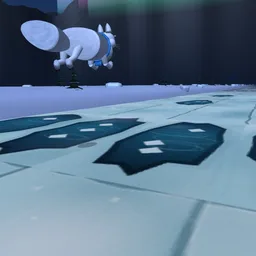
Ice Crack Sprint
Listen to the ice. Run the safe line.
Trò chơi sẽ tải khi bạn nhấn chơi.
- Miễn phí
- Không quảng cáo
- Không cần tài khoản
- Không cần cài đặt — chơi ngay trên trình duyệt
Về trò chơi
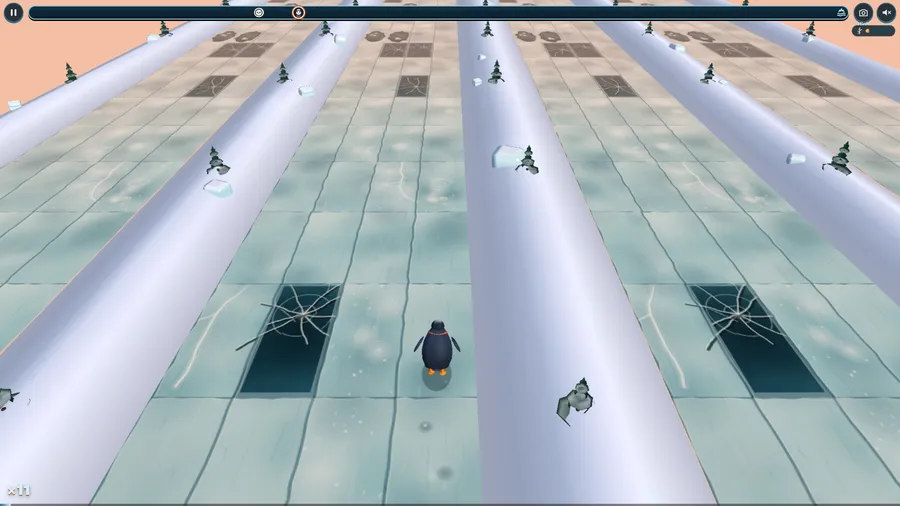
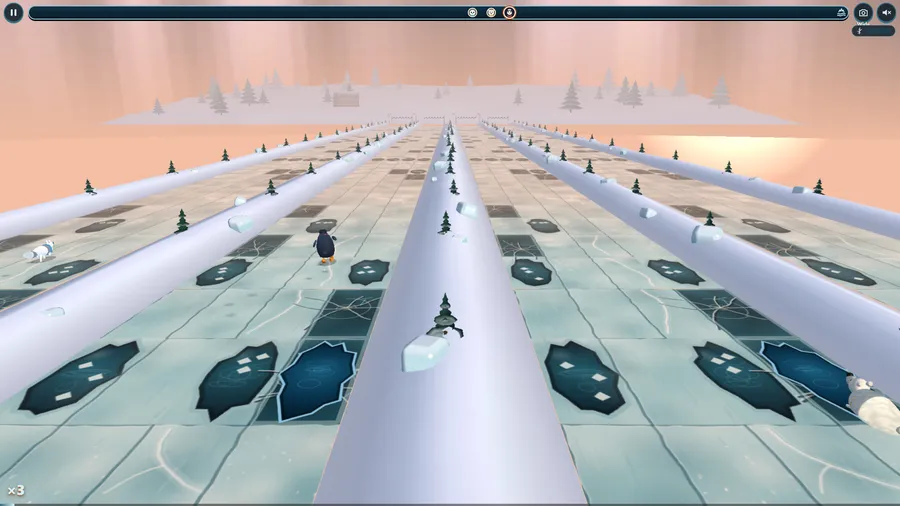
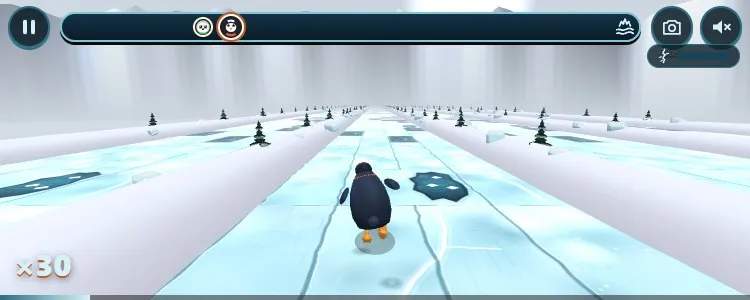
A frozen lake, four lanes, and the ice is groaning. Read the dark plates, listen for the creaks (low is safe, high is trouble), swipe between lanes and leap the open cracks. Reach the shore before the ice splinters behind you.
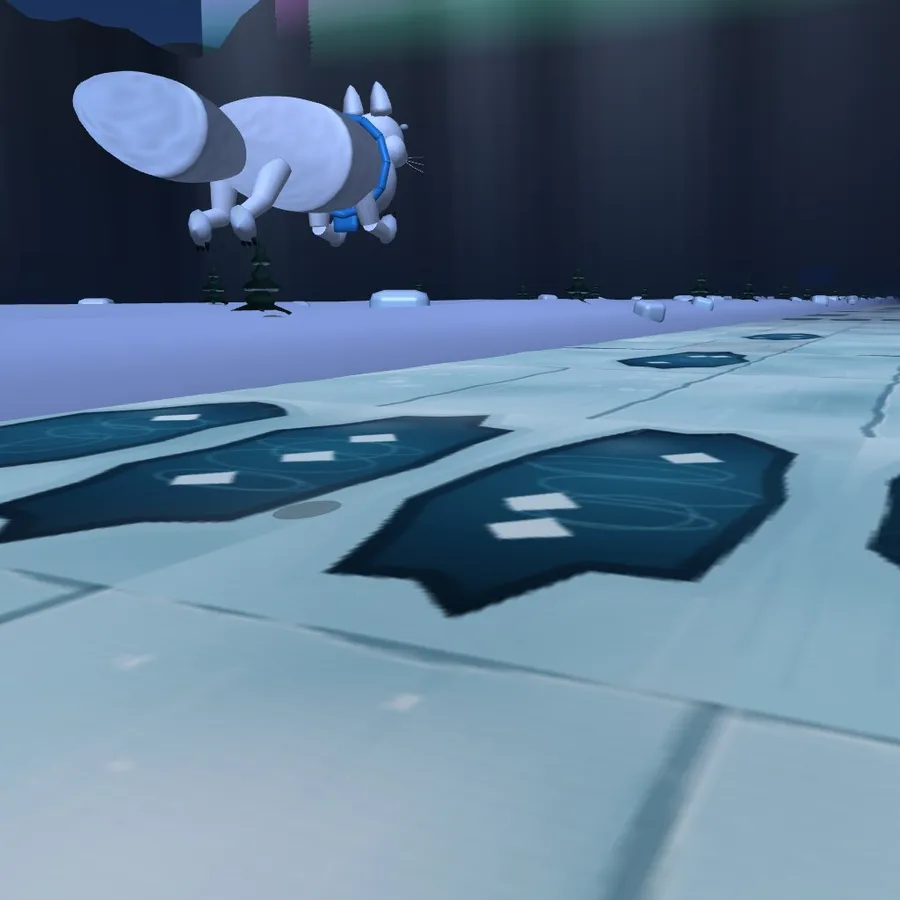
Look before you leap. A hard winter, an ice road across a northern lake, four swept lanes marked with spruce twigs, and a thaw that has just begun. You are a gentoo penguin, an arctic fox, a polar bear cub or a harp seal pup, and the far shore is a minute away.
The plates under your feet are not all the same. Thick ice is pale and milky and sounds low and slow. Thin ice is dark teal glass webbed with cracks and creaks like a door. Rotten ice looks almost sound but squeals high, and open water is open water. The frost clears only as you come close, and each plate speaks just before you reach it, panned to its lane, so you can run by eye, by ear, or both. Swipe to change lane, tap to spring over a crack, string clean rows together and your stride builds.
A splash is never the end: you are pulled out on the plate before and the plate stays open water, so the lake remembers. Behind you the ice is splintering, a gauge and a low rumble tell you how close, and when you reach the shore the whole lake lets go behind you.
SIX LAKES from Pine Hollow to a golden thaw, a DAILY lake, and RACE FRIENDS online or on the same flight: up to four runners side by side on the same lake with a room code, a link or a QR code, and friendly bot runners in every empty lane. Three levels (Beginner has thick ice, long looks and nothing chasing you; Advanced has rotten ice and cracks on your heels), a Quiet mode that draws every creak as rings on the ice, a one-thumb swipe-and-tap control, a highlight video of your best moments and fourteen languages.
Cách chơi
- Swipe to change lane
- Tap to leap a gap
- Low creak = safe
Điều khiển
| Cảm ứng | Touch: tap and drag on the screen. |
|---|---|
| Chuột | Mouse: click and drag on the screen. |
| Bàn phím | Keyboard: supported on computers. |
| Tay cầm chơi game | Game controller: supported. |