Pothole Hop
Hop the holes, dodge the puddles, grab coins
點選開始後才會載入遊戲。
- 免費
- 無廣告
- 無需帳號
- 無需安裝,瀏覽器即玩
遊戲介紹
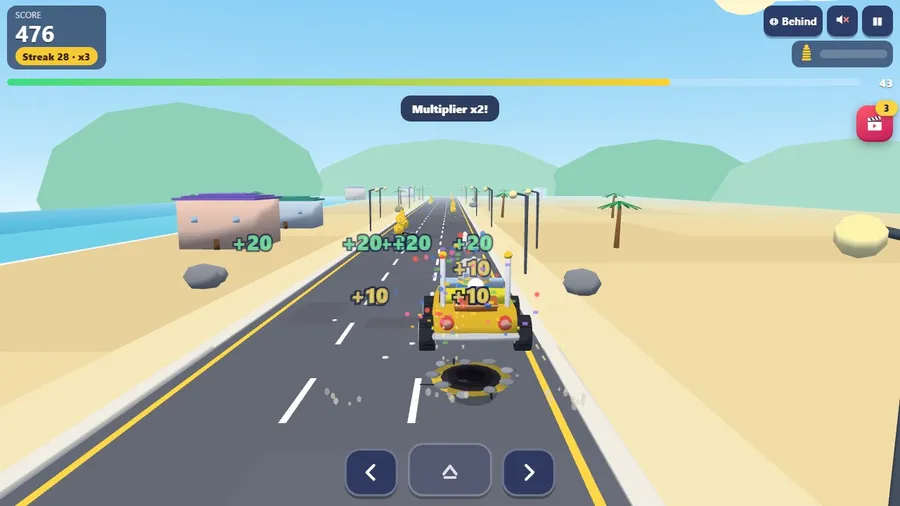
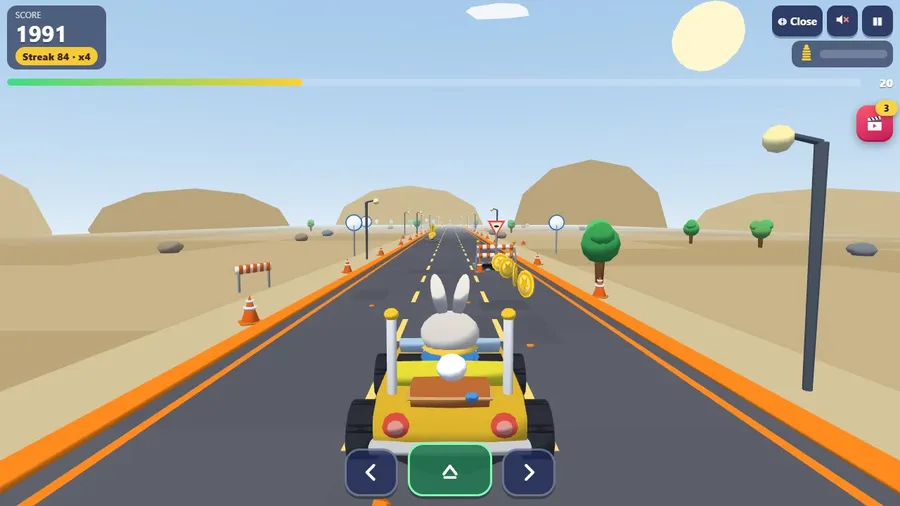
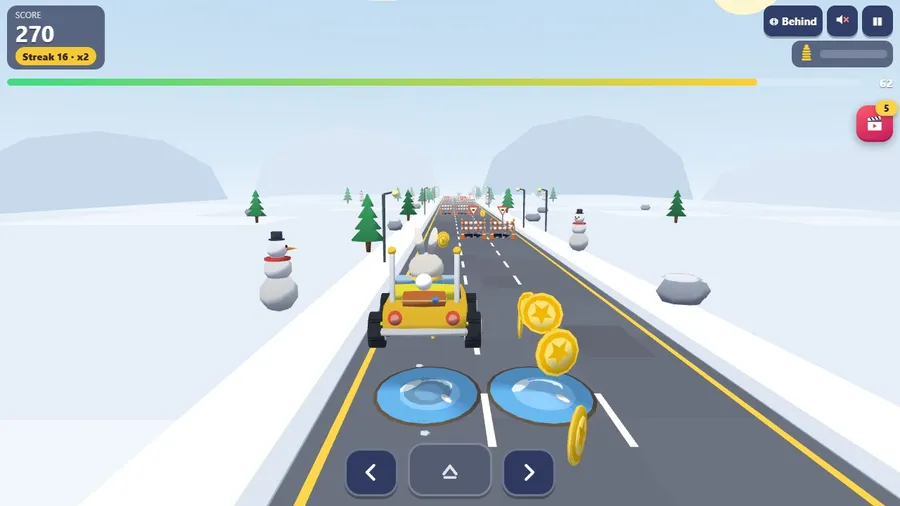
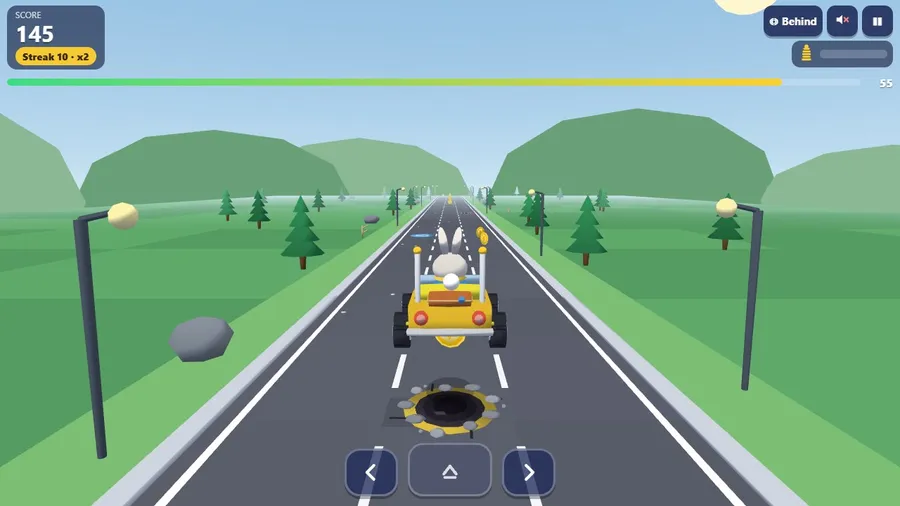
Hop the holes, dodge the puddles and grab the coins that arc over them. A little jalopy, a bunny at the wheel and a road that gets bumpier every minute.
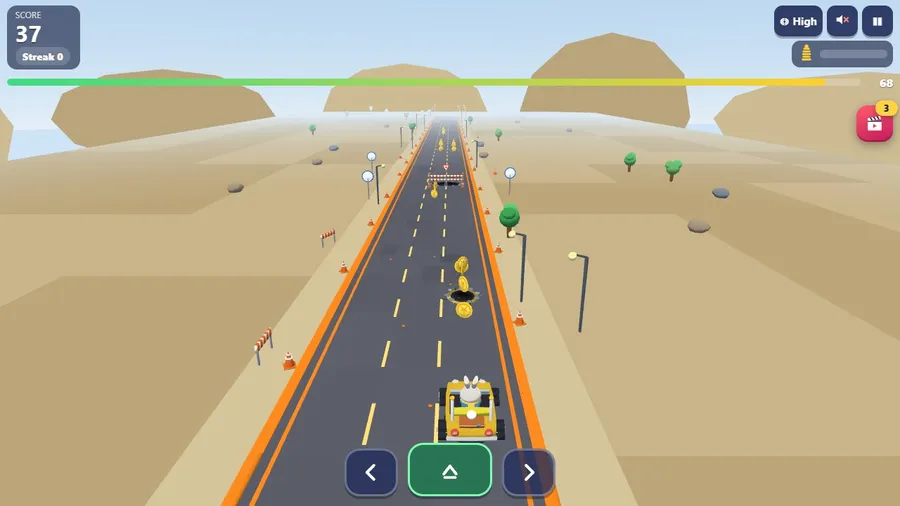
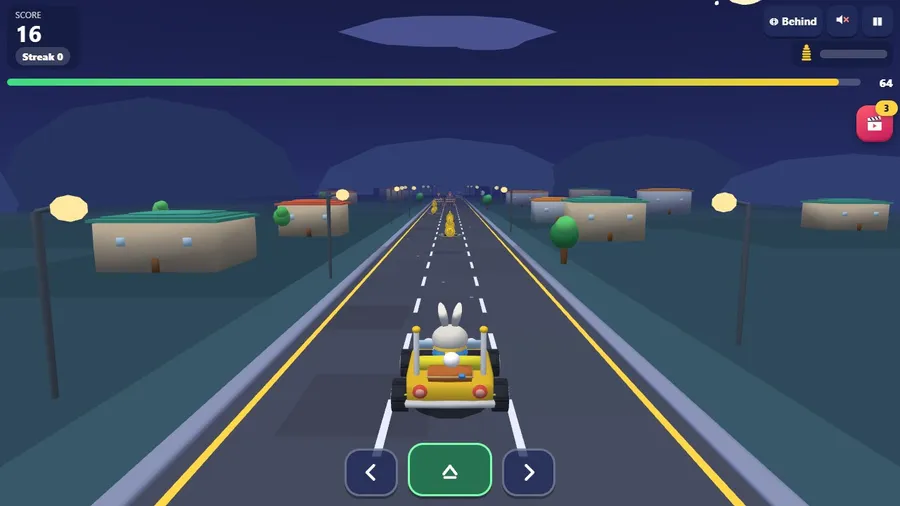
A little yellow jalopy, a bunny at the wheel and a road full of holes. The car drives itself: swipe left or right to change lane, tap to hop. Small potholes and puddles can be hopped over, and coins arc over them, so a well-timed hop is worth points; big fenced holes and trenches are too tall to hop, so steer around them. Drop into a hole and the car goes bonk and the bounce meter fills; when it is full the round ends, it is only a bonk, and you can try again at once.
TWELVE STAGES in nine settings, from a sunny meadow and a village lane to a coast road, roadworks, a leaf-strewn lane, a desert highway, a night drive and a snowy pass. An ENDLESS ROAD that never stops getting faster and bumpier, a DAILY ROAD that is the same for everyone, and RACE THE BOTS: three friendly bots, careful, steady or a little sloppy, drive the very same road, so you can race even when you play alone. Stars, medals, and a garage of paints and eight cuddly drivers: a bunny, a corgi, a bear cub, a red panda, a hedgehog, a raccoon, a koala and a kitten. RACE FRIENDS: open a room and share a six-digit code, a link or a QR code; up to four people race one road, and bots fill any empty seat, so you can start on your own. Behind, close and high cameras, touch, keys, controller and seatback handset support, a highlight video of your best hops, fourteen languages, and everything except racing friends runs offline in one file.
玩法
- The road is bumpy! Swipe left or right to change lane.
- Tap to hop. Small holes and puddles can be hopped over.
- Fenced holes are too big to hop: go around them. Coins float over the holes, so hop to grab them.
- Fall in a hole and the car goes bonk: the bounce meter fills. When it is full, the round ends.
- Keys: arrow keys or A and D change lane, Space hops, C changes the view, P pauses.
操作
| 觸屏 | Touch: tap and drag on the screen. |
|---|---|
| 滑鼠 | Mouse: click and drag on the screen. |
| 鍵盤 | Keyboard: supported on computers. |
| 手柄 | Game controller: supported. |