Chess
Plan · Move · Checkmate
點選開始後才會載入遊戲。
- 免費
- 無廣告
- 無需帳號
- 無需安裝,瀏覽器即玩
遊戲介紹
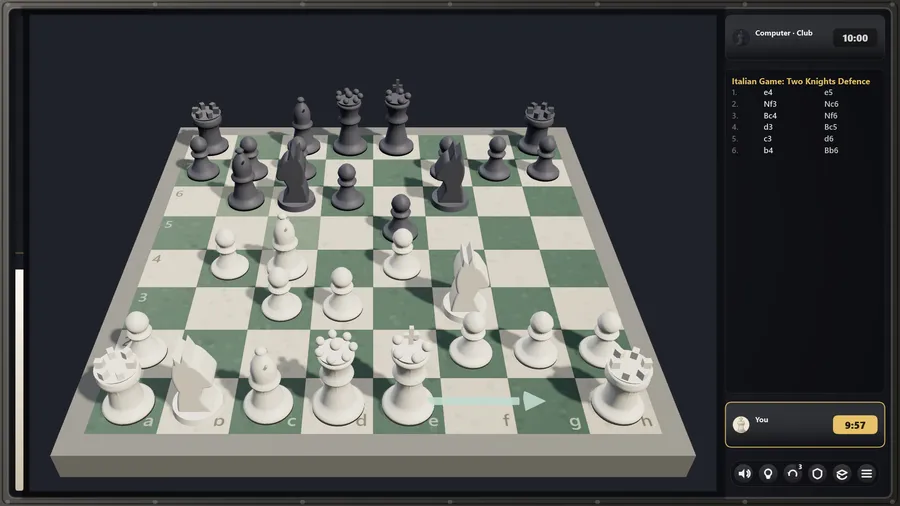
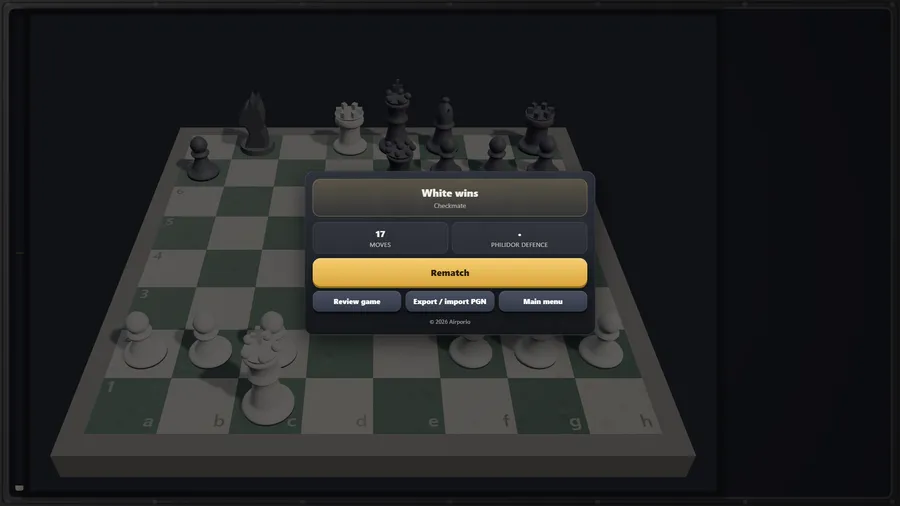
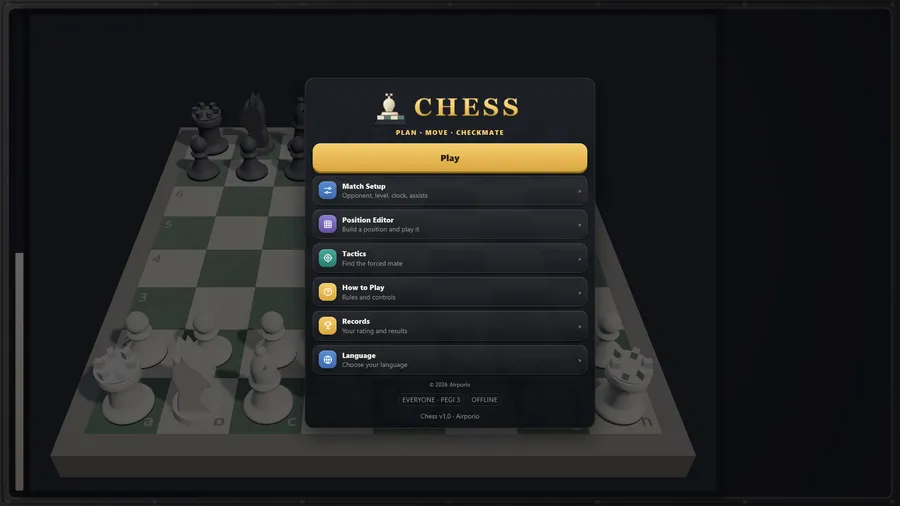
Full-rules chess on a real 3D board — four opponent levels, a position editor and mate puzzles, entirely offline.
Chess is a complete game of chess carved for the seatback screen. Play a computer opponent across four levels — Casual, Club, Sharp and Master — or hand the device across the armrest for Pass & Play. Every rule is here: castling, en passant, promotion with underpromotion, the fifty-move rule, threefold repetition and insufficient material.
Optional assists let you set your own difficulty curve: a hint arrow, threatened-square highlighting, an evaluation bar and up to three takebacks per match. Chess has no lives, so takebacks are how Chess keeps the series promise that one mistake never ends the run.
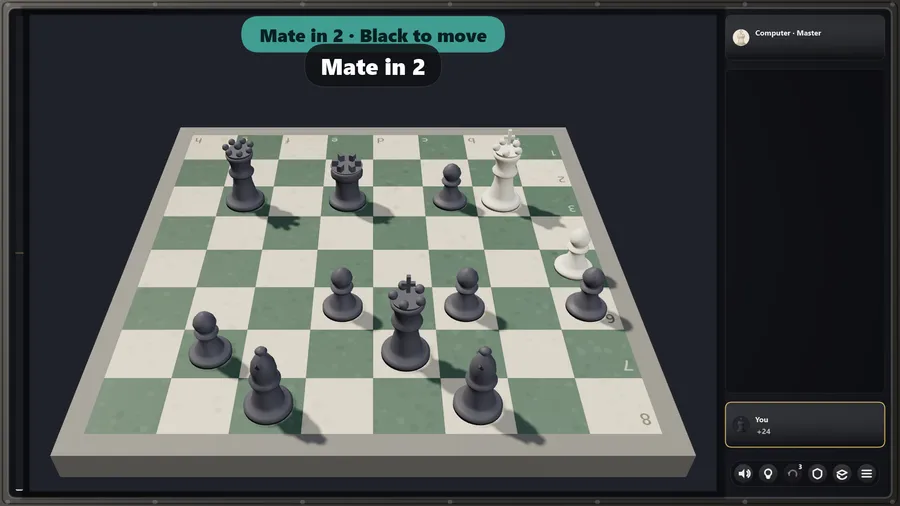
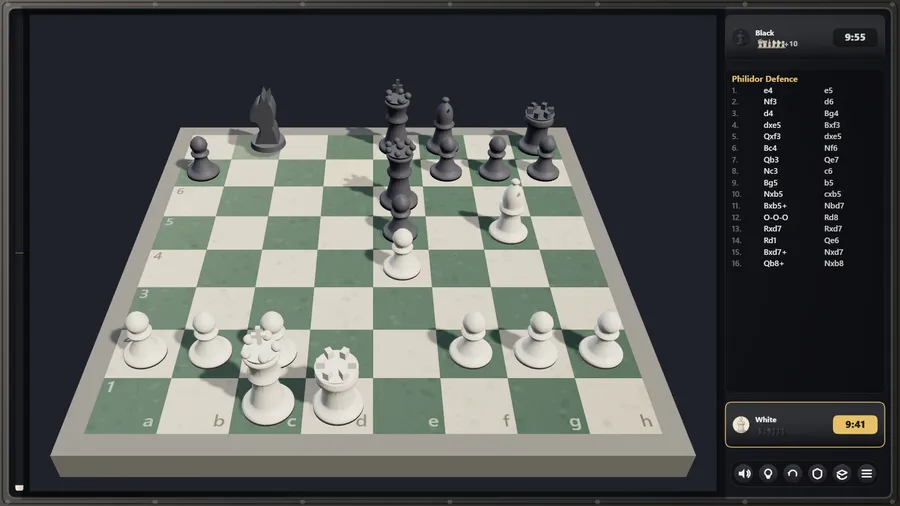
Build any position in the Position Editor and play it out, work through eighteen forced-mate puzzles in Tactics, and review a finished game move by move with accuracy scores and the turning points called out. Wins and losses move a personal rating that persists on the device.
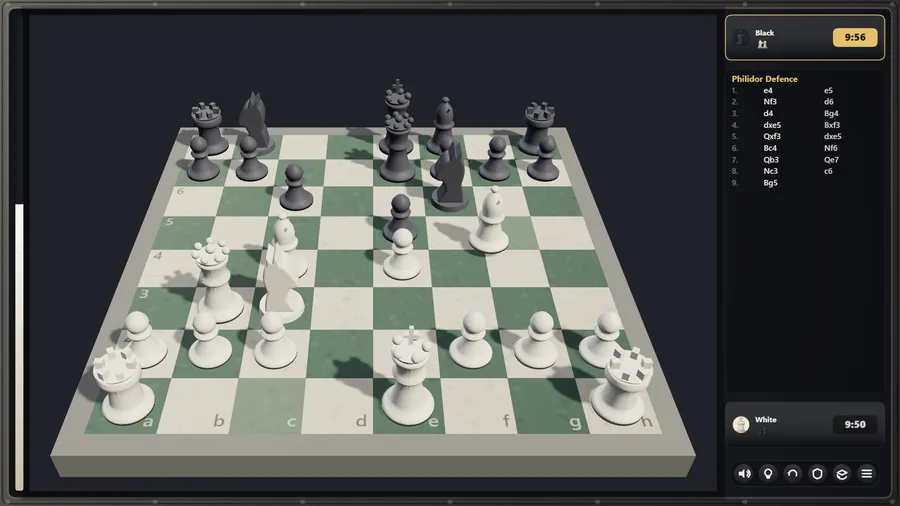
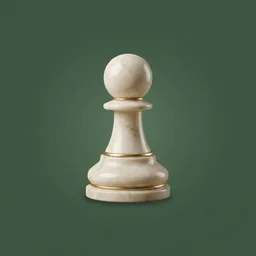
The board renders in real 3D with turned marble pieces and true shadows, and a flat board is one tap away for anyone who prefers it — or for hardware without a GPU, where the game switches automatically.
One self-contained file, no network of any kind, eleven languages, and full gamepad support.
玩法
- Trap the enemy king so it cannot escape capture. That is checkmate, and it ends the game.
- Pawn: one square forward, two on its first move, captures diagonally. Knight: an L-shape, jumping over anything. Bishop: diagonals. Rook: ranks and files. Queen: both. King: one square in any direction.
- Castling tucks the king behind a rook. En passant captures a pawn that just ran past. A pawn reaching the far rank promotes, usually to a queen.
- Stalemate, threefold repetition, the fifty-move rule and insufficient material all end the game level.
- Hint suggests a move, Takeback undoes one, and Threats shades the squares your opponent attacks. Turn any of them off in Match Setup.
- Build any position you like — a puzzle from a book, an endgame drill — and play it against the computer.
操作
| 觸屏 | Tap a piece to see its legal moves, then tap a square to move. Tap the piece again to deselect. |
|---|---|
| 滑鼠 | Click a piece to see its legal moves, then click a square to move it, or drag the piece there. |
| 鍵盤 | Esc opens the pause menu during a match and goes back from other screens. |
| 手柄 | D-pad or left stick moves the board cursor, A acts, B cancels, X takes back, Y hints, LB shows threats, RB sound, Start pauses. |