Flint Dash
Run · Swerve · Survive
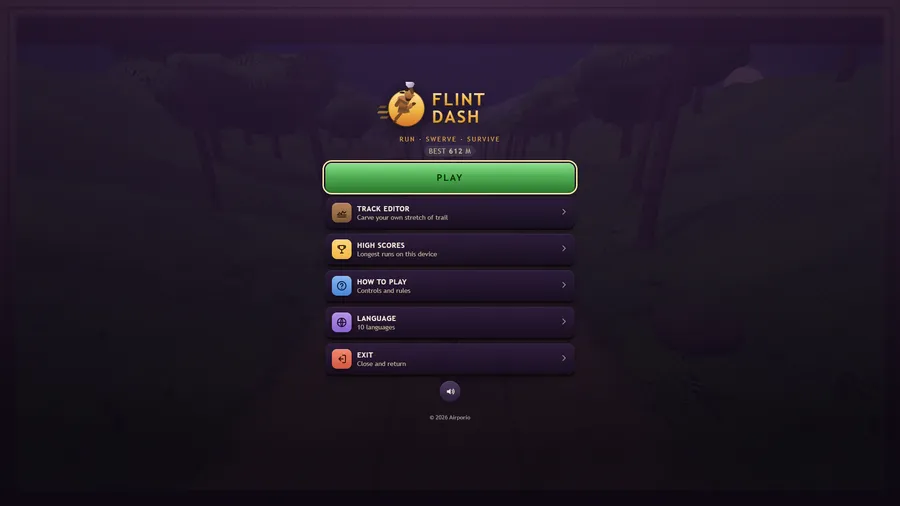
The game loads when you press play.
- Free
- No ads
- No account needed
- No install — plays in your browser
About the game
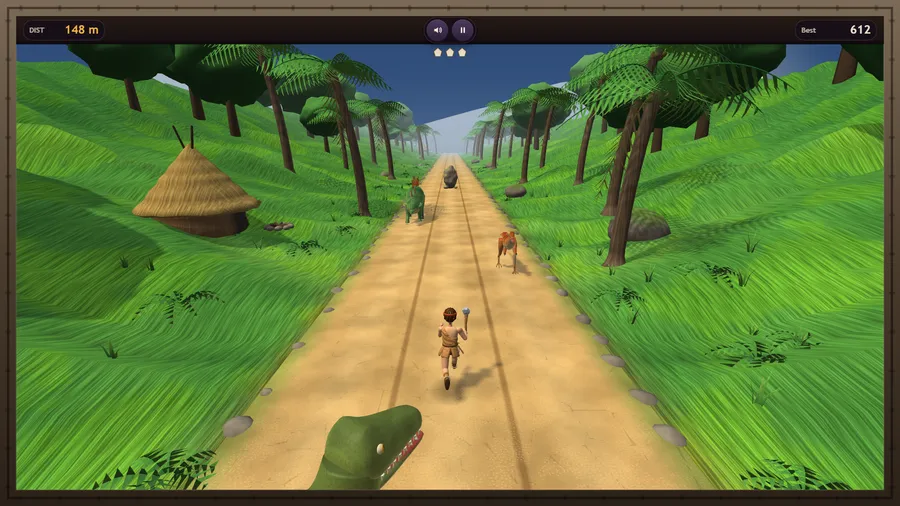
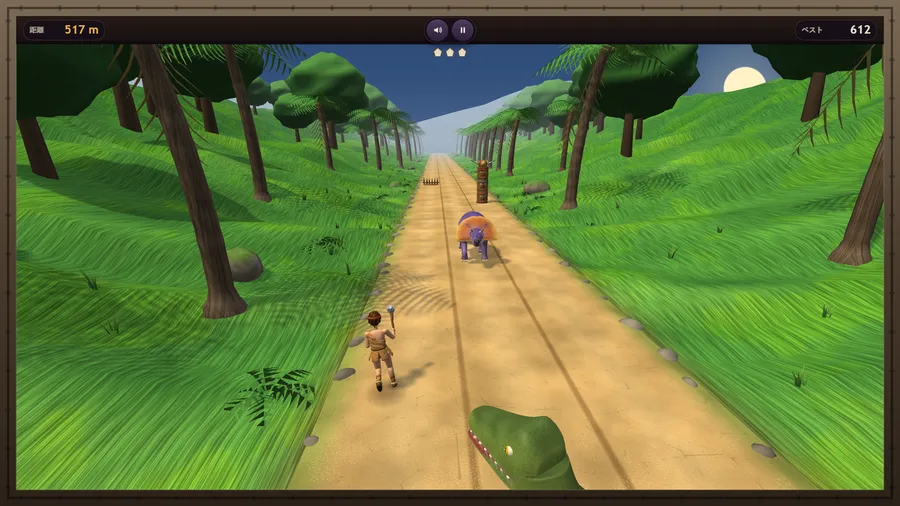
Sprint a jungle track: swerve past dinosaurs, jump the traps, slide under the pterosaurs.
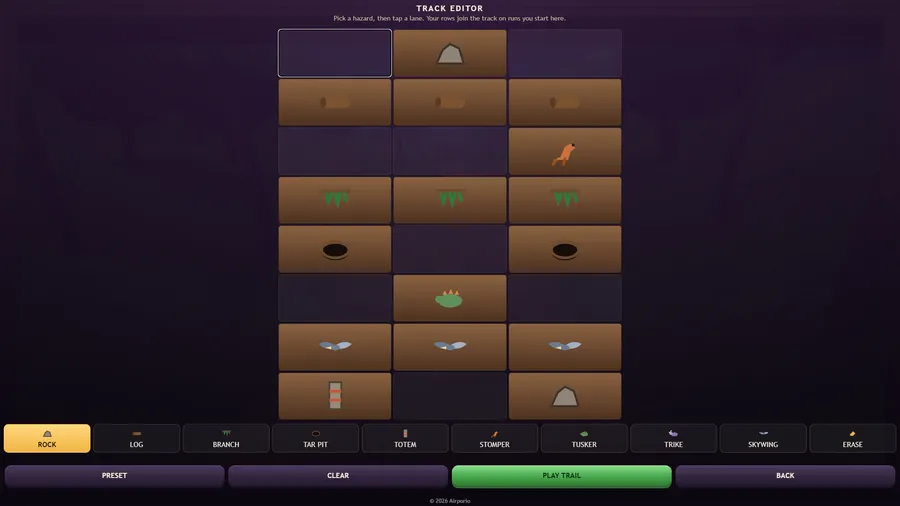
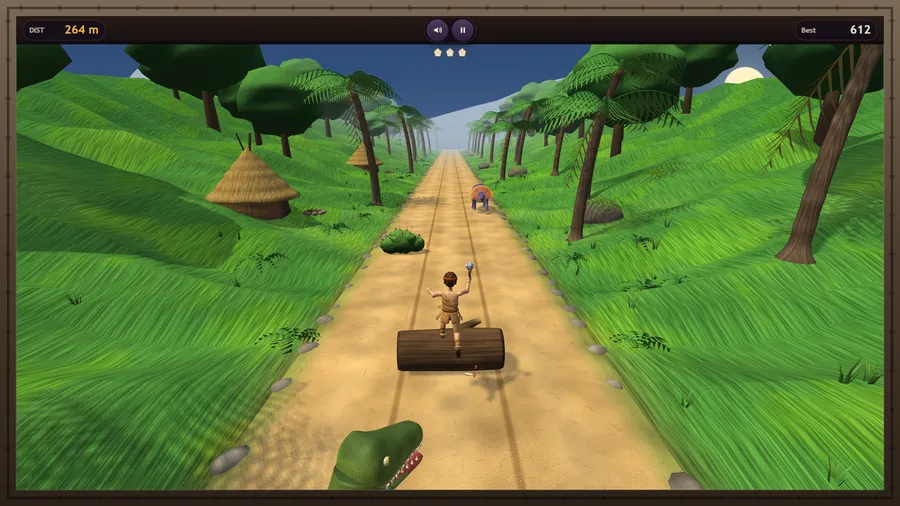
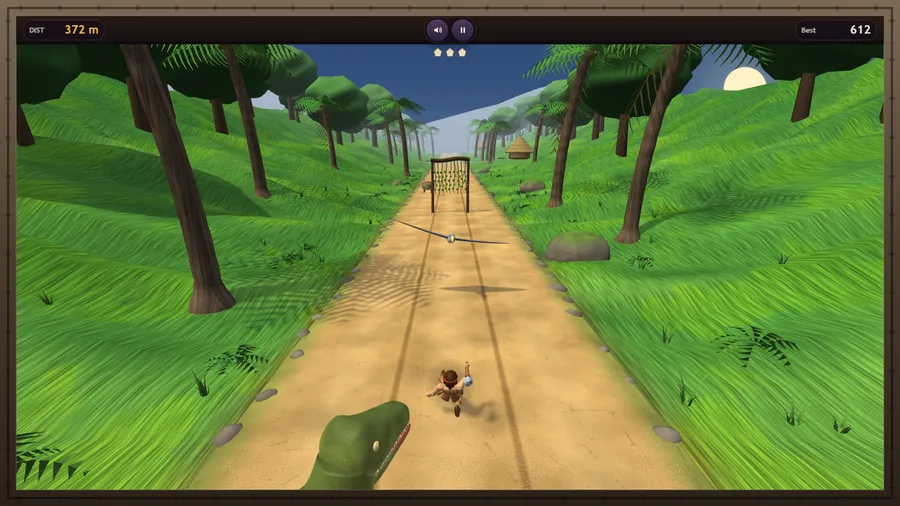
Flint Dash is an original endless runner built for in-flight play. Your stone-age runner sprints down a three-lane jungle track and never stops: swipe left and right to swerve past rocks, totems, raptors, stegosaurs and charging triceratops, swipe up to leap logs, thorn bushes, spike traps and tar pits, and swipe down to slide under low branches, hanging vines and swooping pterosaurs. You get faster the further you go, and a tyrant lizard chases you the whole way - it closes in every time you take a hit. Three lives per run. Score is the distance you cover in metres, kept on the device. Lay out your own stretch of jungle in the Track Editor, play in eleven languages, and use touch or a gamepad. Runs entirely offline - no network of any kind, no purchases, no ads.
How to play
- Swipe left or right, tap either side, or use the arrow keys to change lane past rocks, totems and dinosaurs.
- Swipe up, tap the middle, or press Space / Up to leap logs, thorn bushes, spike traps, tar pits and ankylosaurs.
- Swipe down (or press Down) to slide under low branches, hanging vines and swooping pterosaurs.
- A hit costs one life and the tyrant behind you closes in. Lose all three and the run is over.
- Your score is the distance you cover, in metres. You get faster the further you go.
- Change the view with the camera button, the C key or a gamepad’s View button: chase, close behind the runner, or high above the track.
Controls
| Touch | Swipe to swerve · up to jump · down to slide |
|---|---|
| Mouse | Drag across the track to swerve, jump or slide, or click the left third to swerve left, the right third to swerve right and the middle to jump. |
| Keyboard | Left/Right arrows or A/D swerve, Up, W or Space jumps, Down or S slides; C or V changes the camera; P or Esc pauses and R restarts. |
| Gamepad | Left stick or D-pad — swerve, jump and slide · A or RT — jump · B or LT — slide · View — camera · Y — restart · Start or X — pause. Bluetooth and USB pads are supported. |