Pinball Galaxy
Flip · Lock the black hole · Climb the orbits
The game loads when you press play.
- Free
- No ads
- No account needed
- No install — plays in your browser
About the game
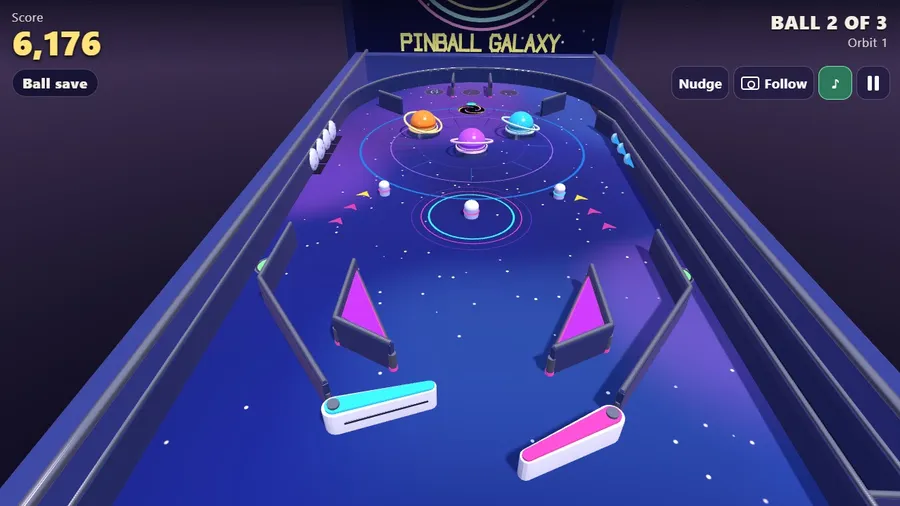
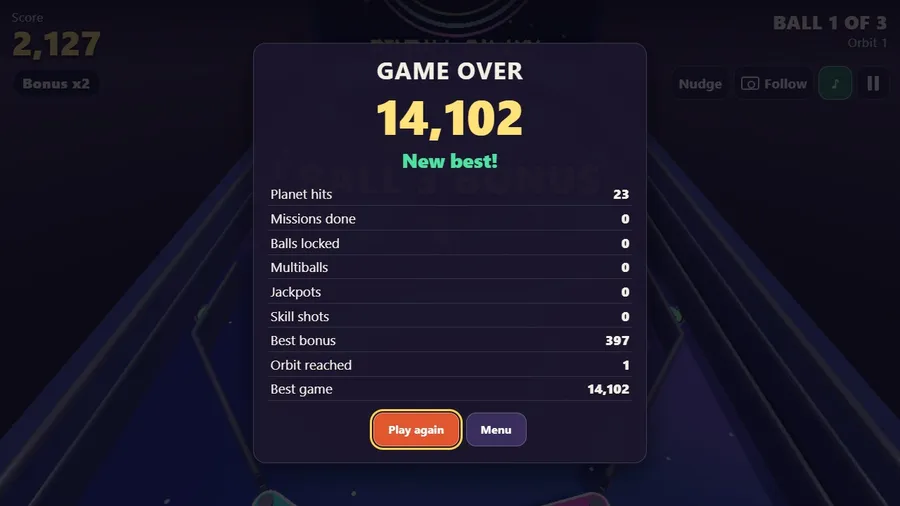
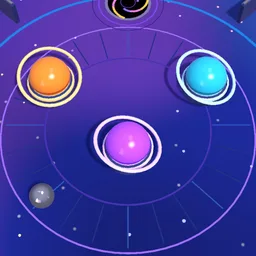
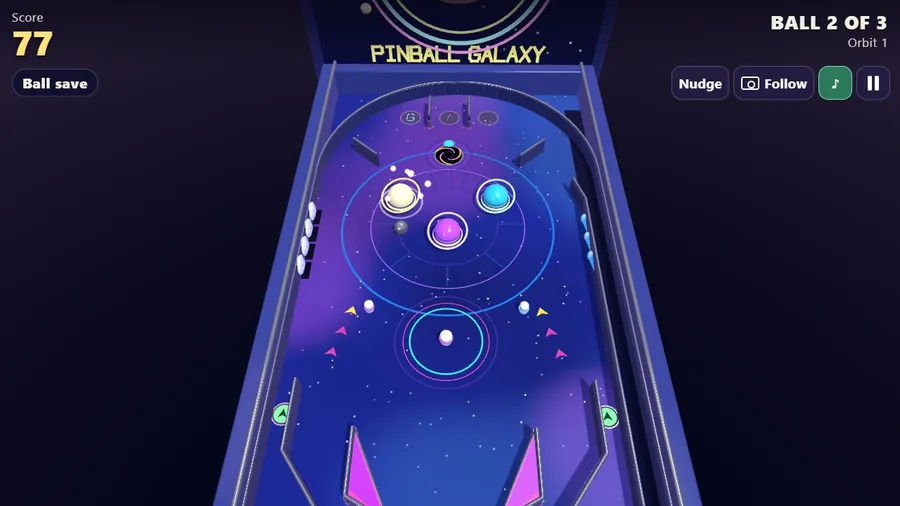
A 3D space pinball table: planet bumpers, a black hole that locks balls for multiball, moons, comets, a skill shot and a table that tilts harder with every orbit.
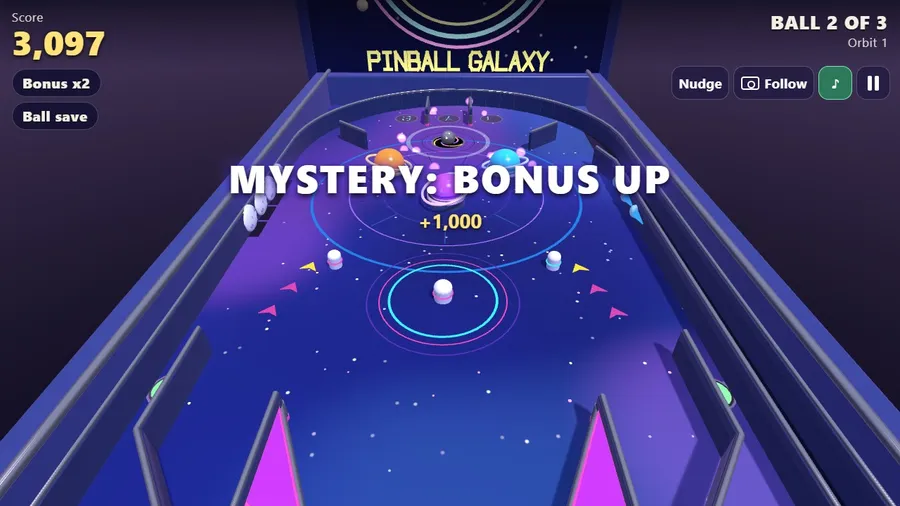
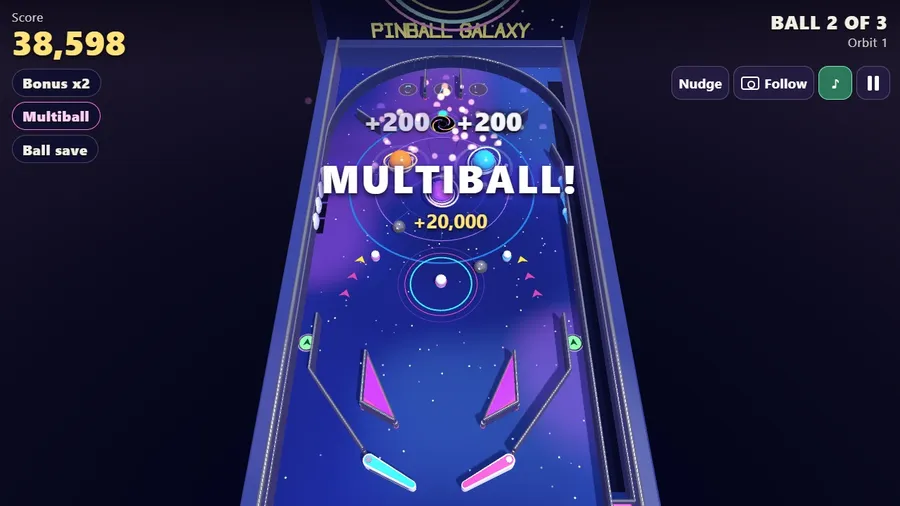
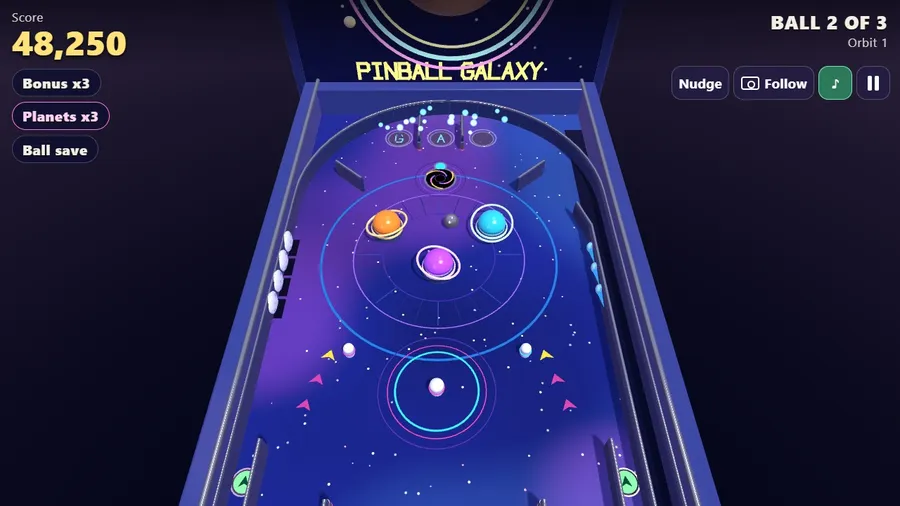
Pinball Galaxy is a fully playable 3D pinball table in space. Pull the plunger back and let go to launch, then keep the ball alive with two flippers; you get three balls. Three planets pop the ball away and score on every hit, two slingshots kick, and a skill shot in the top lanes pays 5,000. Light G-A-L for a bonus multiplier up to x5, sink the four moons to light the lock, and drop the ball into the black hole: lock two balls and the next capture starts multiball, where every capture is a jackpot. Hit the three comets and the planets pay triple. Finish the lanes, the moons and the comets to climb an orbit: the table tilts further, the ball is quicker, the flippers shorter and the ball save shorter, with no ceiling, and every second orbit is an extra ball. Kickbacks guard the outlanes, you can nudge the table to save a ball but too many nudges tilt it, and a stuck ball is shaken loose. Three camera views, touch with two thumbs, mouse, keyboard and gamepad, ten languages, and it works offline.
How to play
- Pull the plunger back and let go to launch the ball. Keep it in play with the two flippers; every ball you lose costs one of your three balls.
- The three planets and the slingshots score every time they are hit. Light the three top lanes (G-A-L) for a bonus multiplier; a flipper press moves the lit lanes along.
- Sink all four moons on the left to light the lock, then drop the ball into the black hole. Lock two balls and the next capture starts MULTIBALL, where every capture is a jackpot.
- Hit all three comets on the right and the planets pay triple for a while. Do the lanes, the moons and the comets once each to climb an orbit.
- Each orbit tilts the table more: the ball is faster, the flippers shorter and the ball save shorter. Every second orbit is an extra ball.
Controls
| Touch | Touch: left side flips left, right side flips right; hold the right side to pull the plunger and let go to launch. Two thumbs work. |
|---|---|
| Mouse | Mouse: hold the left or right half of the screen to flip; hold the right half to pull the plunger. |
| Keyboard | Keyboard: Z or Left and / or Right flip; Space pulls the plunger; Q, W and E nudge. |
| Gamepad | Gamepad: LB and RB flip, A pulls the plunger, X, Y and B nudge. |