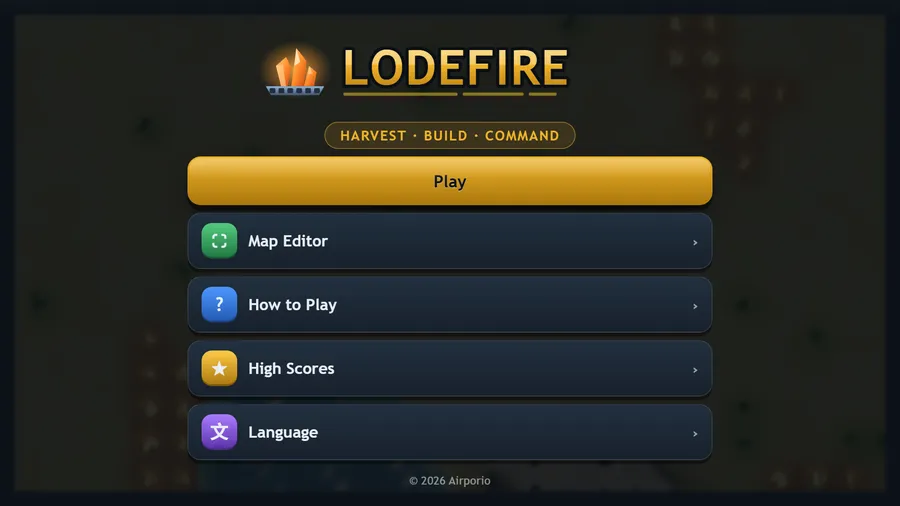
Lodefire
HARVEST · BUILD · COMMAND
The game loads when you press play.
- Free
- No ads
- No account needed
- No install — plays in your browser
About the game
Land a crawler, mine the lodefire seams, raise a base and break the enemy before they break you.
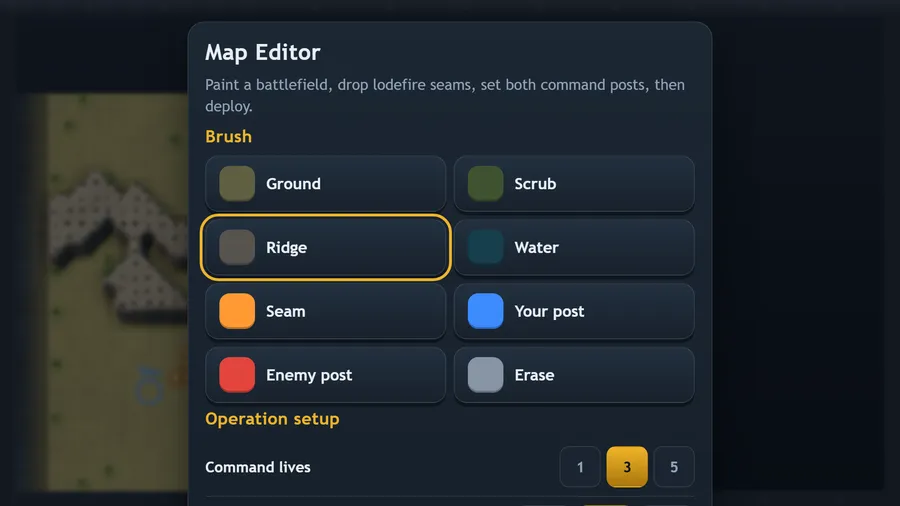
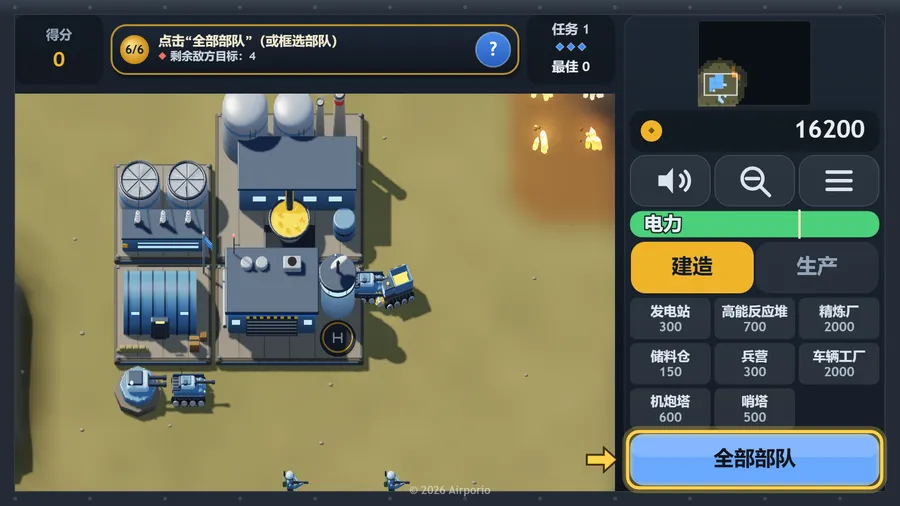
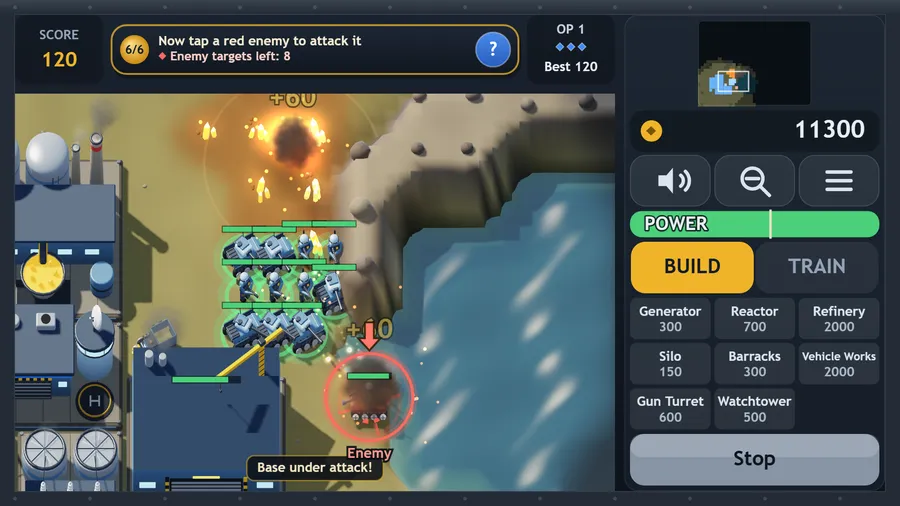
Lodefire is an original real-time strategy game built for in-flight entertainment: it runs entirely offline from a single file, with nothing to download and no connection of any kind. Deploy your crawler into a command yard, send haulers to the glowing lodefire seams, and turn ore into credits at your refinery. Generators keep the base powered — run a deficit and construction crawls while your defences fire at half speed. Raise barracks and vehicle works, screen the approaches with gun turrets and watchtowers, then push out through the fog and take the enemy base apart. Clear an operation and a tougher one follows on fresh ground; you have three command lives for the whole run. A full map editor lets you paint your own battlefield, place the seams and set both command posts, with enemy pressure, starting credits, fog and lives all adjustable.
How to play
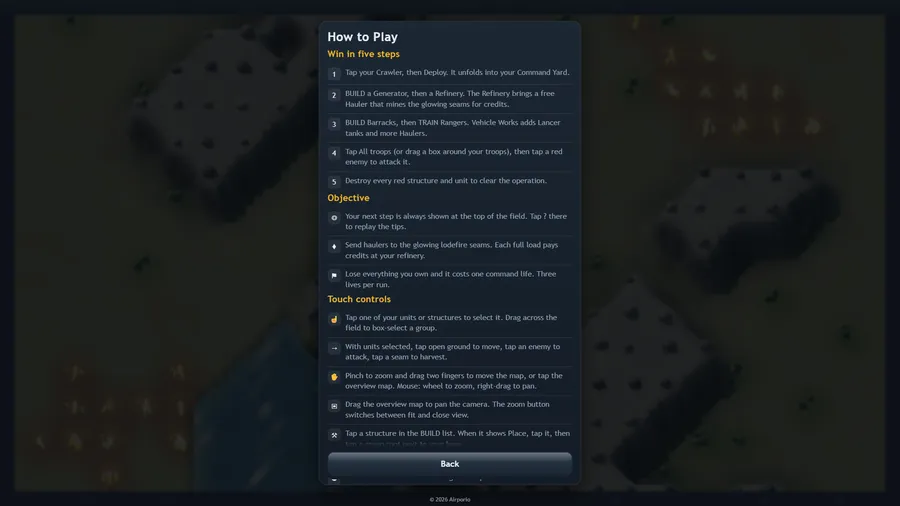
- Wipe out every enemy structure and unit to win the operation.
- Send haulers to the glowing lodefire seams. Each full load pays credits at your refinery.
- Lose everything you own and it costs one command life. Three lives per run.
- With units selected, tap open ground to move, tap an enemy to attack, tap a seam to harvest.
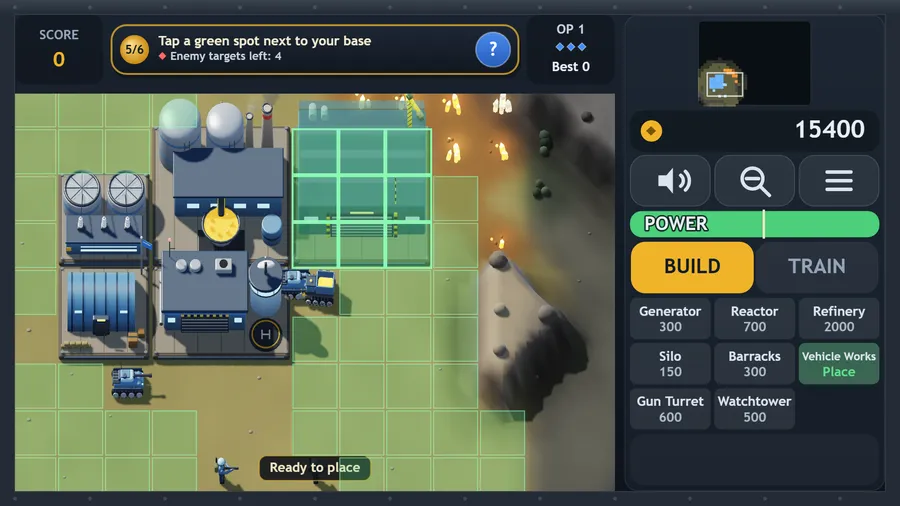
- Pick a structure in the command bar, wait for it to finish, then tap a green cell to place it.
- Every structure draws power and generators supply it. Run a deficit and construction crawls while your defences fire at half speed.
Controls
| Touch | Tap one of your units or structures to select it, or drag across the field to box-select a group. Drag the overview map to pan the camera; the zoom button switches between fit and close view. |
|---|---|
| Mouse | The mouse works like touch: click to select and give orders, drag across the field to box-select, and drag the overview map to pan. |
| Keyboard | Esc or P pauses, M mutes, Tab switches between the Build and Train tabs, Z toggles the zoom, and C or V changes the camera view. |
| Gamepad | Left stick moves the cursor, right stick pans the camera, LT for precision. A selects or gives an order, hold RT to drag a selection box, B cancels, Y clears the selection. D-pad steps through the command bar, bumpers switch tab, Start or X opens the menu. |