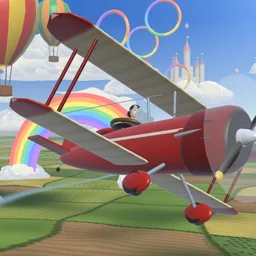
Nimbus Loop
Fly · Explore · Collect
The game loads when you press play.
- Free
- No ads
- No account needed
- No install — plays in your browser
About the game
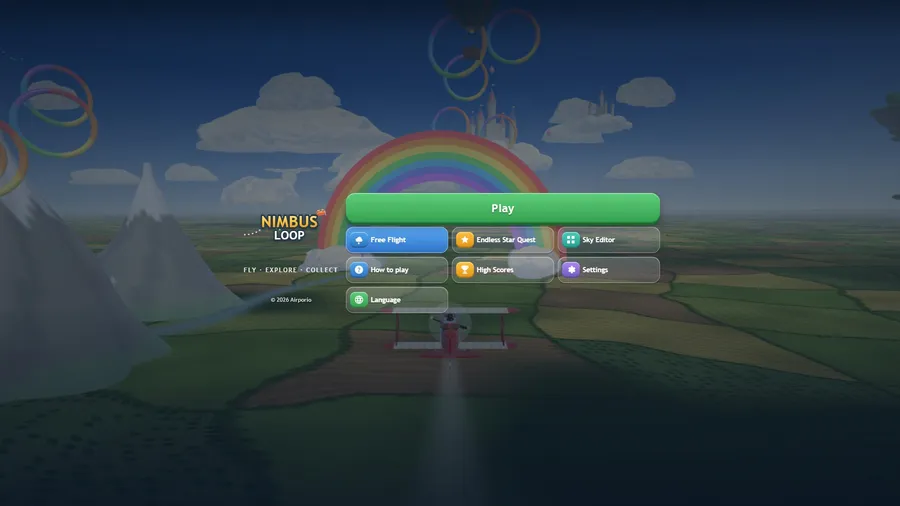
Fly a red biplane with two thumb sticks: catch every gold star in Six Skies, race friends for stars, or explore a huge open sky.
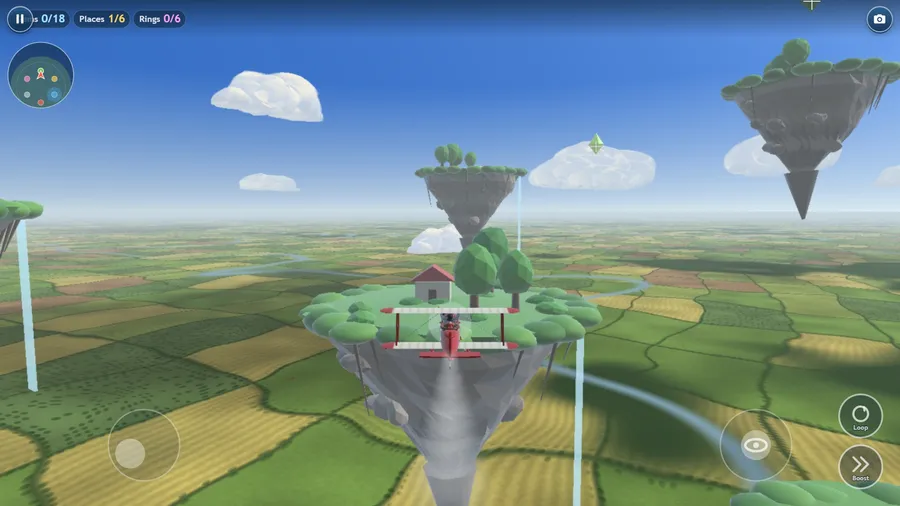
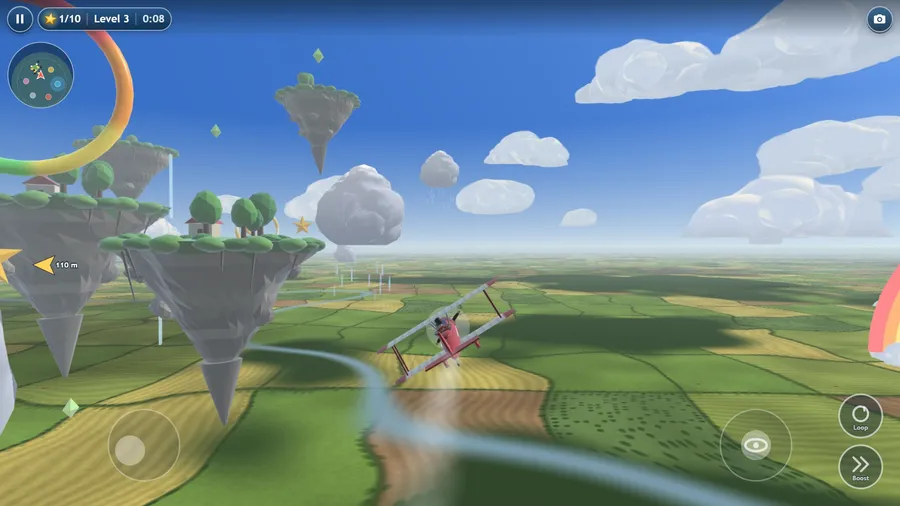
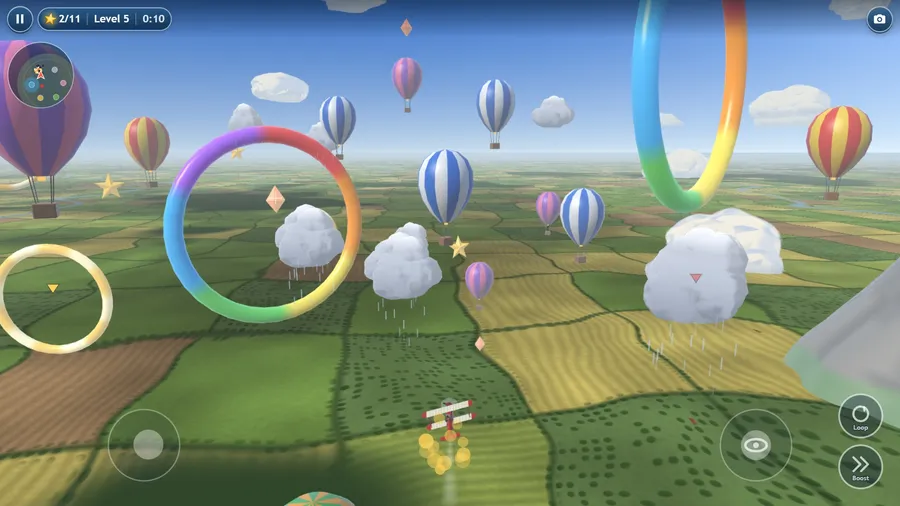
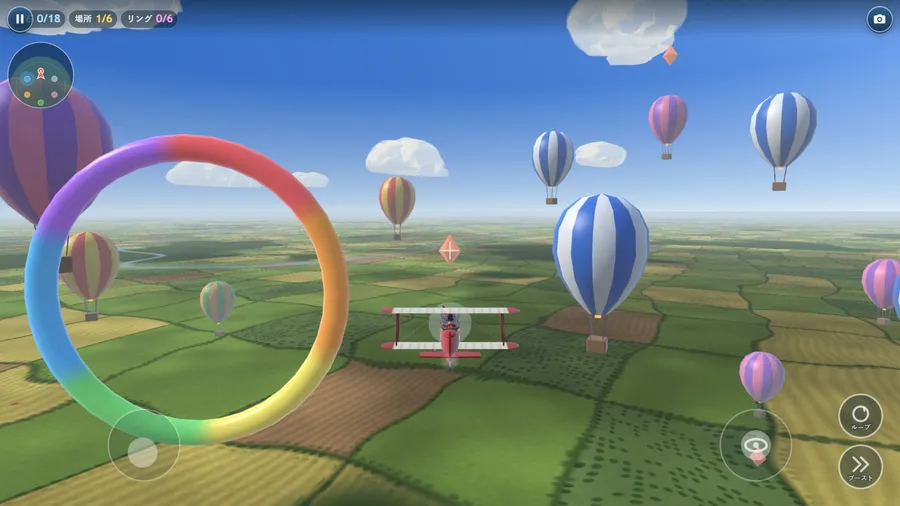
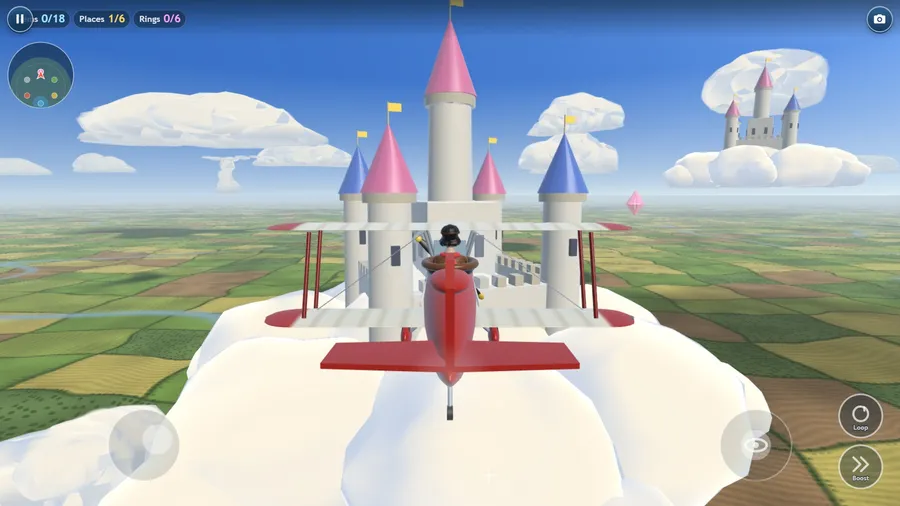
A flying game in a huge open sky. Your left thumb flies the red biplane: push to turn, climb and dive, and push it far to fly faster; your right thumb looks around. Hold Boost to race along and tap Loop for a loop-the-loop. Play Six Skies, six levels on three skill levels (Beginner, Normal, Advanced) with stars to earn: First Flight shows you how one step at a time, then Cloud Castle, Floating Islands, Rainbow Arches, Balloon Fields and Flock Peaks each add something new, from golden rings and grumpy rain clouds to a big grumpy cloud that follows you and the sun star at the very end. Something surprising turns up every few seconds: a trail of bonus stars, a golden ring, a puff of wind, a grumpy cloud that sneezes. A bump only wobbles your plane (on Normal and Advanced it drops a star back into the sky). Play with friends online or on the same flight: up to four planes in one sky, with Pip, Bo and Kit the helpers in any empty seat, racing to catch the most stars. Endless Star Quest and Free Flight (18 sky gems, six places, six ring courses) are there when the six skies are done. Five cameras, a Sky Editor, two pieces of music made for the game, and 14 languages.
How to play
- You fly the red plane. Catch every gold star.
- Left stick steers. Push it far to go faster. Right stick looks.
- Catch all the stars to clear the sky. Grumpy clouds bump you.
- Six places to visit: Cloud Castle, Floating Islands, Rainbow Arches, Lighthouse Bay, Balloon Fields and Flock Peaks. The map in the corner shows where they are. Fly too far and a friendly wind turns you home. Bumping into things is safe, but it breaks your chain.
- No grumpy clouds and nothing to lose — just fly. Find the 18 sky gems hidden around the six places (they twinkle when you are close), and fly through each place’s ring course. What you find is saved.
- Change the view with the camera button, the C key, or a gamepad’s View button: close, chase, cockpit, high or top-down.
Controls
| Touch | Two sticks. Put your left thumb down on the left half and push to turn, climb and dive; push it far to fly faster, let go to cruise. Drag on the right half to look around; let go and the view swings back behind the plane. Hold Boost to go faster, tap Loop for a loop-the-loop. |
|---|---|
| Mouse | Press and drag on the left half to fly with the left stick; press and drag on the right half to look around. Click Boost (hold) and Loop. |
| Keyboard | Arrows or WASD fly (up dives, down climbs, like a pilot’s stick; Settings can swap it), Space or Shift boosts, E or Q loops, C changes the camera, Esc pauses. |
| Gamepad | Left stick or D-pad flies (up dives, down climbs; push far to go faster) · right stick looks around · A or right trigger boosts · X or a bumper loops · View changes the camera · B pauses · Y restarts · Start quits. |