Rowing
Catch · Drive · Sprint
The game loads when you press play.
- Free
- No ads
- No account needed
- No install — plays in your browser
About the game
Regatta rowing in 3D: time every catch, set the rate, spend a Power 10 and sprint a single, a double or an eight to the line. Race a friend on the same course, or keep the best moments.
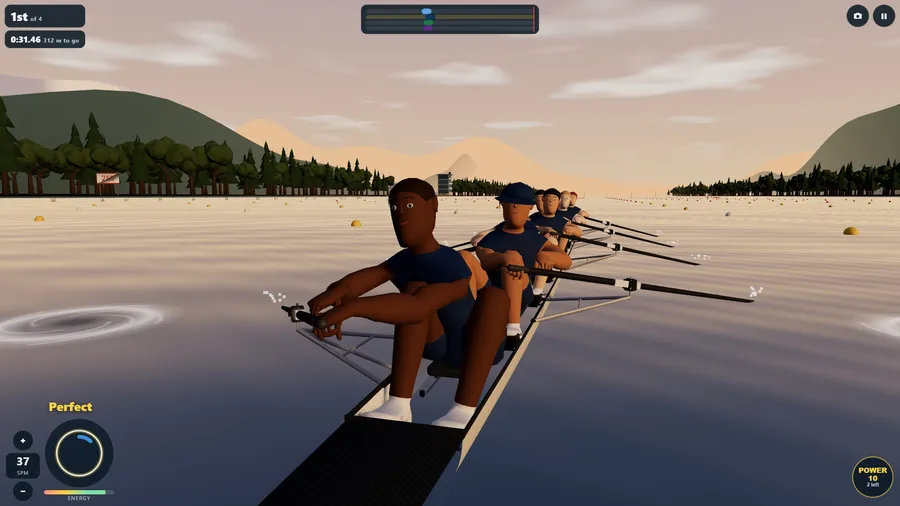
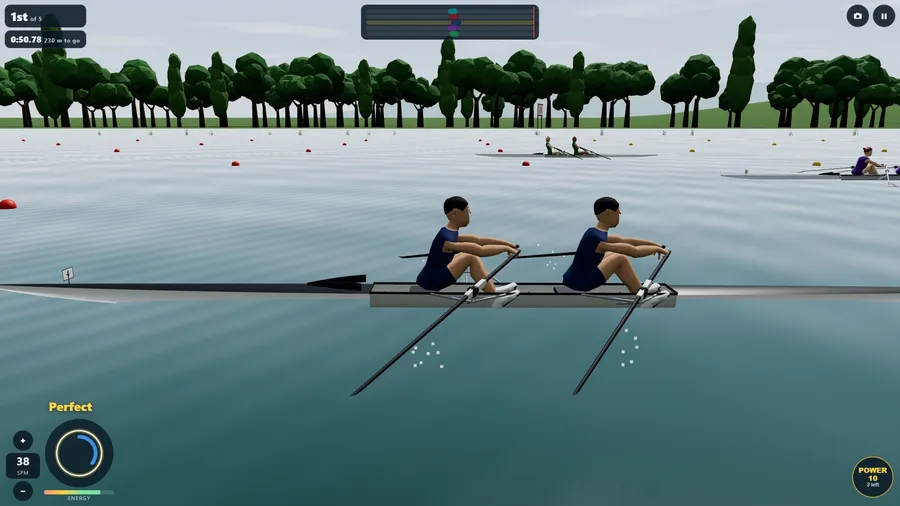
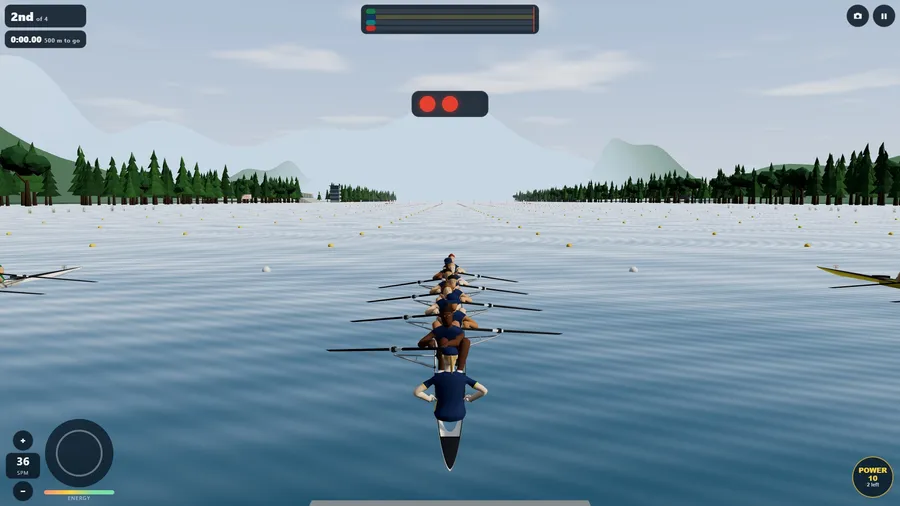
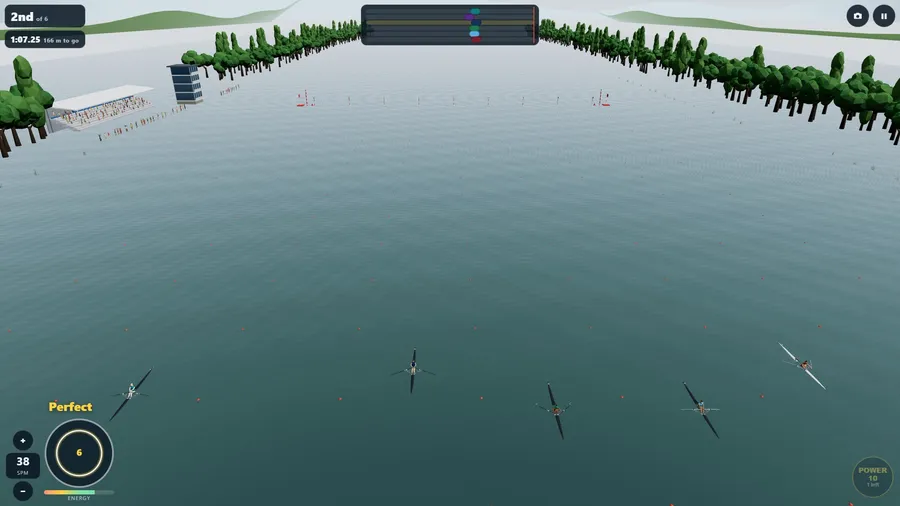
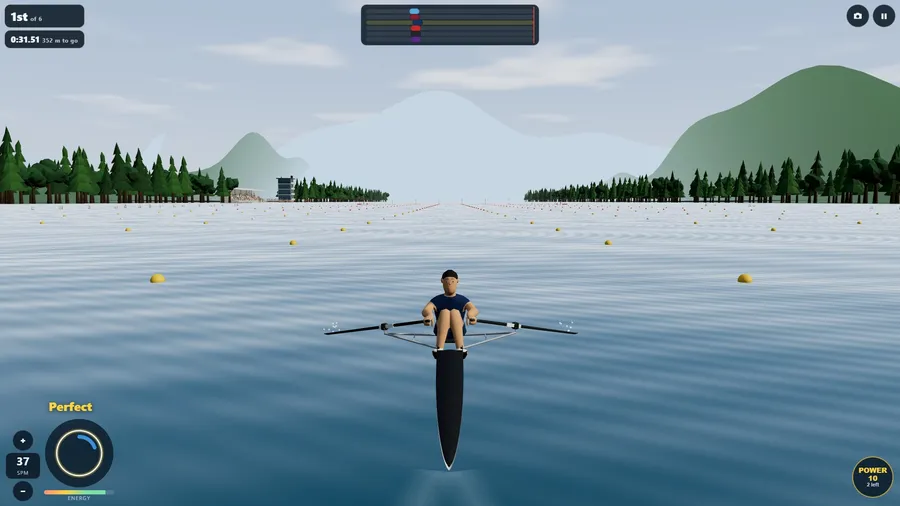
Six lanes, a buoyed course and the starter's lights. Rowing puts you in a single scull, a double or an eight against AI crews over 500, 1000 or 2000 metres. Every stroke is yours: tap as the ring closes on the catch and the blades bite - a Perfect stroke pulls hardest, a rushed or late one less, and a wild one can catch a crab and stop the boat dead. The rate climbs with your rhythm and burns energy; hold some back, take a Power 10 when it counts and sprint for the line. The crews are real animated rowers - the legs drive, the back swings, the arms draw and the seats slide - in hand-built shells with riggers, swivels and painted blades, on three venues: a morning alpine lake, a river basin at midday and an evening lake. Play a season of six regattas and climb from club novice to an Olympic final and on into Legend levels that never top out, a quick race of your choosing, or the daily race that is the same course for everyone today. Race a friend, online or with someone on the same flight: you each row your own boat on the same course, against the same crews, and the faster time wins. Four cameras, timing and rate help for beginners, an expert mode with nothing given away, a highlight reel of your best moments (a flying start, a Power 10, a pass, a photo finish), and fourteen languages. On your own it plays fully offline.
How to play
- Tap as the closing ring meets the circle on the catch, when the blades enter the water. A Perfect stroke pulls hardest; a rushed or late one less.
- A wild stroke can catch a crab and stop the boat. Raise or lower the rate to match your rhythm.
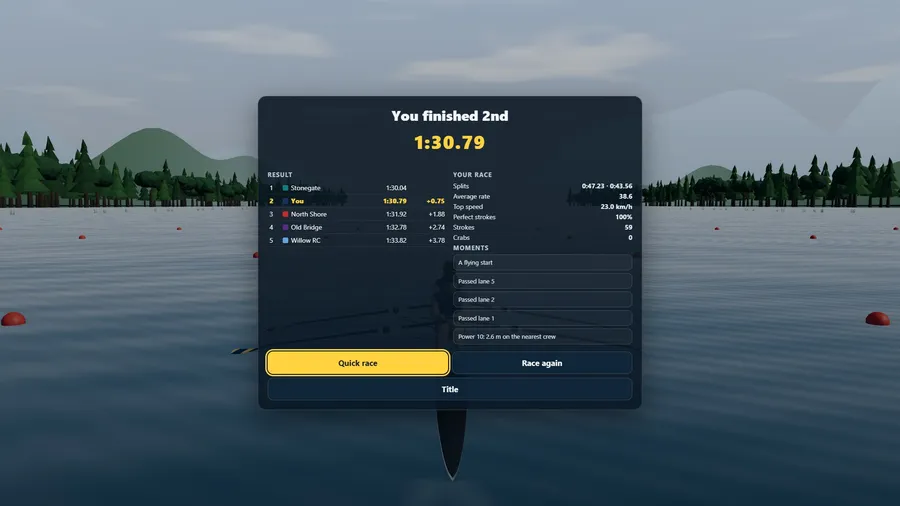
- Spend a Power 10 for a burst of speed, then sprint for the finish line. The results show your place and time.
Controls
| Touch | Tap the screen on the catch to take a stroke. Use the on-screen buttons to change the rate, steer and use Power 10. |
|---|---|
| Mouse | Click the screen on the catch to take a stroke. Click the on-screen buttons to change the rate and use Power 10. |
| Keyboard | Press Space or Enter to stroke, Up and Down to change the rate, and Left and Right or A and D to steer. C changes the camera. |
| Gamepad | Press A to stroke and the D-pad up or down to change the rate. Steer with the left stick. |