Disc Golf
Drive · Approach · Chains
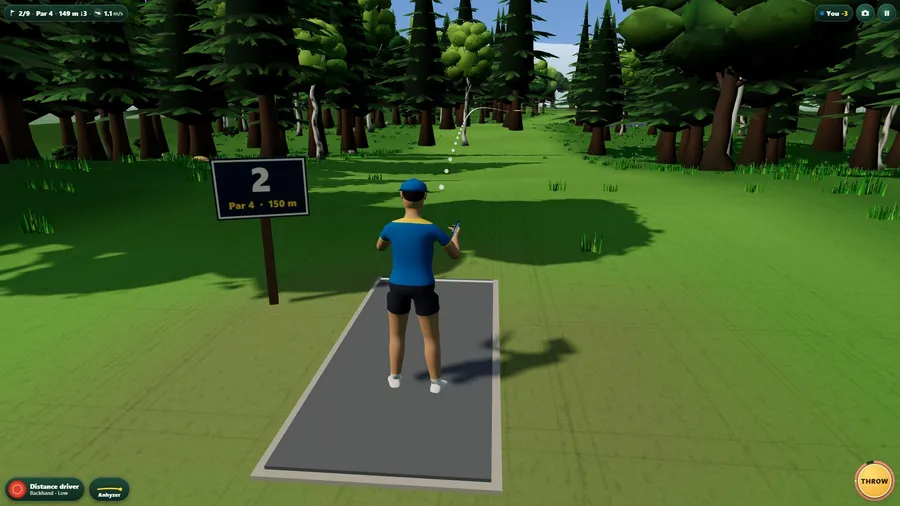
प्ले दबाते ही गेम लोड होता है।
- मुफ़्त
- कोई विज्ञापन नहीं
- खाते की ज़रूरत नहीं
- इंस्टॉल की ज़रूरत नहीं — ब्राउज़र में ही खेलें
गेम के बारे में
Disc golf in 3D: pick a disc, shape the curve, fight the wind and the trees, and get it into the chains. Play a season, a daily round or a friend.
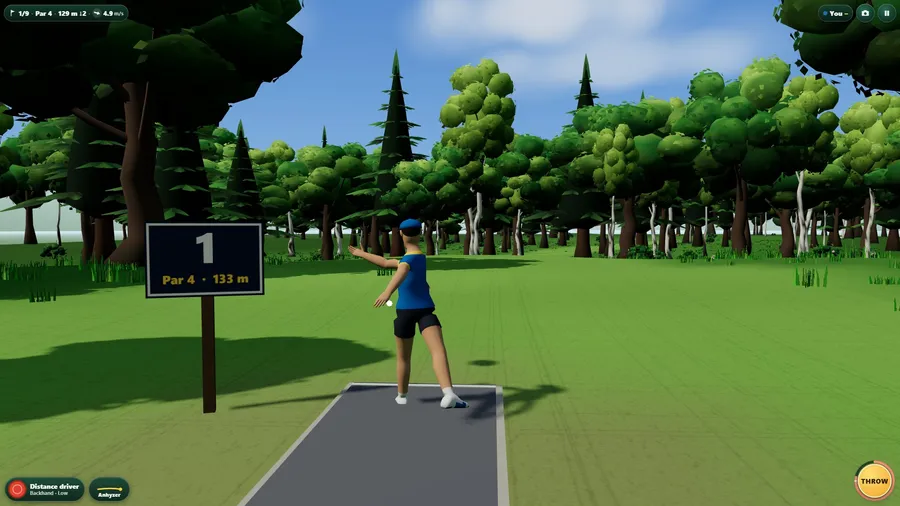
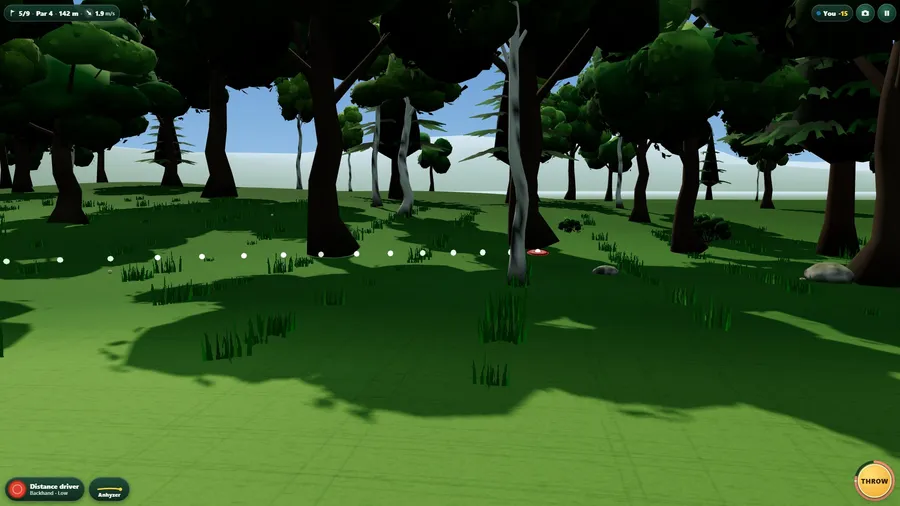
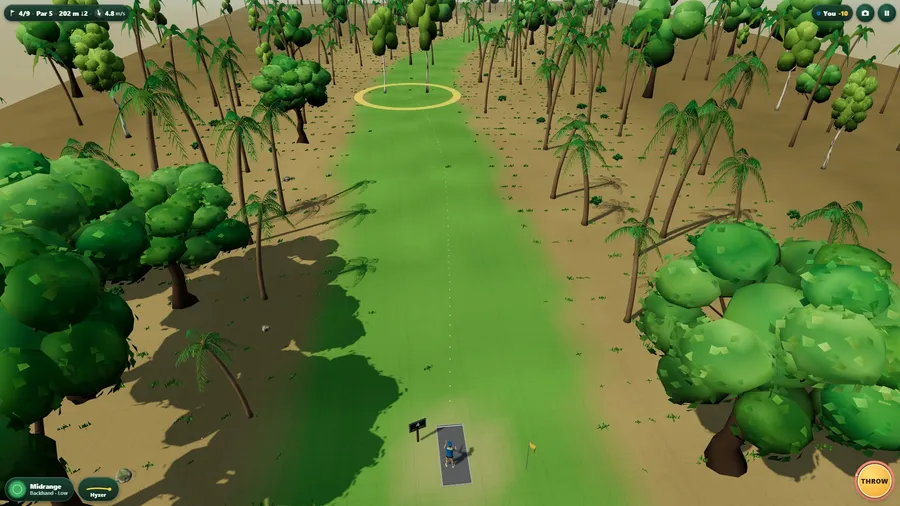
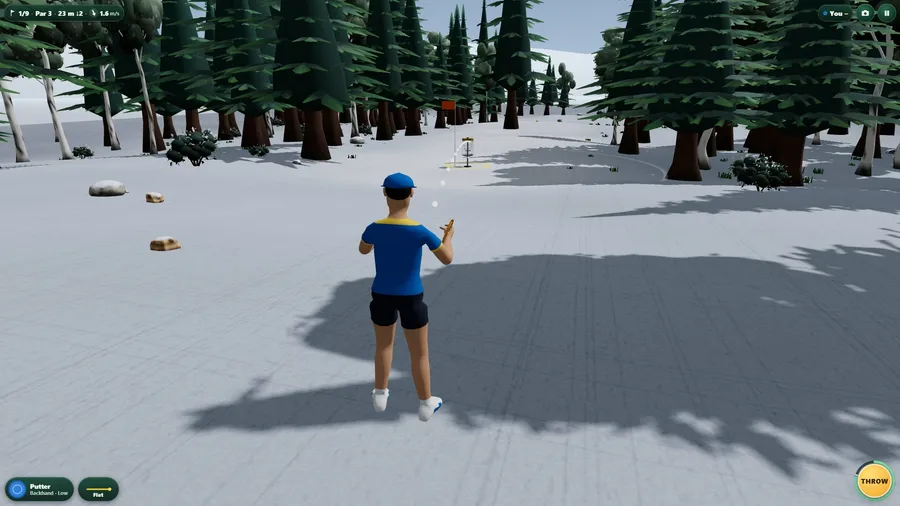
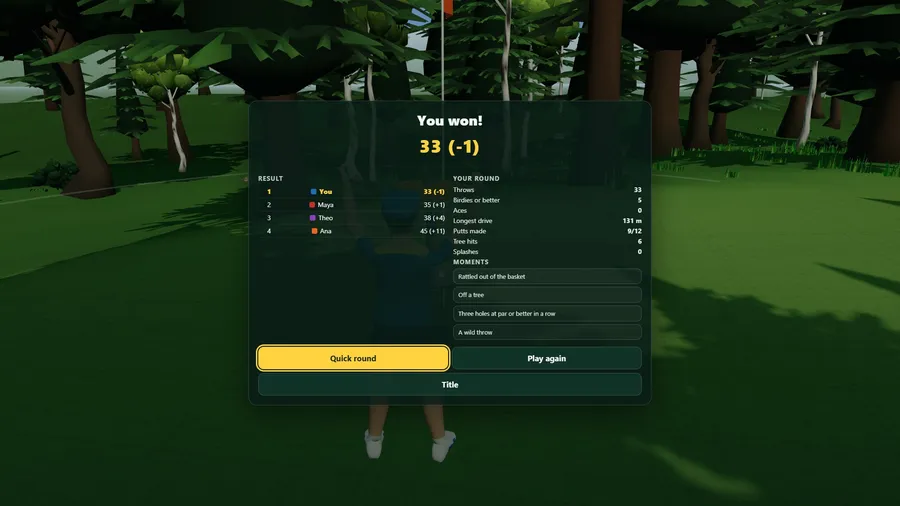
Nine holes through pine woods, lake shores, autumn ridges, palm coves and a frosted hollow. Disc Golf is a short, easy-to-learn round of real disc golf: drag to aim, set the curve (hyzer to anhyzer), hold THROW and let go. A dashed line shows where the disc will fly, curve and wind included, and a ring shows how far it might wander - throw harder and it wanders more. Five discs fly the way real ones do: a putter for the chains, a midrange to approach, a turn driver that rolls over and comes back, a distance driver and a fade driver. Trees stop discs and branches slow them, water costs a throw from the shore, and a disc that rattles out of the basket or sits on top is a miss. The golfers are real animated people - run-up, reach-back, pull and release, backhand or forehand - on hand-built courses with modelled trees, a basket with its chains, water, rocks and a sky. Play a season of five courses against computer players and climb from Rookie to Legend levels that never top out (the wind, the woods and the rivals all keep getting harder), a quick round of three, six or nine holes, or the daily round that is the same for everyone today. Play a friend online or with someone on the same flight: you each throw your own discs on the same holes. A caddie suggests every throw, there are four cameras (behind, close, side, high), a highlight reel of your best moments, and fourteen languages.
कैसे खेलें
- Get the disc into the basket in the fewest throws. A round is nine holes through woods and meadows.
- Aim your throw. The dashed line shows where the disc will fly, curve included, and the ring is how far off it might land.
- Hold THROW and let go. Throw harder and the disc wanders more. Wind pushes the disc, and the arrow shows which way.
कंट्रोल
| टच | Drag across the screen to aim. Drag the curve button sideways to bend the flight. Hold THROW, then let go. |
|---|---|
| कीबोर्ड | Press the arrow keys, or A and D, to aim and W and S to set the curve. Hold Space to throw, then let go. |
| गेमपैड | Hold the A button to throw and let go to release. Use the stick to aim. |