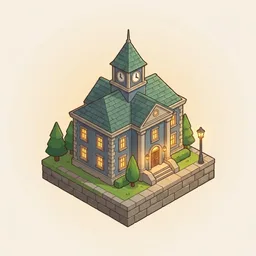
Cobblewick
Pave · Build · Glow
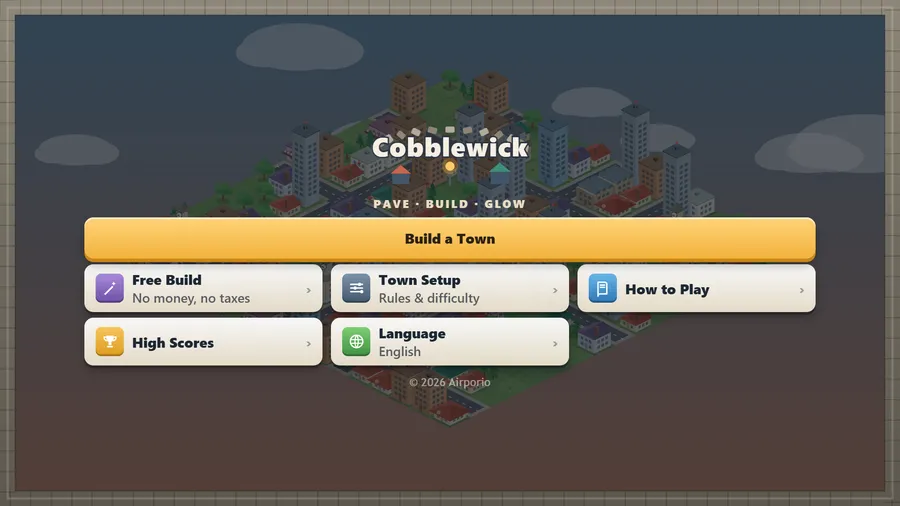
The game loads when you press play.
- Free
- No ads
- No account needed
- No install — plays in your browser
About the game
Lay the streets, raise the roofs and keep a little town happy — an isometric town builder you can share with a friend.
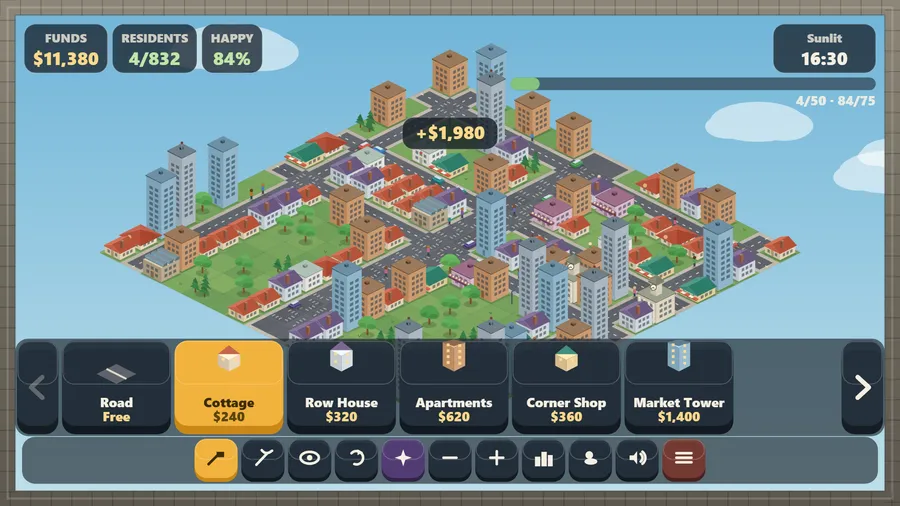
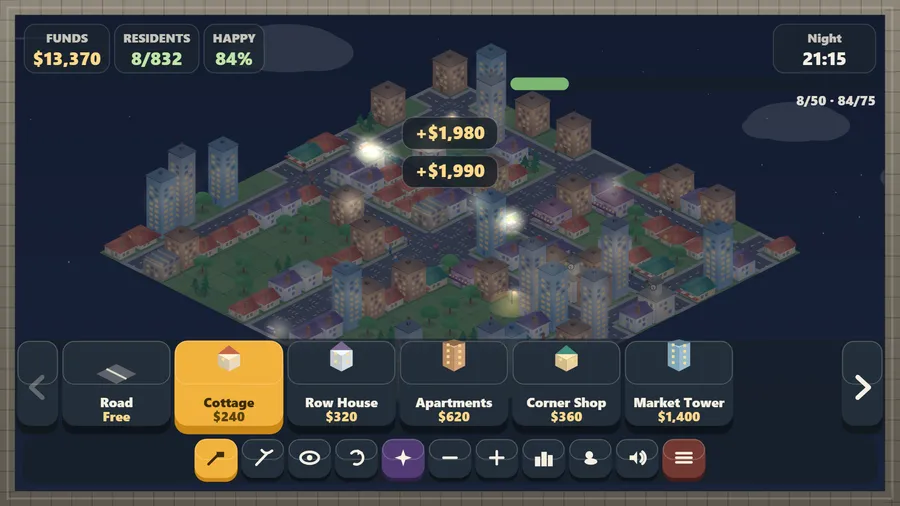
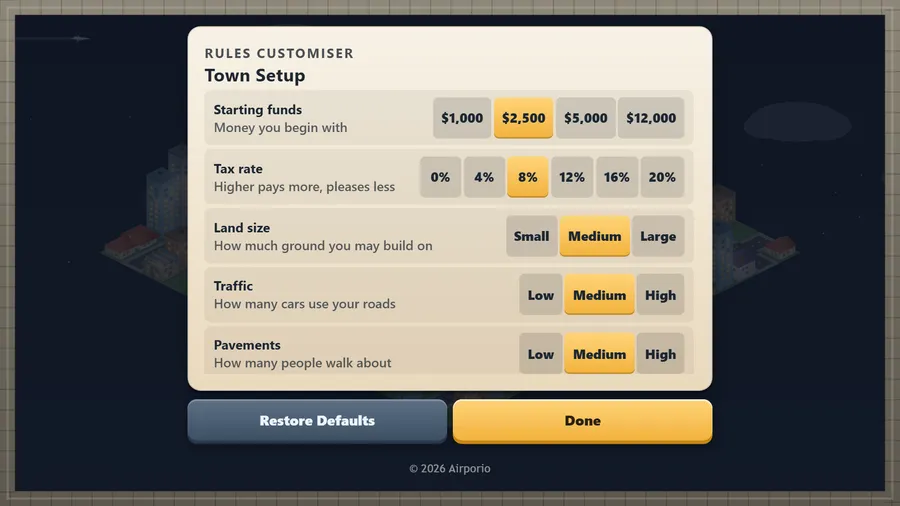
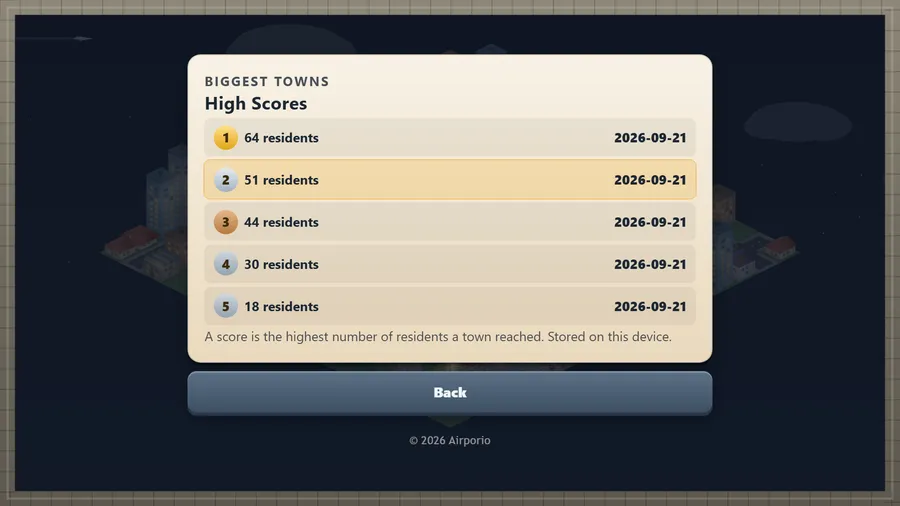
Cobblewick is a calm isometric town builder. Tap to lay a street and it joins itself into corners, T-junctions and crossroads; tap again to raise cottages, shops, workshops, a tea house or a clock-towered hall. Taxes arrive every few seconds and residents move in when the town is worth living in — happiness rises with low taxes, greenery, roads, jobs, shops and somewhere to relax, and falls when housing has stood full too long. Traffic finds the roads, neighbours walk the pavements and stop to chat, the constable turns up for the odd wanted character, the fire engine answers a burning roof, lamps light at dusk, and storms and snow roll through a day that lasts four minutes. Play for a high score — the most residents a town ever reached — or switch to Free Build and lay out a town with no money at all. Or build with a friend: open a town, hand them six digits — or the QR on screen, or the link — and you are both mayors of the same place, each street appearing on the other screen as it is laid.
How to play
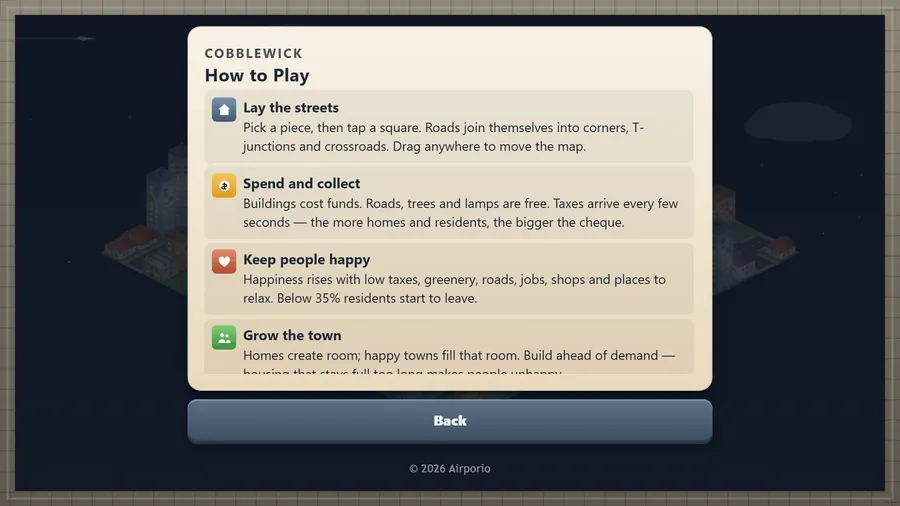
- Pick a piece, then tap a square. Roads join themselves into corners, T-junctions and crossroads. Drag anywhere to move the map.
- Buildings cost funds. Roads, trees and lamps are free. Taxes arrive every few seconds — the more homes and residents, the bigger the cheque.
- Happiness rises with low taxes, greenery, roads, jobs, shops and places to relax. Below 35% residents start to leave.
- Homes create room; happy towns fill that room. Build ahead of demand — housing that stays full too long makes people unhappy.
- Traffic finds the roads, neighbours walk the pavements, lamps light at dusk and the weather rolls through. Tap a person to meet them.
Controls
| Touch | Tap a square to use the chosen piece or tool there, drag to move the map and pinch to zoom. |
|---|---|
| Mouse | Click a square to use the chosen piece or tool there, drag to move the map and use the wheel to zoom. |
| Keyboard | Arrow keys or WASD move the cursor, Space or Enter acts, R turns the piece, Q/E change it, 1–3 pick a tool, +/− zoom; P or Esc pauses, M mutes. |
| Gamepad | Left stick or D-pad moves the cursor · A place · B cancel · Y rotate · LB/RB change piece · RT hold to keep building · LT precision · Start pause · X menu. |