Ladlewick
Chop · Cook · Serve
The game loads when you press play.
- Free
- No ads
- No account needed
- No install — plays in your browser
About the game
A little kitchen with no score, no timer and no way to lose. Chop, cook and serve whatever you like to four hungry regulars, and watch what they make of it.
Ladlewick is a kitchen you play with rather than a game you win.
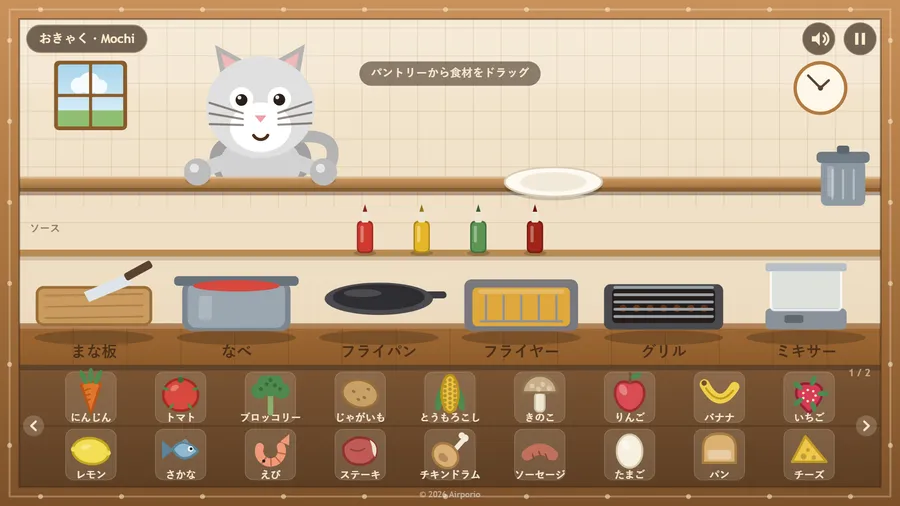
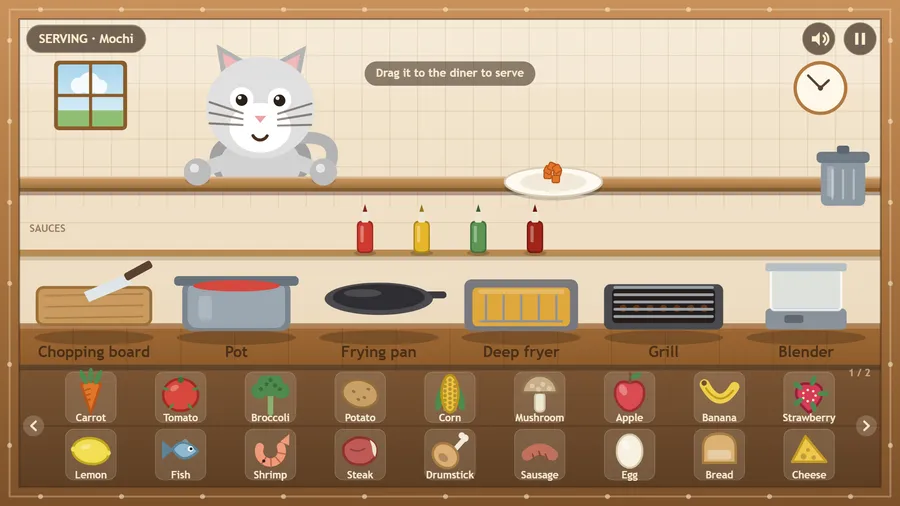
Drag food out of the pantry and drop it on a station: the board slices, the pot boils, the pan fries, the fryer crisps, the grill chars, the blender purees and the microwave warms. Leave something too long and it burns — nobody likes burnt. Add a squeeze of sauce if you want. Then drag the dish to your diner and watch the reaction.
Four regulars, four sets of tastes. Bramble the troll wants it cooked hard: meat, mushrooms, fire. Pip the bird wants it fresh and light and nothing greasy. Mochi the cat wants fish and milk, and treats a vegetable as an insult. Nub eats almost anything, and the messier the better.
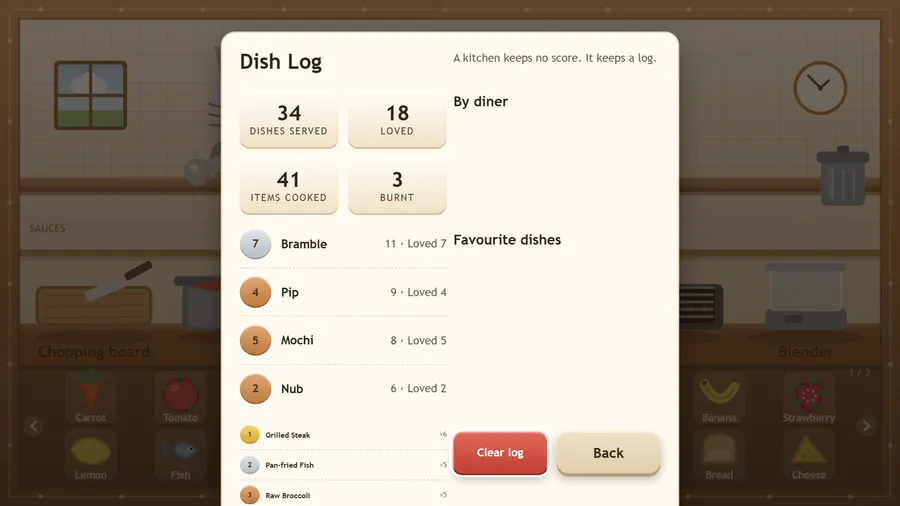
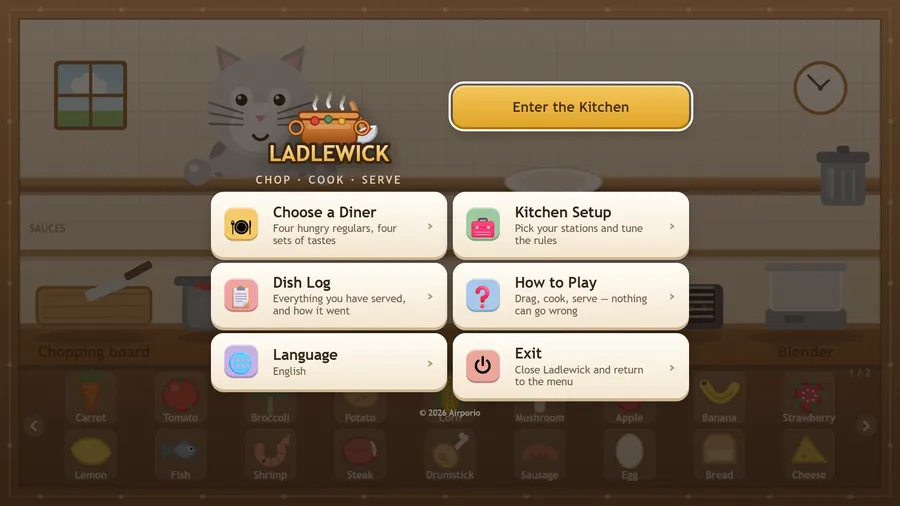
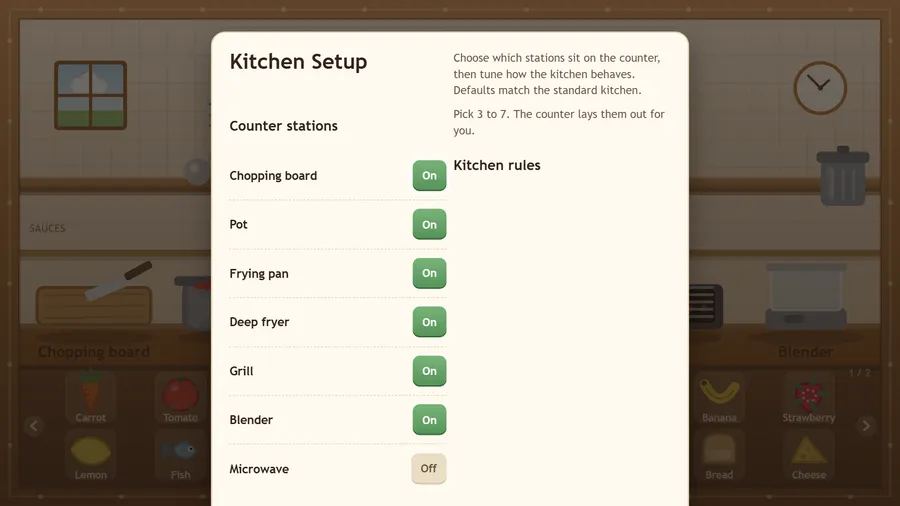
There is no score, no clock and no way to fail. Kitchen Setup lets you choose which stations sit on the counter and how the kitchen behaves, and the Dish Log remembers everything you have served and how it went.
Runs entirely offline. Nothing to sign in to, nothing to buy, no ads, no data collected.
How to play
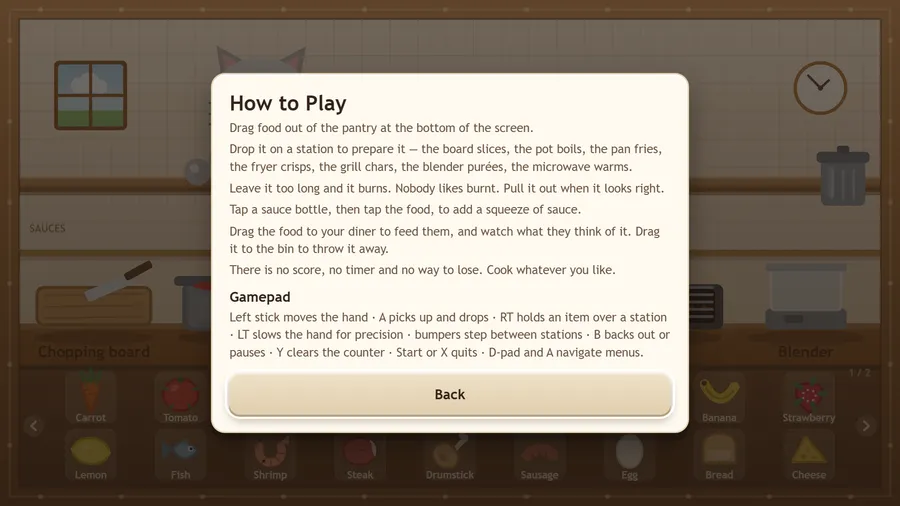
- Drag food out of the pantry at the bottom of the screen.
- Drop it on a station to prepare it — the board slices, the pot boils, the pan fries, the fryer crisps, the grill chars, the blender purées, the microwave warms.
- Leave it too long and it burns. Nobody likes burnt. Pull it out when it looks right.
- Tap a sauce bottle, then tap the food, to add a squeeze of sauce.
- Drag the food to your diner to feed them, and watch what they think of it. Drag it to the bin to throw it away.
- There is no score, no timer and no way to lose. Cook whatever you like.
Controls
| Touch | Drag food from the pantry to a station, then to your diner or the bin; tap a sauce bottle, then the food, to add sauce. |
|---|---|
| Mouse | Click and drag food from the pantry to a station, then to your diner or the bin; click a sauce bottle, then the food, for sauce. |
| Keyboard | Esc backs out or pauses, P pauses, M turns the sound on or off, and Space picks up or drops an item where the hand is. |
| Gamepad | Left stick moves the hand · A picks up and drops · RT holds an item over a station · LT slows the hand for precision · bumpers step between stations · B backs out or pauses · Y clears the counter · Start or X quits · D-pad and A navigate menus. |