Crate Copter
Hook · Fly · Land
The game loads when you press play.
- Free
- No ads
- No account needed
- No install — plays in your browser
About the game
Sling cargo from the shore out to the offshore rig. Hook it, fly it, set it down gently — the hull remembers every hard landing.
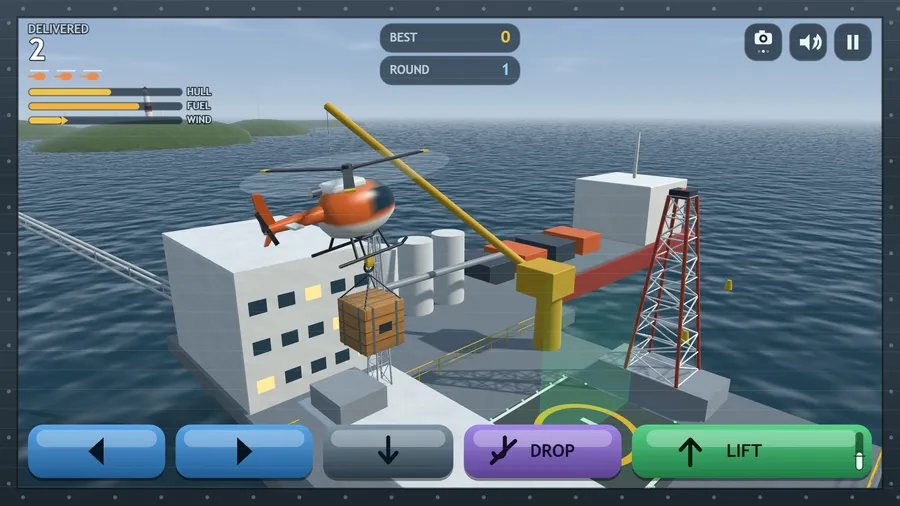
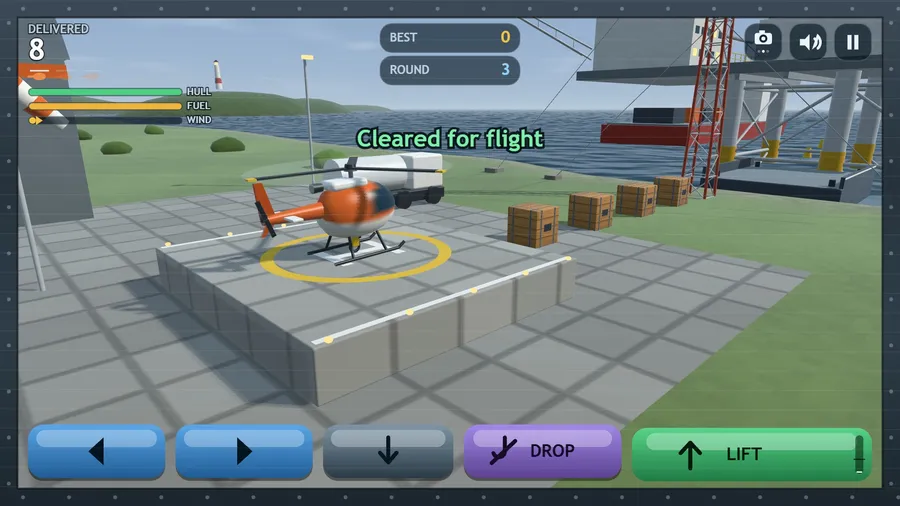
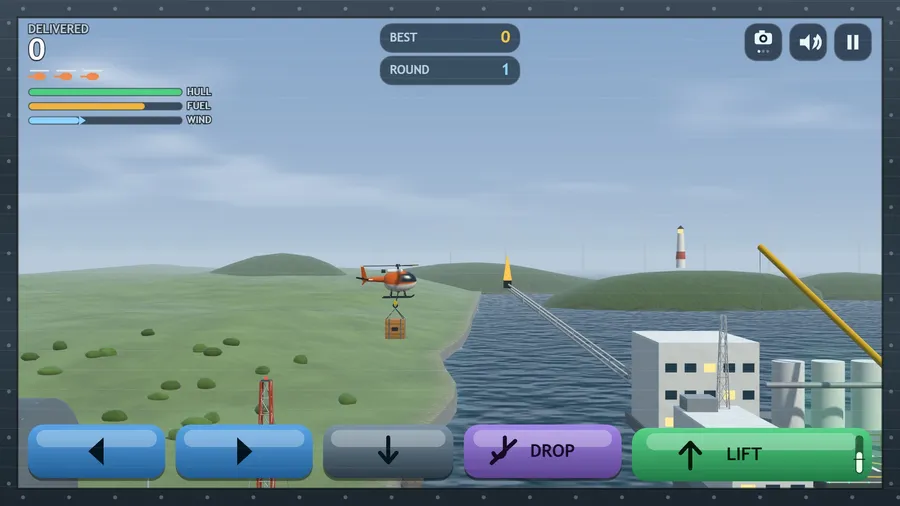
Crate Copter is a single-stick helicopter cargo run over a working North Sea coast. Your rotor pulls, your hull swings beneath it, and a crate on a sling swings beneath that — so every input arrives a moment late and every correction has to be planned. Lift from the shore pad, drop your hook onto a crate, and ferry it out past the mast and the barge to the platform's helideck. Set it down under a walking pace and it counts; slam it down and the crate breaks.
The tank is finite and the only pump is back on the shore pad. The wind builds every round, and keeps building while a load waits. Every wave brings more cargo than the last. Fly it side-on, from behind the aircraft, or looking straight down the cable.
Three aircraft per run. Hull damage is cumulative, a rotor blade against steel is worse, and the sea is final. A Field Editor lets you lay out your own crates and towers, and Flight Setup opens up lives, gusts, fuel, lift power, cable length and hull damage.
Fully offline. Nothing leaves the aircraft.
How to play
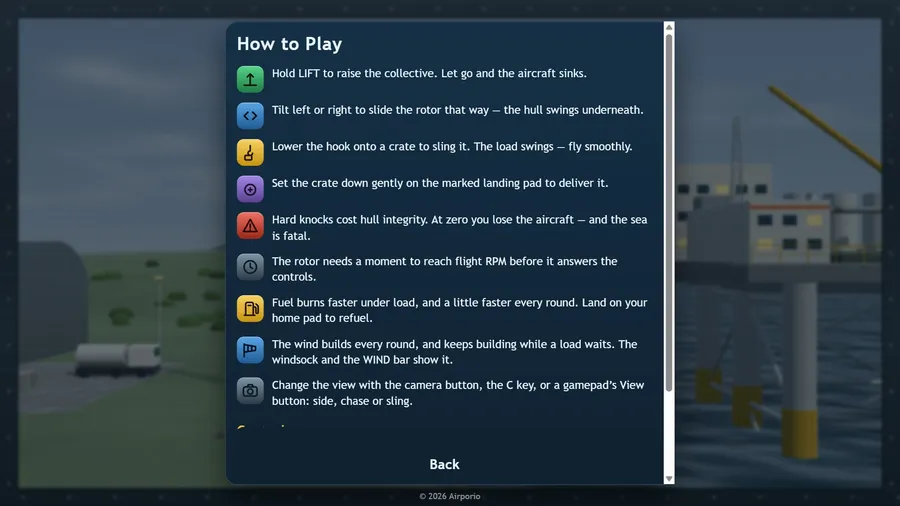
- Hold LIFT to raise the collective. Let go and the aircraft sinks.
- Tilt left or right to slide the rotor that way — the hull swings underneath.
- Lower the hook onto a crate to sling it. The load swings — fly smoothly.
- Set the crate down gently on the marked landing pad to deliver it.
- Hard knocks cost hull integrity. At zero you lose the aircraft — and the sea is fatal.
- The rotor needs a moment to reach flight RPM before it answers the controls.
- Fuel burns faster under load, and a little faster every round. Land on your home pad to refuel.
- The wind builds every round, and keeps building while a load waits. The windsock and the WIND bar show it.
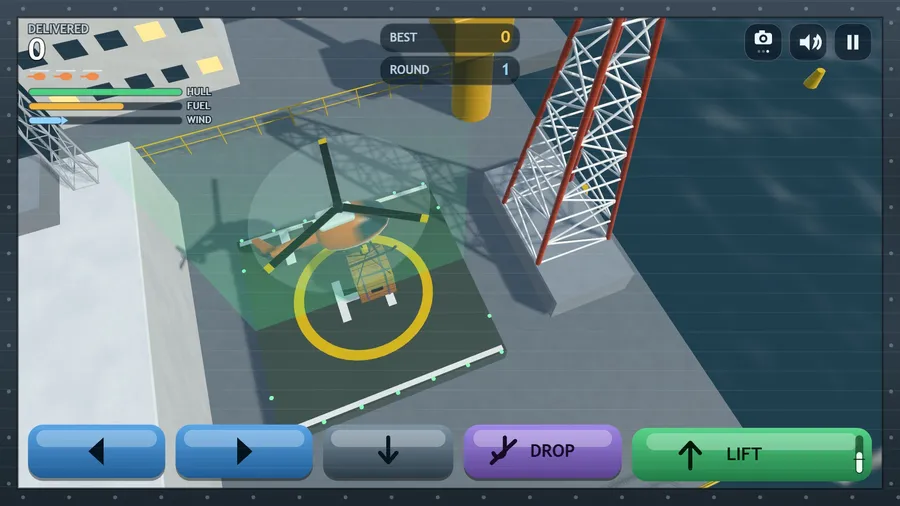
- Change the view with the camera button, the C key, or a gamepad’s View button: side, chase or sling.
Controls
| Touch | the on-screen LIFT, tilt, descend and release keys. |
|---|---|
| Mouse | Click the on-screen LIFT, tilt, descend and release keys with the mouse, and click the buttons to use the menus. |
| Keyboard | W or Space = lift · S = descend · A/D or ←/→ = tilt · R = release · P = pause · M = sound. |
| Gamepad | left stick flies · A or RT = lift · LT = fine control · B = release cargo · Y = level the rotor · bumpers nudge · Start/X quits · D-pad + A works every menu. |