Otter Rafting
Turn the river. Float to the sea.
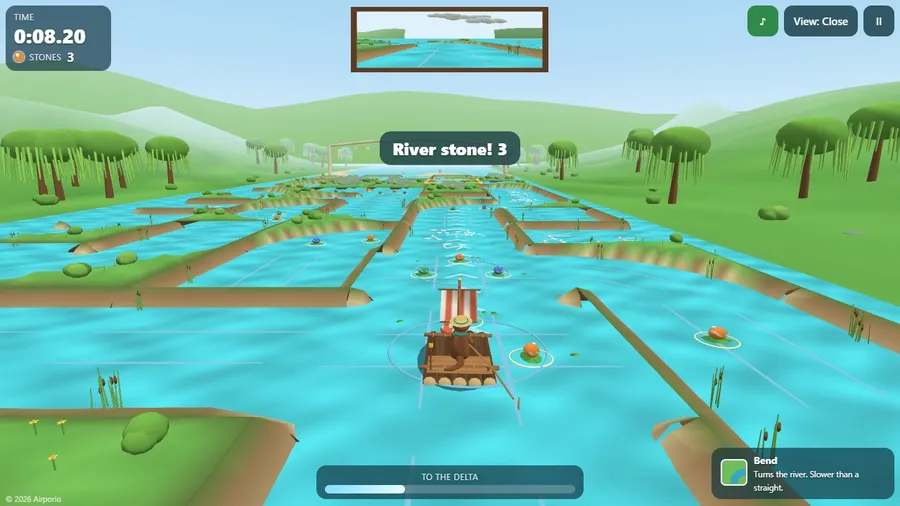
The game loads when you press play.
- Free
- No ads
- No account needed
- No install — plays in your browser
About the game
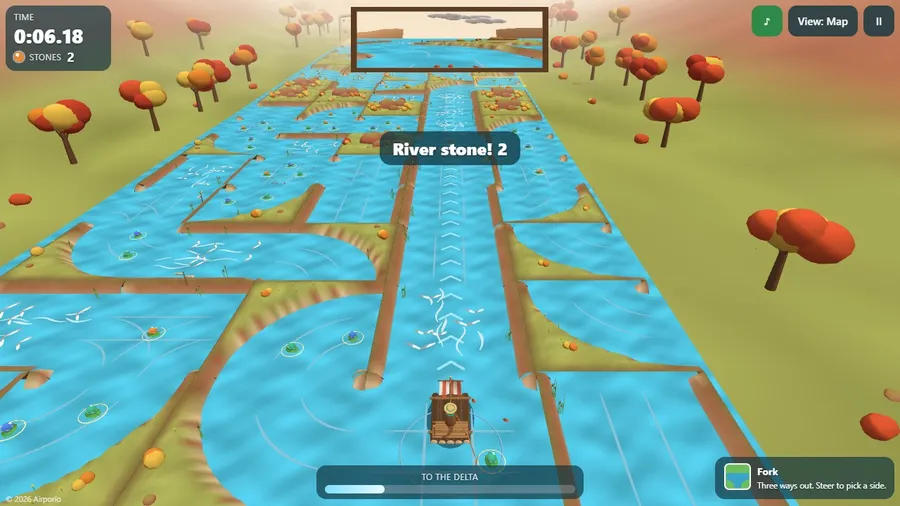
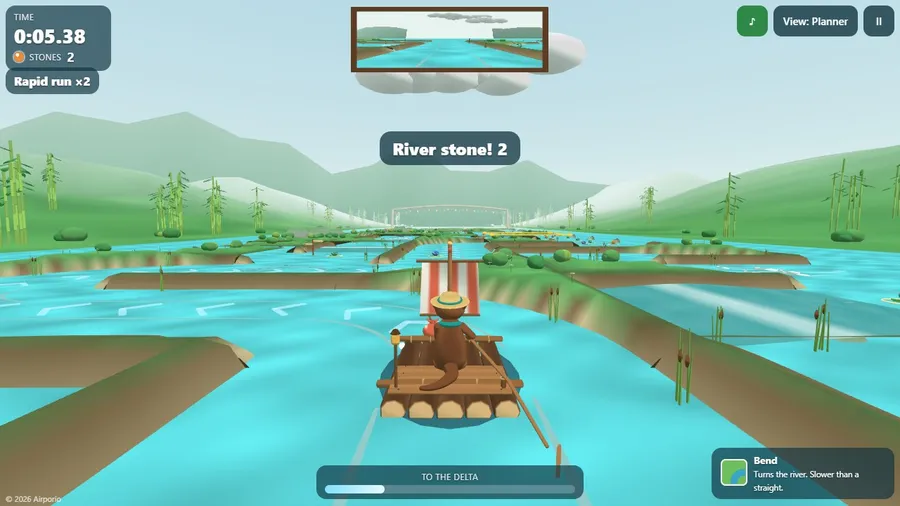
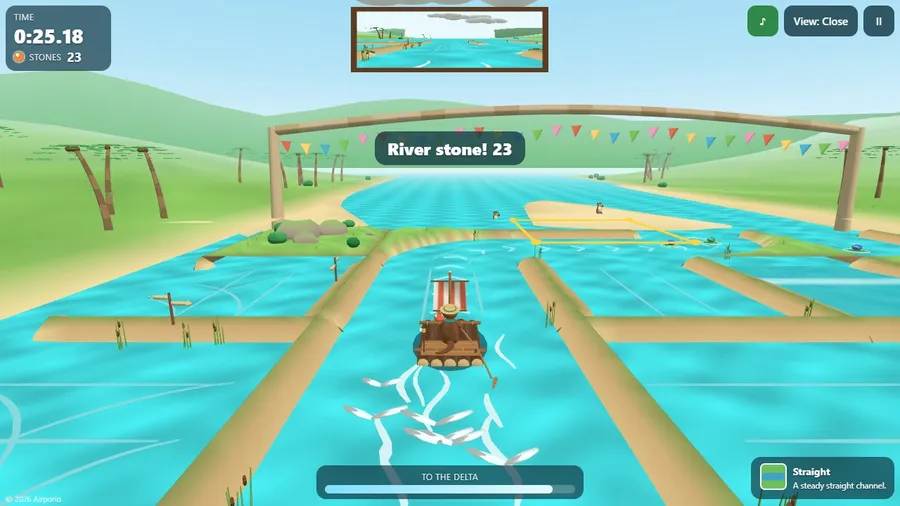
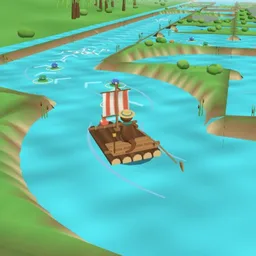
Ollie the otter is rafting to the sea. Turn and swap the river tiles ahead of him to build the fastest channel, grab river stones on the way, and race friends down the same river live.
Ollie the otter is rafting down to the sea to visit his cousins, but the river has wandered into a maze of channels. His raft never stops: you reshape the river ahead of it, turning and swapping tiles so the water carries him on.
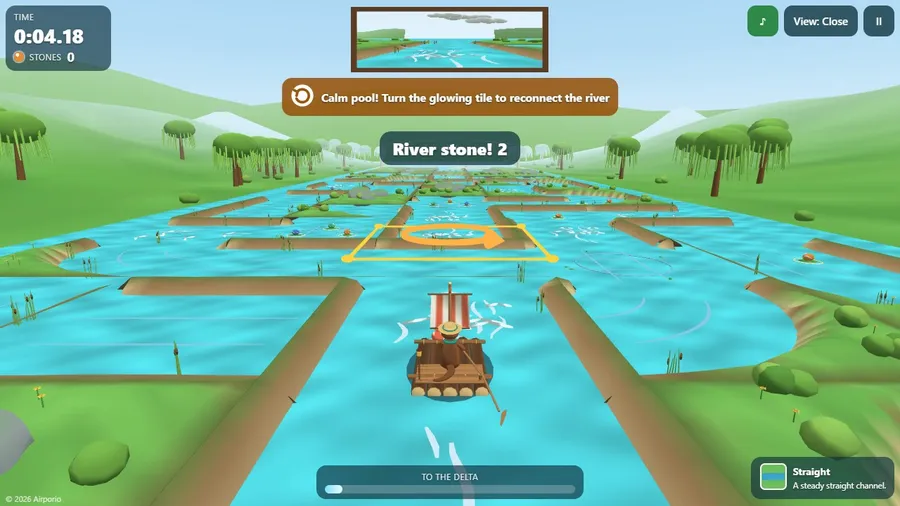
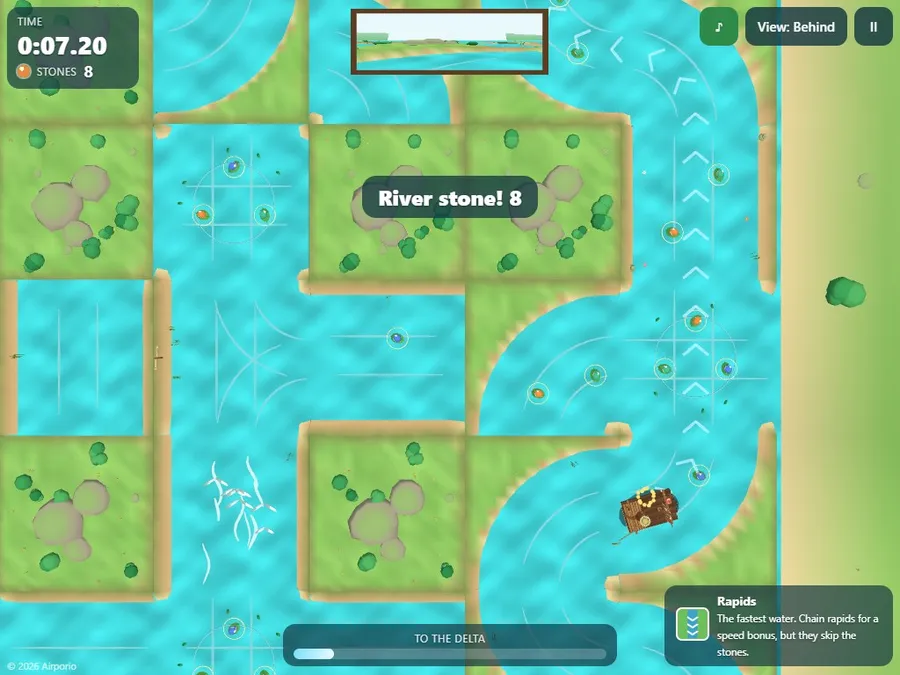
Rapids are fastest, pools are slowest, and every river stone takes half a second off your time, so the fastest channel is not always the best one. Break the river and Ollie rests in a calm pool while the tile to fix glows.
FOUR RIVERS with eight stretches each (willow meadows, an autumn maple gorge, a misty bamboo valley and a palm lagoon), beaver dams that open new branches, an ENDLESS RIVER that runs until sunset, a DAILY RIVER that is the same for everyone today, ghosts, medals, sails and friends to unlock.
RACE FRIENDS: open a room and share a six-digit code, a link or a QR code, online or with people on the same flight; up to four rafts float the same river, each player turning the tiles of their own copy, and everyone sees the same results. Your best stone hauls, just-in-time fixes and beaver rescues become a short highlight video you can save and share. Four camera views, original music, touch, controller and seatback handset support, fourteen languages, and everything except racing friends runs offline in one file.
How to play
- Ollie's raft never stops. You reshape the river ahead of it so the channel stays joined all the way to the delta.
- Rapids are fastest and pools are slowest. Each river stone you pick up takes half a second off your final time.
- If the channel is broken, the raft waits in a calm pool and the tile to fix glows. Turn it to carry on.
Controls
| Touch | Tap a tile to turn it. Drag one tile onto another to swap them. |
|---|---|
| Keyboard | Move the cursor with the arrow keys and press Space to turn a tile. Hold Shift and press a direction to swap. C changes the view. |
| Gamepad | Move the cursor with the D-pad and press A to turn a tile. Hold B and press a direction to swap. |