Berry Row
Guess the hidden row
The game loads when you press play.
- Free
- No ads
- No account needed
- No install — plays in your browser
About the game
Crack the hidden row of berries. Stars and pebbles are your only clues.
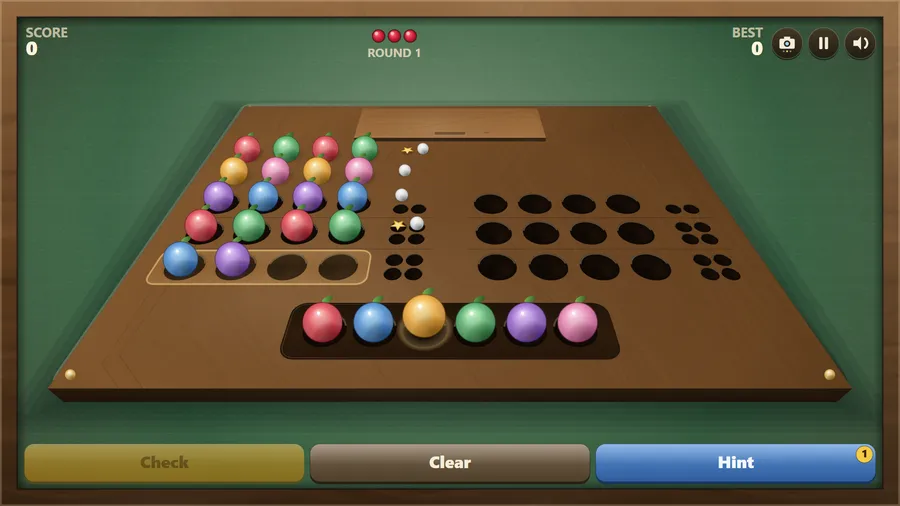
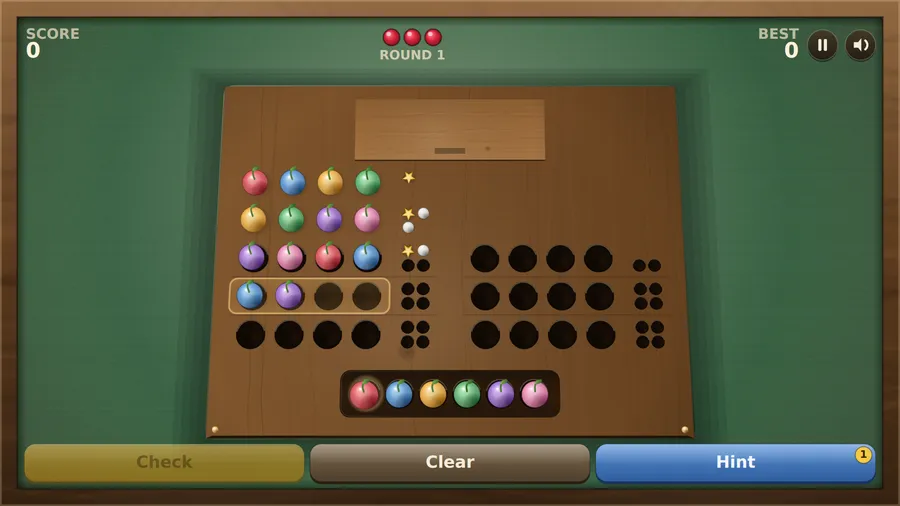
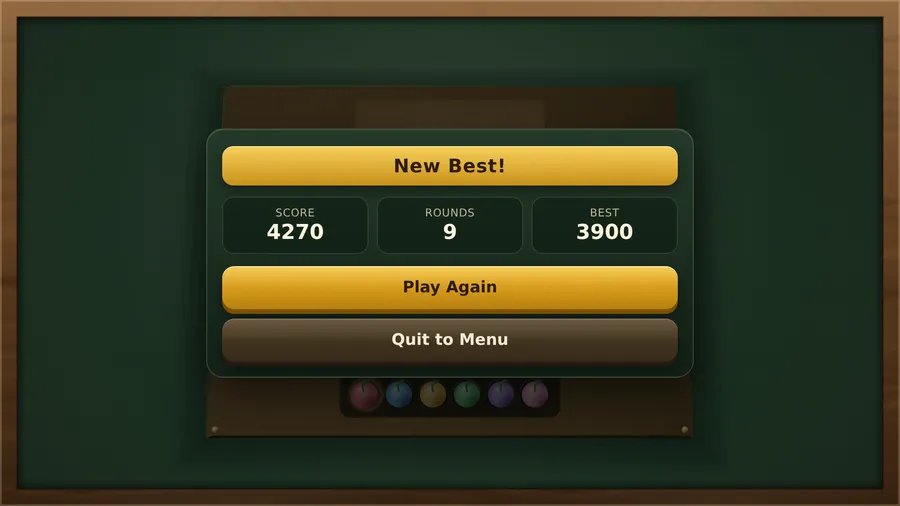
A hidden row of berries sits under the wooden lid. Lay out a row of your own, press Check, and read the marks: a gold star means the right berry in the right spot, a pale pebble means the right berry in the wrong spot. The marks never tell you which spot -- that is the puzzle. Narrow it down row by row before you run out of tries.
Berry Row is a full 3D board rendered without WebGL, so it runs on seatback screens and old tablets that refuse hardware graphics. Everything is inside one file: no downloads, no accounts, no network of any kind.
- Classic code-breaking rules, faithfully implemented - Board Setup: 3-5 spots, 4-8 berry kinds, 8-12 rows, repeats and blank spots on or off - Shapes on berries for colour-blind play - Three lives per run; a one-life mode if you want the pressure - A hint that is always a genuinely possible answer, never a guess - Eleven languages, gamepad support, and no ads or purchases of any kind
How to play
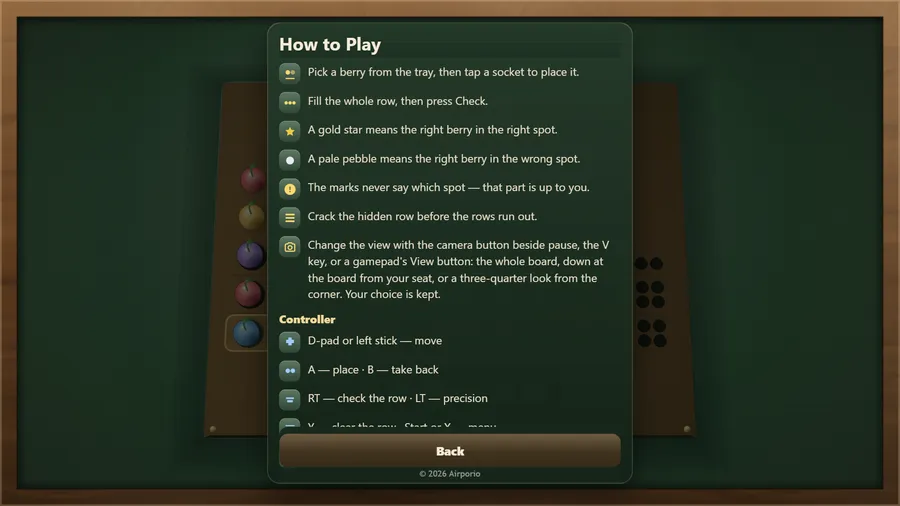
- Fill the whole row, then press Check.
- A gold star means the right berry in the right spot.
- A pale pebble means the right berry in the wrong spot.
- The marks never say which spot — that part is up to you.
- Crack the hidden row before the rows run out.
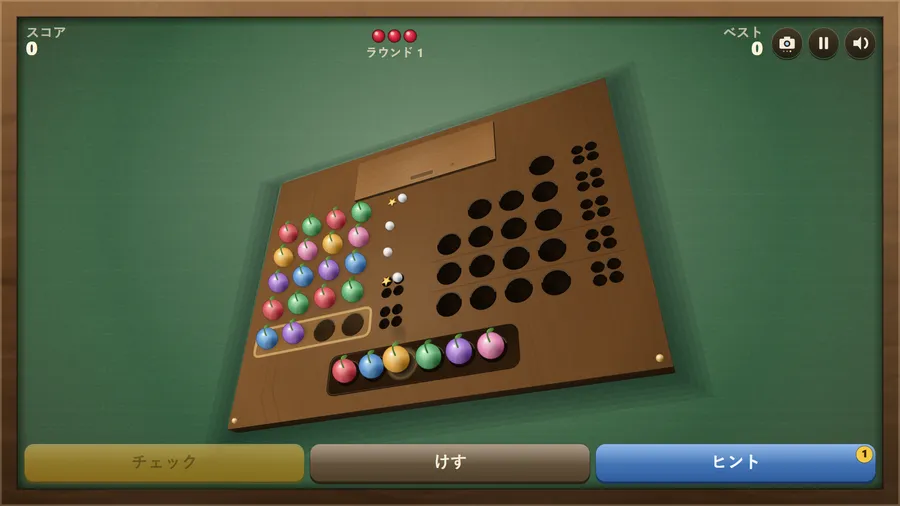
- Change the view with the camera button beside pause, the V key, or a gamepad's View button: the whole board, down at the board from your seat, or a three-quarter look from the corner. Your choice is kept.
Controls
| Touch | Pick a berry from the tray, then tap a socket to place it. |
|---|---|
| Mouse | Click a berry in the tray, then click a socket to place it; click Check when the row is full. |
| Keyboard | Keys 1–8 pick a berry (0 a blank), Left/Right move along the row, Up/Down change berry; Enter or Space places or checks, Backspace takes back, C clears, H hints, P or Esc pauses, M mutes. |
| Gamepad | D-pad or left stick moves; A places, B takes back; RT checks the row, LT gives precision; Y clears the row; Start or X opens the menu. |