Alphabop
Guess · Flip · Grin
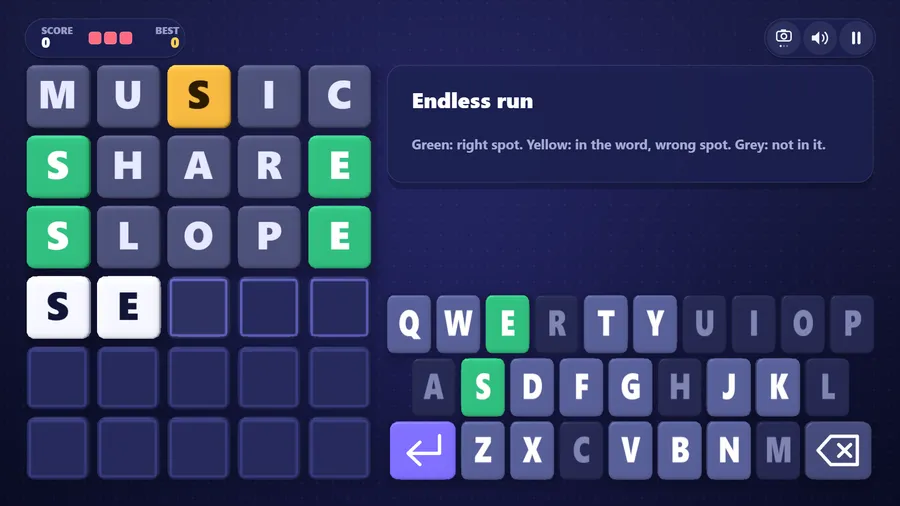
The game loads when you press play.
- Free
- No ads
- No account needed
- No install — plays in your browser
About the game
Guess the hidden English word. Clean, rounded 3D letter tiles flip over to show how close you are, across six Word Trail levels.
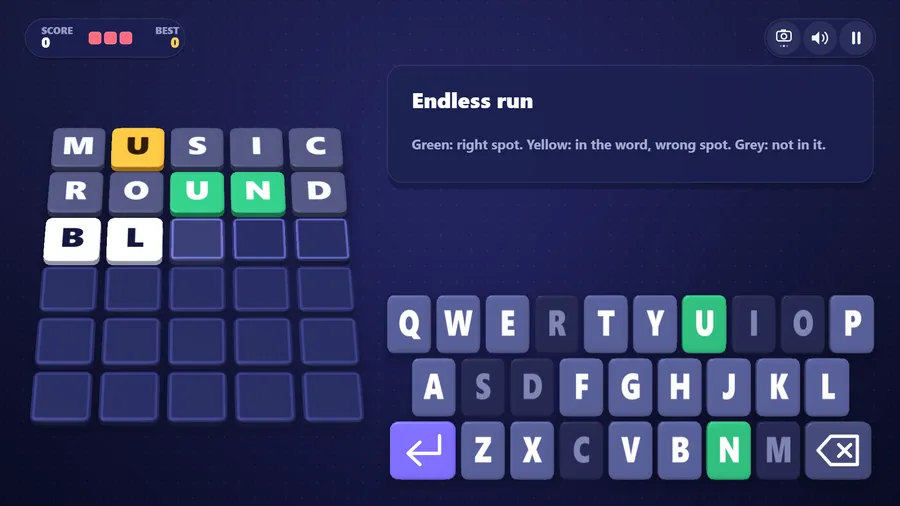
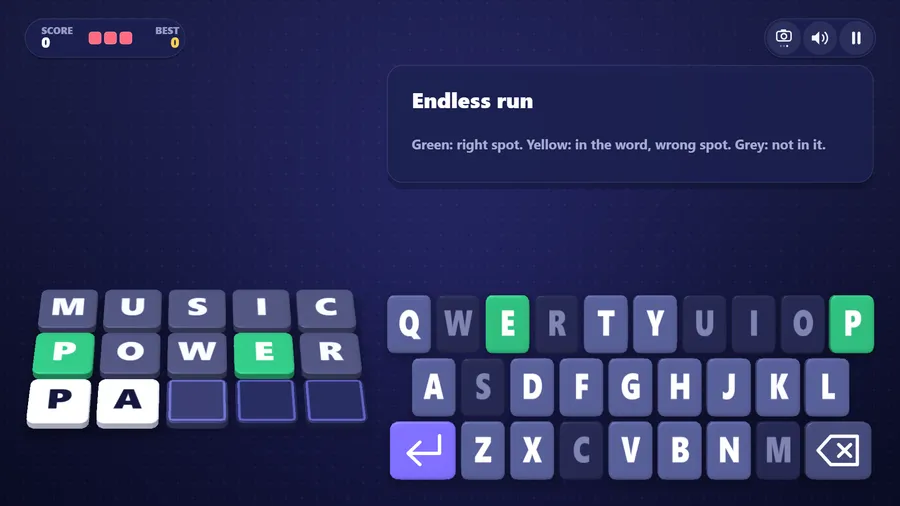
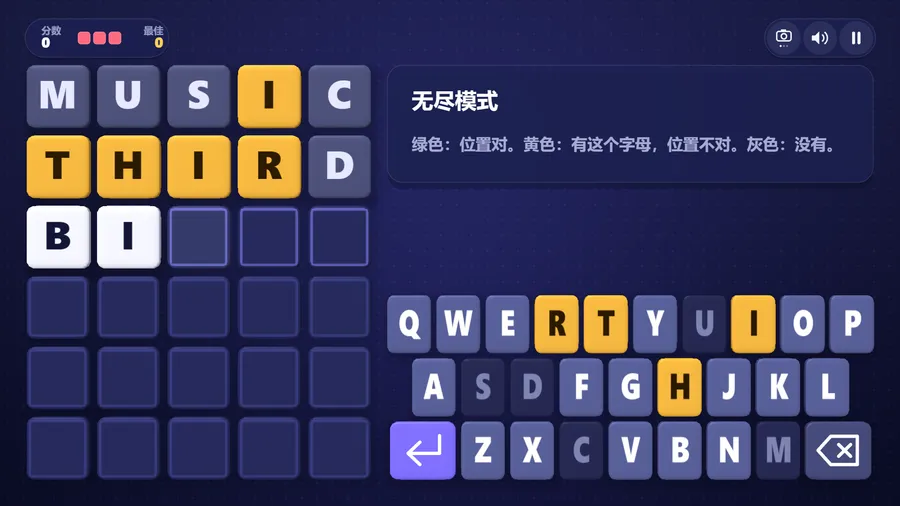
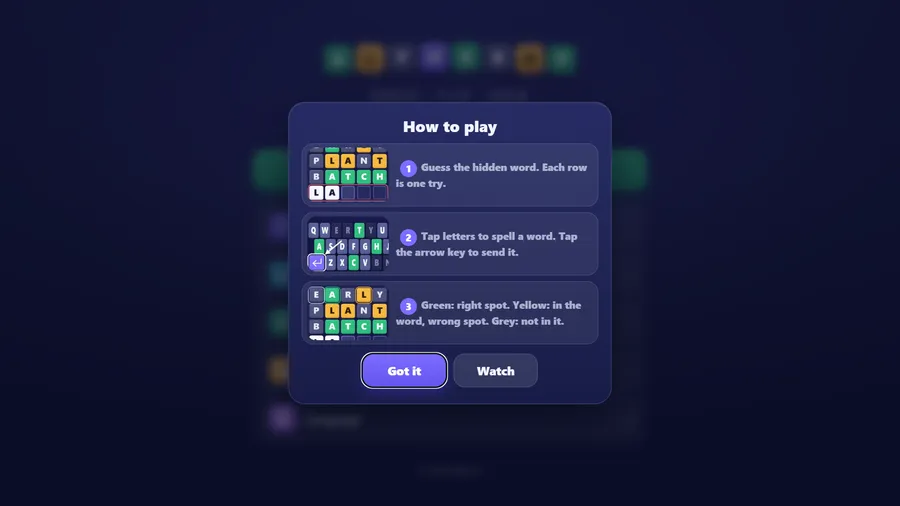
Alphabop is a friendly word-guessing game for all ages. Spell an English word, send it, and watch the letter cubes turn over one by one: green means the letter is right and in the right place, yellow means it is in the word somewhere else, and grey means it is not in the word at all. Solve the word before your tries run out — every word you solve is a point, and a missed word costs one of your lives.
Word Trail is six levels at three skills, each with something new: a gold cube worth extra points, gift boxes that drop on a key, words with a double letter, a sand timer and a grand finale with a growing flame. Earn up to three stars on each. Endless run keeps the classic game going for as long as your lives last.
Puzzle Setup lets you choose the shape of the game: words of four, five or six letters, four to eight tries, one, three or five lives, and an optional helper letter for younger players. The classic puzzle — five letters, six tries — is the default, and setting lives to one gives you the traditional one-word-and-done rule.
The whole game is rendered in real 3D with hand-written WebGL, with a flat mode for older screens. Play a Friend seats two to four people round one board, taking turns at the rows, with Pip the helper filling any empty seat. Everything except Play a Friend runs offline, with no ads, no purchases and no data collection.
How to play
- Tap the letters to spell a word, then tap Enter.
- A green cube means that letter is right, and in the right place.
- A yellow cube means the letter is in the word, but somewhere else.
- A grey cube means that letter is not in the word at all.
- Solve the word before your tries run out. Miss it and you lose a life.
- Every word you solve is one point. Keep going until your lives run out!
Controls
| Touch | Tap the letters on the on-screen keyboard to spell a word, then tap Enter to send it. |
|---|---|
| Mouse | Click the letters on the on-screen keyboard to spell a word, then click Enter to send it; click the buttons to use the menus. |
| Keyboard | Type letters to spell a word, Enter sends it and Backspace rubs one out; Esc or P pauses, H uses the helper letter and Tab changes the view. M turns the sound on and off on the menus and the pause screen; while you are spelling, M types a letter, so use the speaker button on screen. |
| Gamepad | Left stick or D-pad moves the lit key · A picks a letter · Right trigger sends the word · B rubs one out · Y asks for the helper letter · Start pauses. |