Sandlot 3D
Pitch · Swing · Field
The game loads when you press play.
- Free
- No ads
- No account needed
- No install — plays in your browser
About the game
Full 3D baseball with real ball physics - bat, pitch and field from Little League to the All-Stars
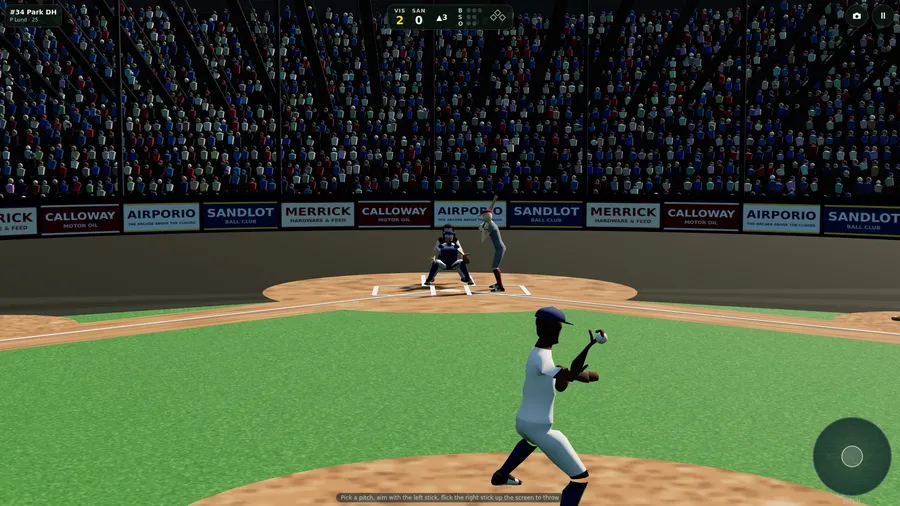
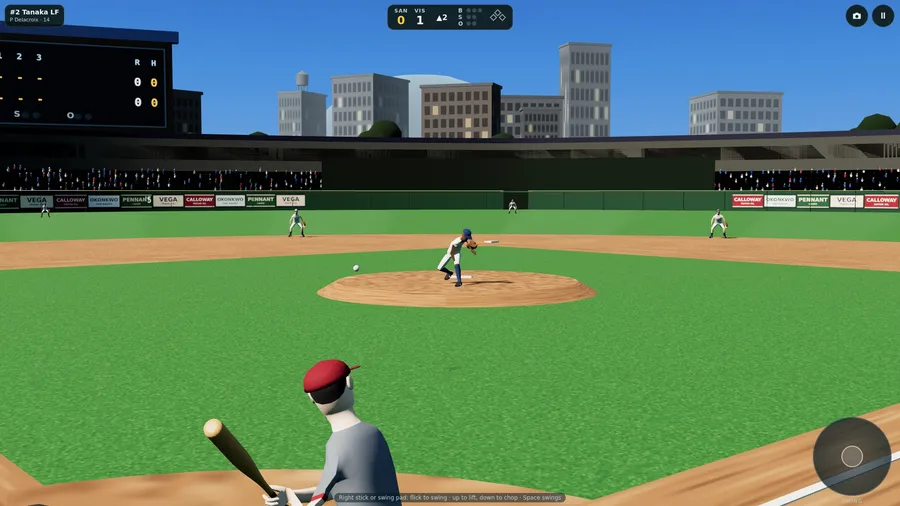
Original in-flight 3D baseball. Bat your half, then field the CPU's — swipe to swing, choose a pitch, race the throw to the bag. 9-batter lineup, 3/6/9-inning games.
How to play
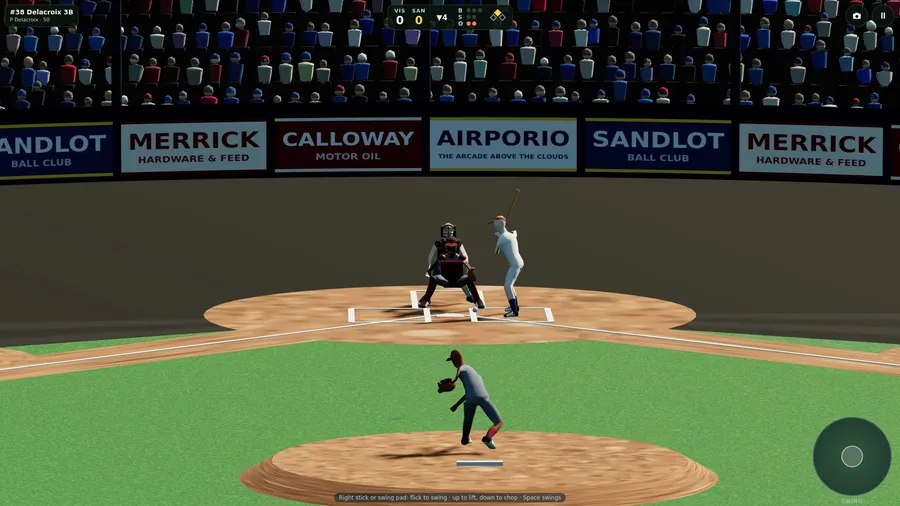
- The right stick is your hands. Flick it to swing: how hard you flick is how fast the bat comes, up gets under the ball and lifts it, down chops on top of it, and left or right opens or closes the bat.
- When you flick is everything: early pulls it, late pushes it the other way, and too early or too late misses.
- On Auto your batter puts the bat where they read the pitch - and they can be fooled. With Movement set to Left stick you place the contact point yourself with the left stick, the move pad or W A S D.
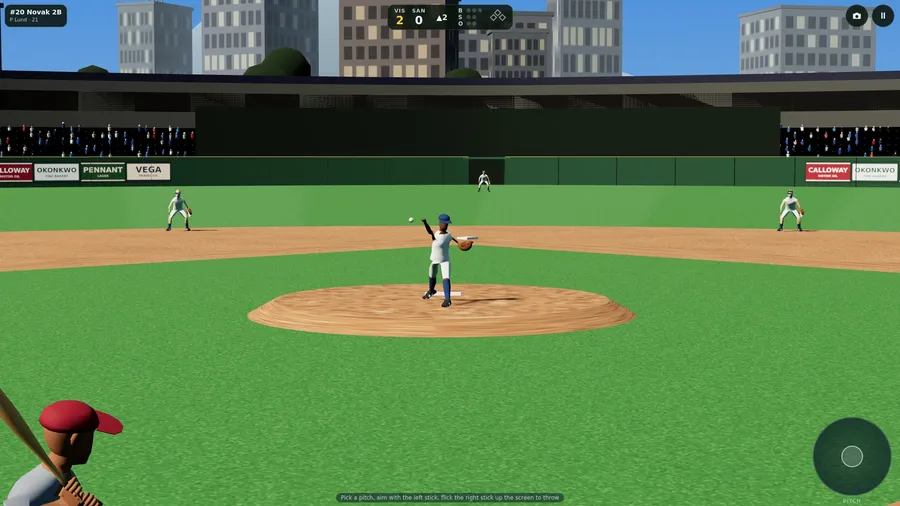
- Pick a pitch, aim with the left stick, and flick the right stick straight up the screen. A crooked flick costs you command; a harder one adds a little speed.
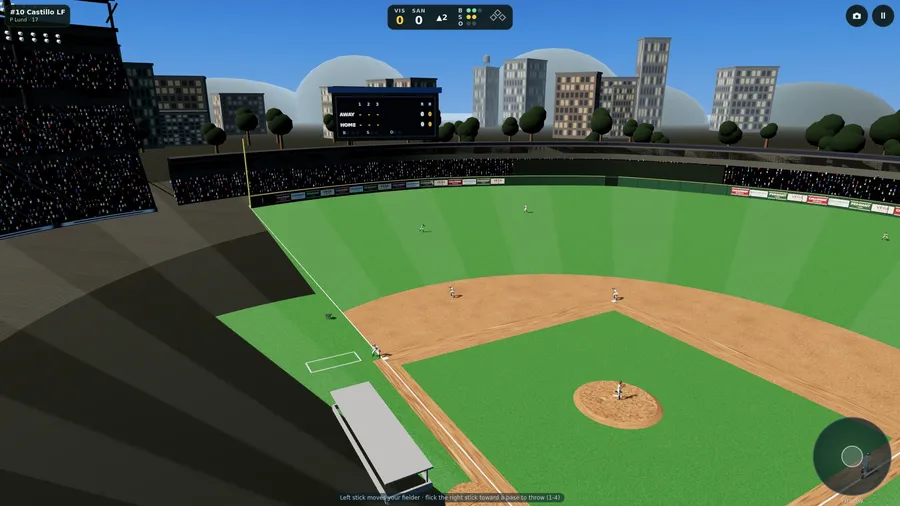
- On Auto your fielder runs to the ball on their own; the others never take a ball that is yours. Flick the right stick toward a base to throw there (or press 1, 2, 3, 4).
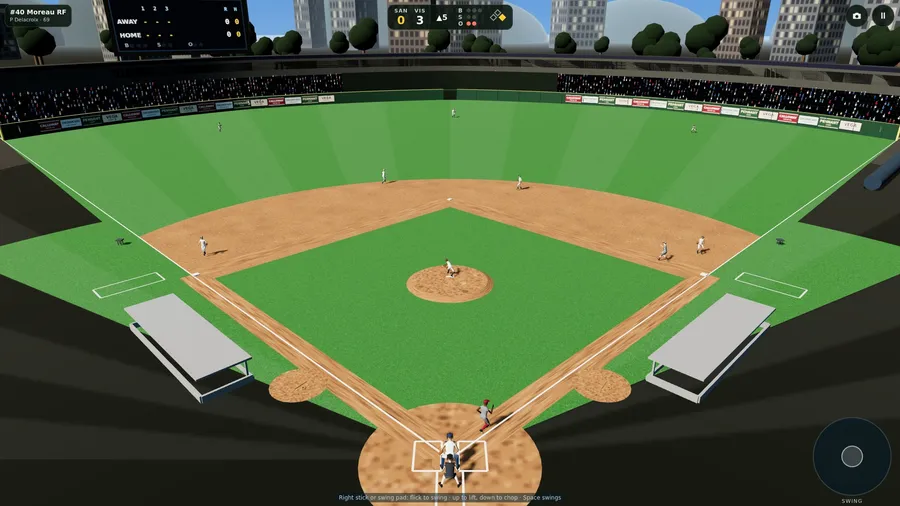
- The camera button (or C) cycles the views; the high wide view holds through a whole play.
Controls
| Touch | Press and flick the on-screen swing pad to swing, pitch or throw; the move pad places the bat or moves your fielder. |
|---|---|
| Mouse | Press on the swing pad with the mouse and flick, just as a finger would, then let go to swing, pitch or throw. |
| Keyboard | The arrow keys flick the swing, pitch or throw and Space is a quick level swing; W A S D moves, 1-4 throw to a base. |
| Gamepad | Flick the right stick to swing, pitch or throw; the left stick aims the pitch, places the bat or moves your fielder. |