Clatterby
A whole little town to play.
The game loads when you press play.
- Free
- No ads
- No account needed
- No install — plays in your browser
About the game
A whole little town to play in. Carry people between six places, feed them, dress them, switch on the lights and build the rooms however you like. There is no score, no timer and no way to lose.
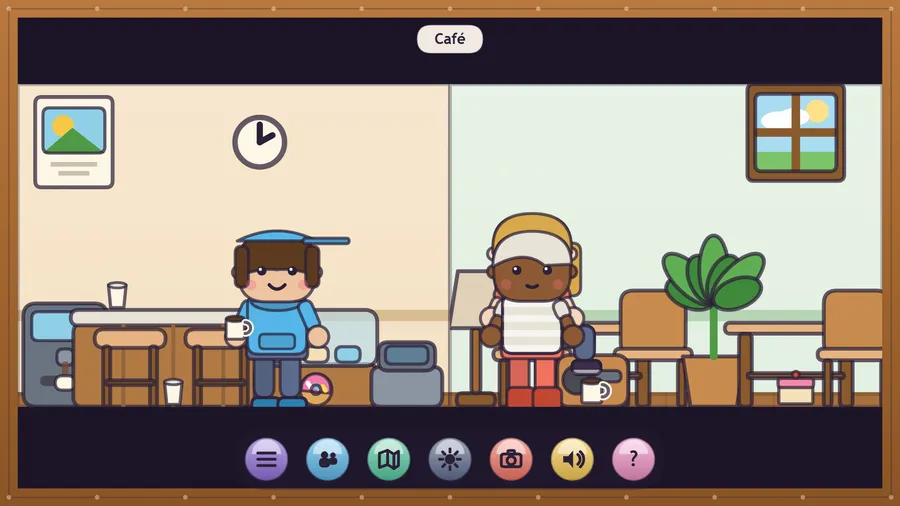
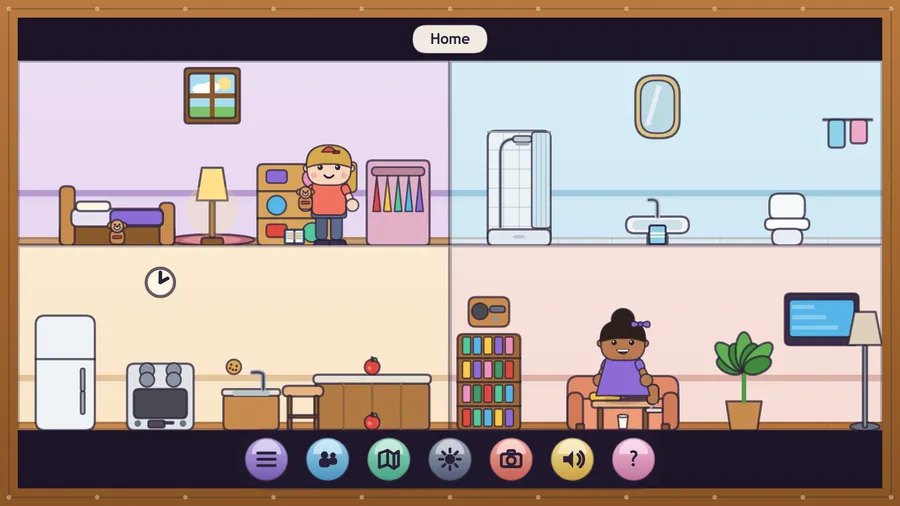
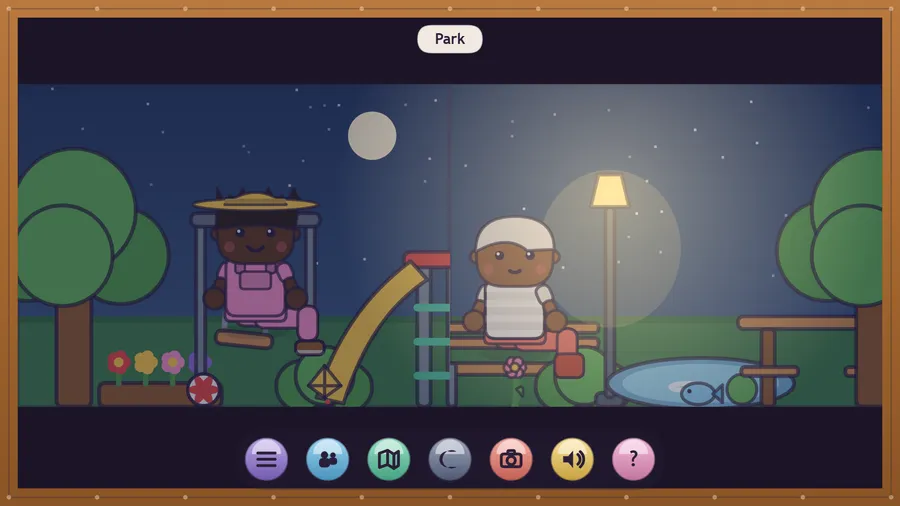
Clatterby is a little town you look after. Six places open onto fourteen rooms: a home, a cafe, a hair salon, a corner shop, a park and a clinic.
Pick anybody up and set them down wherever you like. Drop them on a chair and they sit; drop them on a bed and they fall asleep. Drag food to a mouth and they eat it, a hat to a head and they wear it, anything at all to a hand and they carry it — and whatever they are holding travels with them across the whole town.
Everything in the rooms does something. Lamps, taps, ovens, televisions and radios switch on and off. Fridges, cupboards and shelves open up and hand you something new. A day and night switch turns the town dark so the lamps you switched on actually glow.
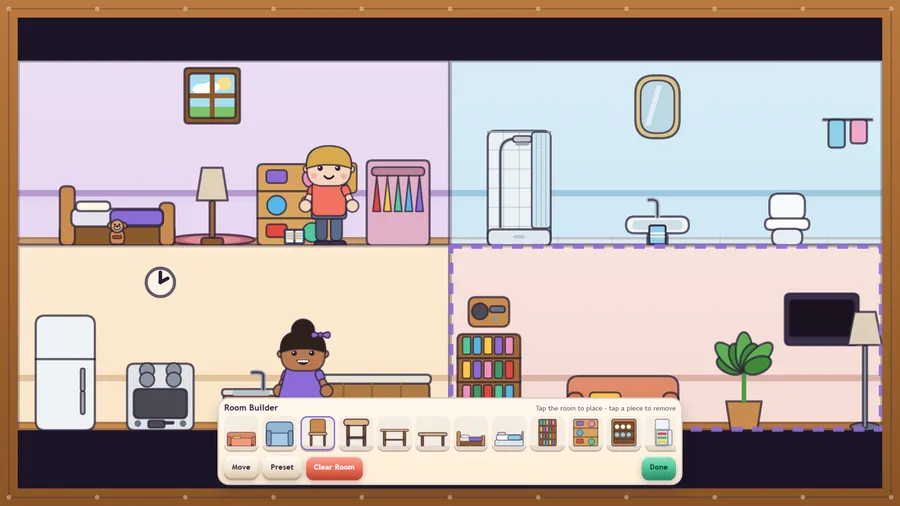
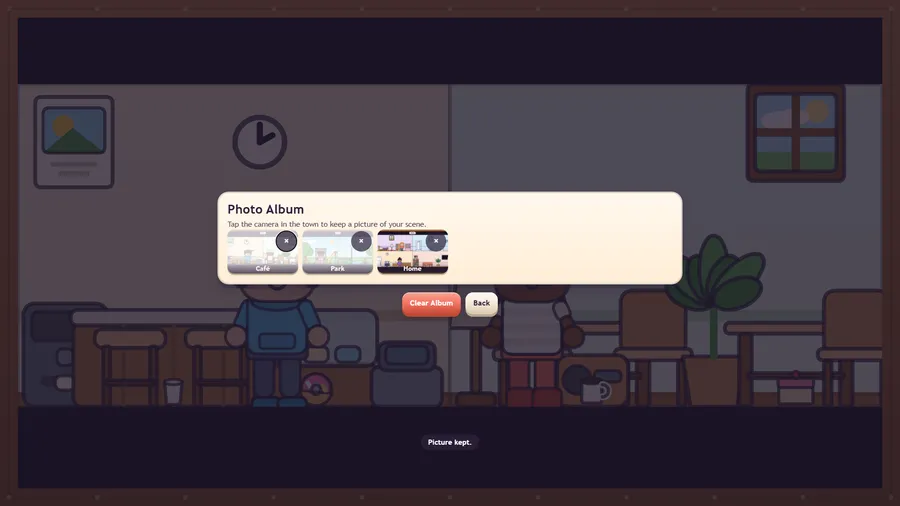
Make your own people in the character maker, rearrange every room in the Room Builder, and keep pictures of your favourite scenes in the photo album.
There is no score, no timer, no lives and no way to lose. Nothing is ever taken away. It runs completely offline with no account, no advertising and no purchases of any kind.
How to play
- Clatterby is a toy town, like a dollhouse. There is nothing to win and no way to lose: make up your own stories.
- Pick up a person and set them down. Drop them on a chair to sit, on a bed to sleep.
- Drag food to a mouth to eat it. Drag a hat to a head to wear it. Drag anything to a hand to carry it.
- Lamps, taps, ovens and radios all switch on and off. Open the fridge and cupboards to find things.
- The map takes you anywhere. Whatever a person is holding travels with them.
Controls
| Touch | Drag people, food and things with a finger, and tap furniture to switch it on or off or open it. |
|---|---|
| Mouse | Drag people, food and things with the mouse, and click furniture to switch it on or off or open it. |
| Keyboard | Arrow keys move the pointer, Space picks up and puts down, N switches day and night, C takes a picture, Esc opens the menu. |
| Gamepad | Left stick moves the pointer, right stick nudges it slowly. A picks up and puts down, B lets go, Y clears the hand, RT squeeze-and-release also picks up. D-pad and A work every menu. Start or X opens the menu. |