Tuft Parlor
Grow · Snip · Style
The game loads when you press play.
- Free
- No ads
- No account needed
- No install — plays in your browser
About the game
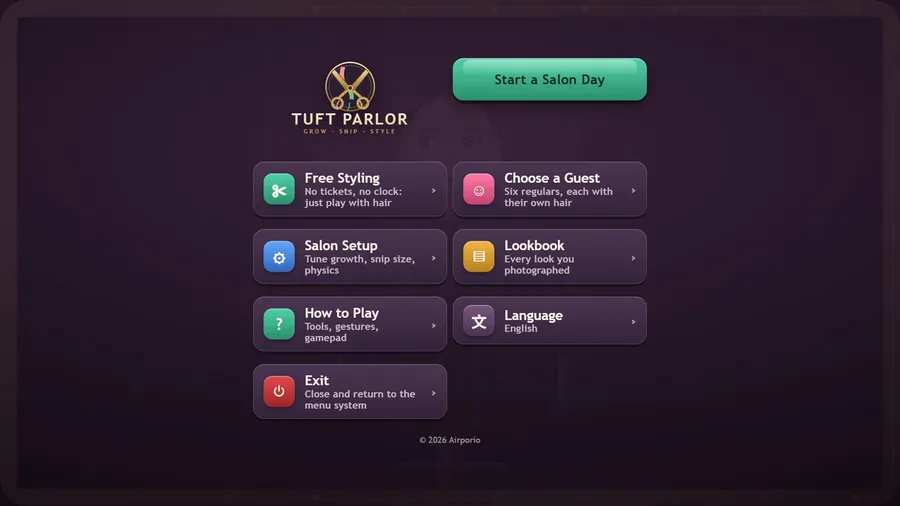
A hair salon for cute guests with opinions. Take a Salon Day of tickets to cut, colour, curl, wash and style before their patience runs out, or play in Free Styling, where nothing can be ruined.
Tuft Parlor is a hair salon with two ways to play.
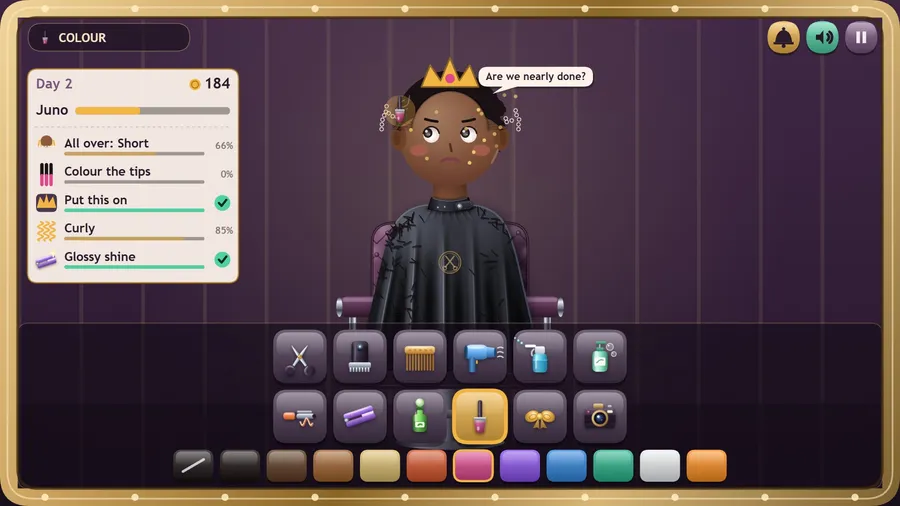
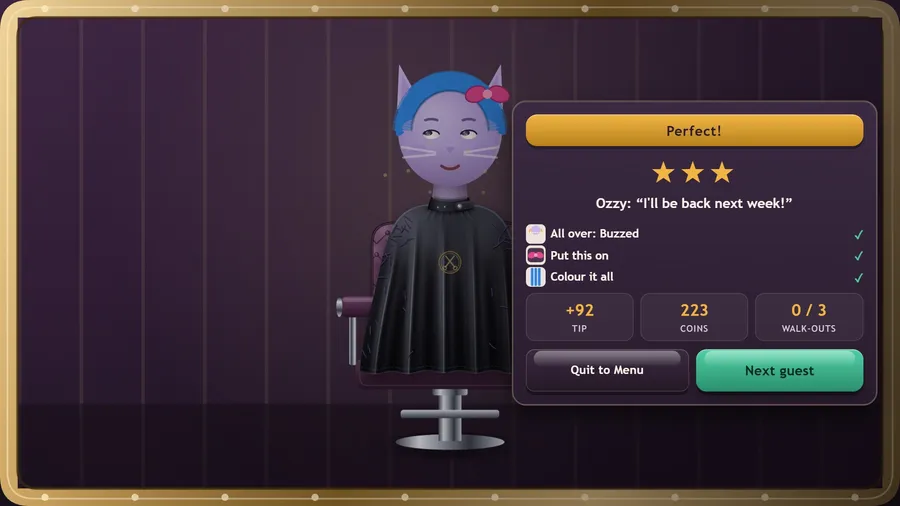
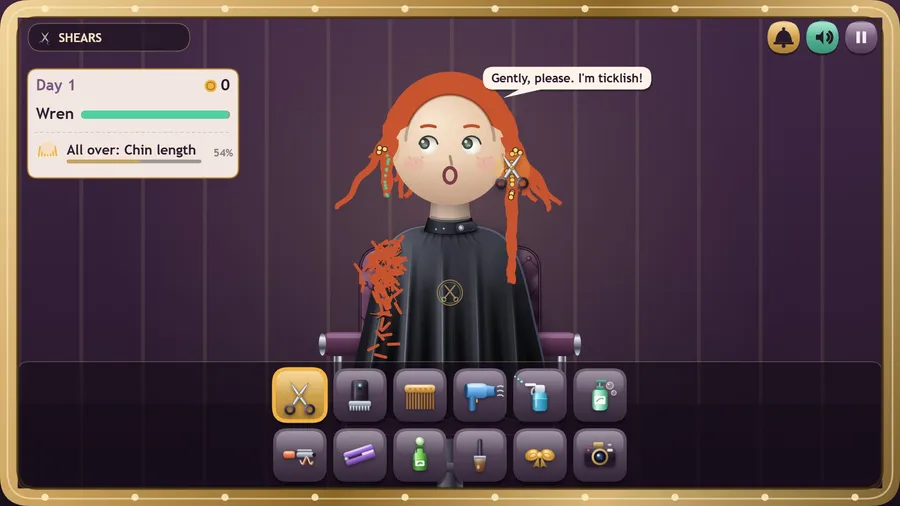
In a Salon Day, guests walk in one after another, each with a ticket: a length all over or for the top and sides, colour on the tips, curls, a wash, a glossy finish, a crown or a bow. Dots on the hair show where the ticket's line is. Match the ticket before their patience runs out, ring the bell and earn a tip.
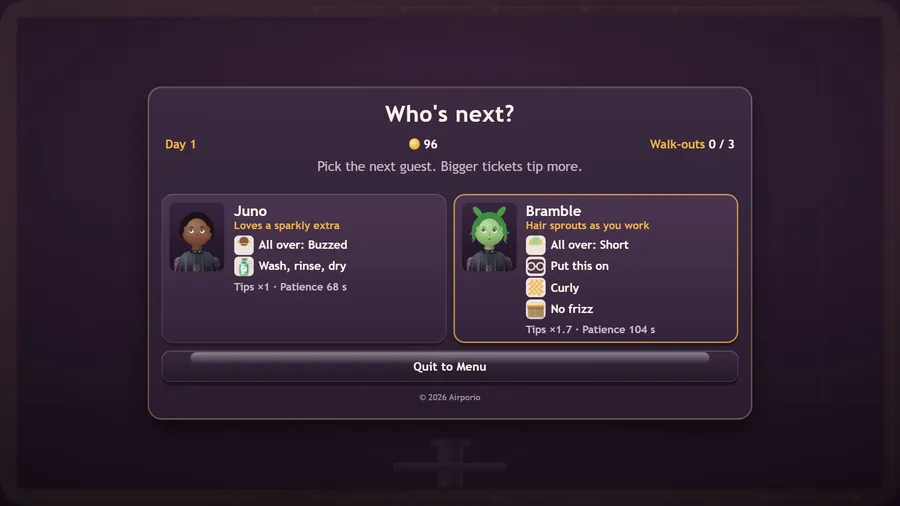
Every regular has a quirk. Pip is in a hurry, Juno loves a sparkly extra, Wren giggles at the clippers, Bramble's hair sprouts while you work, Ozzy hates getting wet and Nim nods off in the chair. Choose who to take next, and the order to do the work in: a cut after dyeing takes the colour with it, the straightener takes out curls, and growth tonic is rationed. Tickets grow and patience shortens as the day goes on, and three walk-outs close the parlor.
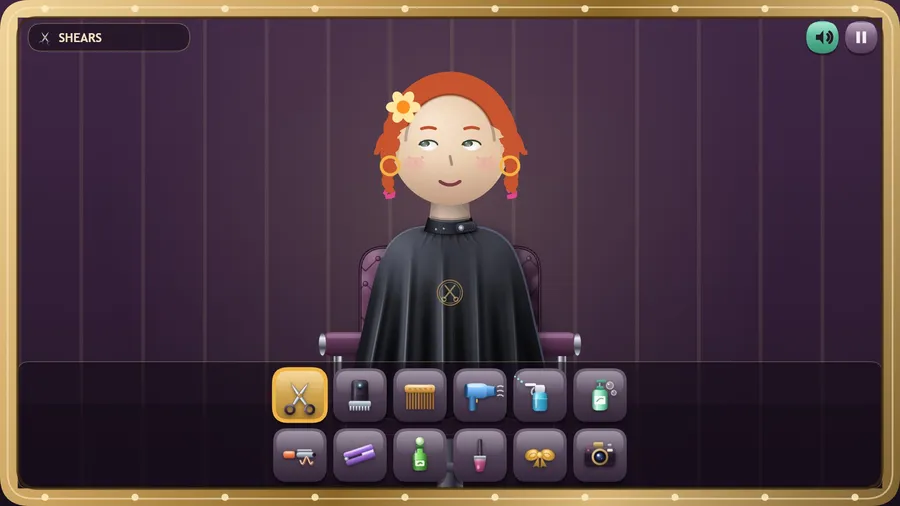
In Free Styling there is no score and nothing to ruin. Twelve tools sit in the tray: shears, clippers, comb, dryer, water, shampoo, curling iron, straightener, growth tonic, colour, accessories and a camera for the Lookbook.
Every strand is simulated, so hair swings, settles and drapes rather than replaying an animation, and Salon Setup changes the physics itself.
No ads and no purchases.
How to play
- Each guest brings a ticket. Match it before their patience runs out, then tap the bell.
- Dots on the hair show where to cut. Tonic is limited, so don't cut too short. Three walk-outs close the parlor.
- Every guest has a quirk. Choose the next guest wisely: bigger tickets tip more.
- In Free Styling there is no score and nothing to lose. Pick a tool from the tray, then drag across the hair.
- Style someone, then tap the camera.
Controls
| Touch | Tap a tool in the tray, then drag across the hair to use it. |
|---|---|
| Mouse | Click a tool in the tray, then click and drag across the hair to use it. |
| Keyboard | Number keys pick a tool, arrow keys move the hand, space applies, Esc or P pauses, M mutes. |
| Gamepad | Left stick moves the hand, right trigger or A applies the tool, left trigger is precision, bumpers change tool, D-pad changes colour or accessory; B pauses, Y restyles, Start or X quits to the menu. |