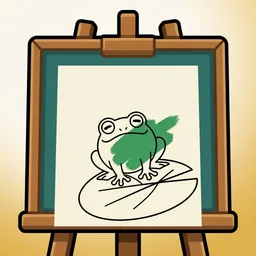
Paint Pond
Pick a page. Fill it with colour.
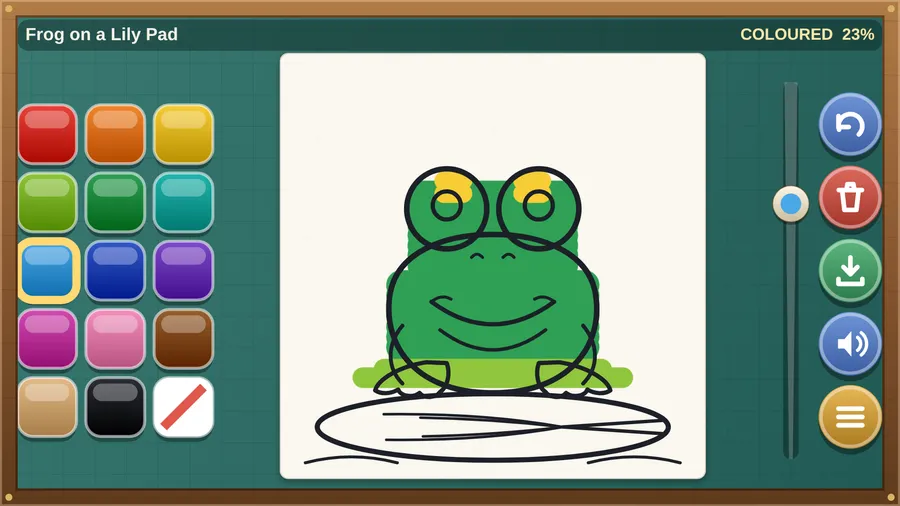
The game loads when you press play.
- Free
- No ads
- No account needed
- No install — plays in your browser
About the game
A calm colouring book: twelve hand-drawn pages, fourteen colours, and a brush that fits your finger.
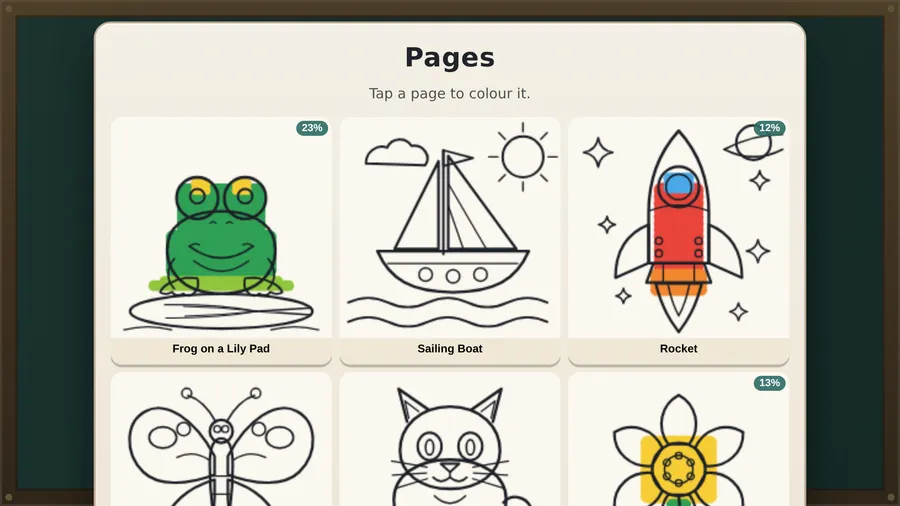
Paint Pond is a calm colouring book for the seatback screen. Pick one of twelve hand-drawn pages — a frog on a lily pad, a sailing boat, a rocket, a butterfly, a cat, a flower, a truck, a dinosaur, a hot air balloon, a cupcake, a fish, a house — choose a colour, and fill it in with your finger.
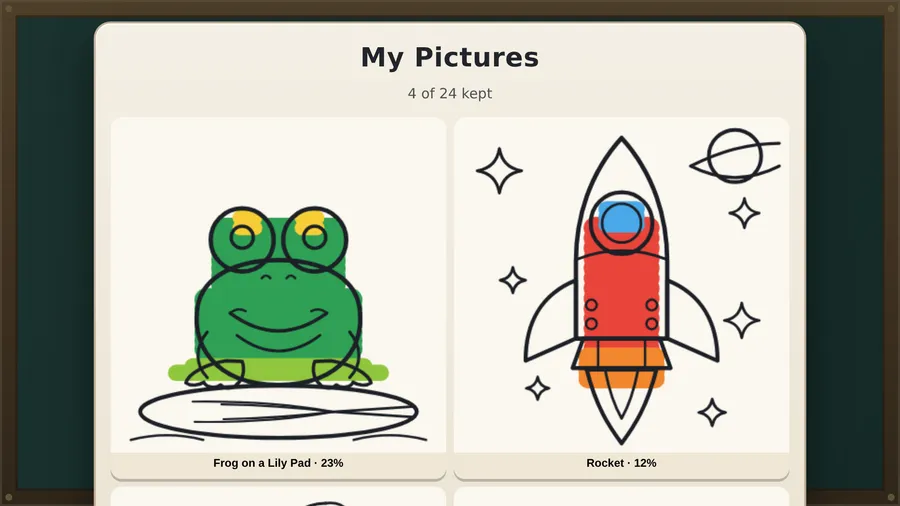
Fourteen colours plus an eraser, a brush that slides from a fine tip to a broad sweep, and an undo button for second thoughts. Colour never covers the outlines, so a picture stays readable no matter how enthusiastically it is filled. Every page remembers where you left off, and finished pictures can be kept in My Pictures.
There is no timer, no score, and no way to lose. Nothing to buy, no ads, no account, and no internet connection of any kind — the whole game is a single file that runs entirely on the aircraft.
How to play
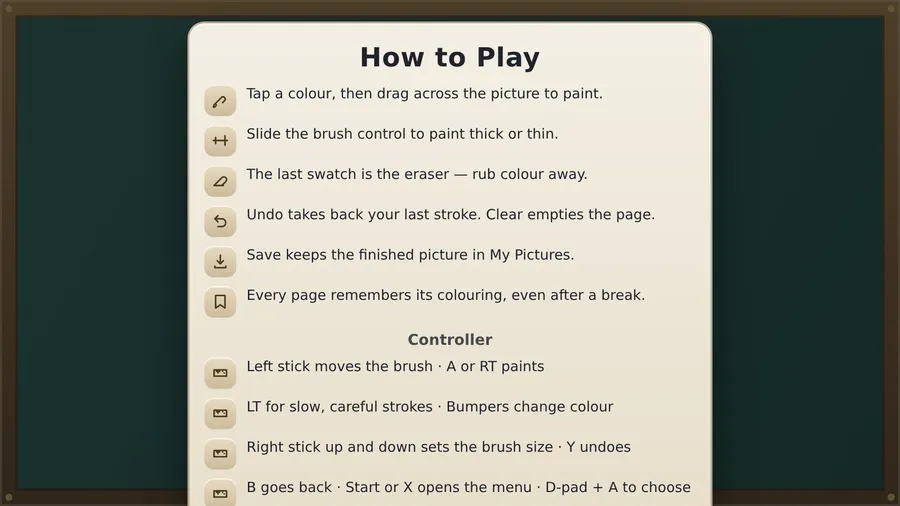
- Tap a colour, then drag across the picture to paint.
- Slide the brush control to paint thick or thin.
- The last swatch is the eraser — rub colour away.
- Undo takes back your last stroke. Clear empties the page.
- Save keeps the finished picture in My Pictures.
- Every page remembers its colouring, even after a break.
Controls
| Touch | Tap a colour, then drag your finger across the picture to paint. |
|---|---|
| Mouse | Click a colour, then click and drag across the picture to paint. |
| Keyboard | Keyboard shortcuts: Z undoes, [ and ] make the brush thinner or thicker, M turns the sound on or off, Esc pauses. |
| Gamepad | Left stick moves the brush and A or RT paints; LT slows it for careful strokes, bumpers change colour, right stick sets the brush size, Y undoes, B goes back, Start or X opens the menu. |