Electricity & Magnets
Whoosh a magnet cart through copper coils and light up a town.
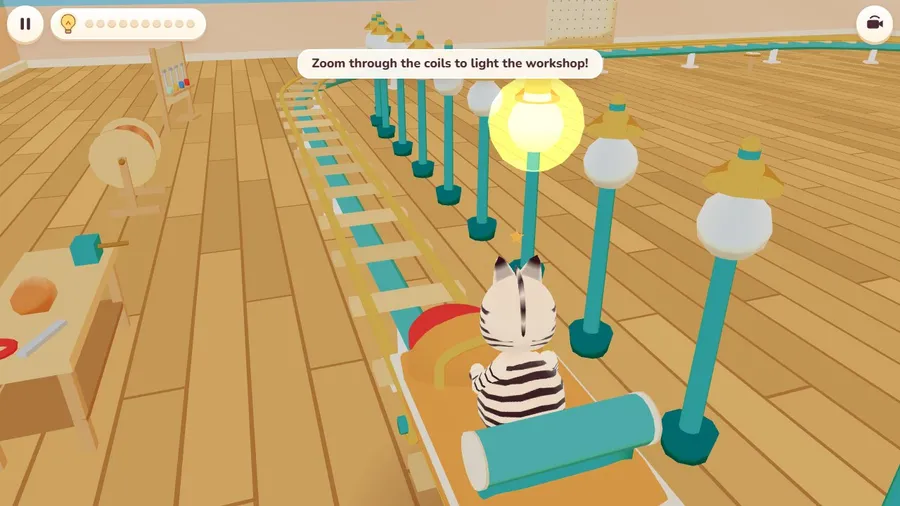
The game loads when you press play.
- Free
- No ads
- No account needed
- No install — plays in your browser
About the game
A hands-on science hall about electricity. Ride a magnet cart on a little coaster through copper coils: every pass lights lamps, and faster lights more. Spin a generator wheel, push a carousel round with motor coils, then light a whole town at dusk.
A magnet moving through a coil of wire makes electricity, and you can feel it with your own hooves.
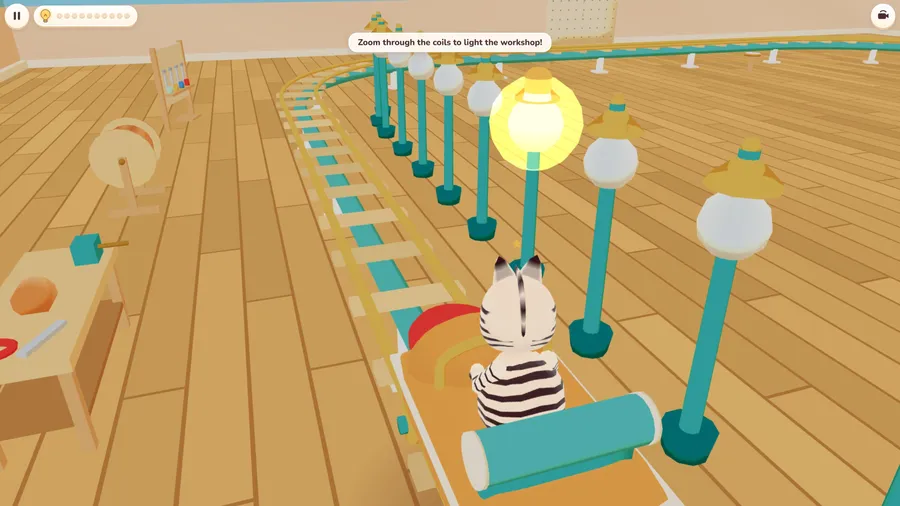
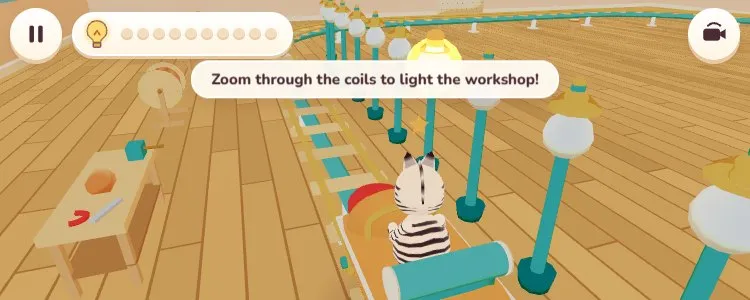
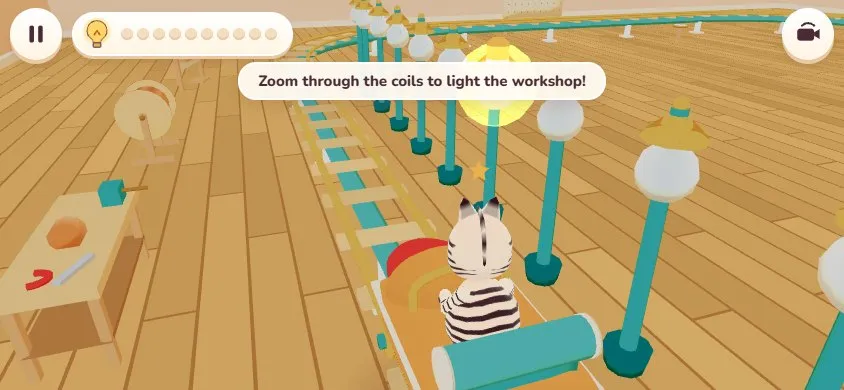
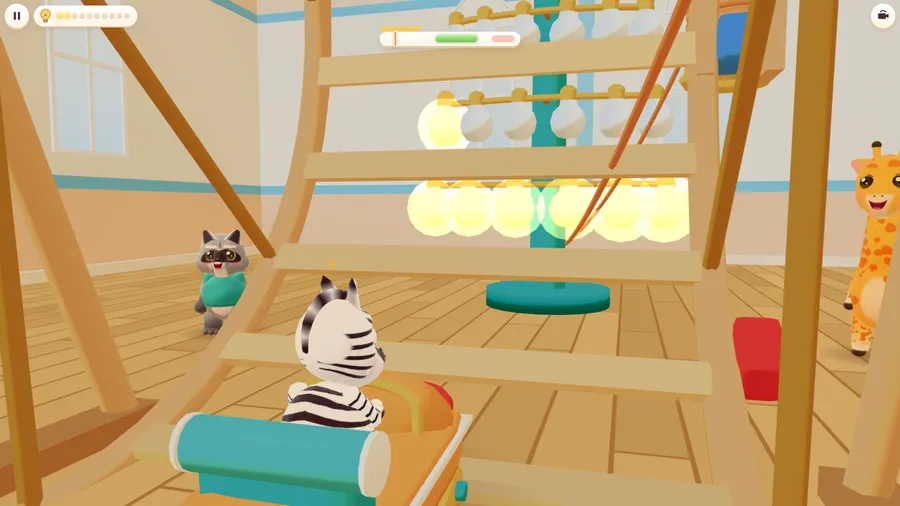
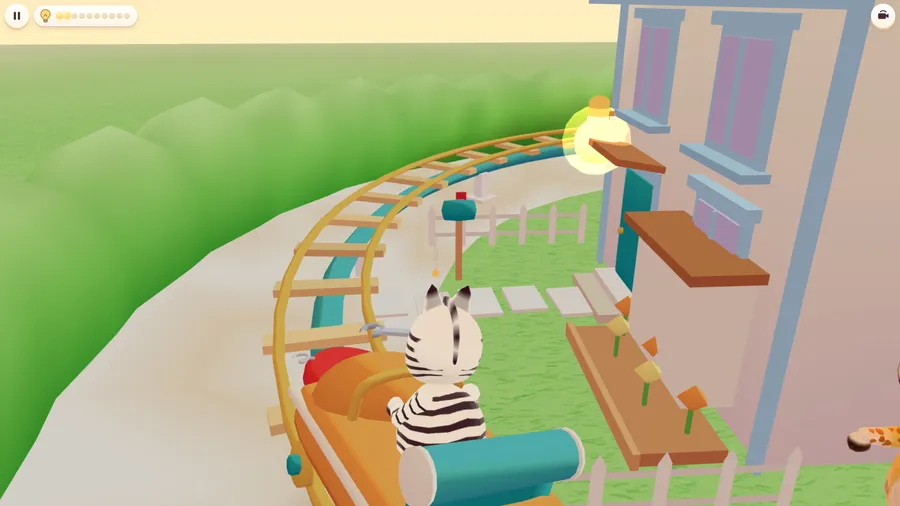
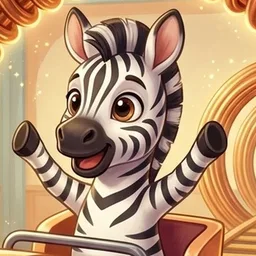
Zuzu the zebra rides a little apricot coaster cart with a big red horseshoe magnet on its nose. Drag up to pedal faster, drag down to brake, and whoosh through the copper coils: every pass sends beads of light down the cables and the lamps pop on, more of them the faster you go. Take a curve too fast and the cart rocks onto two wheels with a giggle. Swoop down a big hill to light a forty-bulb chandelier, flip the track switches to reach the dark corners of the hall, run the cart inside a giant magnet wheel to power a lamp tower (keep the needle in the green), let blue motor coils push you up the hill to spin a carousel, then light every street of a little town at dusk, just as Michael Faraday found in 1831.
Six levels, each a new experiment, a Discovery card for your Discovery Journal, three skill levels (Beginner, Normal and a demanding Advanced with a faster track, smaller coils and no curve helper) and a daily town run. No reading needed to play, nothing to fail: a wobble is a giggle, never a crash. Composed music, 14 languages.
How to play
- You are the zebra in the magnet cart.
- Drag up on the left to go faster. Drag down to slow.
- Zoom through the copper coils. Faster lights more lamps!
Controls
| Touch | Drag up on the left side of the screen to go faster and drag down to slow; slide sideways to set a track switch. Pause and camera buttons are in the top row. |
|---|---|
| Mouse | Click and drag on the left side the same way: up to go faster, down to slow, sideways to set a track switch. |
| Keyboard | W or the up arrow goes faster, S or the down arrow slows, and A and D or the left and right arrows set a track switch. |
| Keyboard | C or V changes the camera, and Escape or P pauses. |
| Gamepad | The left stick drives: up goes faster, down slows and sideways sets a track switch. |
| Gamepad | Start pauses and Y changes the camera. |