Bramblewords
Spell · Score · Grow
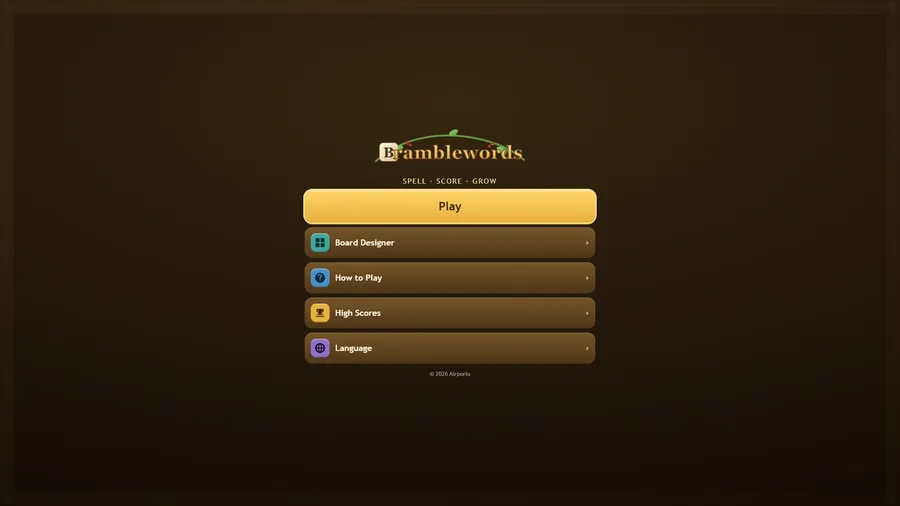
The game loads when you press play.
- Free
- No ads
- No account needed
- No install — plays in your browser
About the game
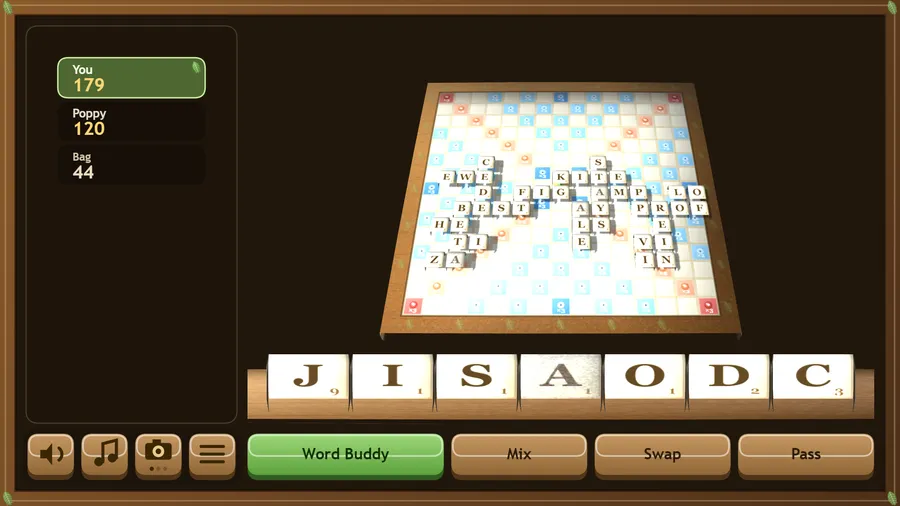
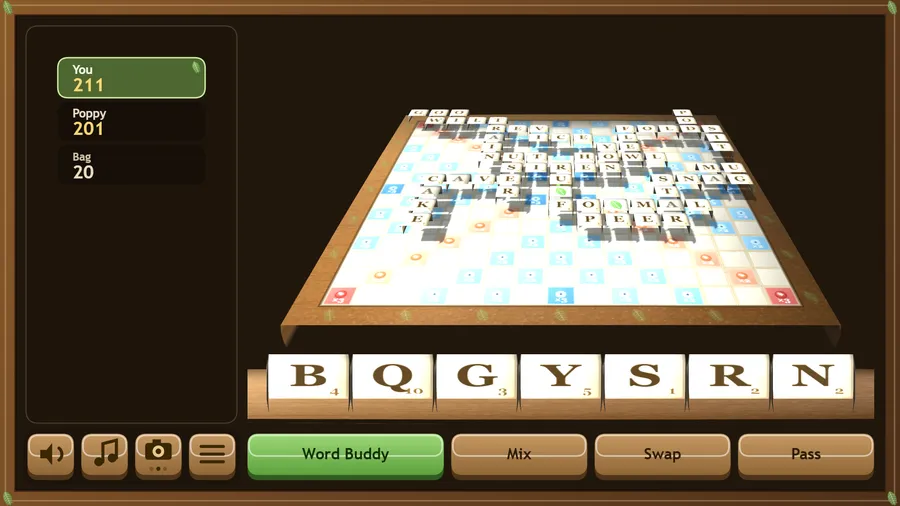
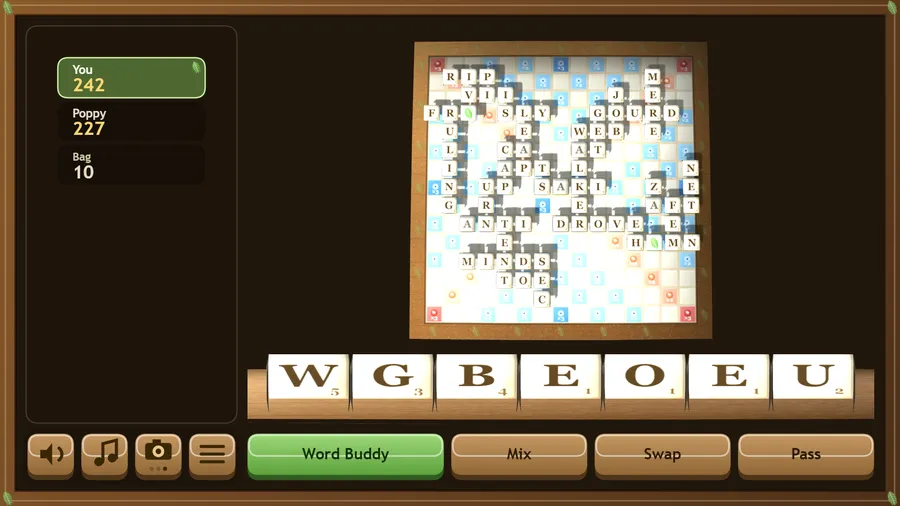
A friendly 3D word-tile board game. Build words on a hand-carved hedgerow board, solo or against up to three good-natured opponents.
Bramblewords is a warm, unhurried word game for the whole family. Draw seven wooden tiles, spell a word across the board and watch the score climb. Leaf tiles stand in for any letter. Land on a berry or leaf square to double or triple your letters and words, and empty your rack in one turn for a Full Basket bonus.
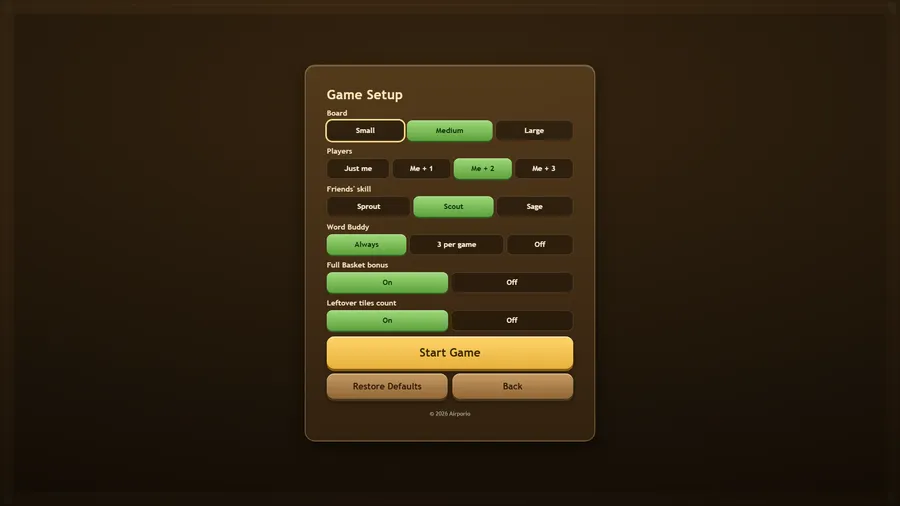
Play alone or against Poppy, Ollie and Wren — three friendly opponents with Sprout, Scout and Sage skill levels, so a six-year-old and a grown-up can each find a fair game. Stuck? Word Buddy quietly suggests a move rather than letting anyone stall.
Design your own board in the Board Designer: paint double and triple squares, pick 11×11, 13×13 or 15×15, and play on what you made. Everything runs offline with nothing to download, sign into, or pay for.
How to play
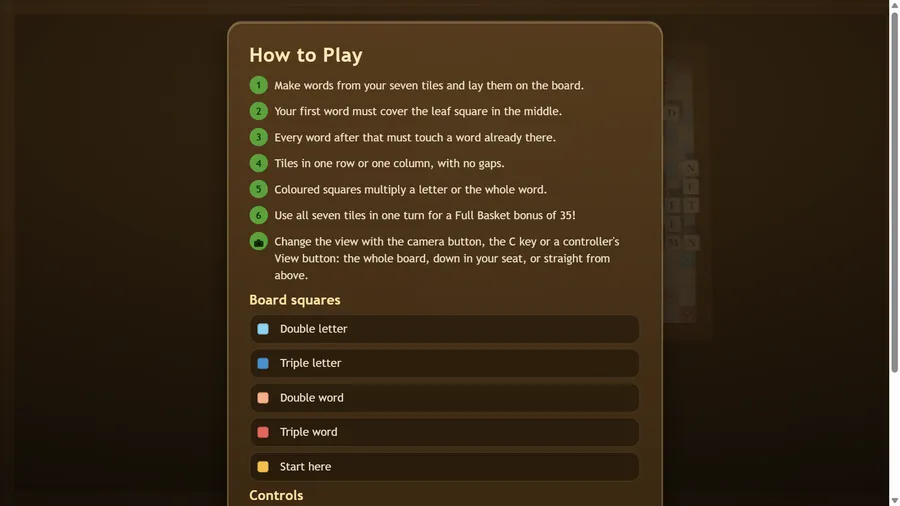
- Make words from your seven tiles and lay them on the board.
- Your first word must cover the leaf square in the middle.
- Every word after that must touch a word already there.
- Tiles in one row or one column, with no gaps.
- Coloured squares multiply a letter or the whole word.
- Use all seven tiles in one turn for a Full Basket bonus of 35!
Controls
| Touch | Tap a tile, then tap a square, or drag the tile across; drag the board to turn it and pinch to zoom. |
|---|---|
| Mouse | Click a tile, then click a square, or drag the tile across; drag the board to turn it and use the wheel to zoom. |
| Keyboard | Arrow keys move the cursor, 1–7 pick a tile, Enter or Space places it and Backspace takes it back; Esc or P pauses, M mutes everything. |
| Gamepad | D-pad or stick moves the cursor, LB/RB choose a tile, A places it, B takes it back, Y takes all back; hold and release RT to play the word, Start or X for the menu. |