Brassrung
Answer · Climb · Cash Out
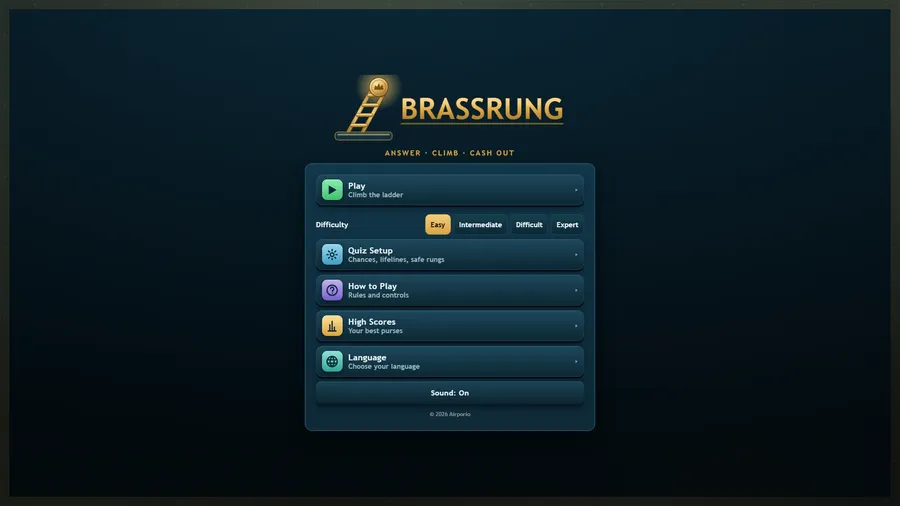
The game loads when you press play.
- Free
- No ads
- No account needed
- No install — plays in your browser
About the game
Climb a fifteen-rung ladder of questions. Lock in an answer, bank a safe rung, or cash out while you are ahead.
Brassrung is a quiz-ladder game for the seatback screen. Fifteen rungs, four answers each, and a purse that doubles and doubles again as you climb.
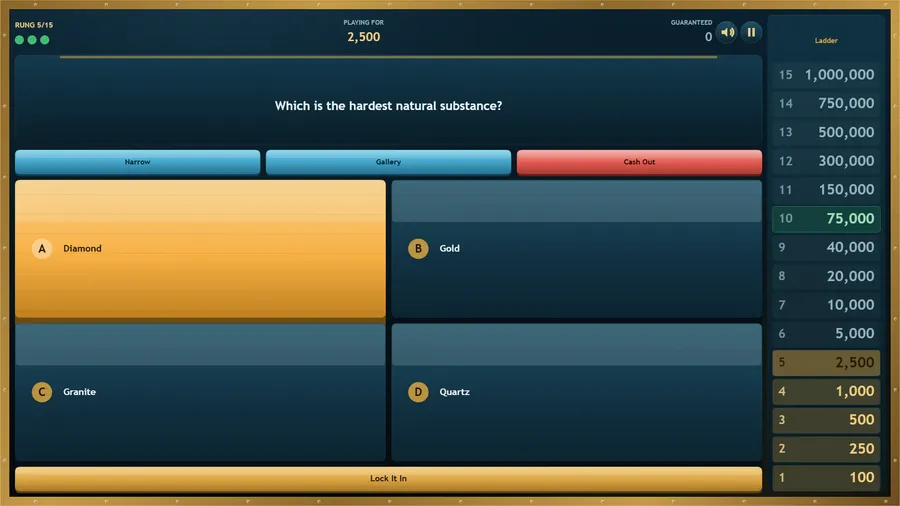
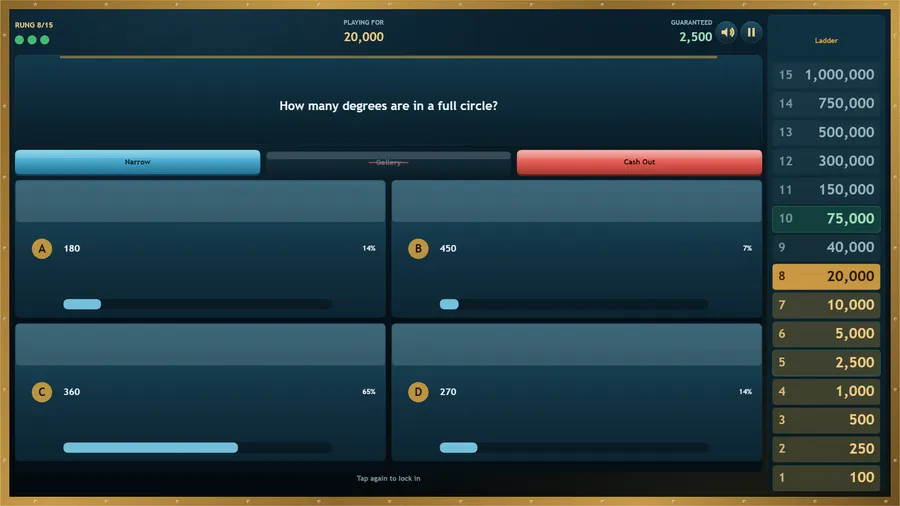
Every answer takes two taps: one to choose, one to lock it in — so a mis-tap never costs a run. Two rungs are safe: clear them and that purse is yours whatever happens next. Three lifelines help when a question stumps you: Narrow removes two wrong answers, Gallery polls the room, and Cash Out lets you walk away with what you have banked.
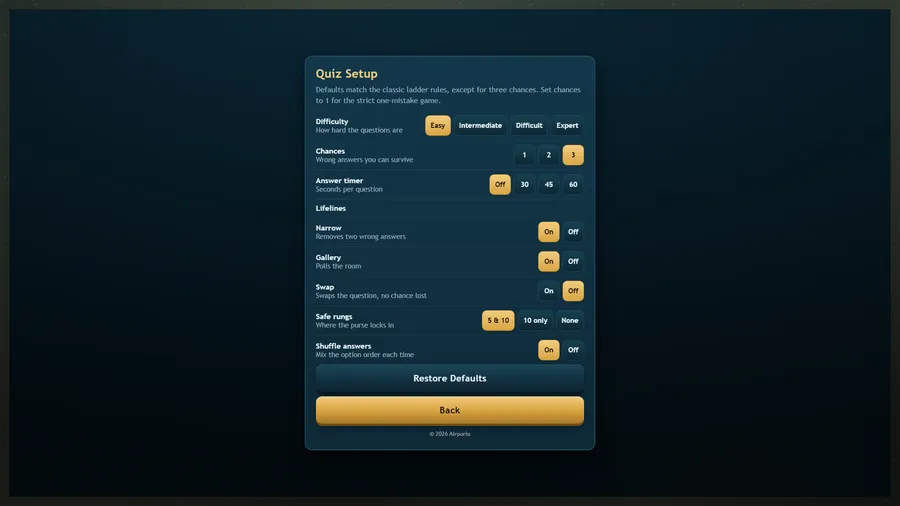
A wrong answer costs one of your three chances and hands you a fresh question on the same rung, so a single unlucky topic does not end the run. Prefer the strict version? Set Chances to one in Quiz Setup and a single wrong answer ends it, exactly as the format is usually played.
Forty original questions across five difficulty bands, fully translated into eleven languages, and everything runs offline from a single file — no network, no accounts, no ads, no purchases.
How to play
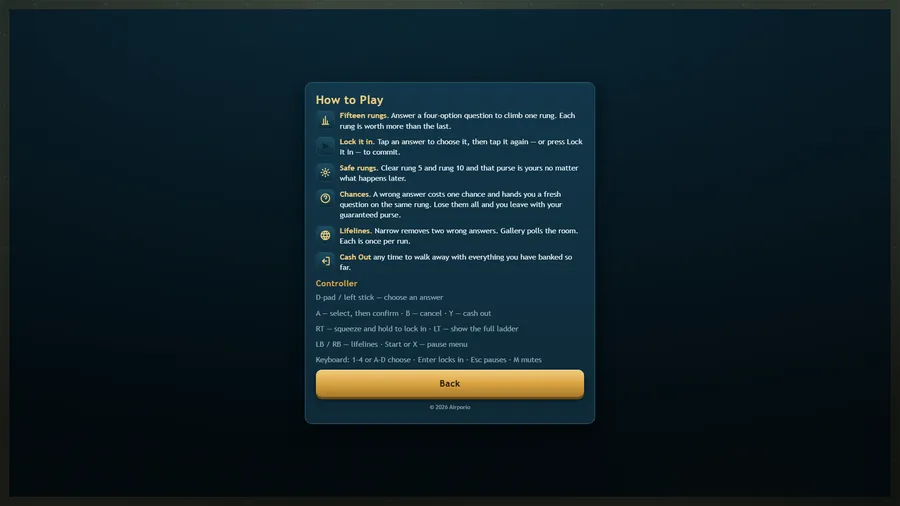
- Fifteen rungs. Answer a four-option question to climb one rung. Each rung is worth more than the last.
- Lock it in. Tap an answer to choose it, then tap it again — or press Lock It In — to commit.
- Safe rungs. Clear rung 5 and rung 10 and that purse is yours no matter what happens later.
- Chances. A wrong answer costs one chance and hands you a fresh question on the same rung. Lose them all and you leave with your guaranteed purse.
- Lifelines. Narrow removes two wrong answers. Gallery polls the room. Each is once per run.
- Cash Out any time to walk away with everything you have banked so far.
Controls
| Touch | Tap an answer to choose it, then tap it again or tap Lock It In to commit; tap a lifeline button to use it. |
|---|---|
| Mouse | Click an answer to choose it, then click it again or click Lock It In to commit; click a lifeline button to use it. |
| Keyboard | 1–4 or A–D choose · Enter locks in · Esc pauses · M mutes |
| Gamepad | Left stick or D-pad chooses an answer · A selects and confirms · B backs out · Y cashes out · LB/RB lifelines · hold RT to lock in · LT shows the ladder · Start or X pauses. |