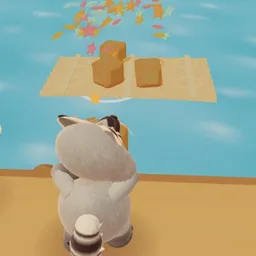
Floating & Sinking
Load the boat, keep it level, and test the king's crown.
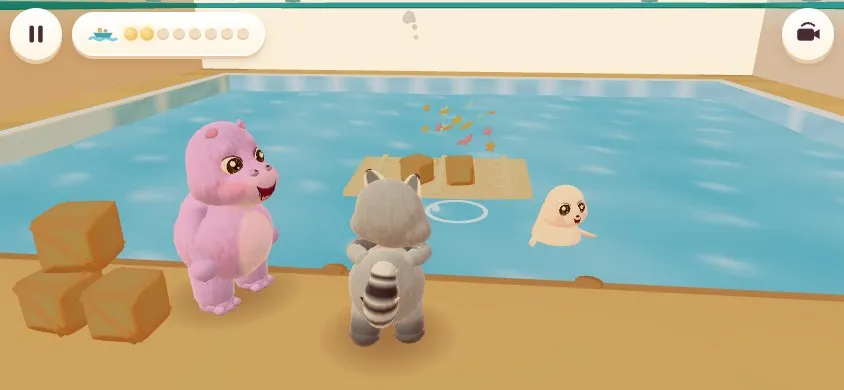
The game loads when you press play.
- Free
- No ads
- No account needed
- No install — plays in your browser
About the game
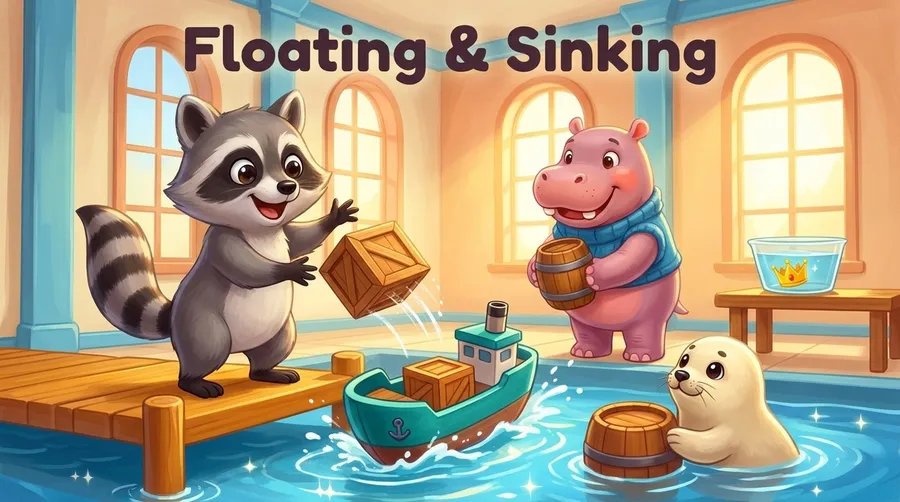
A hands-on science hall about why things float. Toss crates, barrels and stones onto a bobbing boat without tipping it, ride out the waves, fill a tub exactly to the line, fling heavy blocks with a lever, then sink a golden crown to find out if it is really gold.
Why does a heavy boat float while a little stone sinks? Find out with your own paws.
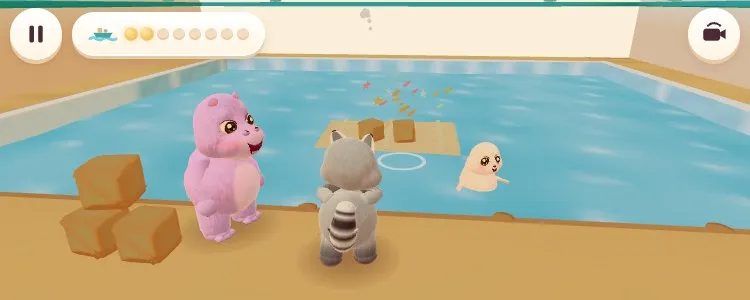
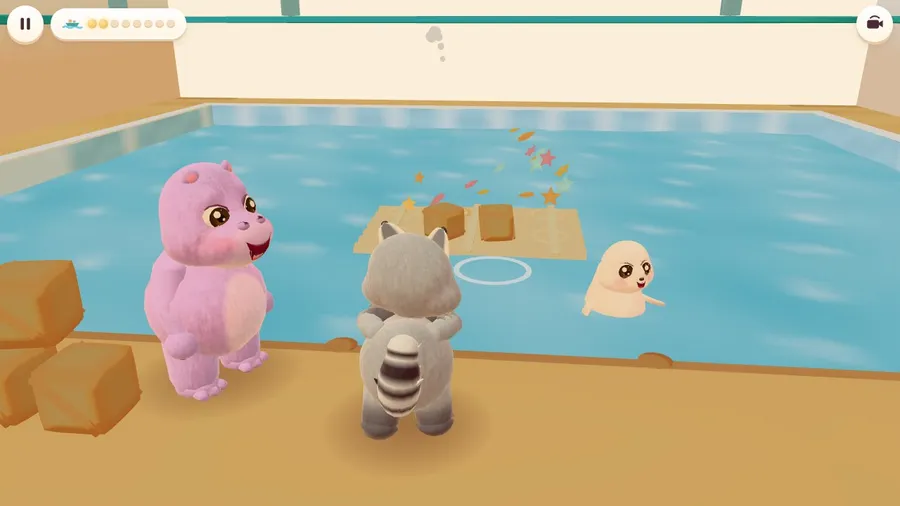
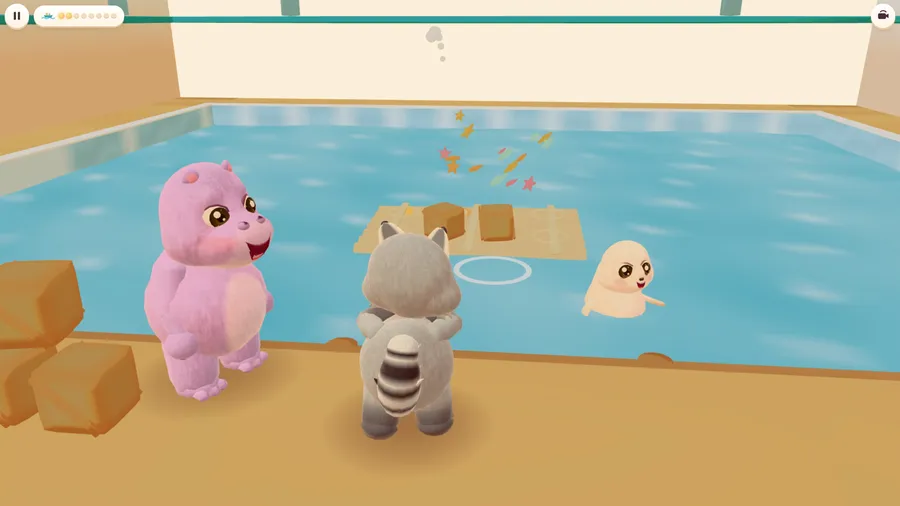
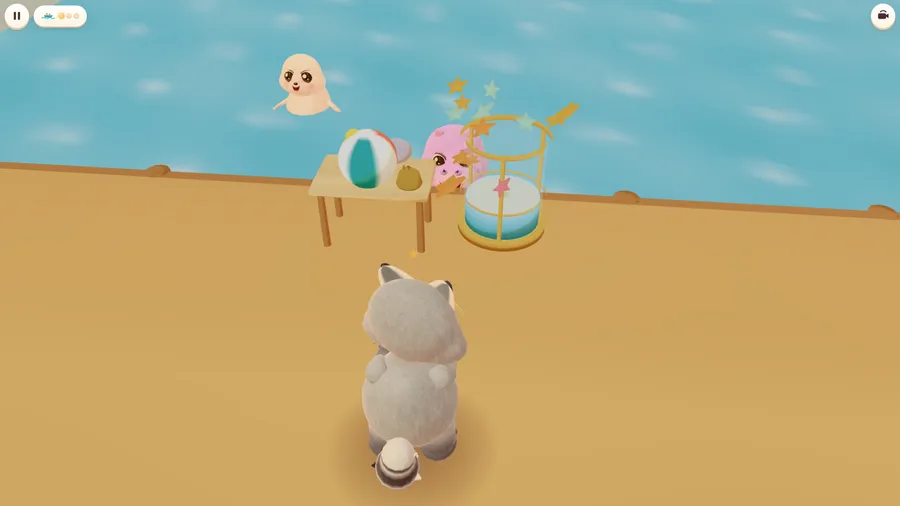
River the raccoon works the dock of a sunlit museum water hall. Pull back and let go to toss each load onto a floating raft, then a cargo boat: every load makes it sit lower in the water, and too much on one side tips it until the cargo slides off with a splash. Stones sink, barrels bob back up for another try, and the wave machine rocks the boat so you must balance left and right. At the glass tub you drop things in to fill the water exactly to the line: a big light pumpkin pushes the water up just as much as a small heavy stone. Stone blocks are too heavy to toss, so a lever and a jolly hippo fling them out to the barge. Then the famous test: the crown weighs the same as a gold bar, but in water it spills more. It is not all gold.
Six levels, each a new experiment, a Discovery card for your Discovery Journal, three skill levels (Beginner, Normal and a demanding Advanced with big waves, a twitchy boat and no aim helper) and a daily cargo day. No reading needed to play, nothing to fail: a miss just floats back or splashes. Composed music, 14 languages.
How to play
- You are the raccoon. Load the boat without tipping it.
- Pull back on the screen to aim. Let go to toss.
- Keep the boat level. Too much on one side slides off.
Controls
| Touch | Put a finger down anywhere and pull back like a slingshot; the landing ring moves the other way over the water. Let go to toss. |
|---|---|
| Mouse | Press and pull back with the mouse the same way, then let go to toss. |
| Keyboard | The arrow keys or WASD move the landing ring; hold Space or Enter, then let go to toss. |
| Keyboard | C or V changes the camera, and Escape or P pauses. |
| Gamepad | The left stick moves the landing ring. |
| Gamepad | Start pauses and Y changes the camera. |