Ludo Acorn
Roll, race, come home
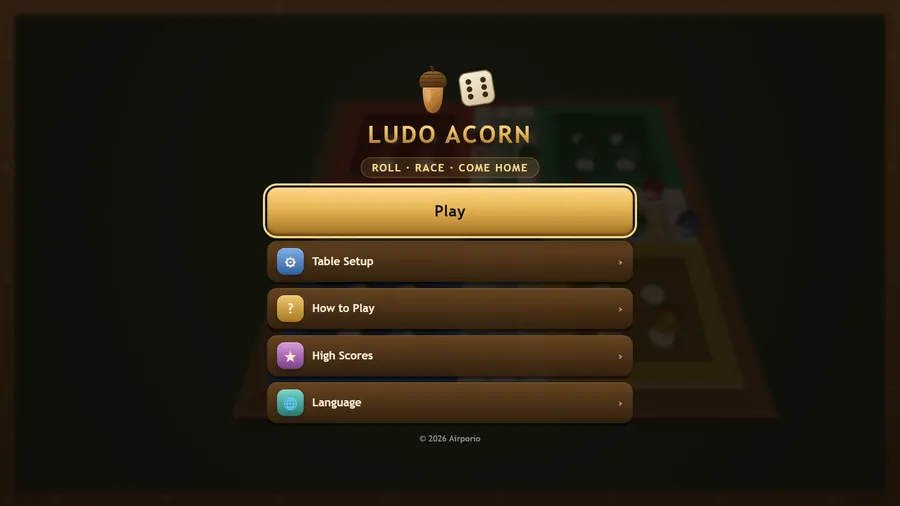
The game loads when you press play.
- Free
- No ads
- No account needed
- No install — plays in your browser
About the game
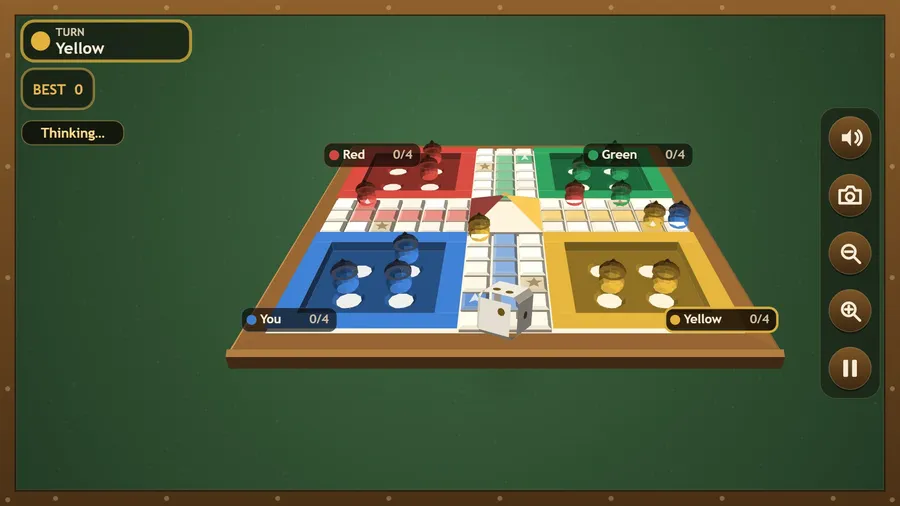
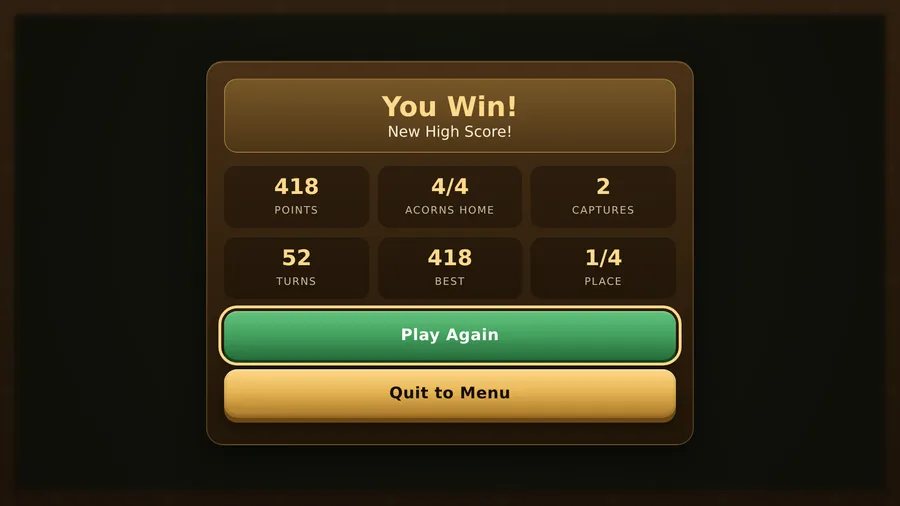
Race four acorns around the board and be first to bring them all home. Roll a six to leave the yard, land on a rival to send it back, and shelter on a star.
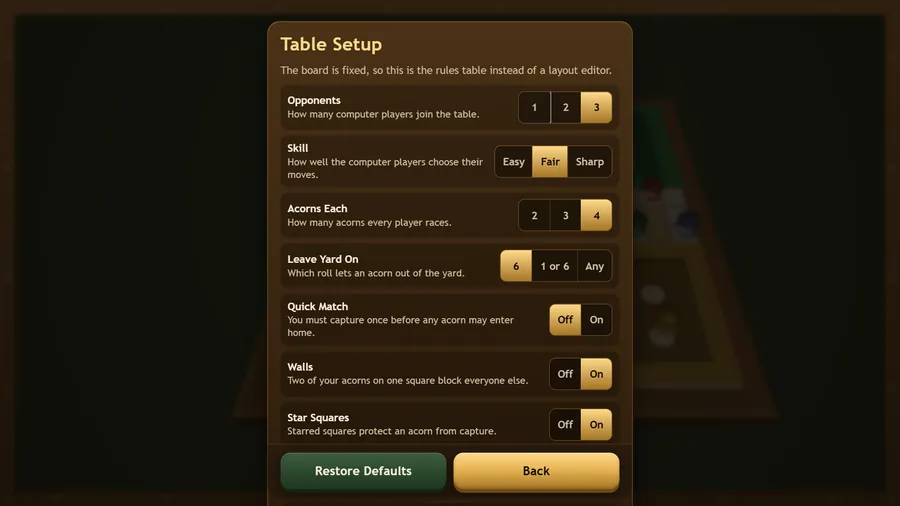
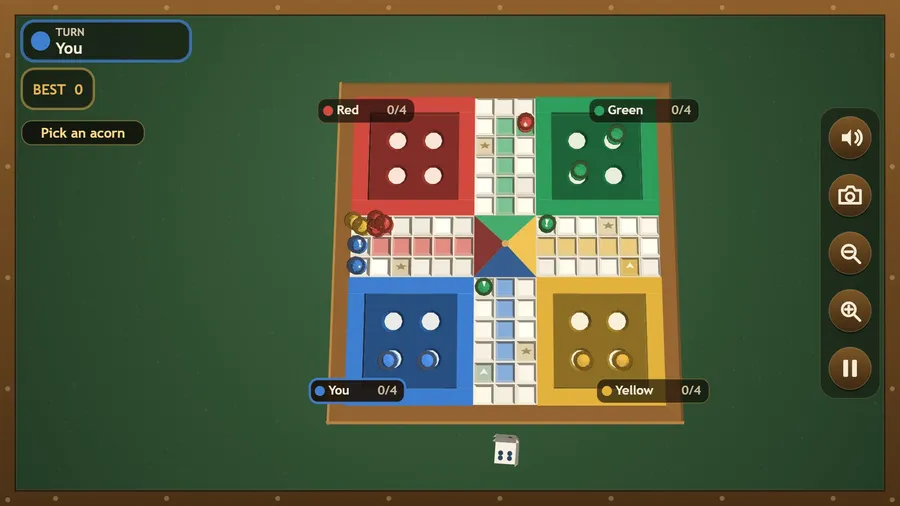
Ludo Acorn is a hand-built 3D take on the classic four-player race board. Turned acorn tokens run an oak board under a soft table light, rendered with a custom software 3D renderer so it looks the same on every seatback screen. Roll a six to send an acorn out of its yard, walk the circuit, and bring all four home up your own colour column. Land on a rival's acorn and it goes back to its yard; rest on a starred square and nothing can touch you. Stack two acorns on one square to wall it off. Play against one, two or three computer opponents at three skill levels, and adjust the table to the house rules you grew up with: exact roll to finish, three sixes lose the turn, Quick Match, blocking, safe squares. Nothing to connect to, nothing to buy, nothing to sign in to.
How to play
- Tap the die to roll. Roll a 6 to move an acorn out of your yard.
- Tap a glowing acorn to move it. Only legal moves glow.
- A 6 earns another roll. Three sixes in a row lose the whole turn.
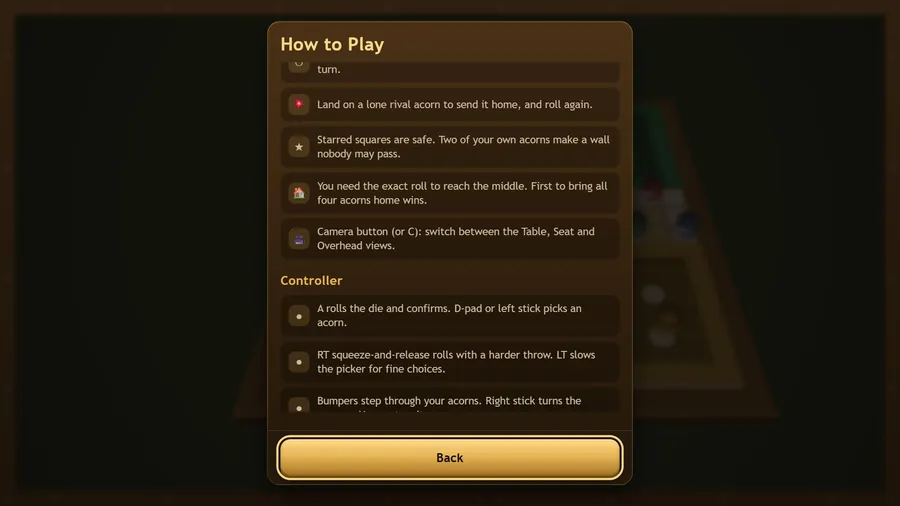
- Land on a lone rival acorn to send it home, and roll again.
- Starred squares are safe. Two of your own acorns make a wall nobody may pass.
- You need the exact roll to reach the middle. First to bring all four acorns home wins.
- Camera button (or C): switch between the Table, Seat and Overhead views.
Controls
| Touch | Tap the die to roll, then tap a glowing acorn to move it. |
|---|---|
| Mouse | Click the die to roll, then click a glowing acorn to move it. |
| Keyboard | Space or Enter rolls and moves the chosen acorn, the arrow keys switch between acorns, C or V changes the camera, Esc or P pauses and M mutes. |
| Gamepad | A rolls and confirms · D-pad or left stick picks an acorn · RT rolls harder, LT slows the picker · bumpers cycle acorns · right stick turns the camera, Y recentres · B backs or pauses · Start or X quits. |