Scamper Lane
Hop · Dodge · Home
The game loads when you press play.
- Free
- No ads
- No account needed
- No install — plays in your browser
About the game
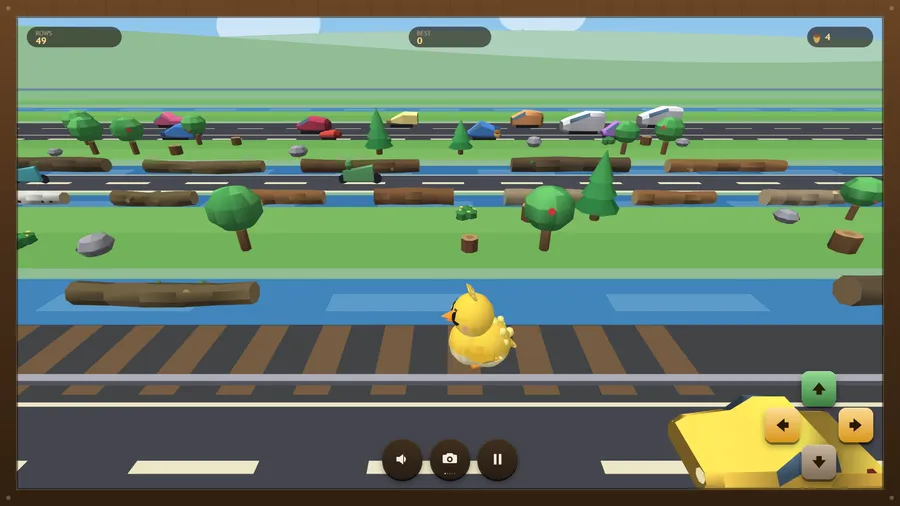
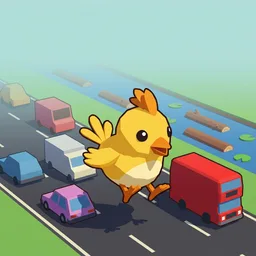
Hop a small animal across roads, rivers and railways, one square at a time.
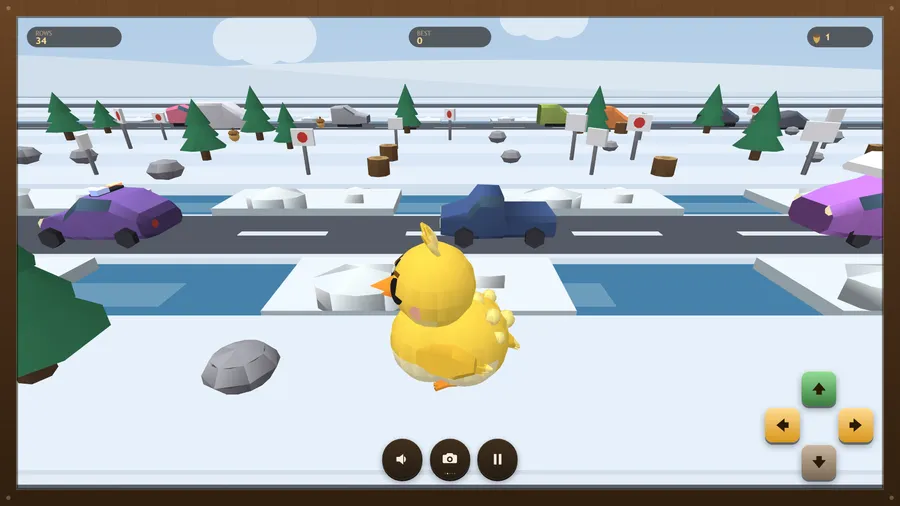
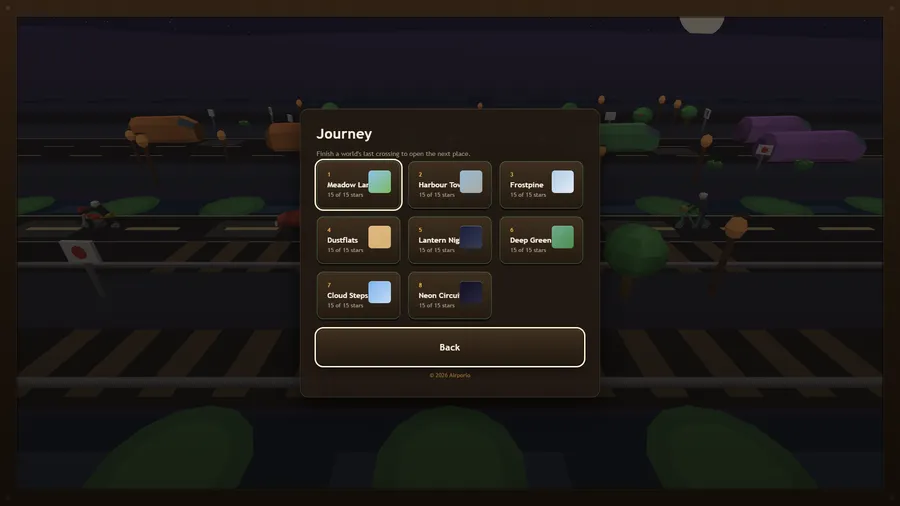
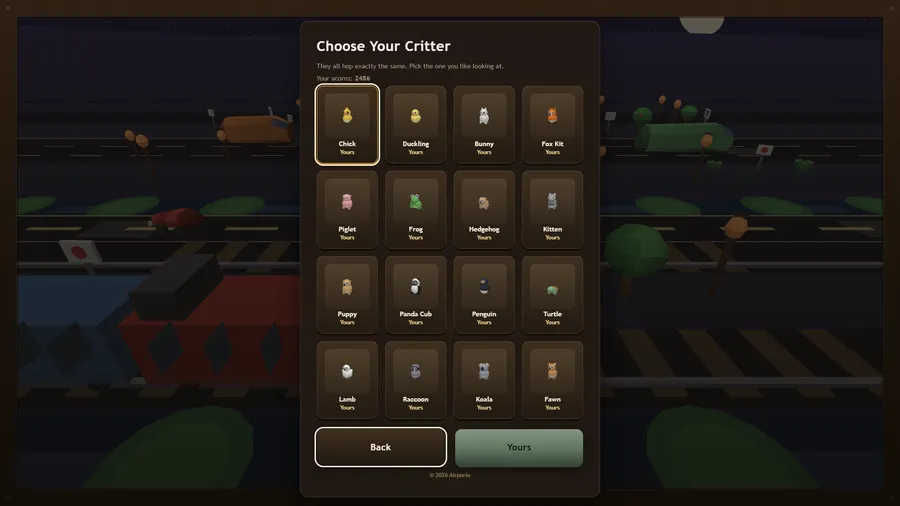
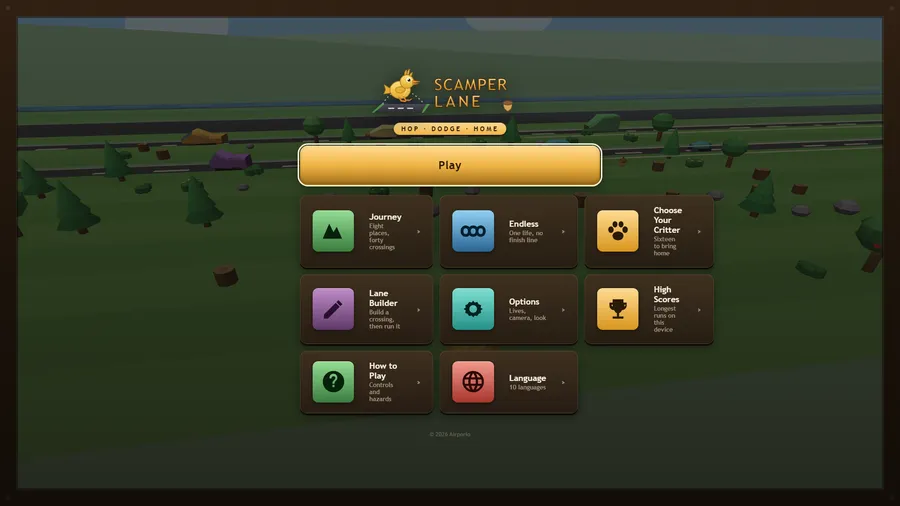
Sixteen small animals, eight places and forty crossings. Hop one square at a time across meadow roads, harbour tramlines, frozen rivers, desert railways and a neon circuit where everything is fast. Cars squash, water drowns, trains do not wait, and a bank of mist rolls up the lane behind you and never stops. Ride a log, time a gap, gather acorns and bring home a duckling, a fox kit, a panda cub or a fawn. Includes an endless run for every place, a lane builder for making your own crossing, eleven languages and full gamepad support. Runs entirely offline in a single file.
How to play
- Swipe or tap to hop forward, back, left or right. Every hop moves exactly one square, so you are choosing squares, not steering.
- Cars, trucks, buses and trams. Watch a lane for a moment and the gap will show itself. A truck is long; a gap behind one is not.
- You cannot swim. Land on a log, a lily pad, a floe or a barge, ride it, and hop off before it carries you out of the lane.
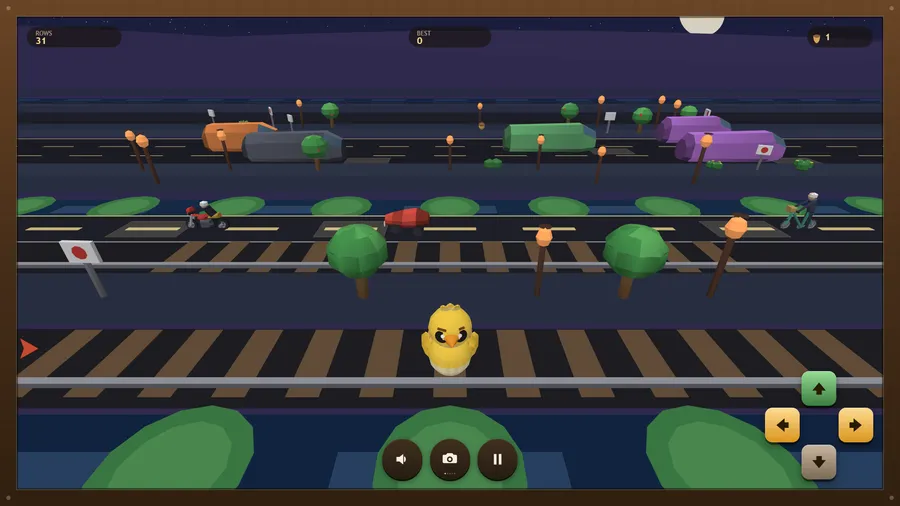
- The lights on both sides flash before a train comes. When they flash, the track is not a place to stand.
- A bank of mist rolls up the lane behind you and never stops. Standing still is not a plan.
- Gather them as you go. They buy new critters, and each crossing has a target worth a star.
- Three lives for a whole crossing, and nothing gives them back. Get caught and you resume from the last checkpoint. Endless gives you one.
- Change the view with the camera button, C or V, or the gamepad's View button (or RB): chase, close-up, face-cam, high or low. In the face-cam you watch your critter coming toward you, so the arrows follow the screen: forward is down. Arrows at the edge warn of traffic you cannot see yet.
Controls
| Touch | Swipe in any direction to hop that way, tap to hop forward, or press the on-screen arrows. |
|---|---|
| Mouse | Click to hop forward, drag in a direction to hop that way, or click the on-screen arrows. |
| Keyboard | arrows or WASD, Esc to pause, M to mute. |
| Gamepad | D-pad or left stick hops, A hops forward, B hops back, Start pauses, Y restarts; D-pad and A work every menu. |