Briar Hour: A Sleeping Beauty Story
A Sleeping Beauty Story
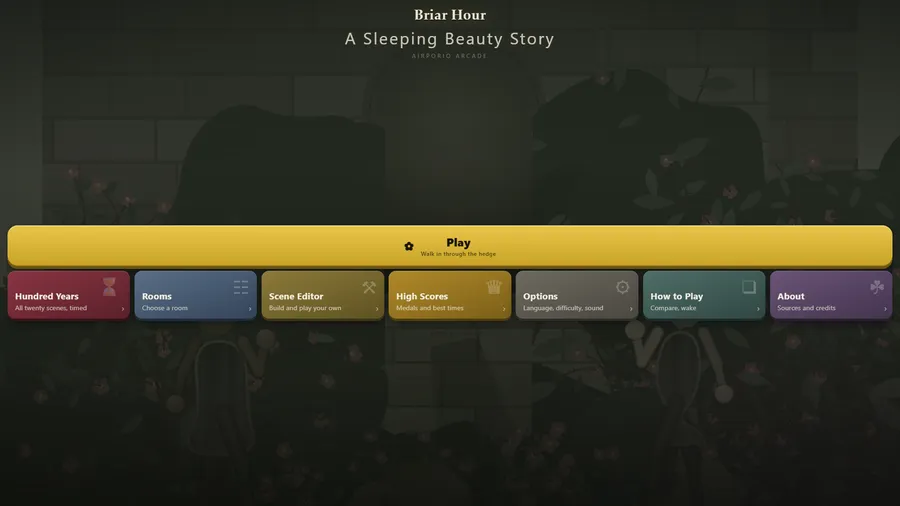
The game loads when you press play.
- Free
- No ads
- No account needed
- No install — plays in your browser
About the game
Compare two pictures of a sleeping castle and find what a hundred years have changed, room by room, in a Sleeping Beauty story.
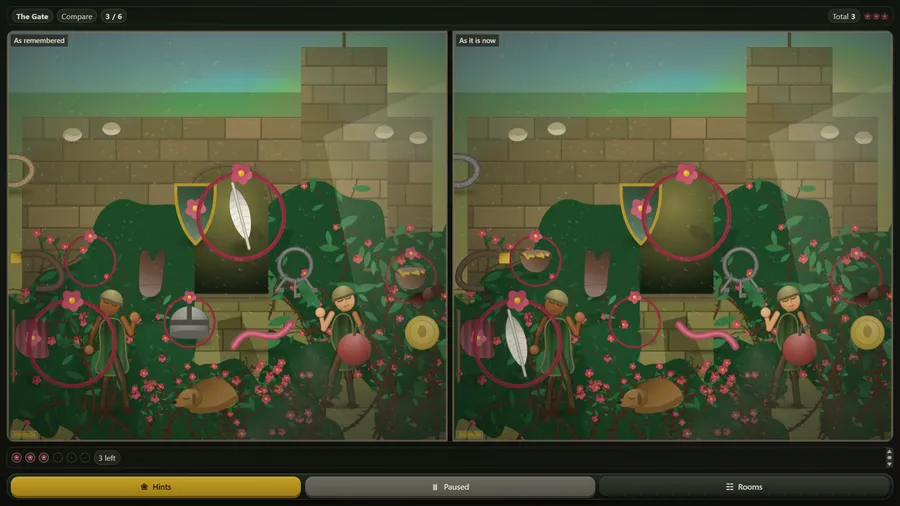
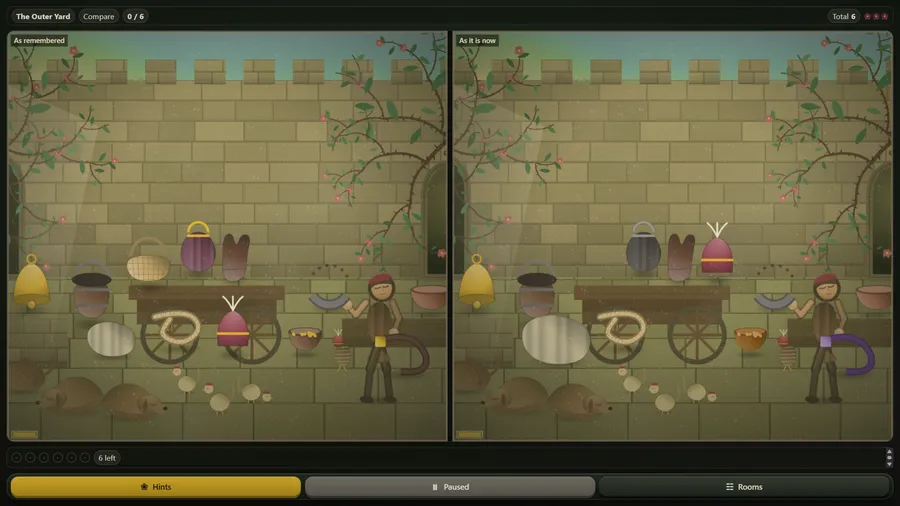
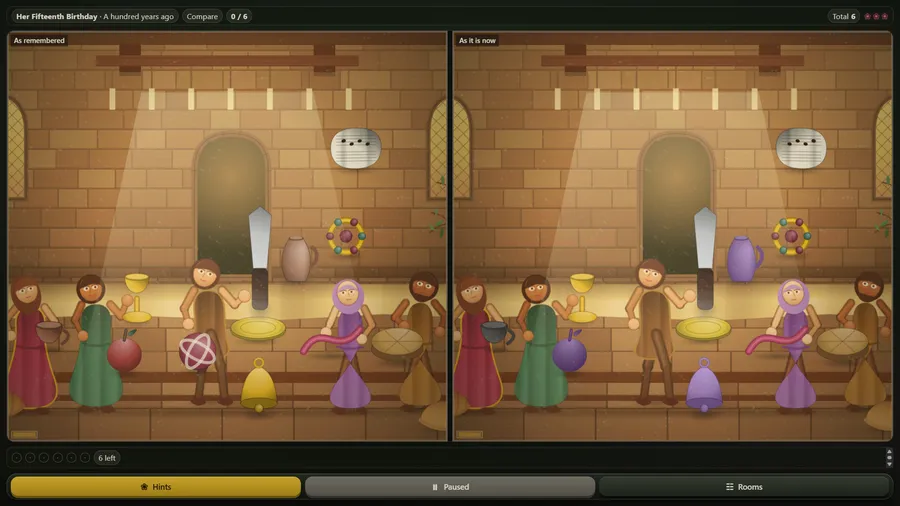
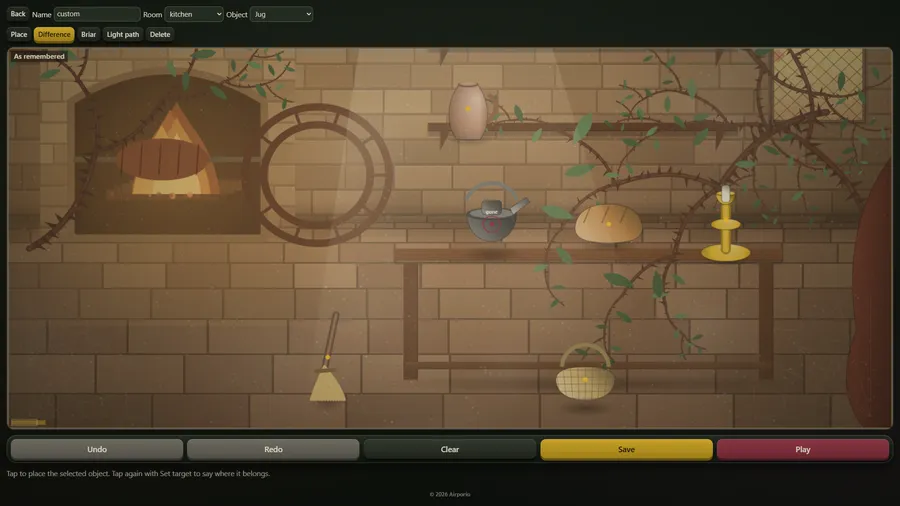
Briar Hour is an original spot-the-difference game after the Brothers Grimm tale of Briar Rose. A whole kingdom fell asleep a hundred years ago, and you are the prince who has walked through the parted thorn hedge. Each room hangs as two pictures side by side, As remembered and As it is now. Tap a change on either picture and it is found on both: something gone, moved or recoloured, and on harder settings mirrored or resized. Every find lifts the dust from that part of the room and brings its colour back. Wild tapping wilts one of three roses, and a hint blooms a rose near a change you have not found.
Play walks through five acts, from The Hedge to The Tower, each with a memory from a hundred years ago, and Rooms opens any room directly. Hundred Years runs all twenty scenes against the clock. Difficulty is Dawn, Dusk or Deep, with four, six or eight differences to a room. In the Scene Editor you place objects in a room, mark the differences and the briar, then save your scene and play it. High Scores keeps medals and best times, and Options adds a reduce-motion setting.
How to play
- A whole kingdom fell asleep mid-motion a hundred years ago. The thorn hedge has just bloomed and parted, and you are the prince who walked through it.
- Compare. Two pictures of the same room hang side by side: the castle as it is remembered, and the castle as it is now.
- A hundred years moved some things, took some away, faded others. Tap a change on either picture and it is found on both.
- Wake. Every change you find lifts the dust from that part of the room, and the colour comes back.
- Three roses discourage wild tapping. A hint blooms a rose on the thorn border nearest a change you have not found.
Controls
| Touch | Tap a change on either picture to find it; tap the hint button to bloom a rose near one you have missed. |
|---|---|
| Keyboard | Arrow keys move the cursor, Enter or Space selects, H asks for a hint, and Esc or Backspace goes back. |
| Gamepad | D-pad or stick moves the cursor, A selects, B goes back, Y restarts the room, Select gives a hint, and X or Start quits to the menu. |