Chickadee Chimes
Play · Catch · Hatch
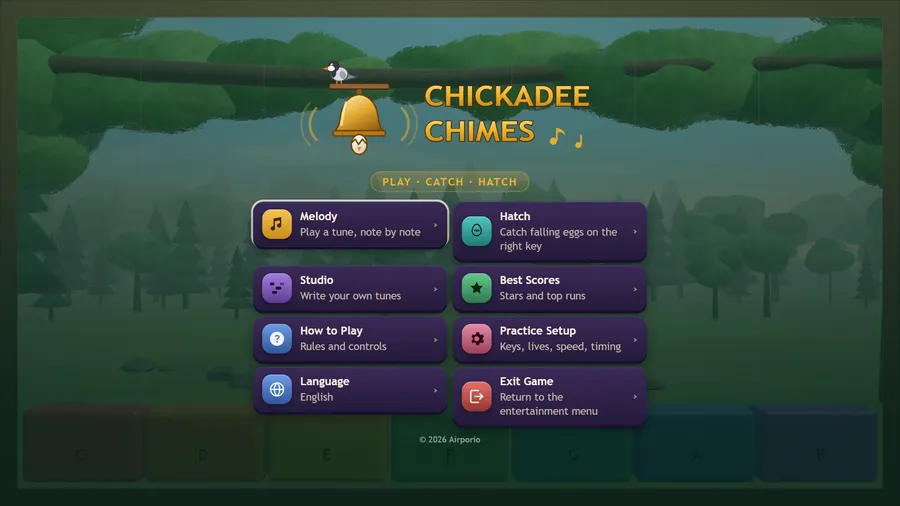
The game loads when you press play.
- Free
- No ads
- No account needed
- No install — plays in your browser
About the game
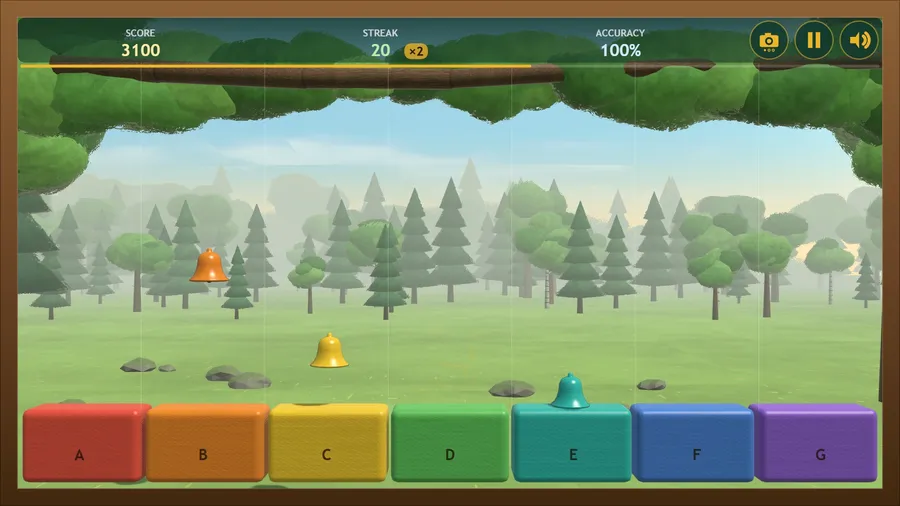
Tap the falling bells in time, then catch the eggs the flock drops — and write tunes of your own.
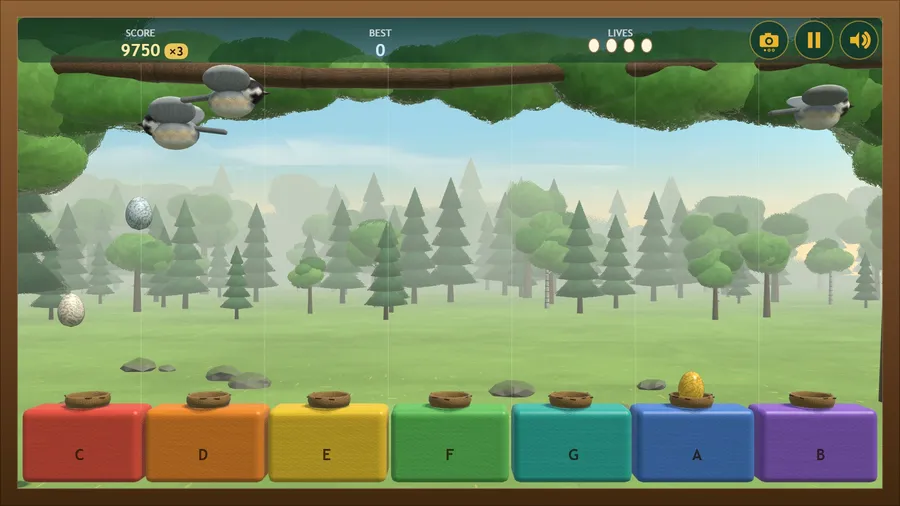
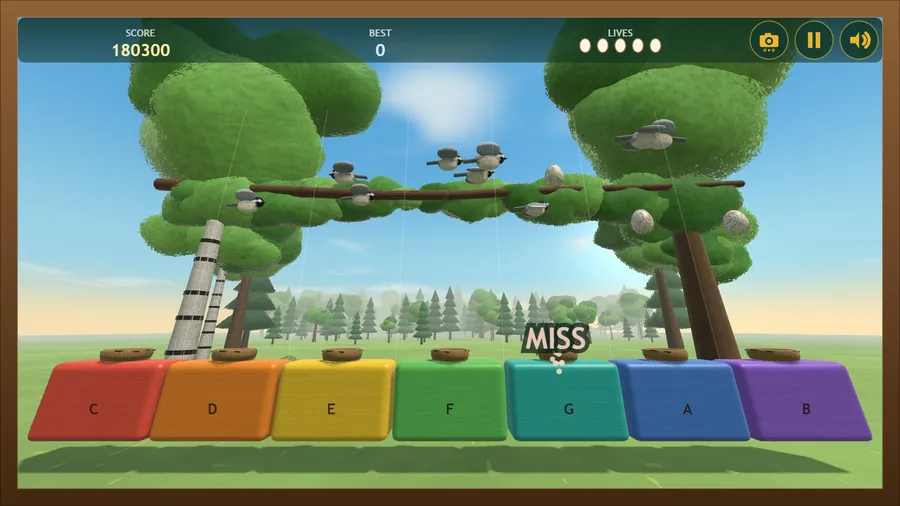
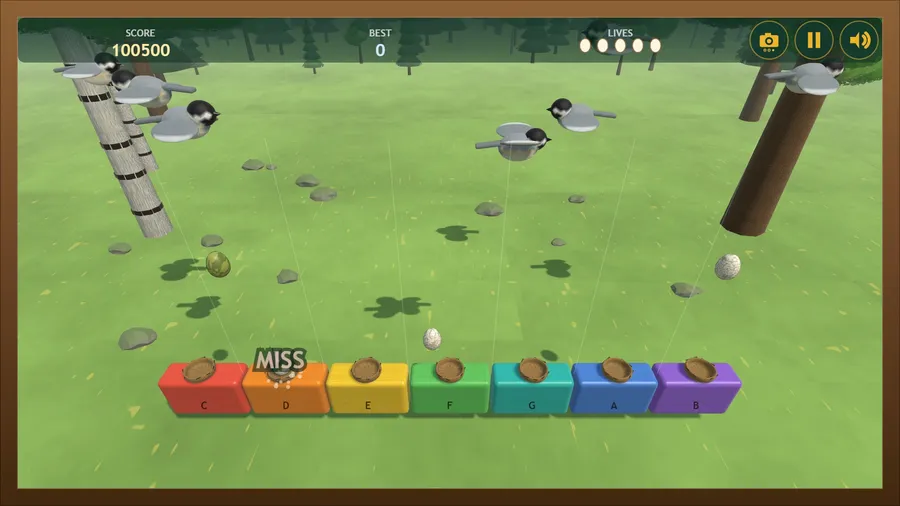
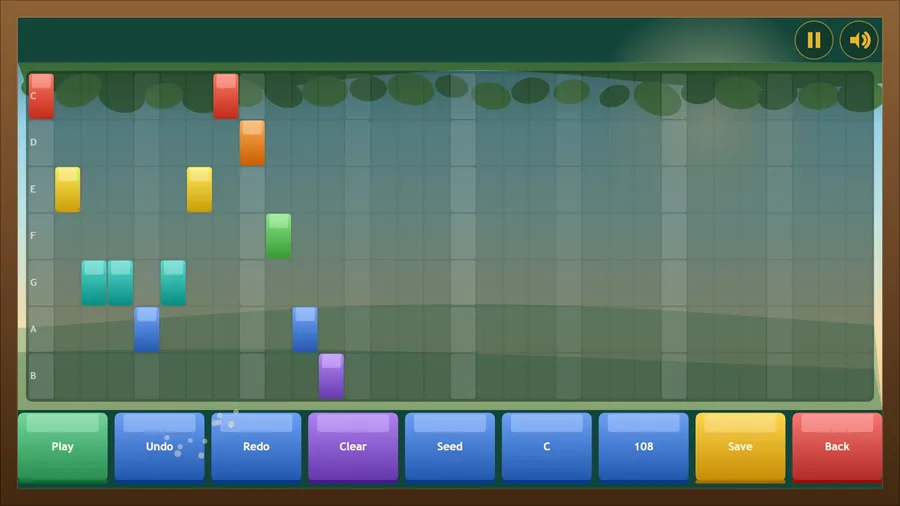
A sunny wood hung with tuned chimes, and a flock of chickadees. In Melody, bells fall down seven coloured lanes and you tap each one as it crosses the line — the keys are lettered with real note names and retune themselves to whatever key the tune is in, so every melody fits under your thumb. In Hatch, the flock overhead drops eggs into the lanes: catch one on its own key and it hatches, let it fall and you lose a life. Golden eggs are worth triple, rainbow eggs sweep up their neighbours, blue eggs slow the flock, and speckled green ones are rotten — let those drop. Studio is a note grid where you write your own tunes and play them like any other. Two can share one strip in Duet, either against each other or on the same nest. Fourteen tunes, eleven languages, no internet needed.
How to play
- Bells fall down the lanes. Tap anywhere in a lane the moment its bell crosses the line.
- Dead on the line is Perfect, a little early or late is Great, then Good. A wrong key or a missed bell breaks your streak — and a long streak multiplies every point, up to ×4.
- In Hatch mode the flock drops eggs into the lanes. Catch one on its own key and it hatches. Let one hit the ground and you lose a life. Golden eggs are worth triple, rainbow eggs sweep up their neighbours, blue eggs slow the flock — and speckled green eggs are rotten, so let those fall.
- Studio is a note grid: tap to place a bell, drag to paint a run, then save it and play it like any other tune.
Controls
| Touch | Tap anywhere in a lane as its bell crosses the line; in Studio, tap the grid to place a bell and drag to paint a run. |
|---|---|
| Mouse | Click in a lane as its bell crosses the line; in Studio, click the grid to place a bell and drag to paint a run. |
| Keyboard | On a desktop the lanes are A S D F then J K L ; — or the number row 1 to 8. Space pauses, Esc goes back. |
| Gamepad | Lanes run left to right across the D-pad then the face buttons: ◀ ▲ ▼ ▶ then X Y A B. Hold LT for a softer touch, RT strikes the highlighted lane. B goes back, Y restarts, Start quits to the menu, and D-pad + A works every menu. |