Cricket
Bat, bowl, and judge a run
The game loads when you press play.
- Free
- No ads
- No account needed
- No install — plays in your browser
About the game
3D cricket in short matches: swipe to play your strokes, choose the ball and the field when you bowl, and judge every run. A 36-level Tour over five grounds, a Cup, a Gauntlet and Nets.
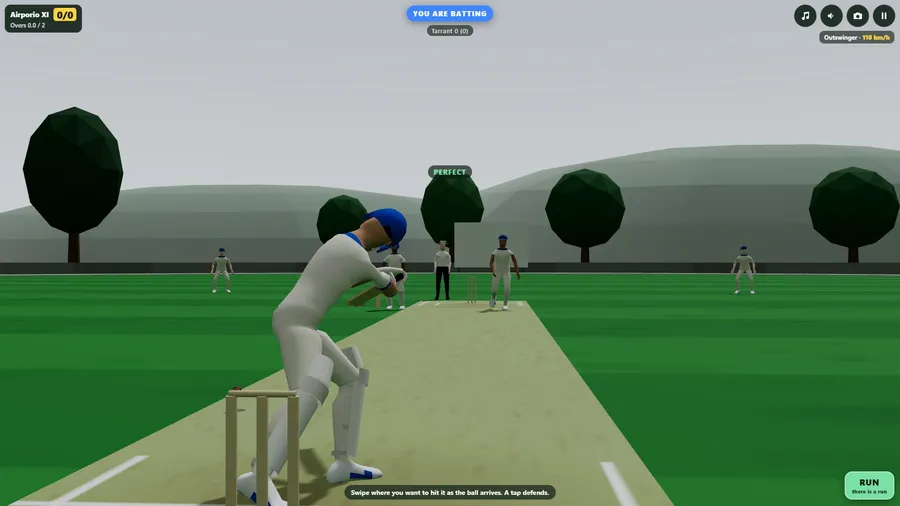
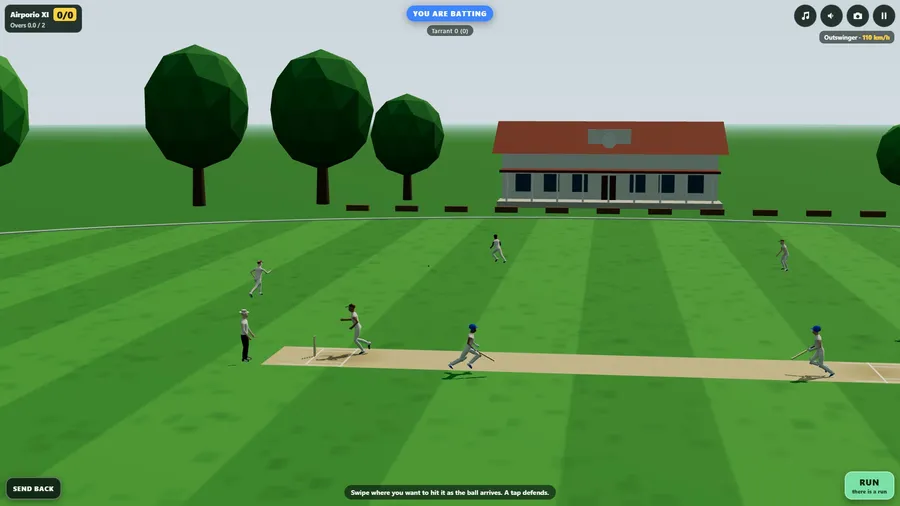
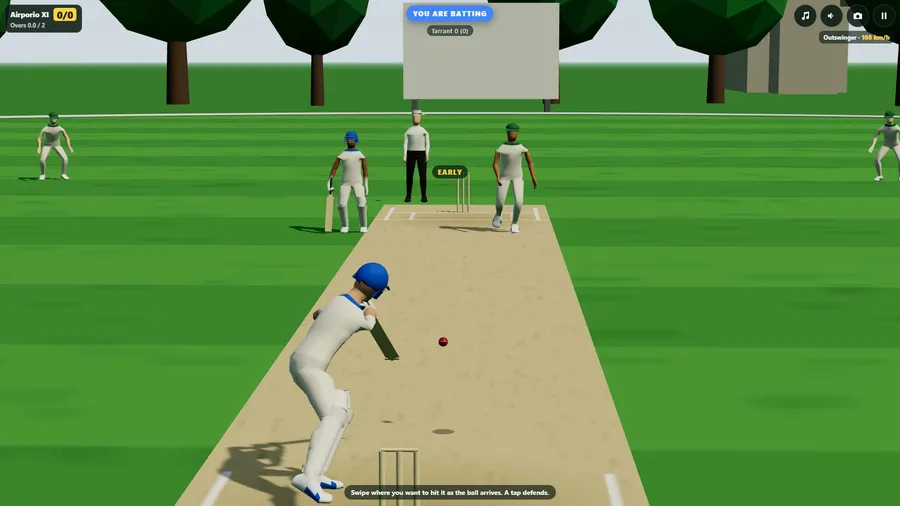
Cricket is the whole game in short matches of one to twenty overs. When you bat, the view is from behind your batter: swipe the way you want to hit the ball as it arrives. A short swipe pushes it along the ground, a longer one drives it, and a long fast swipe hits it in the air - for six, or to a fielder. A tap defends. Then press Run, and send your partner back if the throw is coming in.
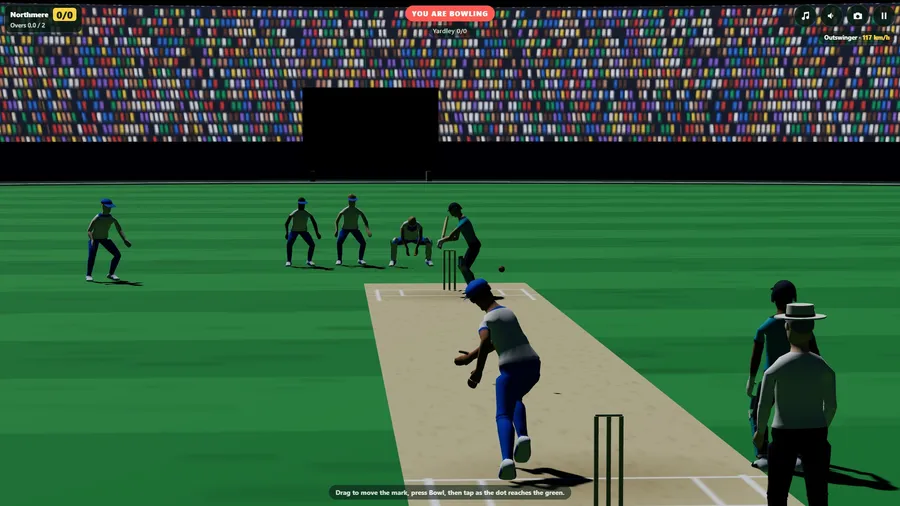
When you bowl, the view is from behind your bowler. Pick the delivery - seam, swing, a cutter or a slower ball from the fast bowlers, off breaks and leg breaks from the spinners - drag the mark to where it should pitch, set one of seven fields, and tap as the arm comes over. Early loses pace, late sprays it, too late is a no-ball.
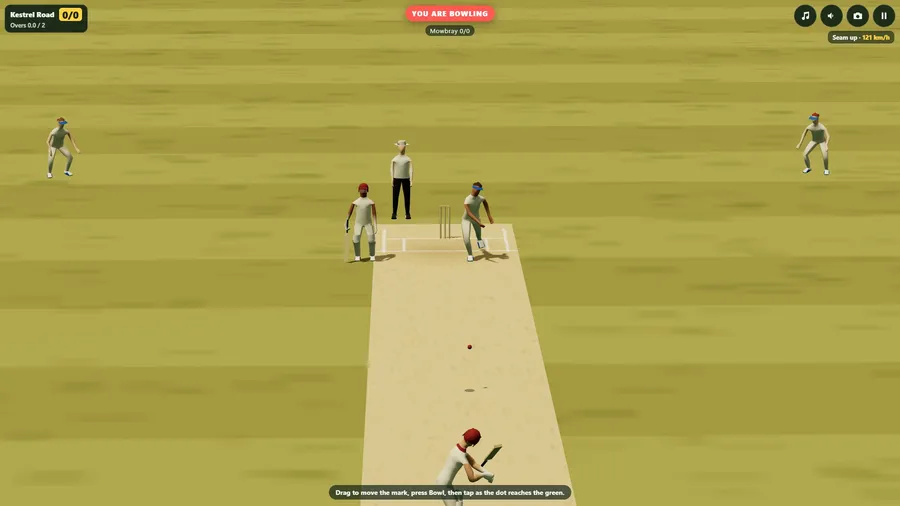
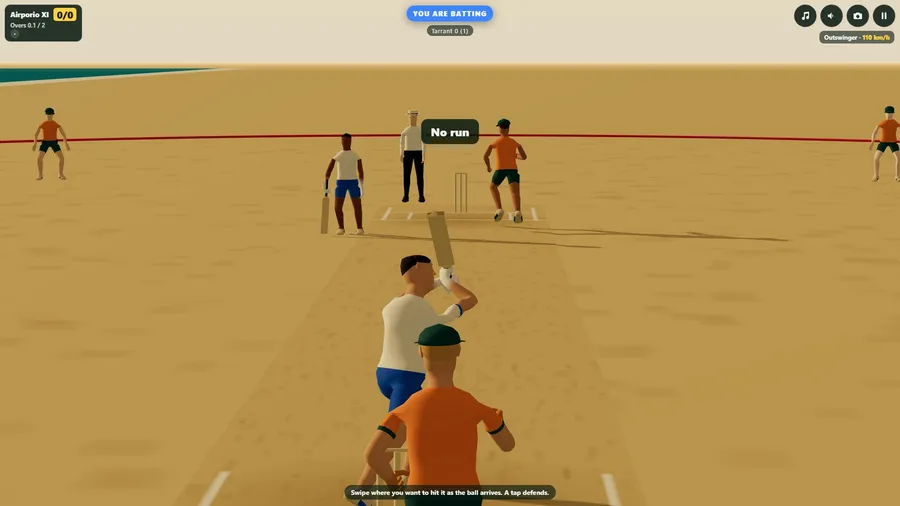
The Tour takes you through five grounds in 36 levels: a village green with a short boundary, a dusty ground where the ball turns, a green pitch under cloud where it swings and seams, a big oval under lights, and a beach where a hit into the sea is out. Chases, last overs, spells of spin to survive, wickets to take, and full matches against sides from village to international standard, with up to three stars a level. The Cup is a knockout of eight, the Gauntlet is one chase after another until your three lives are gone, and the Nets are practice with no score.
Underneath is a real ball: it swings in the air, grips and turns off the pitch, comes off the middle or the edge of the bat, and is chased, caught, dropped and thrown by eleven fielders. Bowled, caught, lbw, run out, stumped and hit wicket are all here, with wides, no-balls and a free hit.
Five camera views including one from behind your player, separate Music and Sound switches, portrait or landscape, eleven languages, touch, mouse, keyboard or gamepad. One self-contained file with no network requests, so it plays offline at 38,000 feet.
How to play
- Batting. The view is from behind your batter. As the ball arrives, swipe the way you want to hit it: up the screen is straight back past the bowler, to the right is the off side, to the left is the leg side. Start the swipe about when the ball pitches: too early and it goes up in the air, too late and you are beaten.
- Bowling. The view is from behind your bowler. Choose the delivery, drag to move the mark where the ball should pitch, choose a field, then press Bowl. As the dot reaches the green part of the bar, tap: early loses pace, late sprays it, and too late is a no-ball. Swipe sideways as you tap to add swing or spin.
- The game. Six balls an over. Bowled, caught, lbw, run out, stumped and hit wicket are all out. A wide or a no-ball costs a run and is bowled again, and the ball after a no-ball is a free hit. Short matches have fewer wickets to lose: three in a two-over game, five in five overs.
- Views. The camera button (or C) changes the view: behind your player, close at stump height, the television view, square of the wicket, and overhead. Music and Sound have their own buttons.
- Keys. Arrows aim; Space plays a stroke or bowls; X hits in the air; Z defends; R runs; B sends back; F changes the field; 1 to 5 choose the delivery; M sound; N music; Esc pauses. A controller works too.
Controls
| Touch | Swipe where you want to hit it as the ball arrives. A tap defends. |
|---|---|
| Touch | Drag to move the mark, press Bowl, then tap as the dot reaches the green. |
| Gamepad | A controller works too. |