Sizzle Shack
Prep · Cook · Plate · Serve
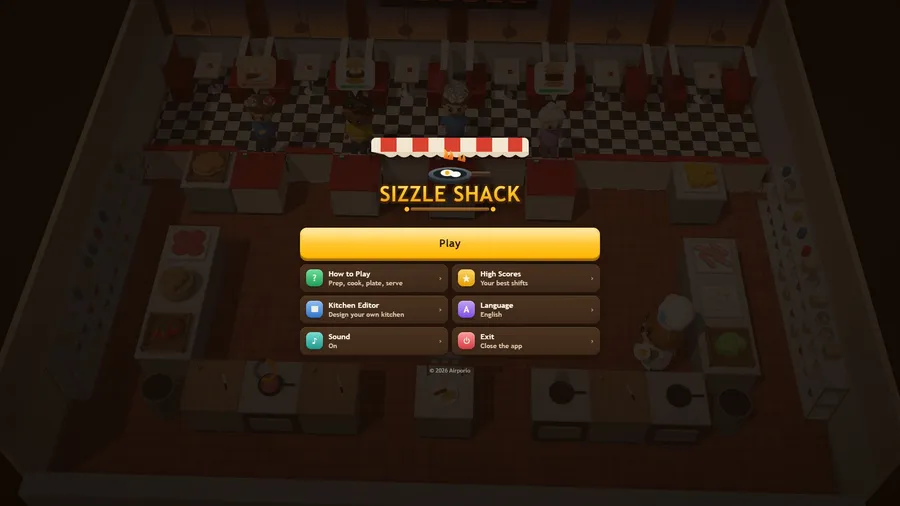
The game loads when you press play.
- Free
- No ads
- No account needed
- No install — plays in your browser
About the game
Run a tiny kitchen: grab, chop, cook, plate and serve before your guests walk out.
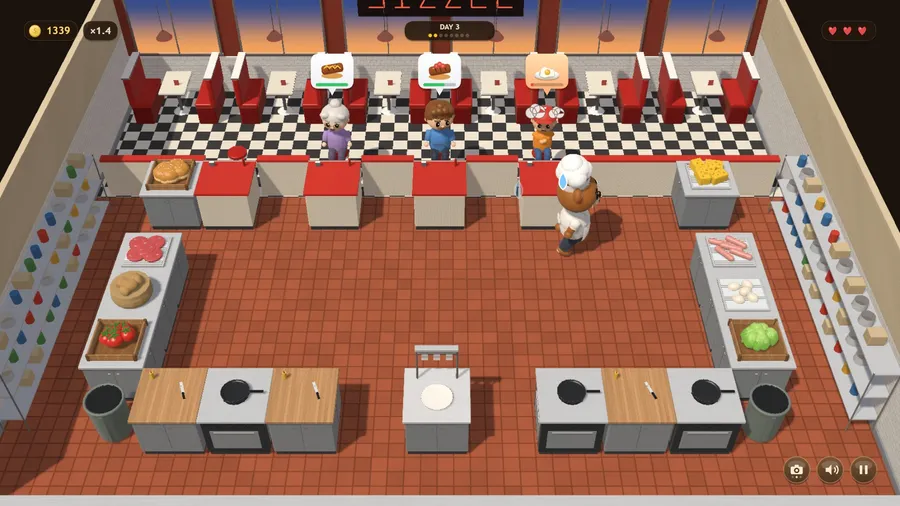
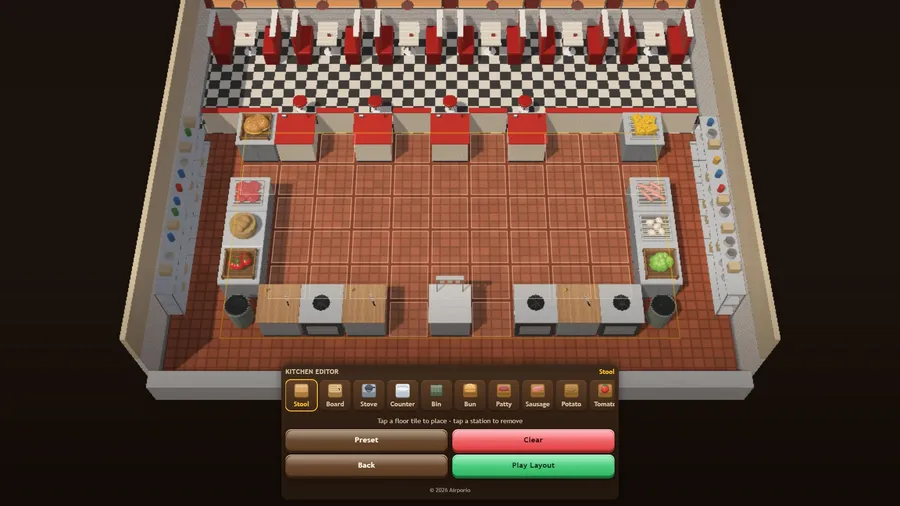
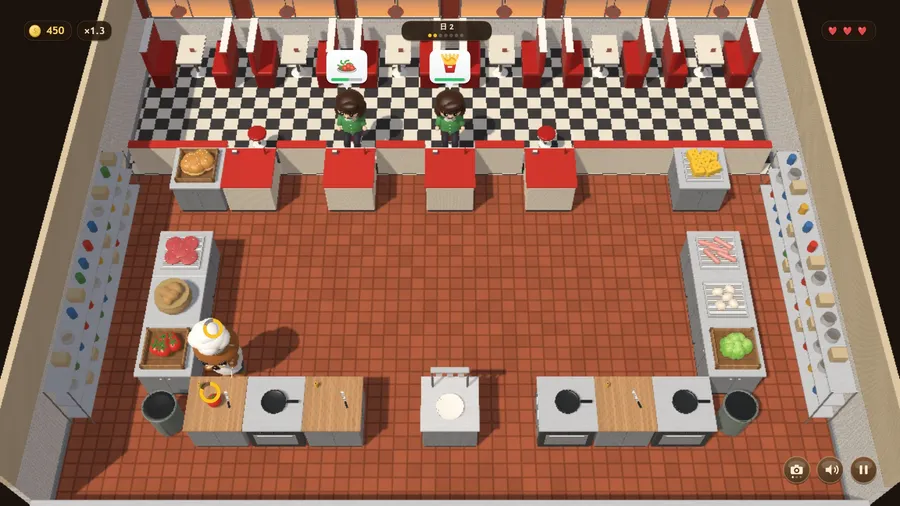
Sizzle Shack is a fast, friendly kitchen-service arcade game. Tap anywhere to send your cook across the floor; tap a station and they walk over and get to work. Pull ingredients from the crates, chop them on the board, cook them on the stove, and assemble each order on the plating counter. Cooking carries on while you walk away — which is the whole game, because food left on the heat burns and has to be binned. Guests arrive with an order and a patience bar; serve them in time and coins drop on the floor for you to collect. Lose three guests and the shift is over. Each day sets a serving quota, and clearing it opens the next, busier day. A built-in Kitchen Editor lets you redesign the room station by station and play your own layout. Everything runs entirely offline from a single file, in eleven languages, with full gamepad support.
How to play
- Take an ingredient from a crate. Chop it on the board, cook it on the stove.
- Cooking keeps going while you walk away — but leave food on too long and it burns. Bin it.
- Drop each part on the plating counter. When the plate matches an order, pick it up.
- Tap the guest holding that order to serve it, then walk over the coins to collect them.
- A guest who waits too long walks out. Lose three guests and the shift is over.
- Fast service earns a bigger tip. Serve guest after guest with nothing burnt and nobody walking out, and the streak bonus grows: ×1.1, ×1.2…
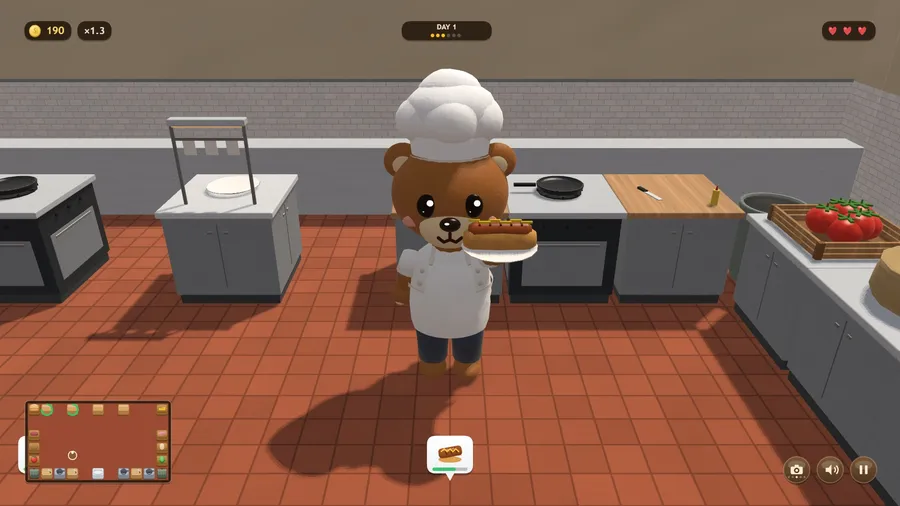
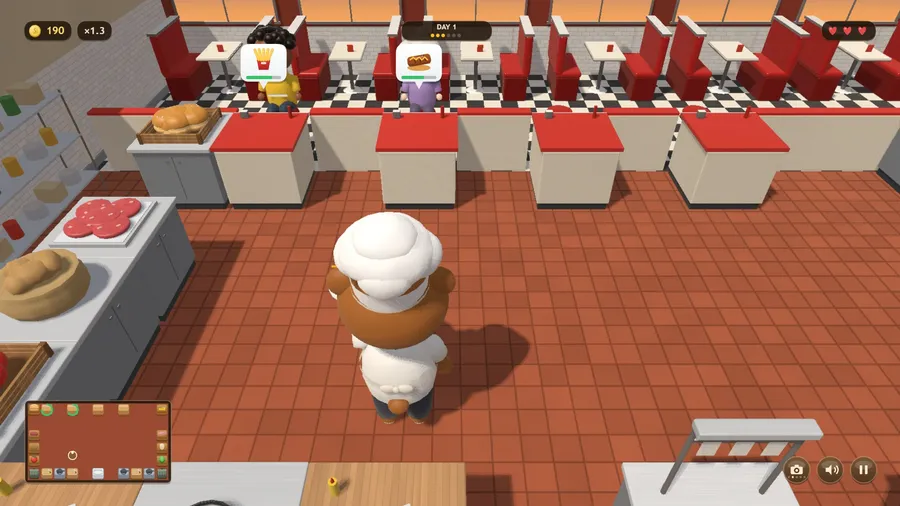
- Change the view with the camera button, the C key or a gamepad’s View button: the whole kitchen, behind the chef, facing the chef, from the booths or overhead.
- Every guest is different. The lady in green is in a hurry but pays more, granny waits longest but tips little, and the critic in the beret tips double if you are quick — and nothing if you are slow.
- In the close views the map button, the Tab or K key or a gamepad’s LB shows or hides a plan of the kitchen you can tap. With it hidden, drag sideways to look round, and tap the gold arrow at the edge of the screen to go to the station you need next.
Controls
| Touch | Tap anywhere to walk. Tap a station to use it — the cook goes there and gets to work. |
|---|---|
| Mouse | Click anywhere to walk the cook there; click a station to use it. |
| Gamepad | Left stick or D-pad walks the cook and LT walks precisely; A or RT uses the station you face, B cancels, Y drops what you hold, Start or X pauses. |