Chalk Parade
Draw · Guess · Score
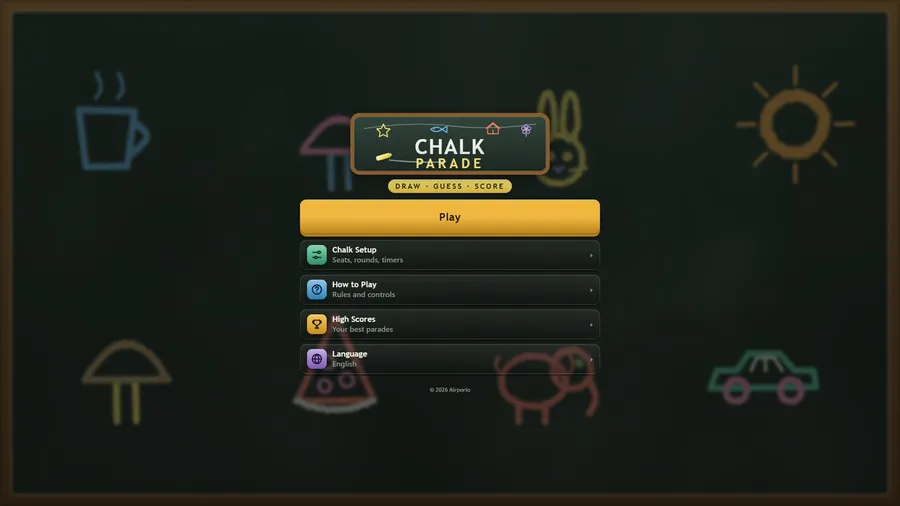
The game loads when you press play.
- Free
- No ads
- No account needed
- No install — plays in your browser
About the game
Draw it, guess it, score it — a chalkboard party game for one — or for two over the net.
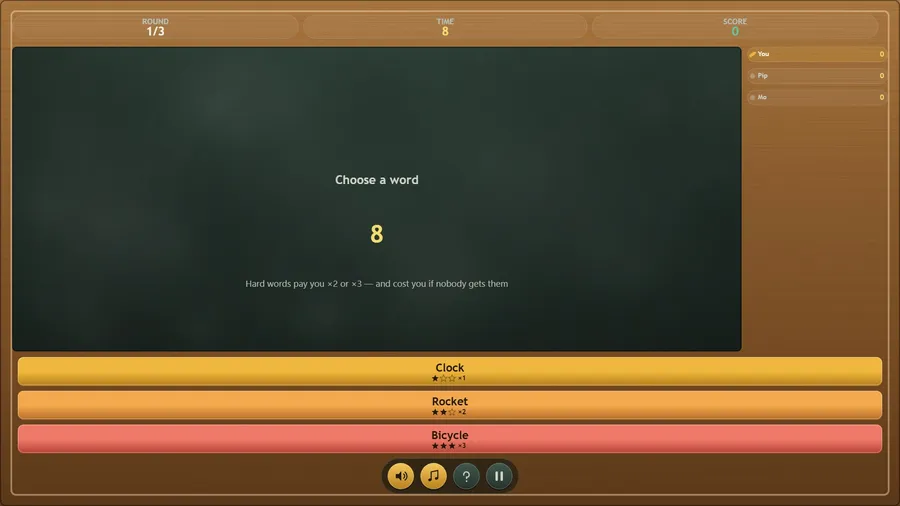
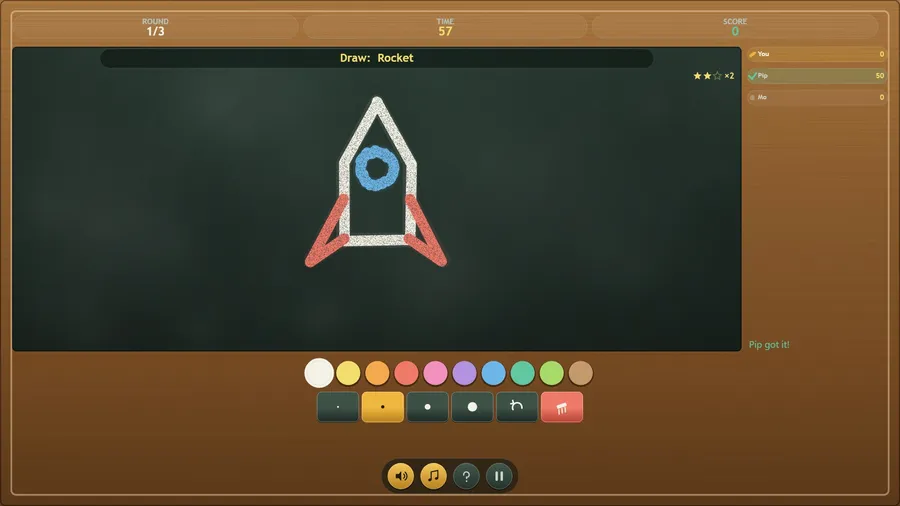
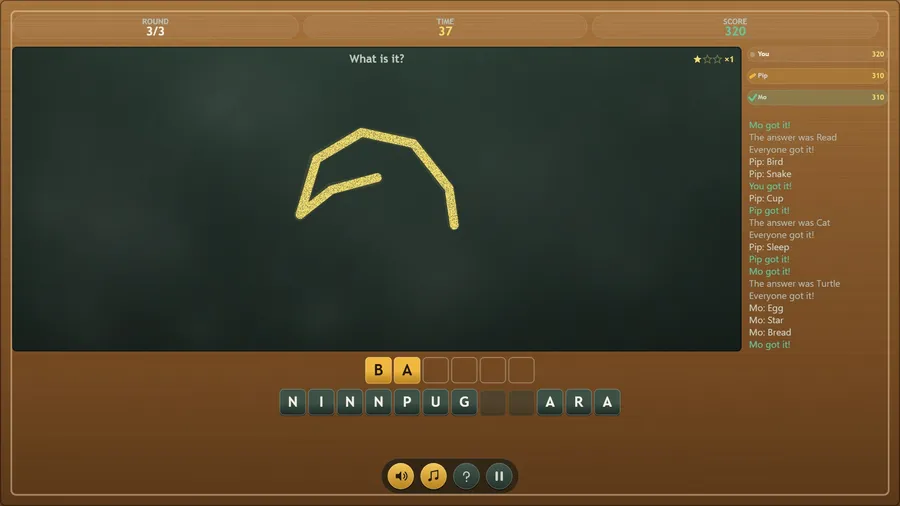
Chalk Parade is a draw-and-guess party game for one player and up to three chalk friends, played on a wooden-framed chalkboard. On your turn you are offered three words and pick one, then draw it with coloured chalk before the timer runs out; the friends watch and call out what they think it is. When a friend draws, you guess by spelling the answer from a tray of letter tiles. The earlier you answer, the more points you score, and the drawer is paid for every friend who got it. After everyone has had a turn the round ends, and after the last round the parade finishes on a podium.
The game runs entirely on the device with no internet connection of any kind: no accounts, no sign-in, no adverts, no in-app purchases, and no data leaves the seat. Everything — artwork, music and sound — is generated in the game itself.
How to play
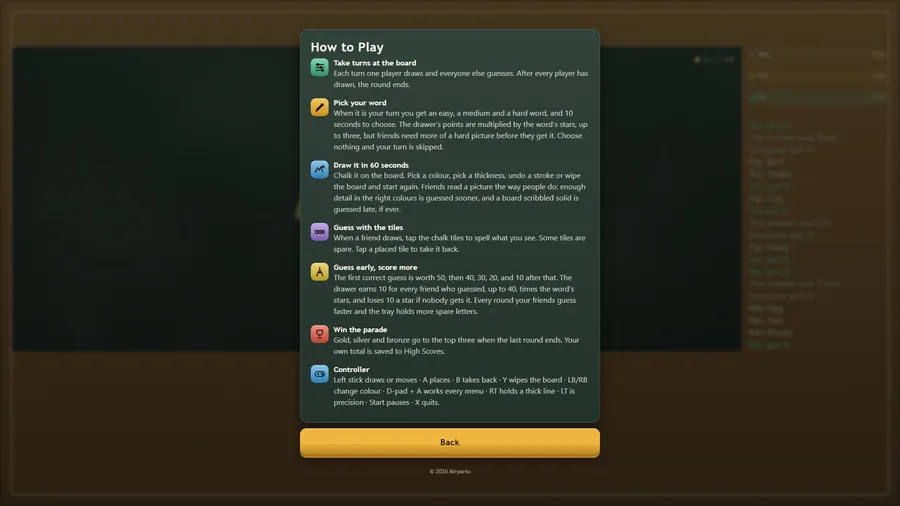
- Each turn one player draws and everyone else guesses. After every player has drawn, the round ends.
- Chalk it on the board. Pick a colour, pick a thickness, undo a stroke or wipe the board and start again. Friends read a picture the way people do: enough detail in the right colours is guessed sooner, and a board scribbled solid is guessed late, if ever.
- When a friend draws, tap the chalk tiles to spell what you see. Some tiles are spare. Tap a placed tile to take it back.
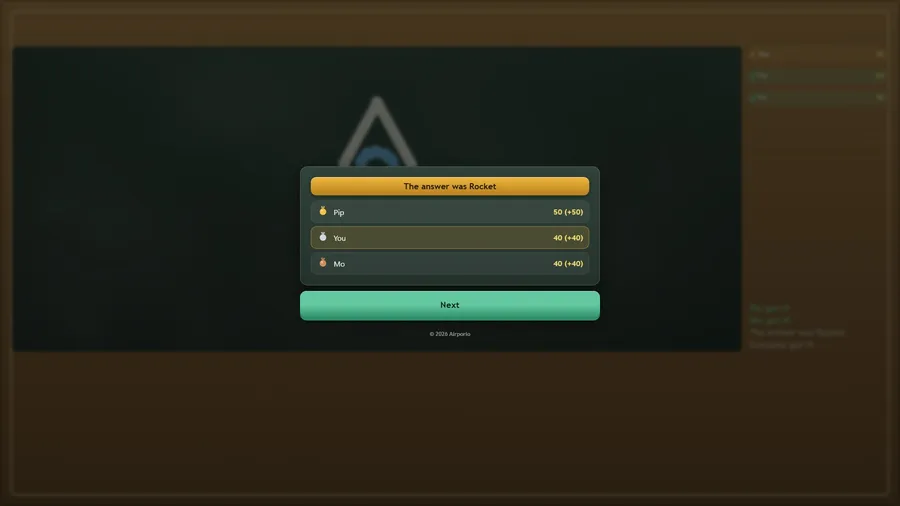
- The first correct guess is worth 50, then 40, 30, 20, and 10 after that. The drawer earns 10 for every friend who guessed, up to 40, times the word’s stars, and loses 10 a star if nobody gets it. Every round your friends guess faster and the tray holds more spare letters.
- Gold, silver and bronze go to the top three when the last round ends. Your own total is saved to High Scores.
Controls
| Touch | Draw on the board with your finger and tap the colour, thickness, undo and wipe buttons. |
|---|---|
| Mouse | Hold the button and drag to draw on the board; click the tiles and buttons. |
| Keyboard | When guessing, type letters to place tiles and Backspace to take one back; when drawing, Z undoes a stroke and Delete wipes the board. Keys 1 to 3 pick a word, P pauses, M mutes and Esc goes back. |
| Gamepad | Left stick draws or moves · A places · B takes back · Y wipes the board · LB/RB change colour · D-pad + A works every menu · RT holds a thick line · LT is precision · Start pauses · X quits. |