Crayon Magpie
Watch · Guess · Draw
The game loads when you press play.
- Free
- No ads
- No account needed
- No install — plays in your browser
About the game
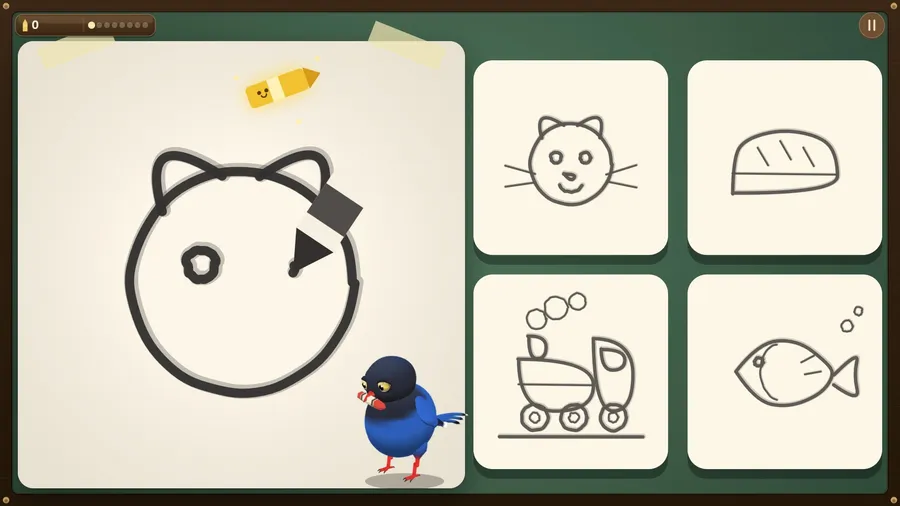
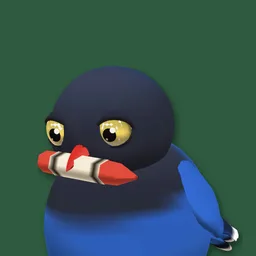
A cheeky magpie sketches a secret picture in crayon. Name it before the drawing is finished.
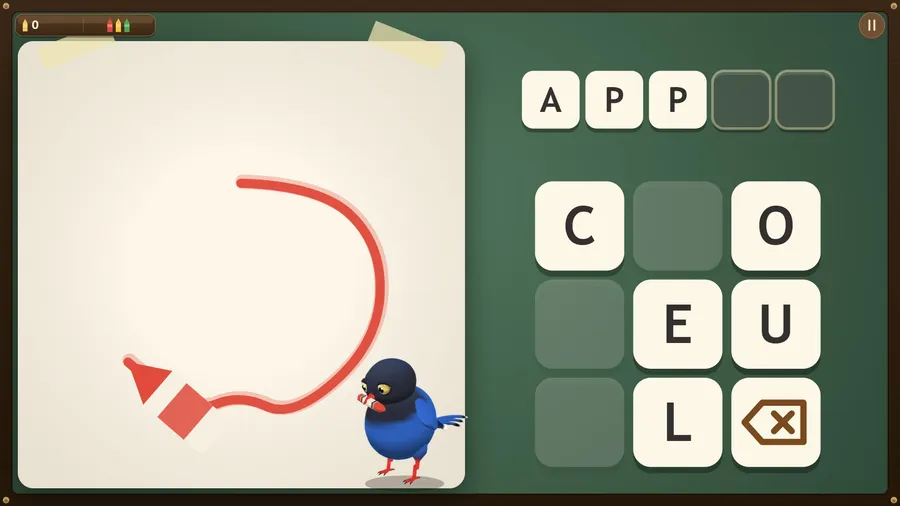
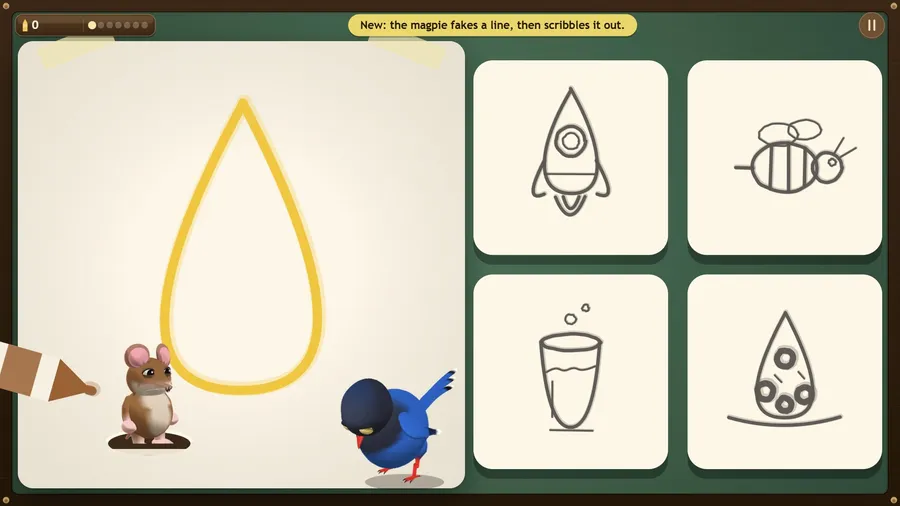
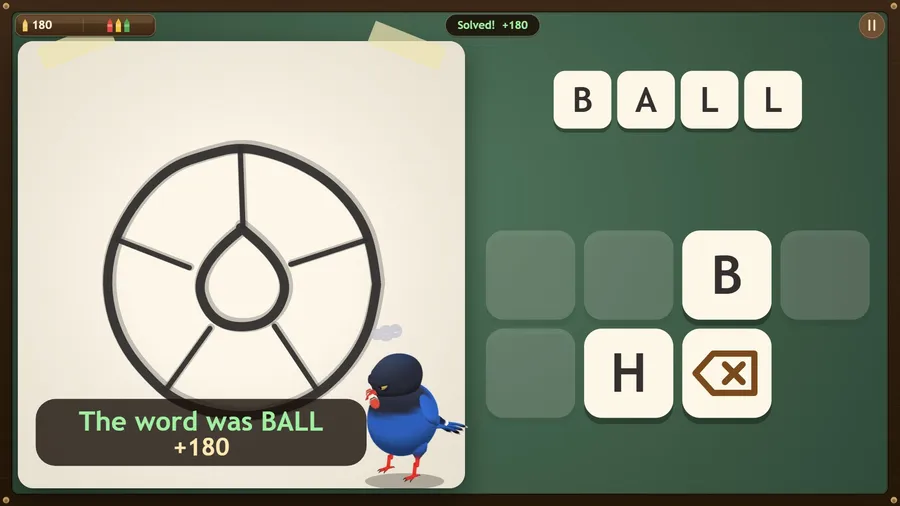
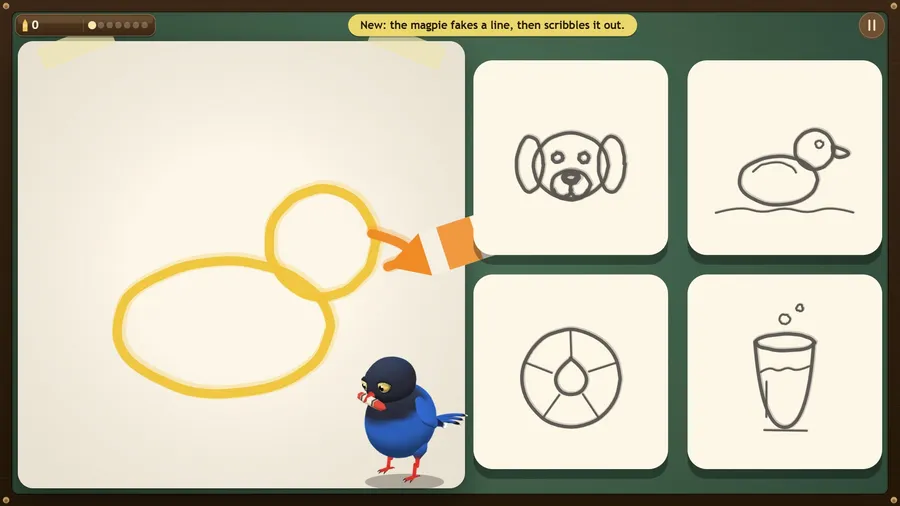
Crayon Magpie is a guessing game with a show-off magpie. Each round the magpie starts a secret crayon sketch, line by line, and you name it before it is finished: tap the matching picture card, and in later levels spell the word with letter tiles. The sooner you know, the more points you score. The magpie bows before every picture, sulks when you guess too quickly and laughs when you pick the wrong card.
Six levels each add something new: fake lines the magpie scribbles out, a golden crayon to tap, letters to spell, a magpie that steals your crayons when you miss, a mouse that pops out of the paper, and a Grand Gallery where the last picture counts double. Each level has three skill levels and up to three stars, and Free Draw keeps the classic game with Round Setup and High Scores. Sixty hand-drawn pictures, a Sketch Pad for drawing your own, a How to play card, a short demo and a guided first level, in fourteen languages.
Solo play needs no connection: no accounts, no adverts and no in-app purchases. Where the arcade offers it, Play a Friend opens a table for two to four people, online or on the same flight, with helpers in any empty chair. The music is composed for the game.
How to play
- A secret word is picked. The magpie draws it one stroke at a time.
- The less of the drawing you needed, the more points you score.
- If the sketch finishes and you have not solved it, you lose a crayon. Lose all three and the run ends.
- Sketch Pad gives you a secret word and the crayons. Draw it and let someone else guess.
Controls
| Touch | Tap letters to fill the blanks. Tap a blank to take a letter back. |
|---|---|
| Mouse | Click letters to fill the blanks and click a blank to take a letter back; in Sketch Pad, drag to draw. |
| Keyboard | Type letters to fill the blanks; Backspace takes the last one back and Delete clears them. P or Esc pauses and M toggles music. In Sketch Pad, C clears the page and E toggles the eraser. |
| Gamepad | D-pad or left stick moves · A picks · B takes back · Y clears · Start quits. |