Nap Spots
One cat per patch
The game loads when you press play.
- Free
- No ads
- No account needed
- No install — plays in your browser
About the game
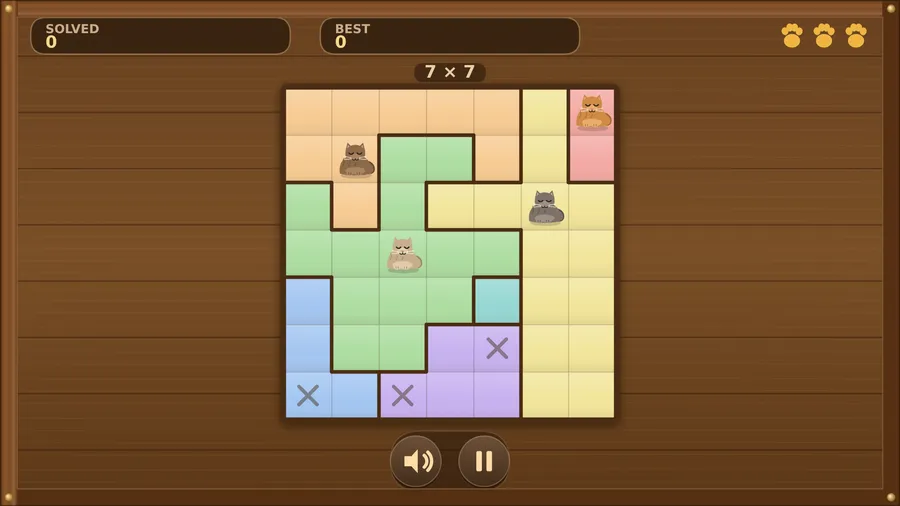
Give every cat its own napping patch. One per row, one per column, one per coloured patch — and never side by side.
Nap Spots is a cosy logic puzzle. Each board is a floor divided into coloured patches, and every patch needs exactly one napping cat. No two cats may share a row or a column, and cats refuse to sleep next to each other — not even corner to corner.
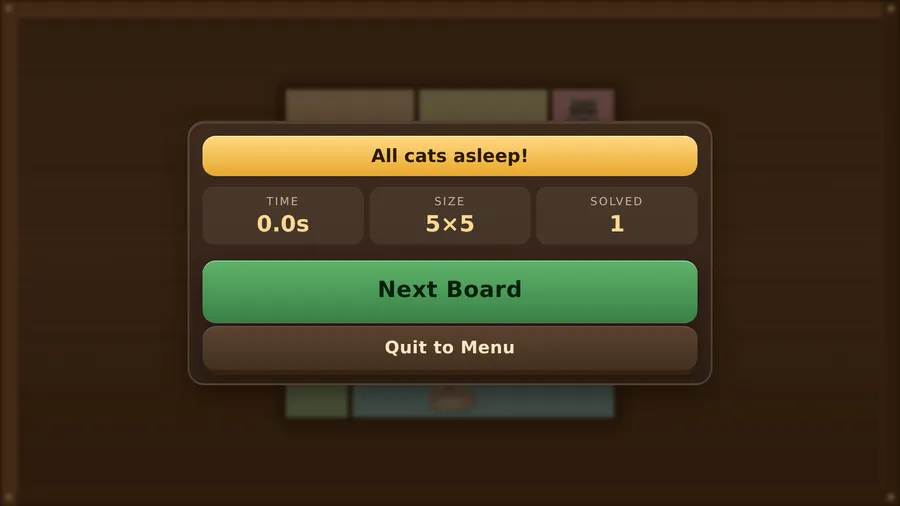
Cross out the squares you have ruled out, place a cat when you are sure, and fill the board. Every board is generated with exactly one answer, so you never have to guess. Solve one and a bigger one is laid out; a cat placed against the rules costs a paw, and the run ends when the paws run out.
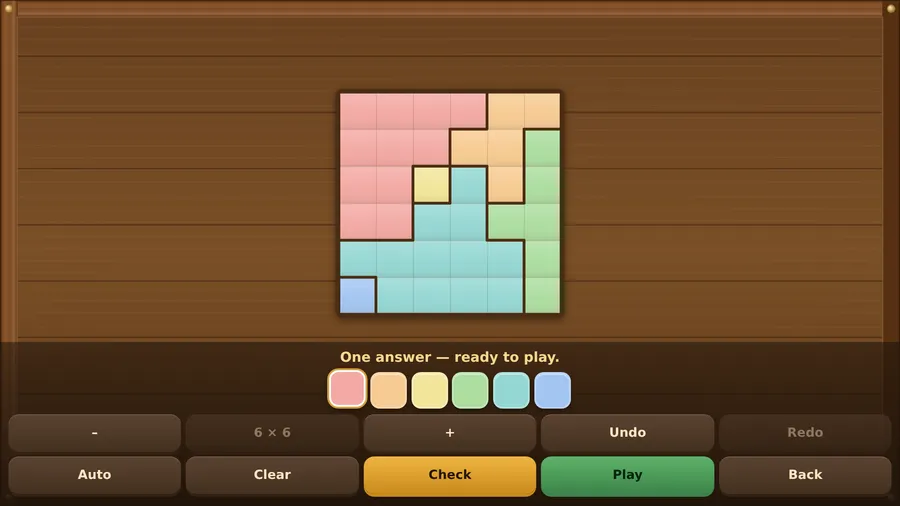
There is a fresh Daily Puzzle every day, a Board Maker for painting your own patches (with a solver that checks your board has a single answer before it lets you play it), and a setup screen for paws, starting size and how quickly the boards grow.
Plays entirely offline — no internet, no accounts, no ads, no purchases.
How to play
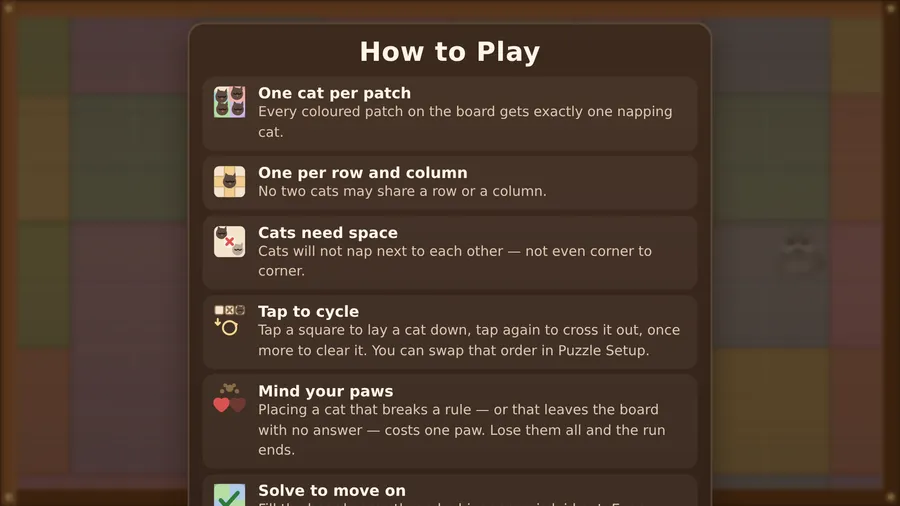
- Every coloured patch on the board gets exactly one napping cat.
- No two cats may share a row or a column.
- Cats will not nap next to each other — not even corner to corner.
- Placing a cat next to, in line with, or in the same patch as another cat costs one paw. Lose them all and the run ends. Nothing else costs a paw — a cat that breaks no rule is always allowed, even if it turns out to be the wrong square.
- Fill the board correctly and a bigger one is laid out. Every board has exactly one answer, so you never have to guess.
Controls
| Touch | Tap a square to lay a cat down, tap again to cross it out, once more to clear it. You can swap that order in Puzzle Setup. |
|---|---|
| Mouse | Click a square to lay a cat down, click again to cross it out and once more to clear it; click the buttons to use the menus. |
| Keyboard | Arrow keys or WASD move the cursor; Space or Enter places a cat, X crosses a square out, Backspace or Delete clears it; Esc or P pauses and M turns the sound on or off. |
| Gamepad | D-pad or left stick moves the paw · A places a cat · X crosses a square out · B clears it · Y clears the whole board · LB/RB jump a patch · Start pauses · D-pad + A works in every menu. |