Pebblewink
Match · Cascade · Shine
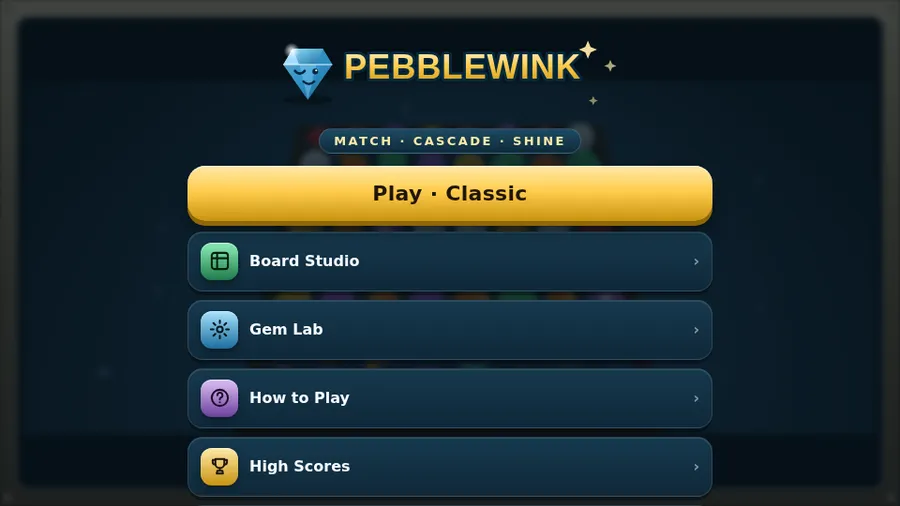
The game loads when you press play.
- Free
- No ads
- No account needed
- No install — plays in your browser
About the game
Swap the pebbles, line up three, and watch the whole board cascade. A calm 3D match-3 you can play the whole flight.
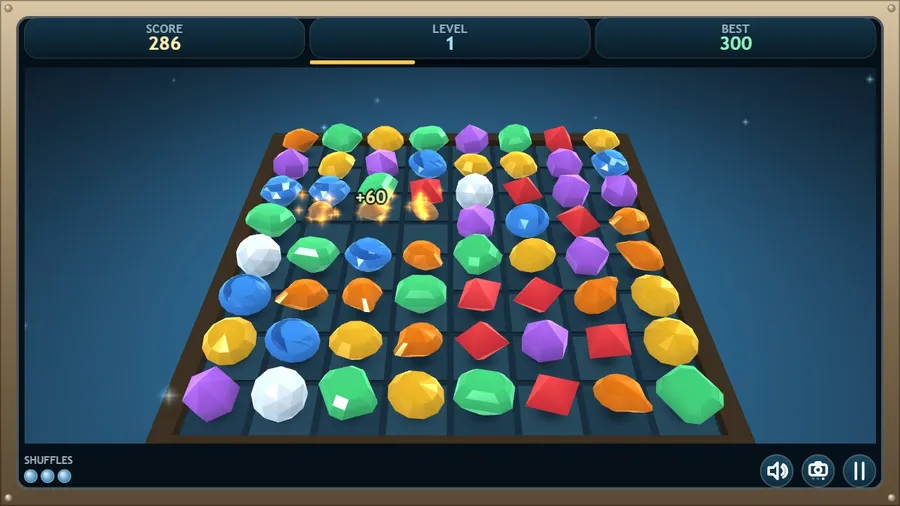
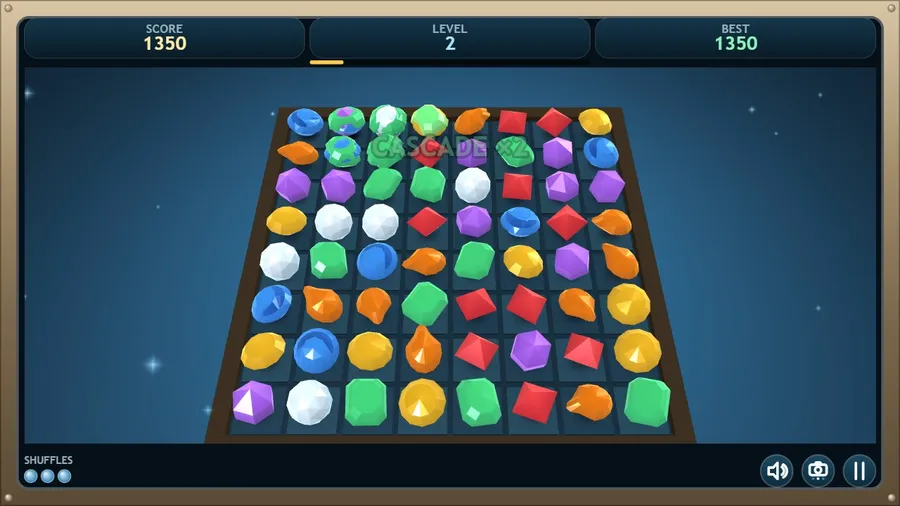
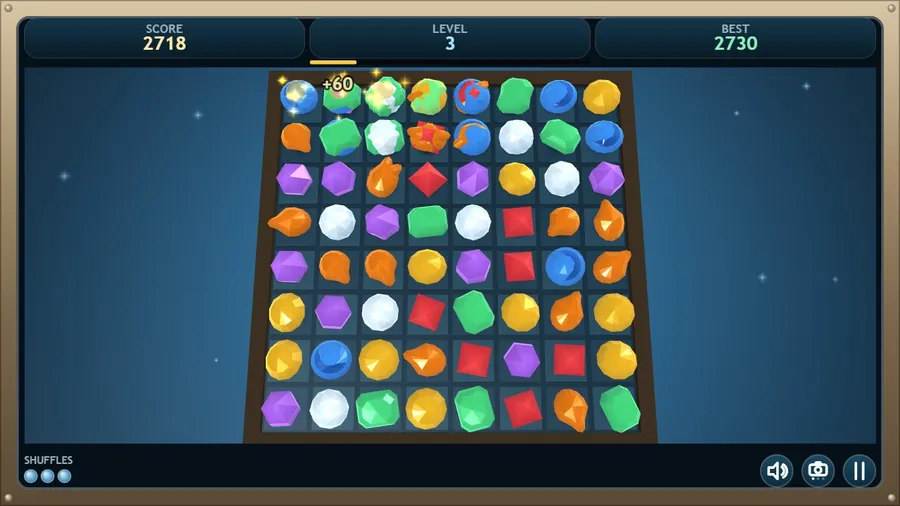
Pebblewink is a bright, unhurried match-3 built for the seatback screen. Swap two neighbouring pebbles to line up three or more of a kind; everything above tumbles down to fill the gap, and one good swap can set off a cascade that scores several times over.
Line up four and you forge a Blaze, which bursts through everything around it. Line up five and you get a Starstone — colourless, and powerful enough to sweep every pebble of whatever colour you swap it with. Two Starstones together clear the whole tray.
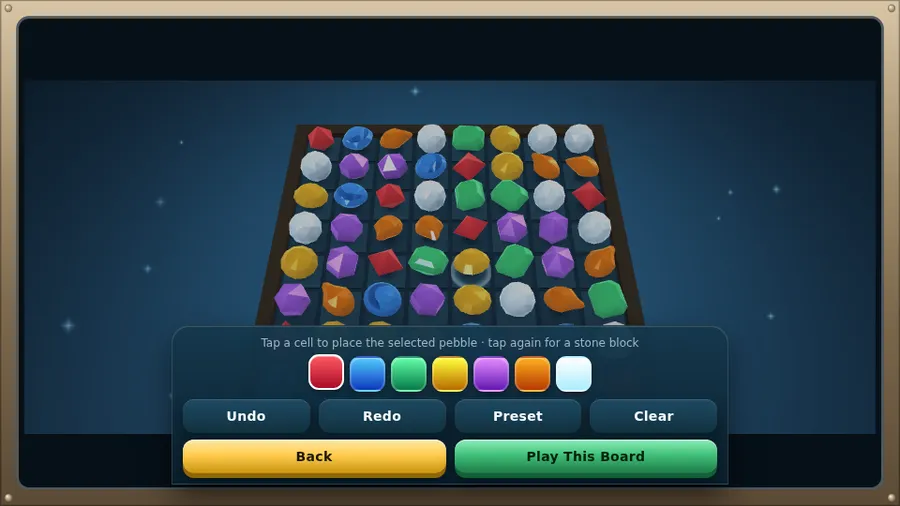
Play Classic and climb the levels at your own pace, or take on Timed, where every pebble you clear buys back a little more of the clock. If the tray ever runs out of moves, a Shuffle stirs it back to life — you get three per run. In Board Studio you can lay out a tray by hand, drop stone blocks in the way, and play your own puzzle.
Seven hand-cut pebbles rendered in real 3D, eleven languages, full controller support, and no internet needed — ever.
How to play
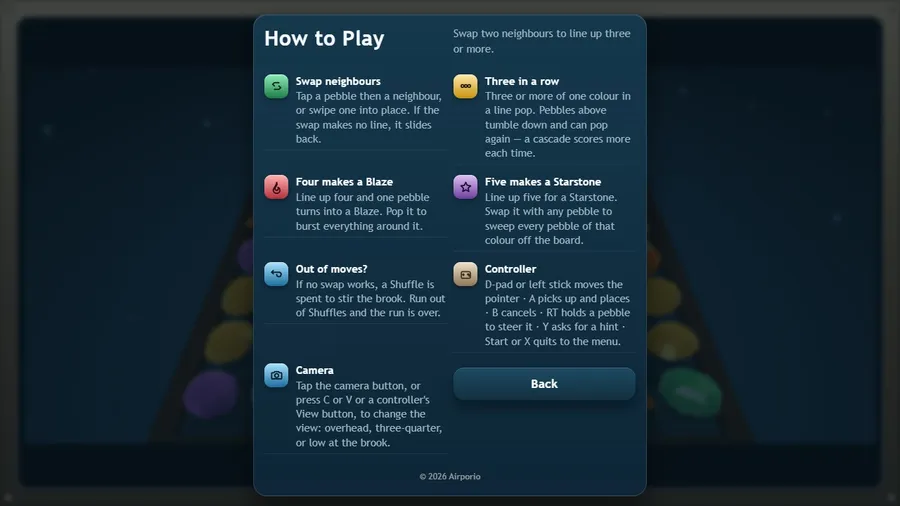
- Swap two neighbours to line up three or more.
- Three or more of one colour in a line pop. Pebbles above tumble down and can pop again — a cascade scores more each time.
- Line up four and one pebble turns into a Blaze. Pop it to burst everything around it.
- Line up five for a Starstone. Swap it with any pebble to sweep every pebble of that colour off the board.
- If no swap works, a Shuffle is spent to stir the brook. Run out of Shuffles and the run is over.
- Tap the camera button, or press C or V or a controller\'s View button, to change the view: overhead, three-quarter, or low at the brook.
Controls
| Touch | Tap a pebble then a neighbour, or swipe one into place. |
|---|---|
| Mouse | Click a pebble then a neighbour, or drag one into place, to swap them. |
| Keyboard | Arrow keys or WASD move the pointer, Space or Enter picks a pebble, H shows a hint, M mutes, and Esc or P pauses. |
| Gamepad | D-pad or left stick moves the pointer · A picks up and places · B cancels · RT holds a pebble to steer it · Y asks for a hint · Start or X quits to the menu. |