Stackwell
Stack · Clear · Rise
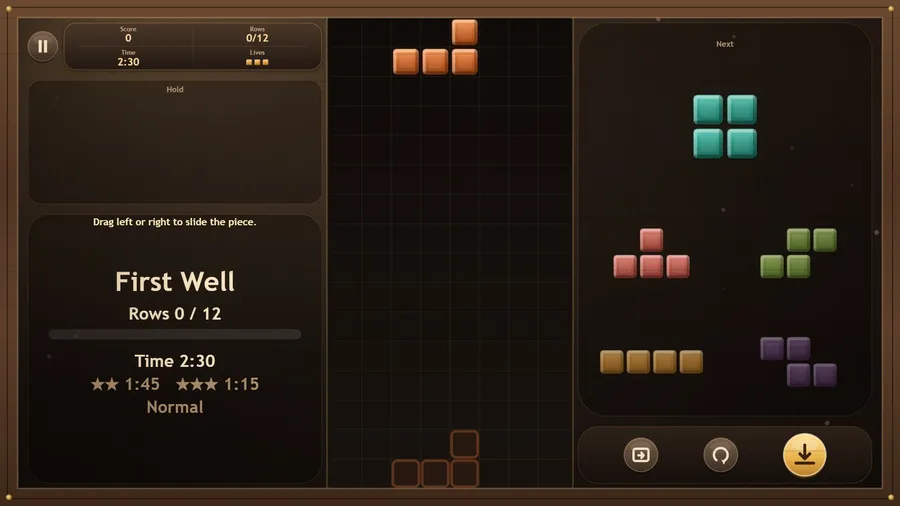
The game loads when you press play.
- Free
- No ads
- No account needed
- No install — plays in your browser
About the game
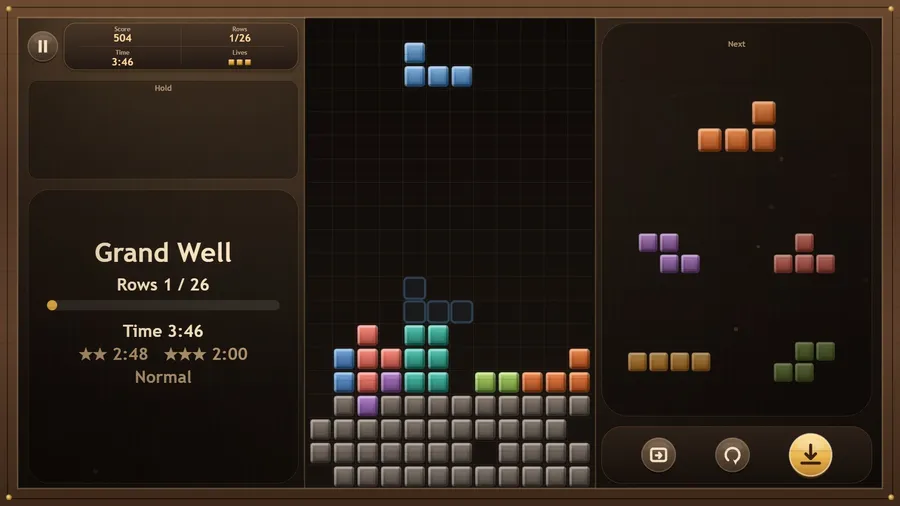
Slide, turn and drop pieces into a stone well and clear the rows. Six short wells teach it one surprise at a time; race up to three friends online or on the same flight.
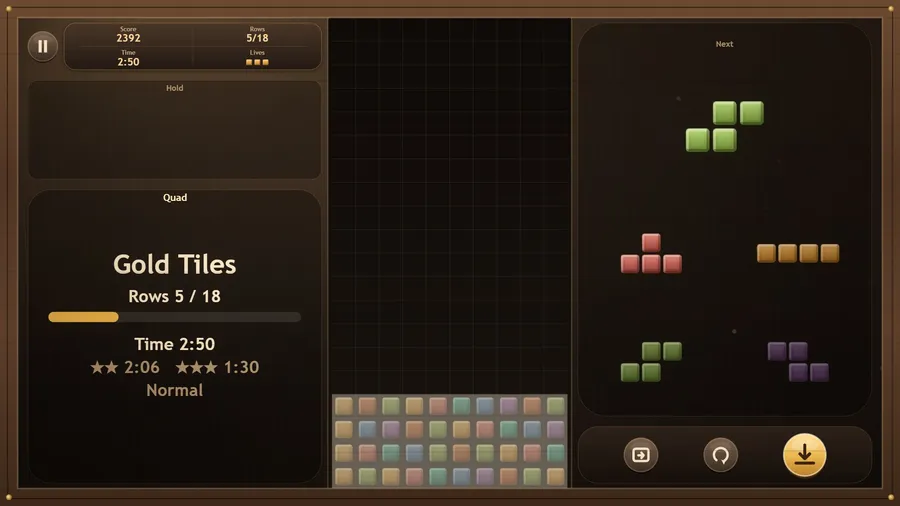
Stackwell is a falling-block puzzle in a stone well. Pieces of four tiles fall from the top; slide and turn them so a row fills all the way across, and the row clears.
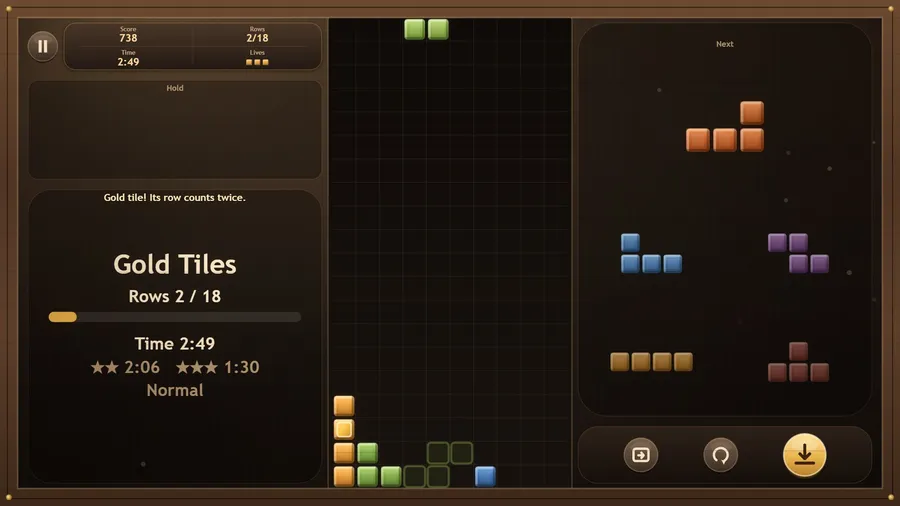
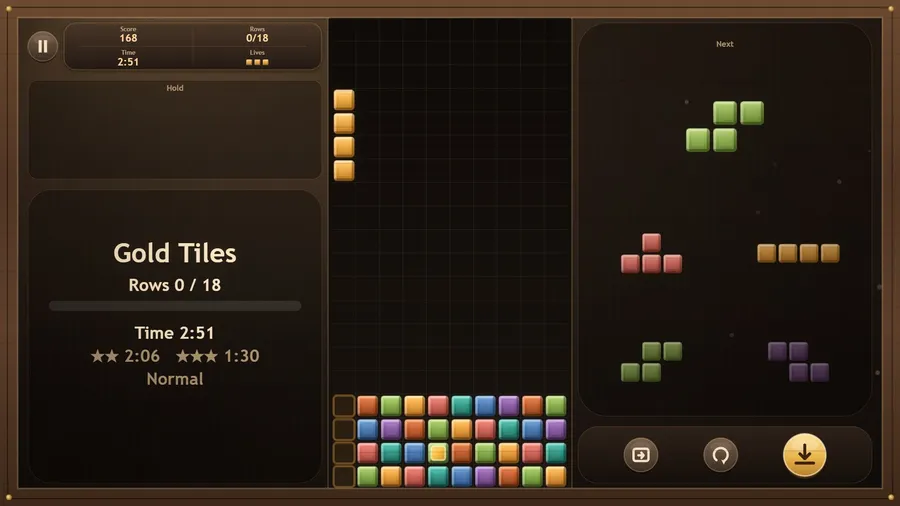
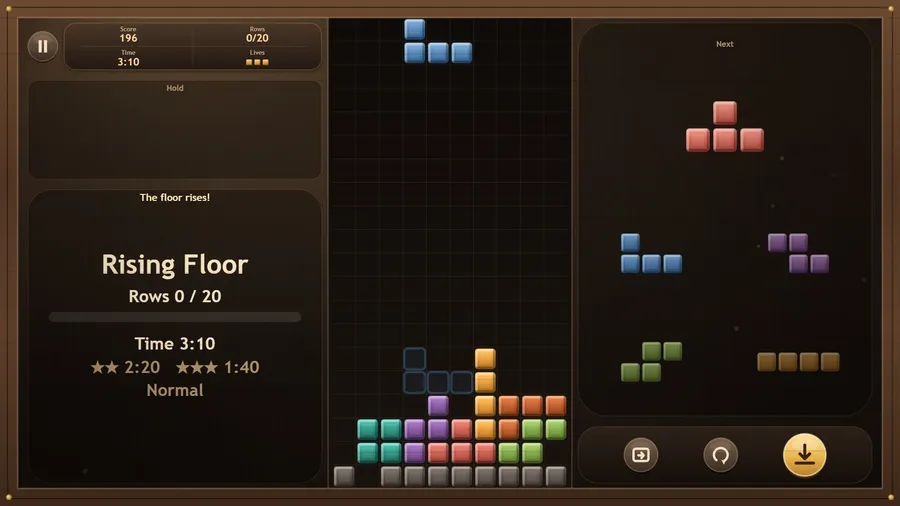
Six short wells, one to three minutes each, add one thing at a time: old stones already in the well, gold tiles whose row counts twice, a floor that rises, pieces that fall faster every four rows, and a wide Grand Well with everything. The first well guides you step by step, and How to play has a Watch demo. Every 15 to 20 seconds something happens: a gold tile, a slow fall, a long straight piece. Earn up to three stars on Beginner, Normal and Advanced; stars and best scores are saved.
Free play keeps the endless well with three lives and every Well Setup option: well size, starting level, preview, hold, landing guide, lock delay, repeat speed and a starting stack you paint yourself, with its High Scores.
Play a Friend is a two-minute race for two to four, online or on the same flight, with a six-digit room code: everyone gets the same pieces, and Pip the helper fills an empty seat. It needs the internet; everything else plays offline.
Fourteen languages. Touch, mouse, keyboard and game controller.
How to play
- You drop pieces into a stone well. Fill the rows.
- Drag to slide. Tap to turn. Flick down to drop.
- A full row clears. Clear the rows the well asks for.
- Clear the rows for a star. Faster for two. Faster with no life lost for three.
Controls
| Touch | Drag left or right to slide the piece, tap to turn it, drag down to drop faster or flick down to drop it all the way, and swipe up to hold it for later. The buttons along the bottom turn, drop and hold too. |
|---|---|
| Mouse | With the mouse, drag the piece left or right to slide it, click to turn it, drag down to drop faster and drag up to hold it; click the buttons along the bottom to turn, drop and hold. |
| Keyboard | arrows move, Z / X or Up turn, Space hard-drops, Shift or C holds, Esc pauses. |
| Gamepad | Left stick or D-pad slides and soft-drops; A turns clockwise, B counter-clockwise, Y holds; RT hard-drops, LT slows the slide; Start or X pauses. |