Field Throws
Javelin · Shot · Discus · Hammer
Trò chơi sẽ tải khi bạn nhấn chơi.
- Miễn phí
- Không quảng cáo
- Không cần tài khoản
- Không cần cài đặt — chơi ngay trên trình duyệt
Về trò chơi
The four throws of athletics in 3D, each with its own one-finger movement: tap the run and time the plant of the javelin, push the shot, draw the turns of the discus, and start each turn of the hammer. A 35-level Tour at five venues, finals with the cut to eight, four-event meetings and an endless Gauntlet.
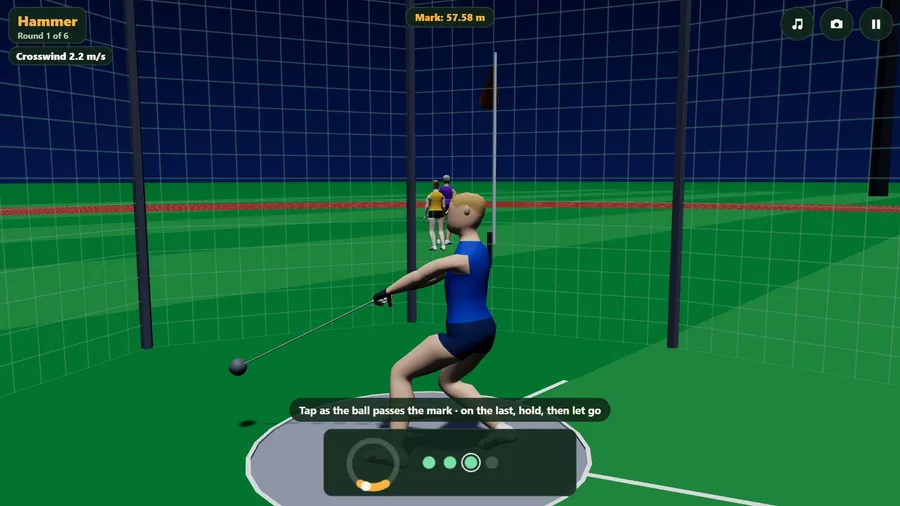
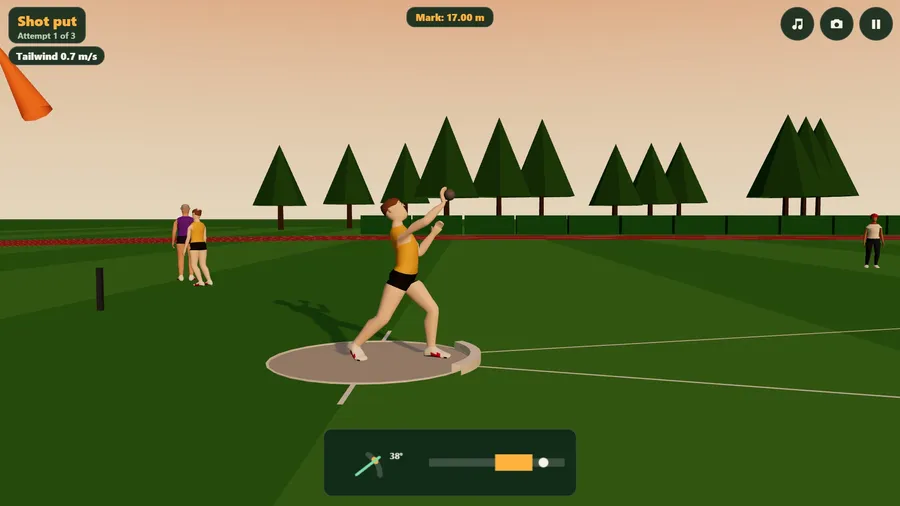
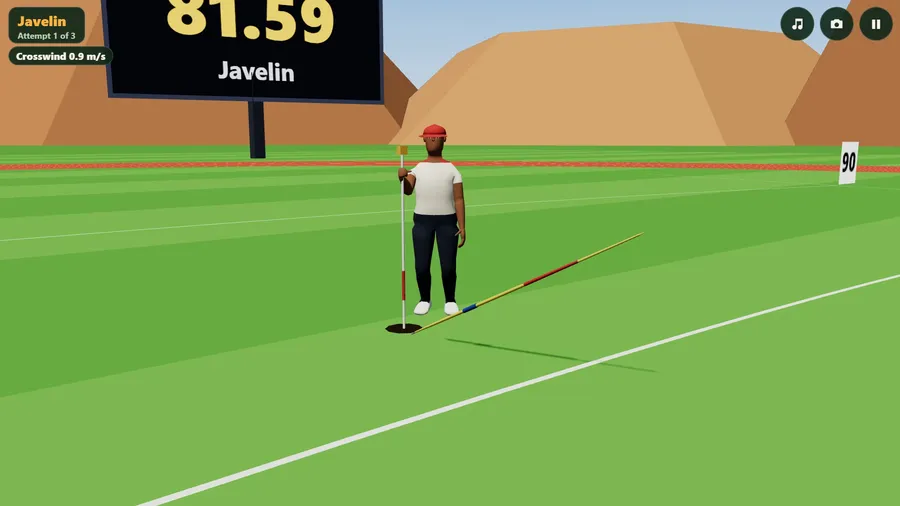
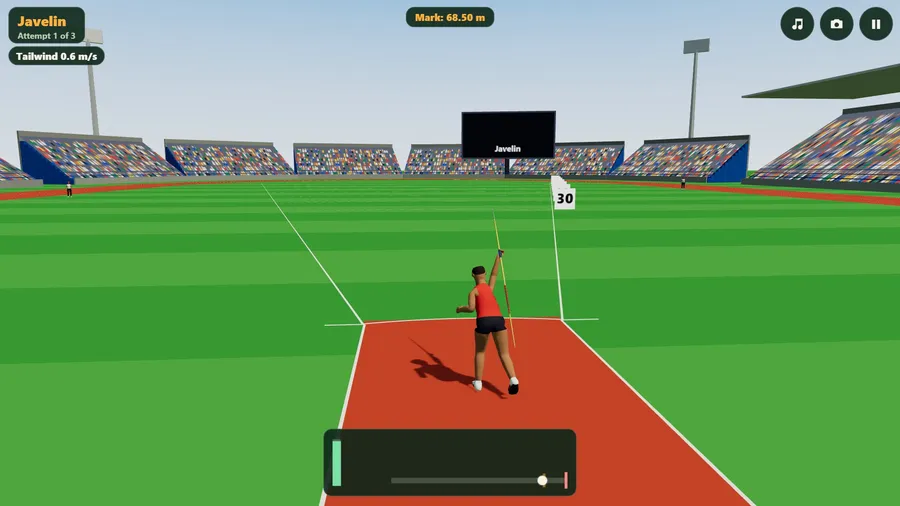
Airporio Field Throws is the javelin, the shot put, the discus and the hammer, each thrown the way it is really thrown and each with its own rhythm under one finger. Tap on every footfall to build the javelin's run, press and hold to draw it back, and let go as the front foot lands: late, and the point rises, the javelin stalls and may land flat. Hold to sink with the shot at your neck and push up to drive across the circle; how far up you push is the angle. Draw circles and the discus thrower turns with you, one and a half times round; let go as the disc comes to the front. Tap as the hammer's ball passes its low point to start each turn, hold the last, and let go a quarter turn later.
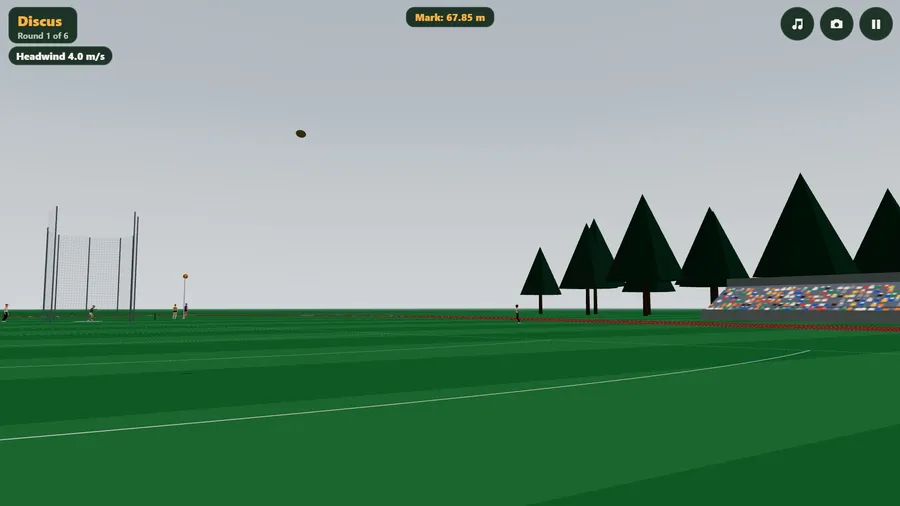
The implements fly by real physics: the javelin is a rigid body whose attitude matters, the discus is a spinning wing that goes further into a headwind, and thin air and gusts change the day. Going flat out makes the body harder to stop at the line, and a foul is no mark at all. Officials raise a white or a red flag and measure every legal throw to the centimetre.
A Tour of 35 levels at five invented venues takes you from technique drills and distance marks through qualifying rounds to finals against named throwers - three attempts each, then the best eight take three more - with four-event meetings scored on points and finals joined with one attempt left. An endless Gauntlet raises the mark, the gusts and the pressure at every stage. Quick events and free practice at any venue. Assisted or Expert timing, right- or left-handed, three builds of thrower, four camera views starting from behind the thrower, and composed music with its own switch.
It runs entirely offline - one self-contained file, no network requests of any kind - with a 2D picture where there is no WebGL, in eleven languages.
Cách chơi
- Javelin: tap on every footfall to build the run. Press and hold near the mark on the runway to draw the javelin back; drag up or down for the angle. Let go as the front foot lands. Late, and the point rises and the javelin stalls; it must land point first.
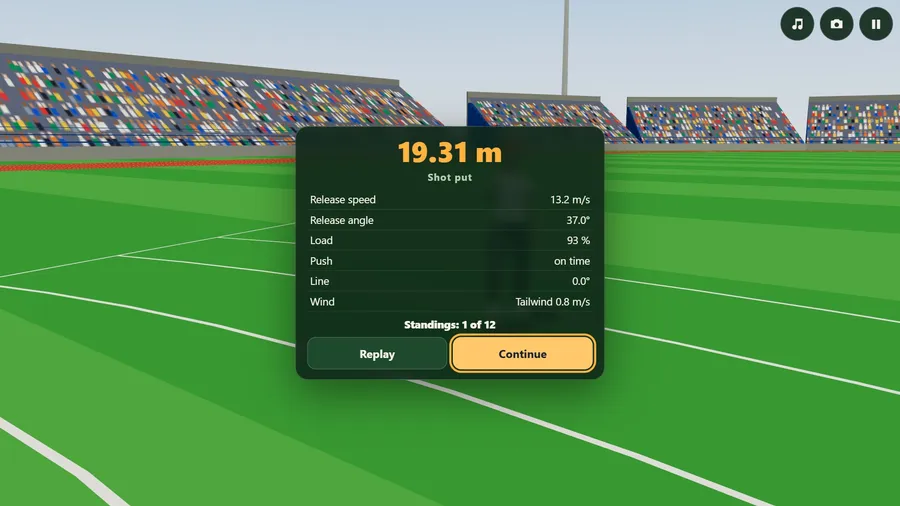
- Shot put: press and hold to sink into the crouch. As the ring fills, push your finger up; how far up is the angle. Let go to put. Push for as long as the movement lasts.
- Discus: press and hold to wind up, then draw circles. The thrower turns as you draw: one and a half turns, getting faster. Let go as the disc comes to the front. Too early goes right, too late goes left, and the cage takes the wild ones.
- Hammer: tap to begin the winds. Tap each time the ball passes its low point to start a turn. On the last low point press and hold, and let go a quarter turn later.
- Rules: a throw counts only if it lands inside the sector lines and you stay behind the line or inside the circle. Going flat out makes the body harder to stop: a foul is no mark at all. In a final everybody has three attempts, then the best eight take three more; the best mark wins and ties go to the next best mark.
- Wind: the orange sock by the circle shows it. A discus flies further into a headwind; everything else wants it behind.
- Camera: the camera button (or C) changes the view: behind the thrower, from the side, close, or high over the infield. Music has its own button (N); M turns all sound off.
Điều khiển
| Cảm ứng | One finger anywhere on the screen. Javelin: tap on each footfall, press and hold to draw back, drag for the angle, let go at the plant. Shot: hold to sink, push up, let go. Discus: draw circles, let go at the front. Hammer: tap at each low point, hold the last, let go. |
|---|---|
| Chuột | The mouse is the finger: click, hold, drag and draw circles with the button down, anywhere on the picture. On-screen buttons change the camera, switch the music and pause. |
| Bàn phím | Space or Enter is the finger and the arrow keys move it: up and down for the angle, left and right to aim. In the discus, holding Space draws the circles. C or V changes the camera, N switches the music, M all sound, P or Esc pauses. |
| Tay cầm chơi game | A (or B, X or a trigger) is the finger and the left stick moves it: round and round for the turns, up for the push and the angle. Y, View or D-pad up changes the camera; Start pauses. |