Stowbay
Stack · Turn · Clear
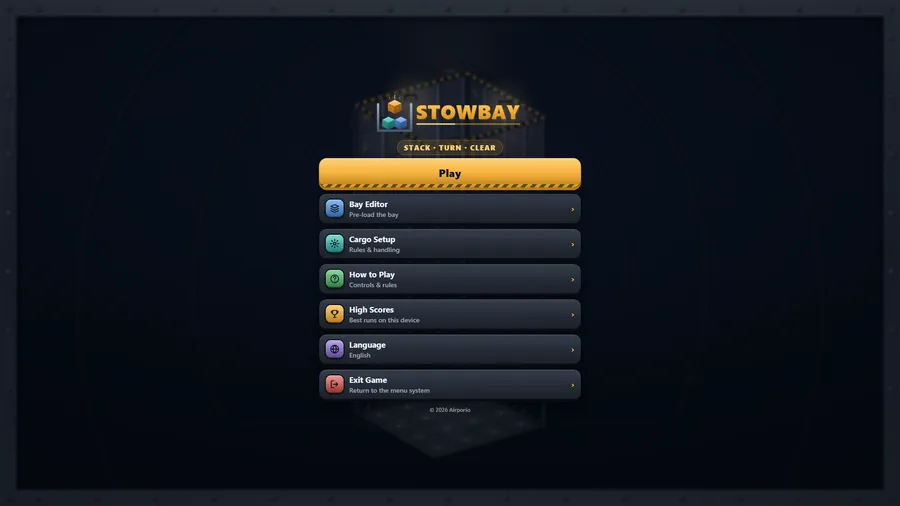
The game loads when you press play.
- Free
- No ads
- No account needed
- No install — plays in your browser
About the game
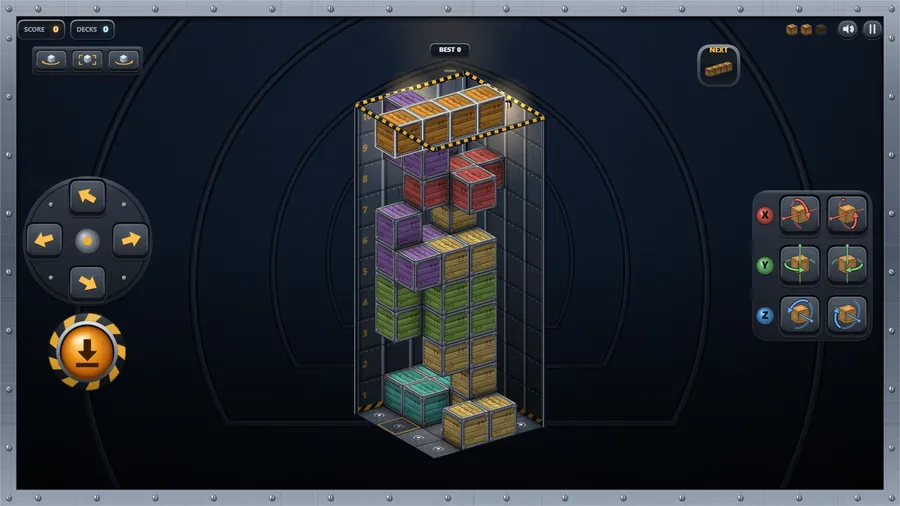
Stack crates into a three-dimensional cargo bay. Slide a load of four, roll it on any of three axes, and fill a whole deck to ship it out.
You are the loadmaster. Loads of four crates drop through the hatch into the cargo bay below. Slide each one over the bay floor and roll it around any of three axes before it settles — a shape that will not lie flat may still fit on its side.
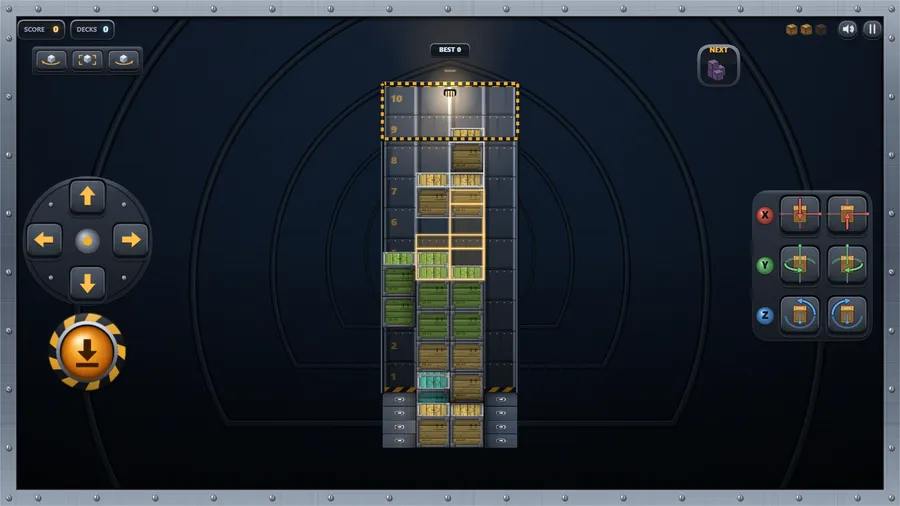
Fill every square of one horizontal deck and it is strapped down and shipped out; everything above it drops a level. One deck scores 40, two at once 100, three 300 and four 1200, so the patient stow pays far better than the quick one.
Eight crate shapes are in rotation, including the two mirror-image screws that exist only in three dimensions and cannot be turned into one another. Swing the camera round the bay whenever you need a better look; sliding follows your point of view.
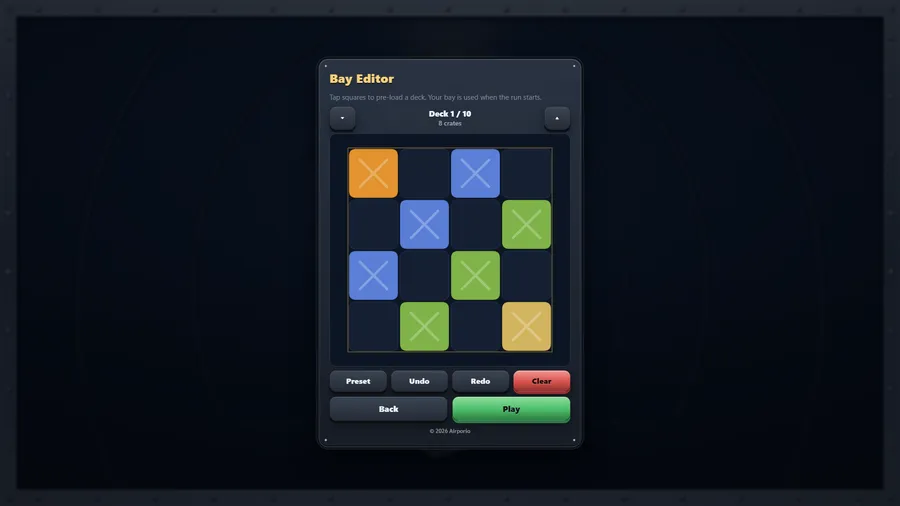
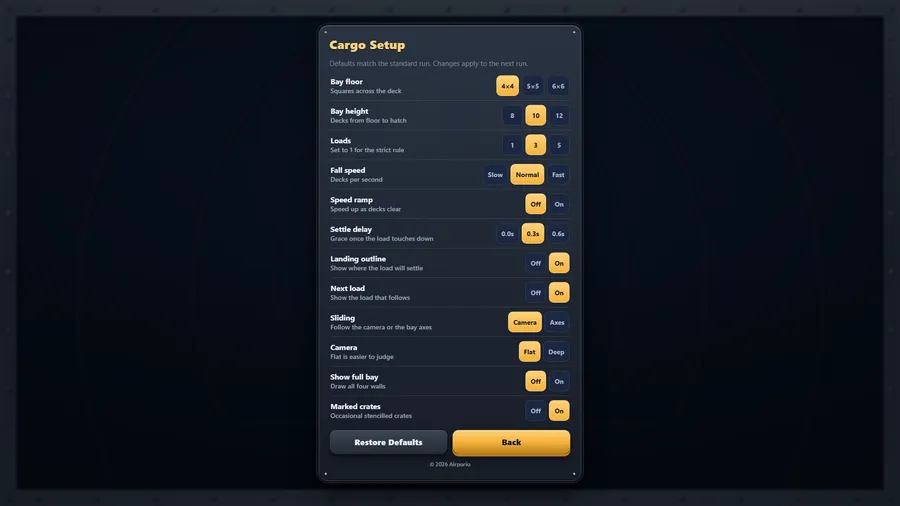
Stack past the top of the bay and that load is written off: the bay is cleared and you carry on with one fewer. Lose all three and the run ends. If you would rather play it strict, Cargo Setup will give you a single load, along with the bay size, fall speed, settle delay and more. The Bay Editor lets you pre-load the hold one deck at a time and start from there.
Plays entirely offline. No account, no network, no advertising, no purchases.
How to play
- A cluster of four crates falls from the hatch. Slide it over the bay floor and turn it before it settles.
- When every square of one horizontal deck is filled, it is strapped down and shipped out. Everything above drops one level.
- Loads can be rolled around all three axes, so a shape that will not fit flat may still fit on its side.
- The drop button sends the load straight down to the landing outline shown below it.
- Stack past the top of the bay and that load is written off: the bay is cleared and you carry on with one fewer. Lose all three and the run ends.
- One deck 40 · two at once 100 · three 300 · four 1200.
Controls
| Touch | Tap the on-screen arrows to slide the load, the X, Y and Z buttons to turn it either way and the drop button to send it down; drag the bay to swing the camera. |
|---|---|
| Mouse | Click the on-screen arrows, turn and drop buttons to steer the load, and drag across the bay to swing the camera round it. |
| Keyboard | arrows or WASD, Space drops, X / Y / Z turn (Shift reverses), P pauses. |
| Gamepad | D-pad or left stick slides · A drops · X / Y / bumpers turn · hold LT to turn the other way · right stick swings the view · RT holds the load down · B pauses · Start quits |