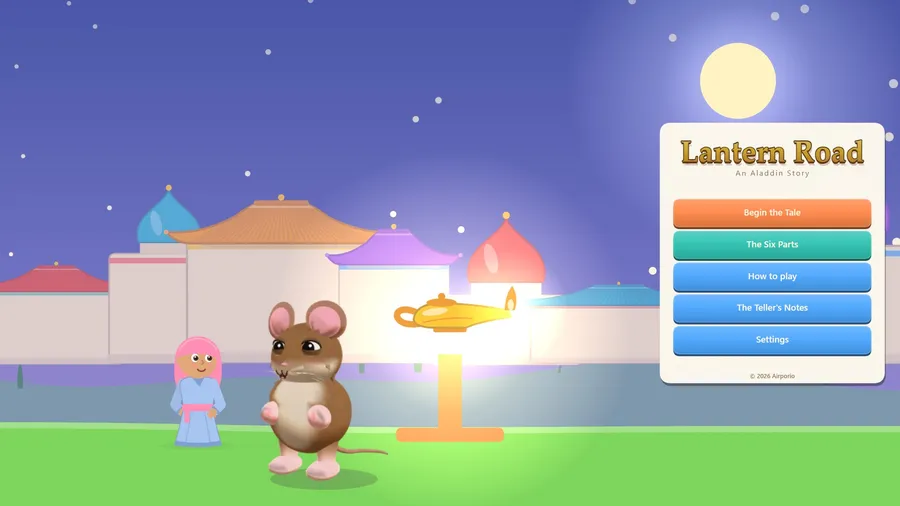
Lantern Road
An Aladdin Story
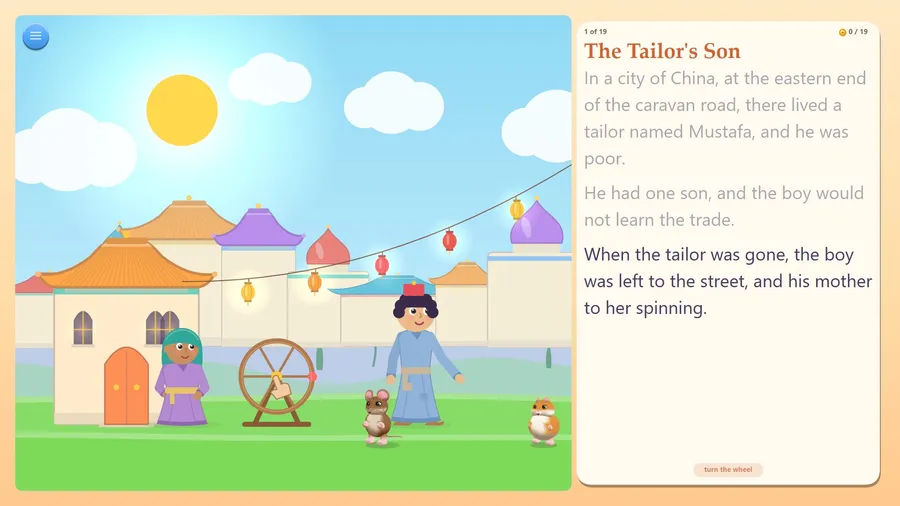
The game loads when you press play.
- Free
- No ads
- No account needed
- No install — plays in your browser
About the game
The tale of Aladdin in six parts. Rub the lamp yourself, and find the little mouse.
The tale of Aladdin, told from beginning to end in six parts and nineteen chapters - and your hands are in the telling.
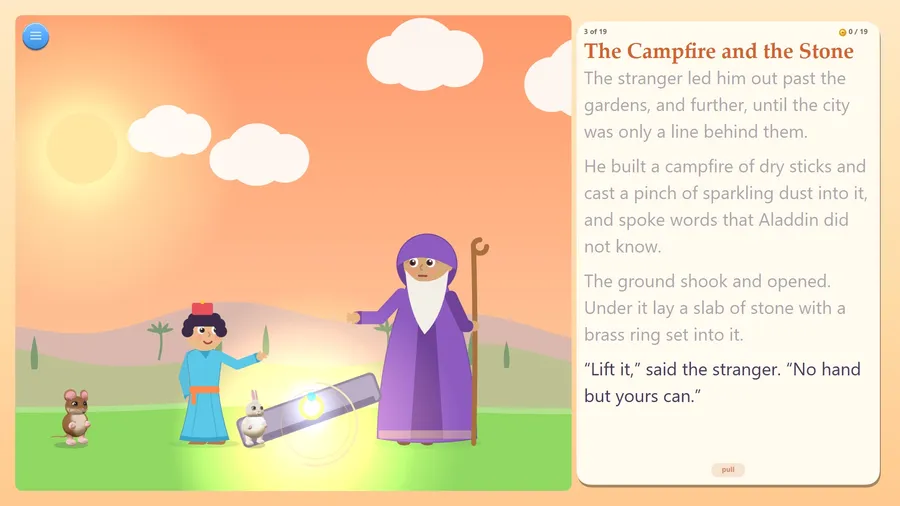
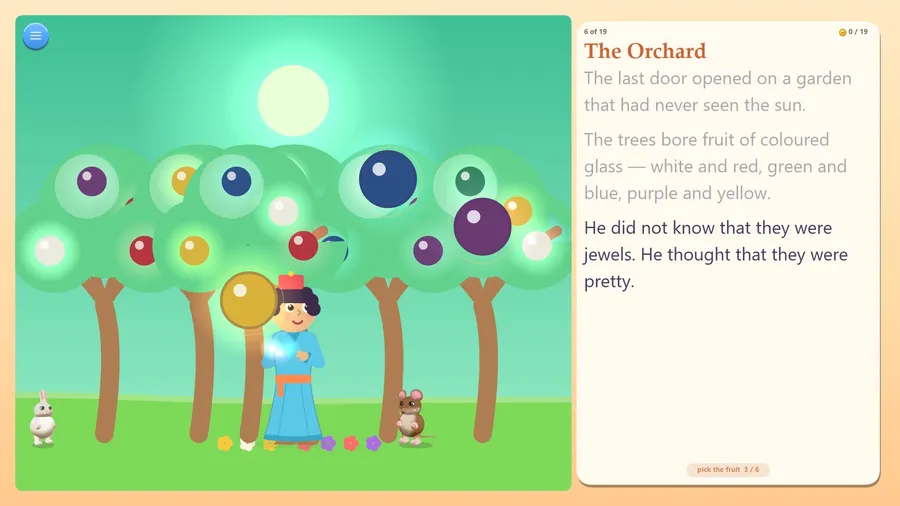
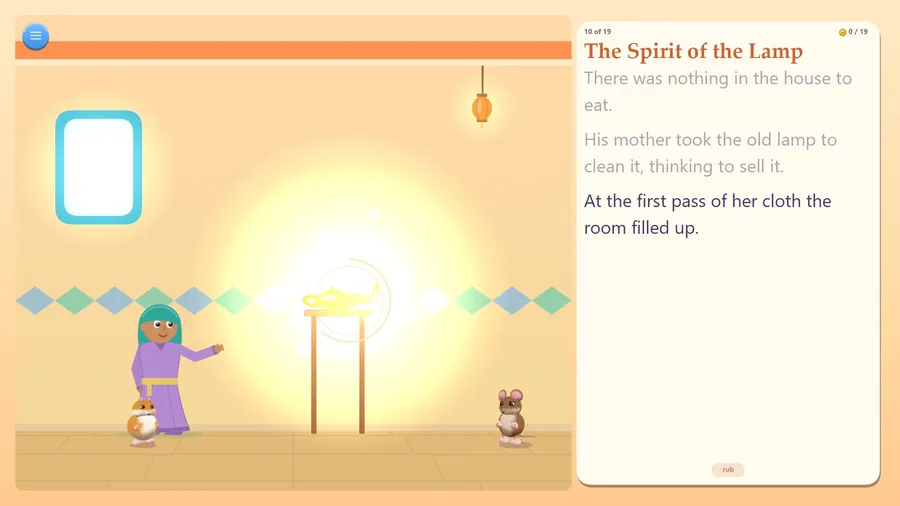
When the stranger says lift the stone, you pull the brass ring and the slab comes up under your finger. In the garden that has never seen the sun, you pick the fruit of coloured glass off the trees yourself - white and red, green and blue, purple and yellow. In the dark, you rub the ring. In the kitchen, you rub the lamp. You pull up the Sultan's gold basins, tip the cup, and at dawn you put out the lantern.
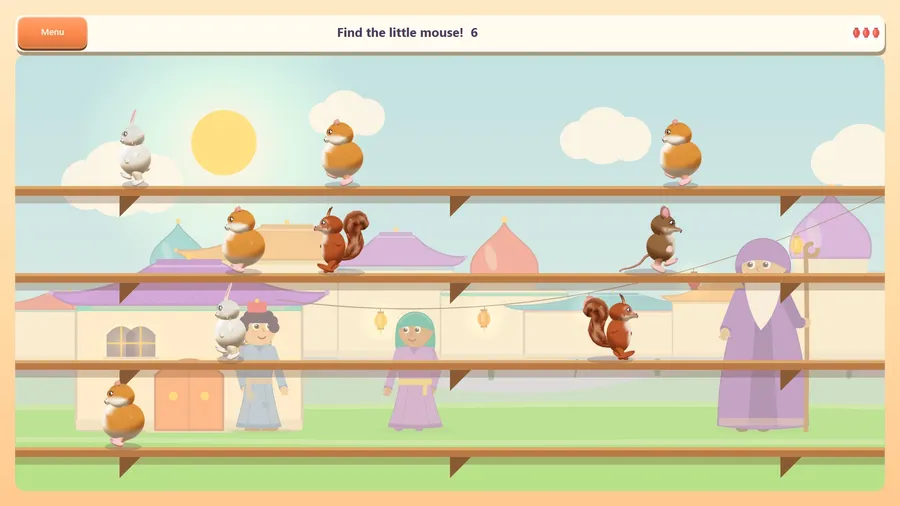
A cheeky little mouse hides in every chapter. Tap it and it does something silly and gives you a gold coin. Coins light the stars at the end of each part, and once the tale is told the Mouse Hunt opens: find the real mouse among more and more of its friends.
Read it together with up to three friends, online or across the aisle on the same flight: one book, everyone turns the pages, and you race to find the mouse.
No fail state: you cannot lose a story. Three ways to read - Easy, Normal and Tricky. A How to play card, a Watch demo and a guided first chapter.
This is Antoine Galland's text, written down in Paris between 1704 and 1717 from a story told to him by a man of Aleppo named Hanna Diyab, and it is in the public domain, gently softened for young readers. No later version was used. There is no flying carpet - that belongs to a different tale.
Fifteen languages, each with its own narration. Plays fully offline, no ads, no purchases, no account. It remembers where you stopped.
How to play
- tap to go on
- The teller keeps notes, and will not read them out until you have gathered all six colours of the fruit in the garden under the earth.
Controls
| Touch | Tap to turn the page. When a ring glows on something, press it and rub back and forth, pull up or tip down; tap each fruit to pick it. |
|---|---|
| Mouse | Click to turn the page and press buttons; click and drag on the glowing object to rub, pull or tip it. |
| Keyboard | Arrow keys or Tab move between buttons, Enter or Space presses one or turns the page, and Esc or Backspace goes back to the menu. |
| Gamepad | A presses the highlighted button or turns the page, X turns the page, B goes back, Start switches between the tale and the menu, and the D-pad moves between buttons. |